Prompttext
Redo att kopiera och köra
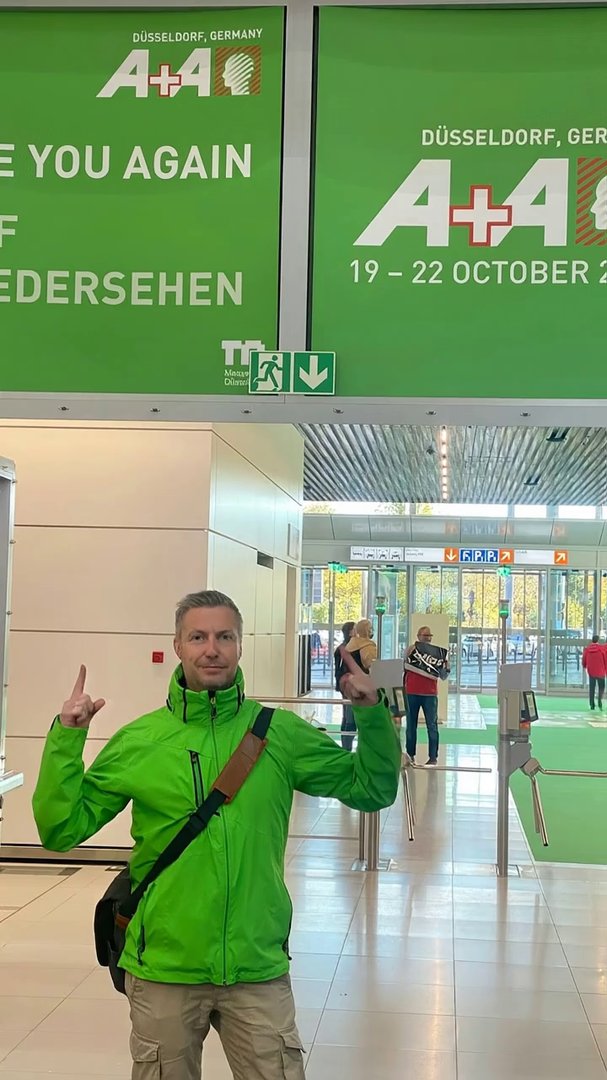
Create a cinematic vertical video (9:16) based on a photo of a smiling man in a bright green jacket standing confidently outdoors near an event sign or modern structure.
The video should feel upbeat, energetic, and full of positive farewell vibes — as if saying goodbye after a successful event.

Camera & Motion:
	•	Start with a gentle zoom-in on the background sign or logo area.
	•	Slowly pan to reveal the person in the green jacket.
	•	Add light camera shake and parallax for realism.

Visual Style:
	•	Highlight all green colors with a soft glow and cinematic lighting.
	•	Slight motion blur and depth-of-field focus on the person.
	•	Subtle light flares and ambient particles for atmosphere.

Text Animation:
	•	First line: “SEE YOU AGAIN” — fade-in with bold white glow.
	•	Second line: “IN 2027” — metallic shimmer with floating motion.
	•	Text should appear clean, centered, and gently animated with the camera.

Audio & Feel:
	•	Modern upbeat electronic background with light wind ambience.
	•	Mood: optimistic, cinematic, forward-looking.

Ending:
	•	End with glowing centered text: See you again in 2027.
	•	Brief flash transition → fade to black.

Style Summary: cinematic • bright • modern • optimistic • motivational
No mention of cities or specific places.
#veo 3.1
#google veo
#ai video
#ulazai