Aktualisierte Modellabdeckung

Suchen Sie nach prompts und öffnen Sie dann das richtige KI-Videomodell.

Durchsuchen 1945+ Community prompts für Seedance 2, Veo 3.1, Sora 2, Kling 3.0, Grok, Wan und Hailuo. Kopieren Sie ein prompt, öffnen Sie das passende UlazAI-Modell und überprüfen Sie vor der Generierung dessen aktuelle Kreditschätzung. Durchsuchen Sie für einen gezielten Ausgangspunkt die Veo 3 prompt Beispiele.

1945+
Prompts
12+
Verfügbare Modelle
46+
Kategorien

Aktuelle Modellabdeckung

Verzeichnis prompts werden jetzt den neuesten UlazAI-Videorouten zugeordnet.

Vergleichen Sie die Kreditpreise
Neueste multimodale

Seedance 2.0

Hervorgehoben

Text, first/last-frame, and multimodal reference video

Von
76 Credits
~EUR 0.69
Länge
4-15s
Text-Prompt Bildeingabe Audio 1:1/4:3/3:4/16:9
Offenes Modell
Schnelle Route

Seedance 2.0 Fast

Hervorgehoben

Faster Seedance 2 workflow with the same multimodal options

Von
62 Credits
~EUR 0.56
Länge
4-15s
Text-Prompt Bildeingabe Audio 1:1/4:3/3:4/16:9
Offenes Modell
Neues Video

Kling 3.0

Hervorgehoben

3-15s video, audio and multi-shot

Von
60 Credits
~EUR 0.55
Länge
3-15s
Text-Prompt Bildeingabe Audio 16:9/9:16/1:1
Offenes Modell
Veo mit dem besten Preis-Leistungs-Verhältnis

Veo 3.1 Lite

Hervorgehoben

Newest Veo 3.1 low-cost mode for text/image-to-video

Von
40 Credits
~EUR 0.36
Länge
8s
Text-Prompt Bildeingabe 16:9/9:16/Auto
Offenes Modell
Beliebt

Veo 3.1 Fast

Hervorgehoben

Google Veo 3.1 fast model

Von
100 Credits
~EUR 0.91
Länge
8s
Text-Prompt Bildeingabe 16:9/9:16/Auto
Offenes Modell
Geschichtenerzählen

Sora 2

Sora 2 (10s/15s)

Von
80 Credits
~EUR 0.73
Länge
10/15s
Text-Prompt Bildeingabe landscape/portrait
Offenes Modell
Kreativ

Grok Imagine Video

Hervorgehoben

xAI Grok text/image to video

Von
10 Credits
~EUR 0.09
Länge
6-30s
Text-Prompt Bildeingabe 1:1/2:3/3:2/9:16
Offenes Modell
Text zu Video

Wan 2.7 Video

Hervorgehoben

Text-to-video generation (2-15s, 720p/1080p)

Von
32 Credits
~EUR 0.29
Länge
2-15s
Text-Prompt 16:9/9:16/1:1/4:3
Offenes Modell
Bild zu Video

Wan 2.7 Image to Video

Hervorgehoben

Image-to-video with first/last frame control (2-15s, 720p/1080p)

Von
32 Credits
~EUR 0.29
Länge
2-15s
Text-Prompt Bildeingabe 16:9/9:16/1:1/4:3
Offenes Modell
Referenzvideo

Wan 2.7 R2V

Reference-to-video with character/voice consistency (2-10s, 720p/1080p)

Von
32 Credits
~EUR 0.29
Länge
2-10s
Text-Prompt Bildeingabe 16:9/9:16/1:1/4:3
Offenes Modell
Bildroute

Hailuo 2.3 Standard

Image-to-video (6s/10s, 768P/1080P)

Von
30 Credits
~EUR 0.27
Länge
6/10s
Text-Prompt Bildeingabe 16:9
Offenes Modell
Audio optional

Kling 2.6

Image/text to video with optional audio

Von
55 Credits
~EUR 0.50
Länge
5/10s
Text-Prompt Bildeingabe Audio 16:9/9:16/1:1
Offenes Modell

Was ist das UlazAI AI Video Prompt-Verzeichnis?

Dieses Verzeichnis ist eine durchsuchbare Bibliothek von Community-getesteten KI-Video-Prompts für die derzeit in UlazAI erhältlichen Modelle. Es spiegelt jetzt neuere Routen wie wider Seedance 2, Kling 3.0, Wan 2.7, Hailuo 2.3, plus etablierte Workflows für Veo 3.1, Sora 2, und Grok Imagine.

So verwenden Sie diese KI-Video-Prompts

  • Suchen Sie nach Betreff, Stil, Modellname oder prompt-Tag
  • Öffnen Sie die Detailseite prompt und kopieren Sie den Text-Prompt
  • Wählen Sie zwischen Text-zu-Video, Bild-zu-Video, Referenzvideo oder audiofähiger Generierung
  • Überprüfen Sie die Bonitätsschätzungen vor dem Rendern und iterieren Sie im entsprechenden Studio

Beliebte Kategorien

Profi-Tipp

Die Wahl des Modells ist wichtig. Verwenden Sie Seedance 2 für multimodale Referenzen, Kling 3.0 für bewegungsintensive Clips, Veo 3.1 für ausgefeilte prompt-Wiedergabetreue und Wan/Hailuo-Routen, wenn Ihr Eingabetyp oder Ihr Budget besser passt.

Generieren Sie diese prompts mit der richtigen Modellroute

Seedance 2, Veo 3.1, Sora 2, Kling 3.0, Grok, Wan und Hailuo sind auf dieser Seite verlinkt.

Zeigt 25-48 von 72 prompts
Rasteransicht Seite 2 von 3
{
  "shot": {
    "composition": "Wide angle shot,... - AI video prompt thumbnail
VEO 3 🏢 Brand Marketing

{ "shot": { "composition": "Wide angle shot,...

von moonproductions.services • Erstellt mit UlazAI

{ "shot": { "composition": "Wide angle shot, starting with a crash zoom out to reveal …

veo3 16:9 auto-generated
1579 5
Ansicht
{
  "shot": {
    "composition": "Wide angle shot,... - AI video prompt thumbnail
VEO 3 🏢 Brand Marketing

{ "shot": { "composition": "Wide angle shot,...

von moonproductions.services • Erstellt mit UlazAI

{ "shot": { "composition": "Wide angle shot, starting with a crash zoom out to reveal …

veo3_fast 16:9 auto-generated
1542 5
Ansicht
a dutch angle shot of a blond fashion model in cre... - AI video prompt thumbnail
VEO 3 🏢 Brand Marketing

a dutch angle shot of a blond fashion model in cre...

von moonproductions.services • Erstellt mit UlazAI

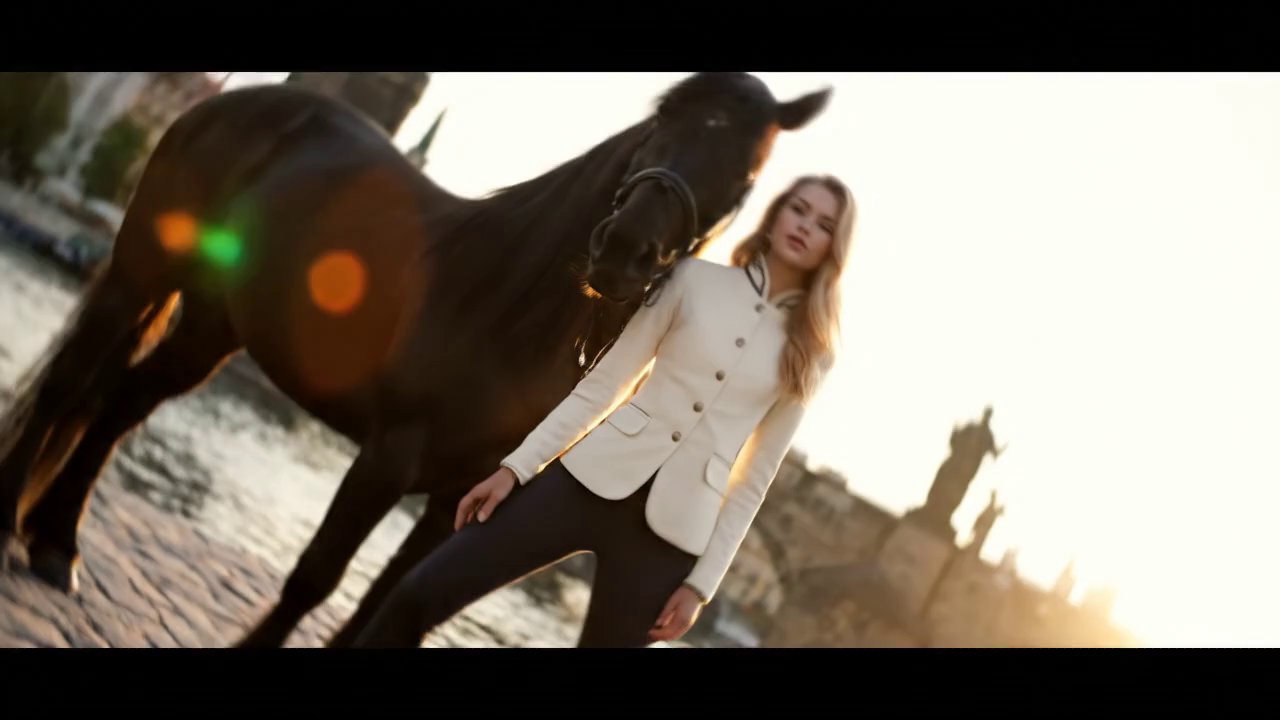
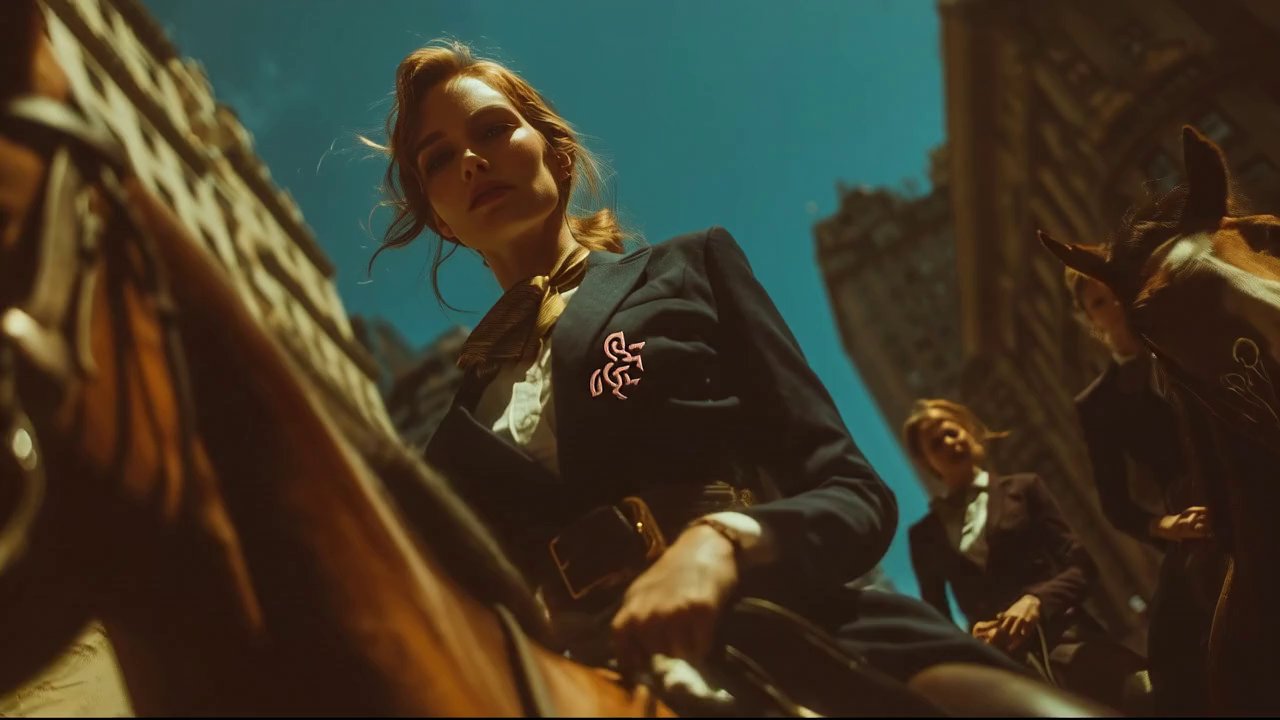
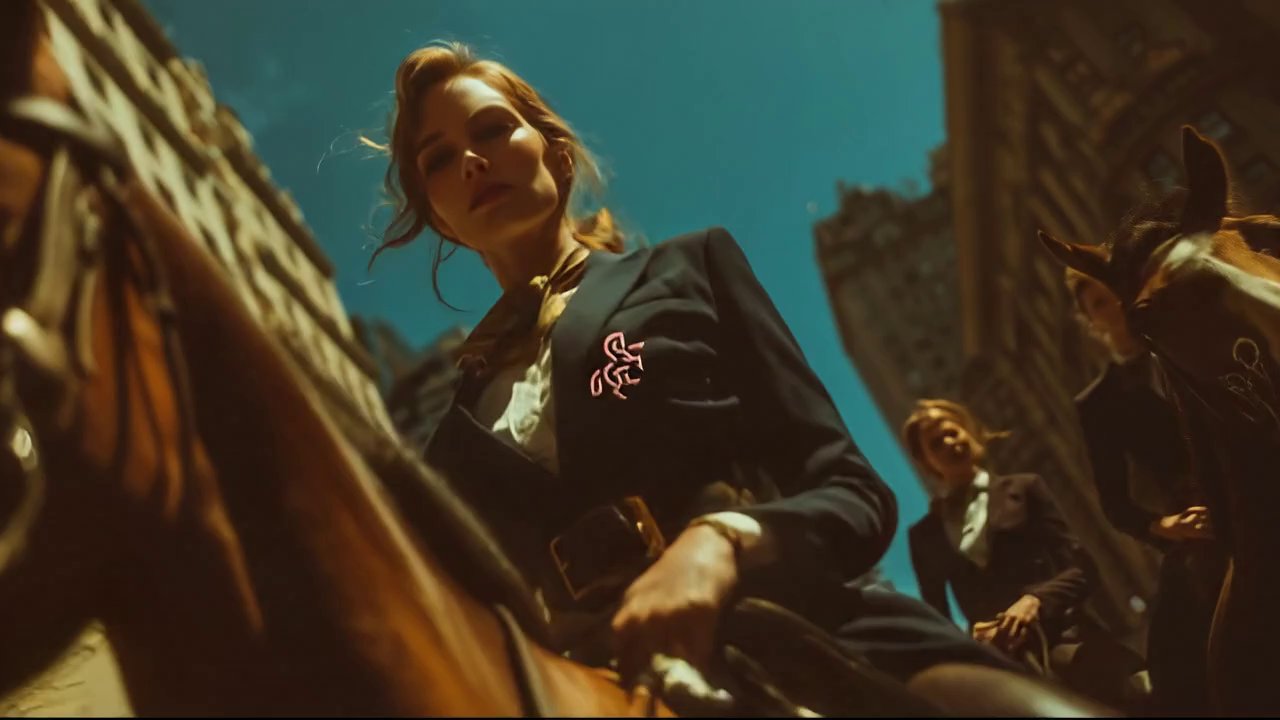
a dutch angle shot of a blond fashion model in creamy equestrian jacket is posing …

veo3 16:9 auto-generated
1828 4
Ansicht
a medium-wide unorthodox angle shot of a blond fas... - AI video prompt thumbnail
VEO 3 🏢 Brand Marketing

a medium-wide unorthodox angle shot of a blond fas...

von moonproductions.services • Erstellt mit UlazAI

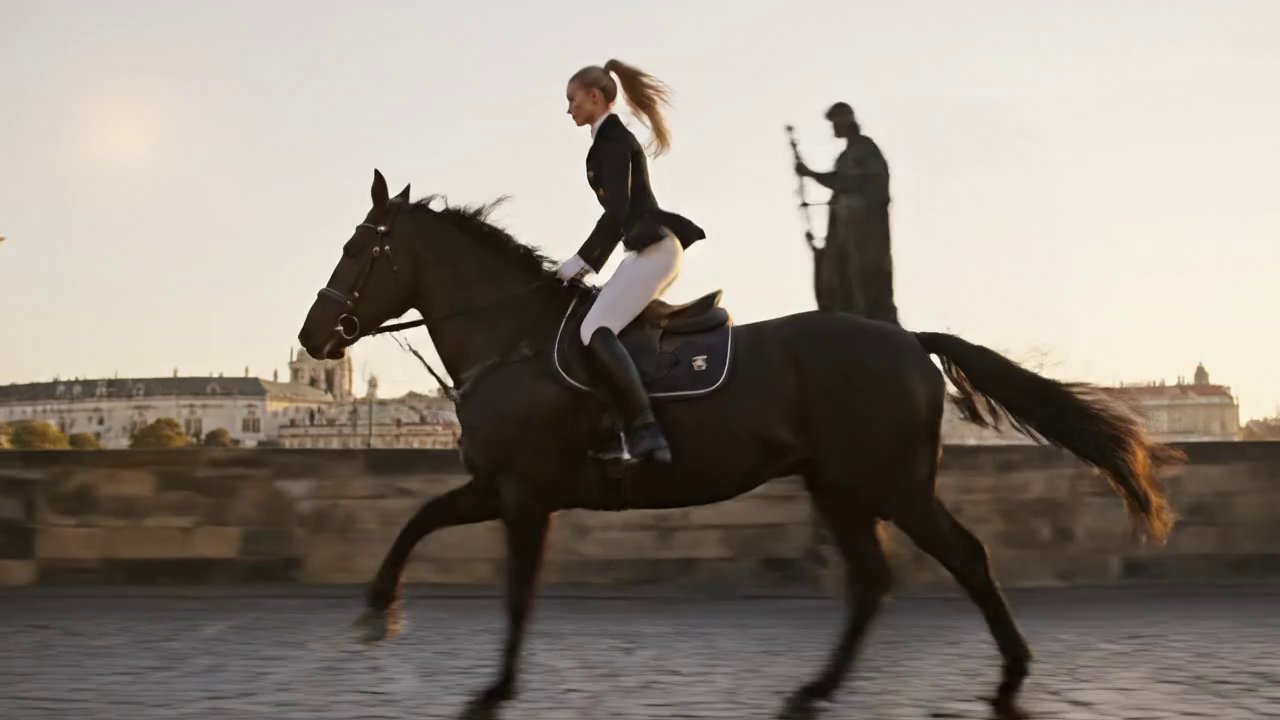
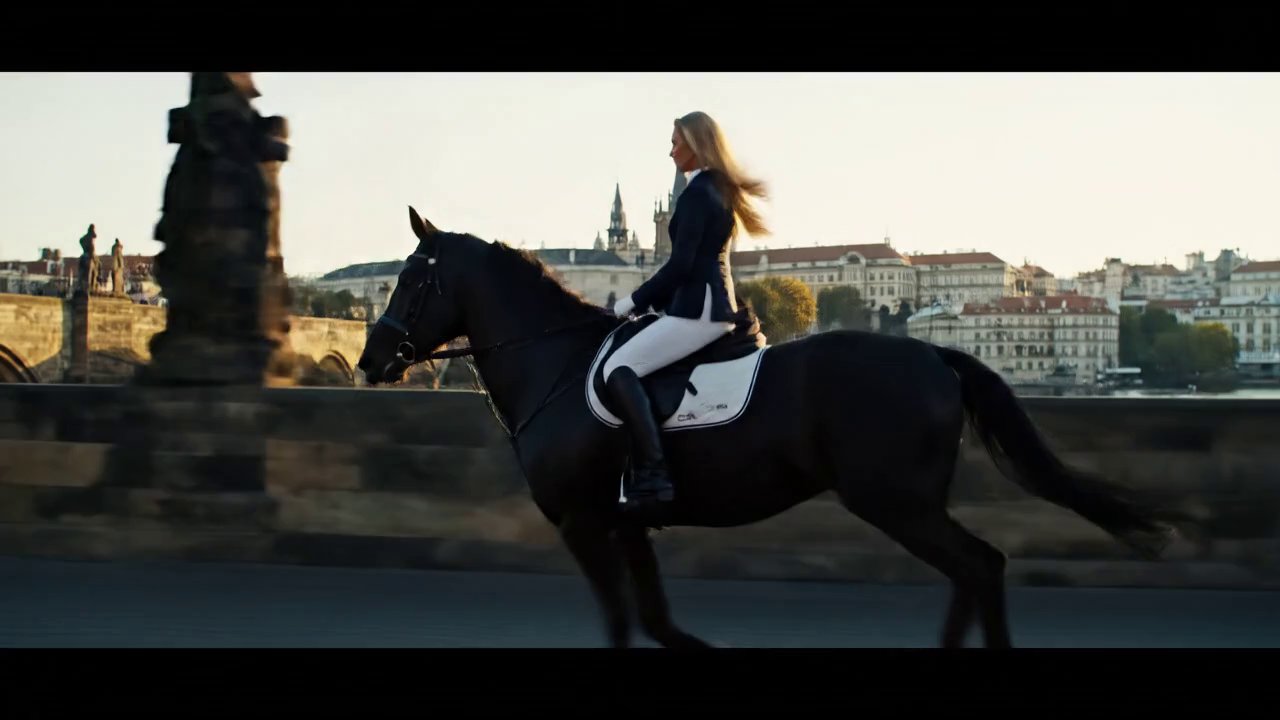
a medium-wide unorthodox angle shot of a blond fashion model in equestrian jacket is galloping …

veo3_fast 16:9 auto-generated
1456 3
Ansicht
a medium-wide dolly tracking shot of a blond fashi... - AI video prompt thumbnail
VEO 3 🏢 Brand Marketing

a medium-wide dolly tracking shot of a blond fashi...

von moonproductions.services • Erstellt mit UlazAI

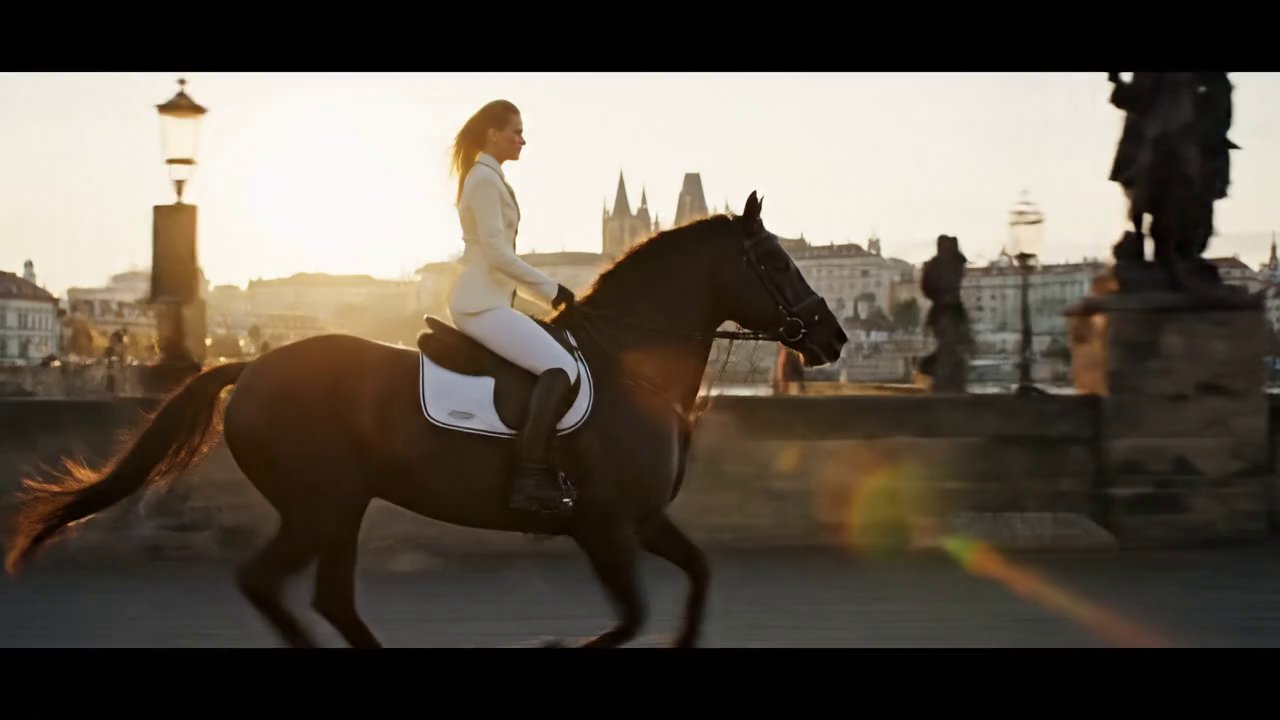
a medium-wide dolly tracking shot of a blond fashion model in creamy equestrian jacket is …

veo3 16:9 auto-generated
1450 2
Ansicht
a medium-wide dolly tracking shot of a blond fashi... - AI video prompt thumbnail
VEO 3 🏢 Brand Marketing

a medium-wide dolly tracking shot of a blond fashi...

von moonproductions.services • Erstellt mit UlazAI

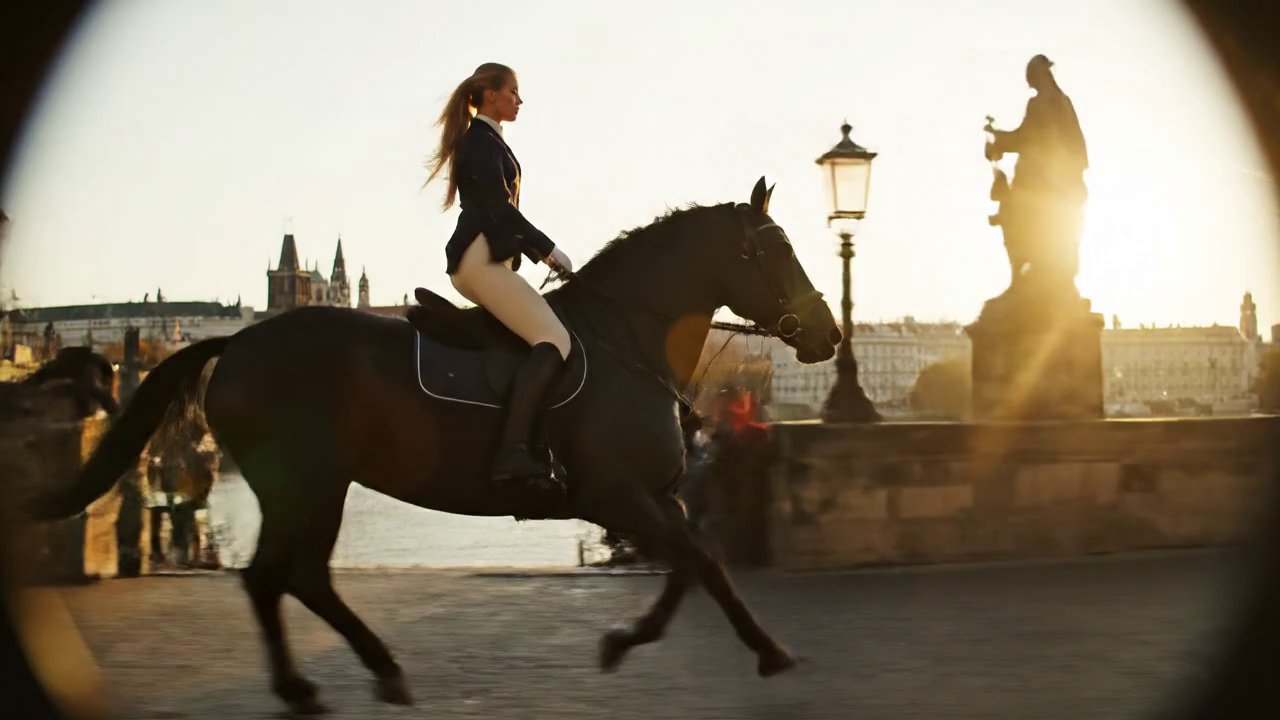
a medium-wide dolly tracking shot of a blond fashion model in equestrian jacket is galloping …

veo3_fast 16:9 auto-generated
1673 2
Ansicht
a medium-wide dolly tracking shot of a blond fashi... - AI video prompt thumbnail
VEO 3 🏢 Brand Marketing

a medium-wide dolly tracking shot of a blond fashi...

von moonproductions.services • Erstellt mit UlazAI

a medium-wide dolly tracking shot of a blond fashion model in equestrian jacket is galloping …

veo3 16:9 auto-generated
1638 2
Ansicht
{
  "description": "An ultra-photorealistic, 8K ci... - AI video prompt thumbnail
VEO 3 🏢 Brand Marketing

{ "description": "An ultra-photorealistic, 8K ci...

von moonproductions.services • Erstellt mit UlazAI

{ "description": "An ultra-photorealistic, 8K cinematic macro video, beginning with a close-up of a modern …

veo3 16:9 auto-generated
1743 1
Ansicht
unorthodox wide angle photo of high fashion equest... - AI video prompt thumbnail
VEO 3 🏢 Brand Marketing

unorthodox wide angle photo of high fashion equest...

von moonproductions.services • Erstellt mit UlazAI

unorthodox wide angle photo of high fashion equestrian model in creamy three button suit with …

veo3_fast 16:9 auto-generated
1764 1
Ansicht
low dutch angle ultra realistic , high detailed ph... - AI video prompt thumbnail
VEO 3 🏢 Brand Marketing

low dutch angle ultra realistic , high detailed ph...

von moonproductions.services • Erstellt mit UlazAI

low dutch angle ultra realistic , high detailed photo of a slim fashion model with …

veo3_fast 16:9 auto-generated
1804 4
Ansicht
Gatorade Ad: Ultimate Athlete Recovery - AI video prompt thumbnail
🏢 Brand Marketing

Gatorade Ad: Ultimate Athlete Recovery

von TechieSA

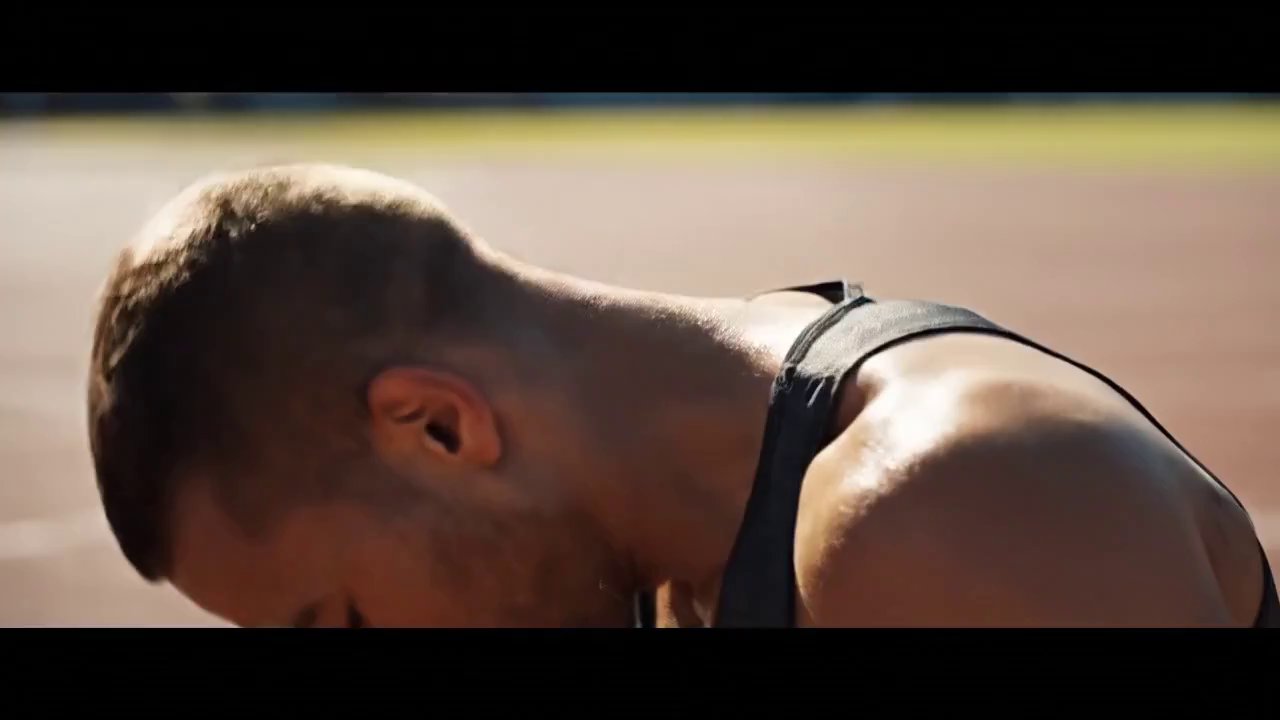
{ "scene": [ { "second": "0-2", "description": "Close-up of a sweaty athlete finishing a run, …

sports commercial athlete +5
2129 3
Ansicht
tolong buatkan flayer seperti di atas , hanya mengganti nama aplikasi "TOCO" - AI video prompt thumbnail
🏢 Brand Marketing

tolong buatkan flayer seperti di atas , hanya mengganti nama aplikasi "TOCO"

von Anonymous

tolong buatkan flayer seperti di atas , hanya mengganti nama aplikasi "TOCO" Backcround tetap sama

flyer app branding marketing +4
1747 1
Ansicht
"Create a cinematic intro video for the website ul... - AI video prompt thumbnail
VEO 3 🏢 Brand Marketing

"Create a cinematic intro video for the website ul...

von ulazai.com • Erstellt mit UlazAI

"Create a cinematic intro video for the website ulazai.com with a dramatic, movie-like explosion effect. …

cinematic intro explosion +5
2091 5
Ansicht
{
  "model": "veo-3.0",
  "duration": 10,
  "aspec... - AI video prompt thumbnail
VEO 3 🏢 Brand Marketing

{ "model": "veo-3.0", "duration": 10, "aspec...

von ulazai.com • Erstellt mit UlazAI

{ "model": "veo-3.0", "duration": 10, "aspect_ratio": "16:9", "resolution": "3840x2160", "shot": { "composition": "centered macro reveal …

Rolex digital art logo reveal +5
1534 5
Ansicht
Boredom to Brilliance: AI Ad Transformation - AI video prompt thumbnail
🏢 Brand Marketing

Boredom to Brilliance: AI Ad Transformation

von TechieSA

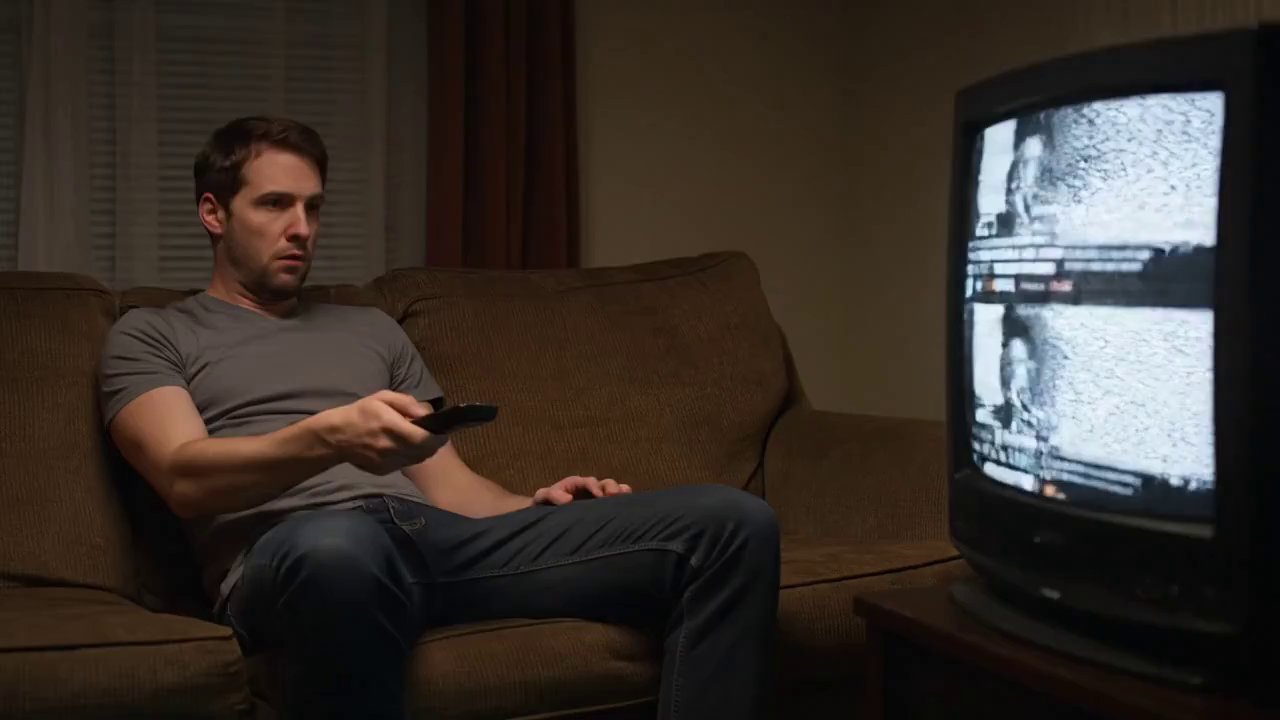
{ "scene": [ { "second": "0-2", "description": "Man slumped on a couch flipping through boring …

YouTube commercial brand marketing +5
1865 8
Ansicht
{
  "model": "veo-3.0-fast",
  "duration": 8,
  "a... - AI video prompt thumbnail
VEO 3 🏢 Brand Marketing

{ "model": "veo-3.0-fast", "duration": 8, "a...

von ulazai.com • Erstellt mit UlazAI

{ "model": "veo-3.0-fast", "duration": 8, "aspect_ratio": "9:16", "shot": { "composition": "low-angle hero frame that shifts …

cat superhero cinematic ad futuristic +5
1697 1
Ansicht
{
  "model": "veo-3.0-fast",
  "duration": 8,
  "a... - AI video prompt thumbnail
VEO 3 🏢 Brand Marketing

{ "model": "veo-3.0-fast", "duration": 8, "a...

von ulazai.com • Erstellt mit UlazAI

{ "model": "veo-3.0-fast", "duration": 8, "aspect_ratio": "9:16", "shot": { "composition": "close-up to medium, eye-level, 35 …

product launch brand marketing tech +5
1839 1
Ansicht
Dynamic LV Logo Animation Showcase - AI video prompt thumbnail
🏢 Brand Marketing

Dynamic LV Logo Animation Showcase

von Curry Amber

Try in LV.Thanks for sharing. @guicastellanos1 https://t.co/loSauTEj5t pic.twitter.com/oApjPOjJBX

LV logo animation branding +4
1898 4
Ansicht
{
  "model": "veo-3.0-fast",
  "duration": 8,
  "a... - AI video prompt thumbnail
VEO 3 🏢 Brand Marketing

{ "model": "veo-3.0-fast", "duration": 8, "a...

von ulazai.com • Erstellt mit UlazAI

{ "model": "veo-3.0-fast", "duration": 8, "aspect_ratio": "9:16", "source": { "type": "image_to_video", "image_ref": "YOUR_IMAGE_URL_OR_ID" }, "shot": …

logo reveal neon glass +5
2004 3
Ansicht
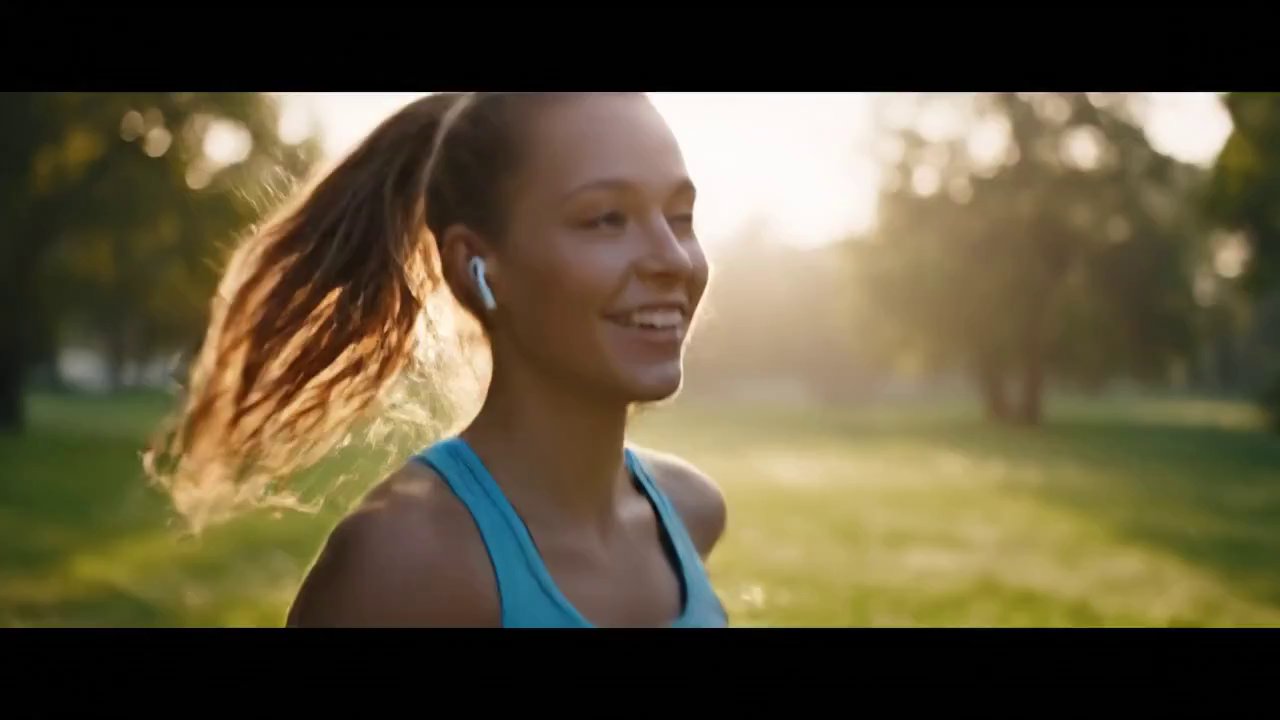
Sunrise Run: Beats for Your Best Day - AI video prompt thumbnail
🏢 Brand Marketing

Sunrise Run: Beats for Your Best Day

von TechieSA

{ "video_length": "8s", "scenes": [ { "time_range": "0-2s", "description": "Close-up of a young woman jogging …

cinematic brand marketing lifestyle +5
1960 6
Ansicht
Red Bull: Zero Gravity Adrenaline Rush - AI video prompt thumbnail
🏢 Brand Marketing

Red Bull: Zero Gravity Adrenaline Rush

von AZIZ | AI

Create a cinematic flash-cut ad for Red Bull, set entirely on a pure black background, …

Red Bull cinematic ad extreme sports +5
1882 2
Ansicht
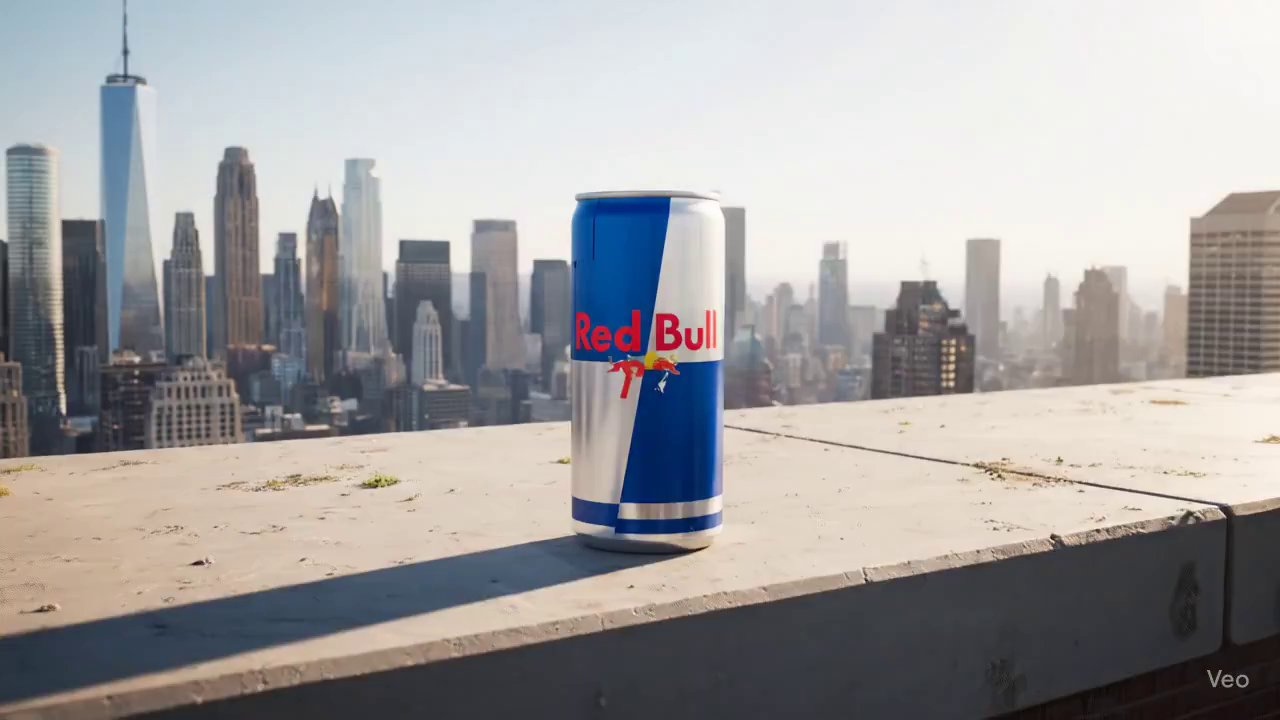
Turn A Can Into A Brand Universe - AI video prompt thumbnail
VEO 3 🏢 Brand Marketing

Turn A Can Into A Brand Universe

von AmirMušić • Erstellt mit UlazAI

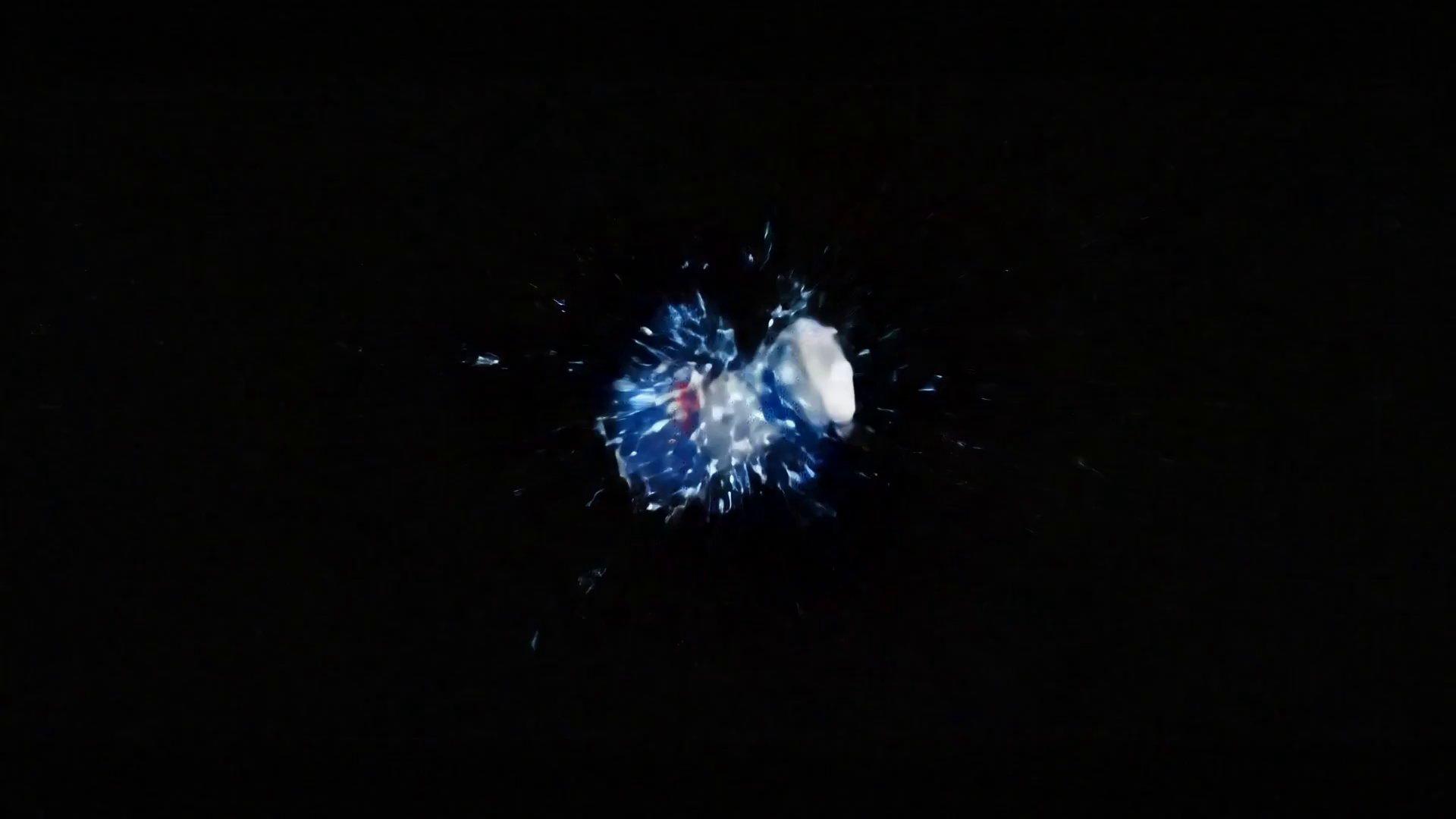
A photorealistic 4K video. The shot begins with a wide view of a classic Red …

product reveal extreme sports cinematic +5
2577 13
Ansicht
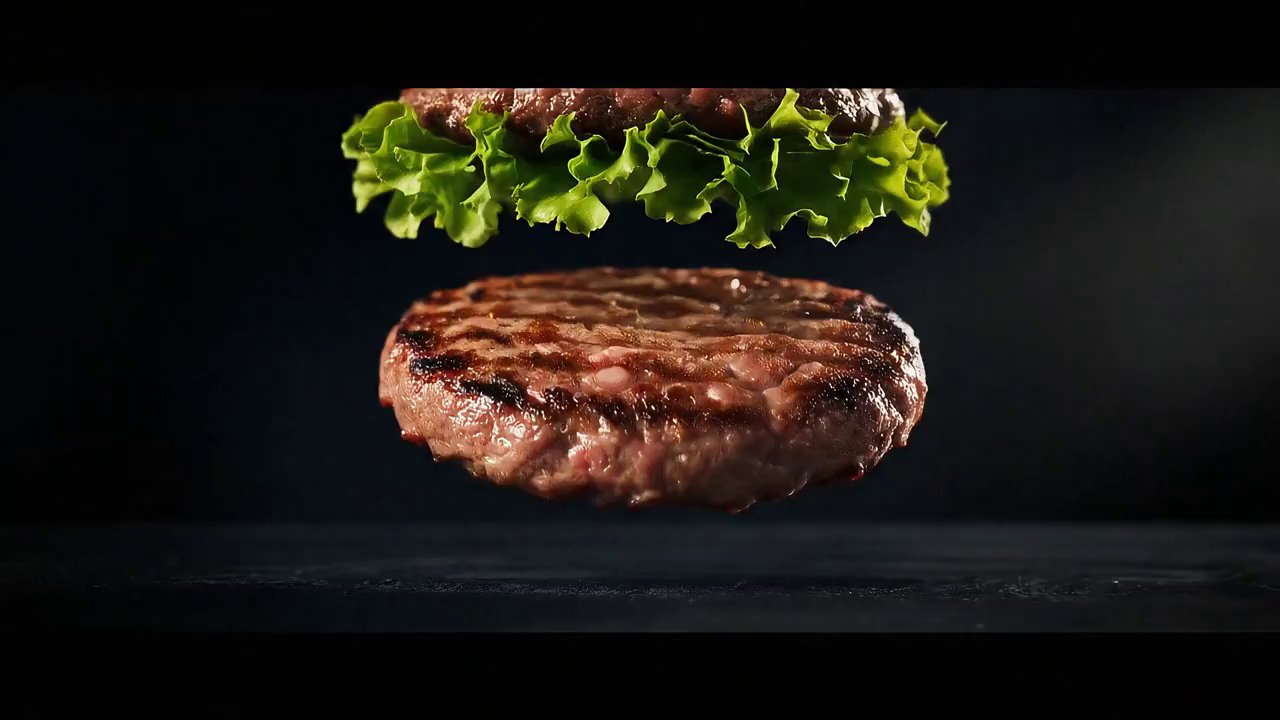
Burger King: Cinematic Ingredient Showcase Ad - AI video prompt thumbnail
🏢 Brand Marketing

Burger King: Cinematic Ingredient Showcase Ad

von Amira Zairi

A high-energy, mouth-watering cinematic advertisement for Burger King. The scene opens with raw, fresh ingredients, …

Burger King Whopper food ad +5
2738 41
Ansicht
Sleek Focus Reveal Brand Logo Animation - AI video prompt thumbnail
🏢 Brand Marketing

Sleek Focus Reveal Brand Logo Animation

von Amira Zairi

A static shot of a dark, slightly textured background. The word 'CANON' appears in a …

Canon logo reveal brand identity +5
2248 11
Ansicht
Beginnen Sie mit der Generierung von Videos →

Starten Sie das aktuelle Videostudio UlazAI und wählen Sie Seedance 2, Veo 3.1, Sora 2, Kling, Grok, Wan oder Hailuo.

Seite 2 von 3 (72 insgesamt prompts)

Verwandeln Sie das Durchsuchen von prompt in fertige KI-Videos

Nutzen Sie das kostenlose Verzeichnis, um einen bewährten prompt zu finden, und wählen Sie dann die aktuelle UlazAI-Route aus, die Ihren Eingaben, Dauer, Budget und Qualitätsziel entspricht.

Häufig gestellte Fragen zum Verzeichnis UlazAI Prompt

Wie das Verzeichnis, der prompt-Assistent, Musterrouten und Kreditschätzungen zusammenarbeiten.

Was ist das Verzeichnis UlazAI Prompt?

Es handelt sich um eine durchsuchbare Sammlung von 1945+ kostenloses KI-Video-Prompts für Seedance 2, Veo 3.1, Sora 2, Kling 3.0, Grok, Wan und Hailuo. Kopieren Sie ein prompt, passen Sie es an und öffnen Sie das passende Modell in Video Studio.

Wie kann ich bessere prompts erstellen?

Benutzen Sie die AI Prompt-Assistent grobe Ideen in strukturierte prompt-Entwürfe umzuwandeln. Passen Sie dann den prompt für das ausgewählte Modell an: Referenzlastige prompts passen auf Seedance 2 oder Wan R2V, bewegungslastige prompts passen auf Kling 3.0 und polierte filmische prompts passen oft auf Veo 3.1.

Welches Modell soll ich wählen?

Beginnen Sie mit Ihrem Eingabetyp. Nur-Text-Ideen können an Veo 3.1, Sora 2, Kling 3.0, Seedance 2 oder Wan 2.7 T2V gehen. Bild-zu-Video-Prompts passen zu Seedance 2, Veo 3.1, Wan 2.7 I2V, Hailuo, Grok und Kling. Audio- oder multimodale Referenzworkflows sind die stärksten Kandidaten für Seedance 2- oder Kling-Routen.

Wie verwende ich einen prompt aus dem Verzeichnis?

  1. 1. Suchen Sie nach Modell, Thema oder Kategorie.
  2. 2. Öffnen Sie eine prompt-Detailseite und kopieren Sie prompt.
  3. 3. Wählen Sie die richtige UlazAI-Modellroute für den Eingabetyp aus.
  4. 4. Überprüfen Sie Credits, Dauer, Seitenverhältnis und Qualitätseinstellungen.
  5. 5. Rendern Sie, vergleichen Sie die Ausgabe und speichern Sie die beste Version.

Sind die prompts kostenlos?

Ja. Die Verzeichnisse prompts können kostenlos durchsucht, kopiert und angepasst werden. Für das Rendern von Videos werden UlazAI-Credits benötigt. Jedes Modell listet eine anfängliche Kreditschätzung auf, bevor Sie ein Studio eröffnen.

Kann ich meine eigenen prompts einreichen?

Ja. Reichen Sie hochwertige prompts mit klarer Ausgabeabsicht und, wenn möglich, einem Beispielvideo ein. Gute Einsendungen verbessern das Verzeichnis und erleichtern anderen Erstellern das Verständnis, welche prompt-Muster bei aktuellen Modellen funktionieren.

Bereit, aus einem prompt zu bauen?

Beginnen Sie mit dem Verzeichnis, verbessern Sie die Formulierung im Assistenten und öffnen Sie dann die passende Videostudio-Route für das von Ihnen benötigte Modell.