UlazAI - AI Image & Video Tools
Access Google Veo 3
free in 2026
How to access Google Veo 3 free in 2026: routes, limits and pricing
Google now has a limited official free path through Google Vids, while Gemini, Flow, AI Studio/API, Vertex AI and UlazAI serve different paid or production workflows. Compare free access, subscriptions and paid rendering before spending. Pricing, access routes and model versions were last checked on 2 August 2026.
Free vs paid Veo 3 access
This guide keeps the free-access answer separate from the paid Studio, API and credit routes, so you can see at a glance what is genuinely free and where credits start.
It covers every route in one place: Google Vids, Gemini/Flow, AI Studio/API, Vertex AI and UlazAI. If you only want the UlazAI starter-credit math, jump to the Veo 3 free credits guide.
Quick answer
Limited official free access exists through Google Vids, where Google says personal accounts get 10 Veo 3.1 generations monthly. For repeat production, UlazAI generations use credits: Lite starts at 40 credits (~€0.36 est.), Fast at 100 credits (~€0.91 est.), and Quality at 220 credits (~€2.00 est.).
Official Veo access routes in 2026
Use this table before you click a “free Veo” result. Free access, subscription access, API billing and UlazAI credits are separate routes.
| Route | Free? | Limit or pricing signal | Best for | Source / action |
|---|---|---|---|---|
| Google Vids | Yes, limited | Google says personal accounts get 10 free Veo 3.1 generations monthly. | Trying Veo without a production budget. | Google Vids update |
| Gemini / Flow | Plan dependent | Availability can depend on subscription, country and feature rollout. | Consumer and creator workflows. | Google Flow overview |
| AI Studio / Gemini API / Vertex AI | Billing route | Google documents Veo 3.1 Generate/Fast and Veo 3.1 Lite model routes with current specs and pricing references. | Developer and API usage. | Vertex Veo 3.1 docs |
| UlazAI | Free account, paid renders | Lite starts at 40 credits; Fast at 100; Quality at 220. | Studio and API production testing with one credit wallet. | UlazAI pricing guide |
What access means: free account vs paid generations
Free account
Instant onboarding
Create an account, open the dashboard, inspect the tools, and get into the workflow before you commit credits to a render.
Create accountPaid generations
From 40 credits
When you are ready to generate Veo 3.1 videos, compare Lite, Fast and Quality before you spend credits.
Compare packagesAPI access
Build on top of Veo 3.1
If you need programmatic access instead of dashboard usage, go straight to authentication, request shape, and model docs.
Read Veo 3.1 docsFastest practical route to Veo 3.1 on UlazAI
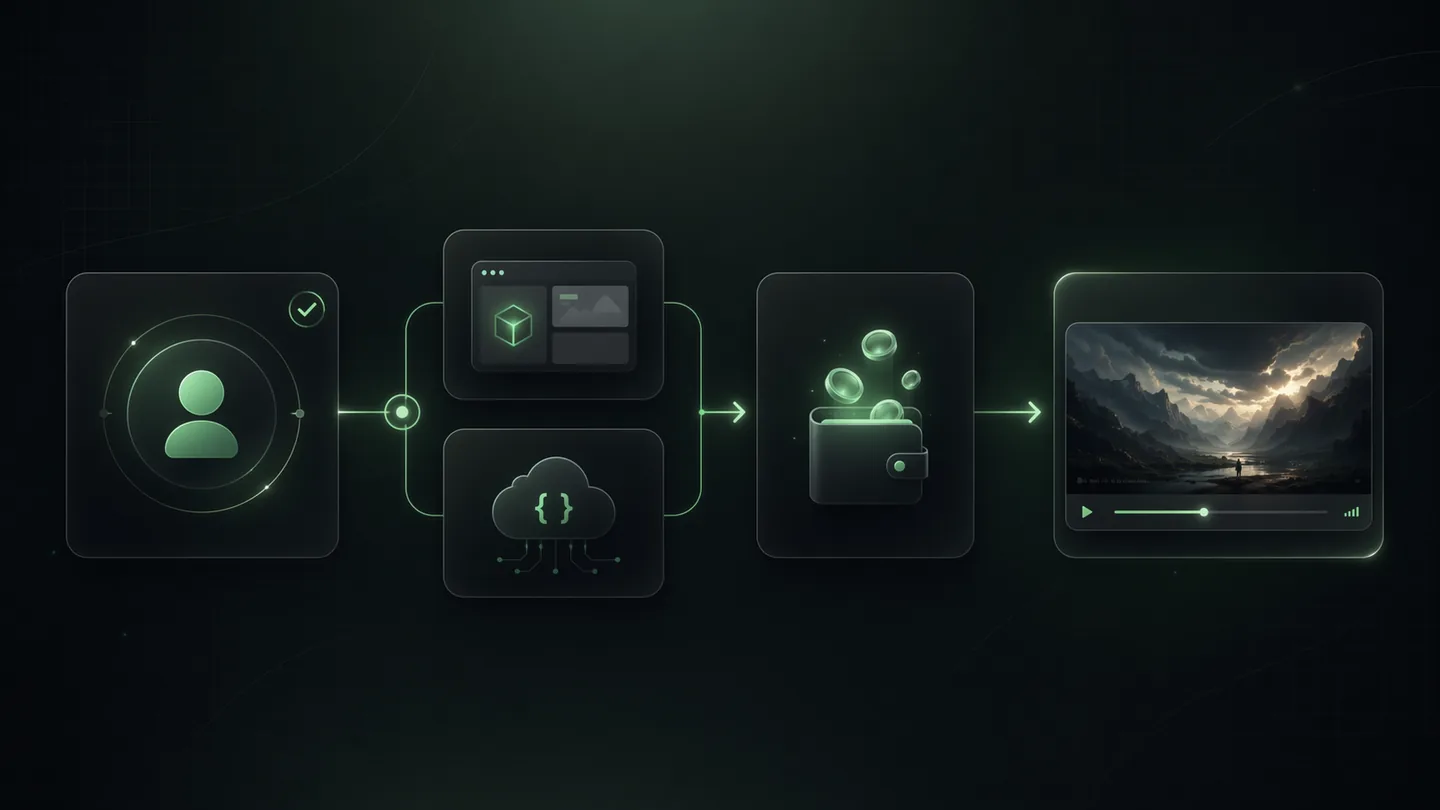
Step 1
Create the free account
Use the account to open the dashboard, inspect the tools and choose whether you want Studio or API usage.
Step 2
Pick Lite, Fast or Quality
Current UlazAI routes start at 40 credits for Lite, 100 for Fast and 220 for Quality.
Step 3
Render when the economics fit
Check credits and estimated EUR before the run. 1080p currently adds 20 credits (~€0.18 est.) in the UlazAI configuration.
Current Veo 3.1 details used on UlazAI
Duration
8 seconds
UlazAI's current Veo 3.1 Lite, Fast and Quality routes use an 8-second preset in the model registry.
Aspect ratios
16:9, 9:16, Auto
Use landscape, vertical or automatic format selection depending on the video job.
Inputs
Text + image
The current Studio routes support prompt-led and image-to-video workflows with up to 2 reference assets.
Quality add-ons
1080p / 4K
1080p costs +20 credits and 4K Fast costs +100 credits.
📱 Step-by-Step: Your First Veo 3.1 Run
Step 1: Registration
Go to ulazai.com/register and create your account:
- Enter your email address
- Create a secure password
- Verify your email (optional but recommended)
- Check the current welcome-credit amount in your account
Step 2: Open Video Studio or API docs
After login, access the video creation interface:
- Open Veo 3.1 Video Studio for UI workflows
- Open Veo 3.1 API docs for developer access
- Choose video format (16:9, 9:16, Auto)
- Use the current 8-second UlazAI route for Lite, Fast or Quality
Step 3: Write Your Prompt
Describe the video you want to create:
Example: "A golden retriever running through a sunflower field at sunset, cinematic shot, slow motion"
- Be specific about actions and movements
- Include camera angles and styles
- Mention lighting and atmosphere
- Add artistic styles if desired
Step 4: Generate & Download
Add credits if needed, then click generate and wait for your video:
- Generation time varies by queue, model route and quality settings
- Preview your video in the browser
- Download the finished video from the result screen
- Share directly to social media
💡 Before you buy credits
🎯 Choose free, subscription or API access
Pick the access mode that matches your job:
- • Studio: Best if you want to prompt and render manually
- • API: Best if you are wiring Veo 3.1 into a product
⚡ Use free access correctly
Treat the free layer as onboarding, not as a production budget:
- • Start with account creation and tool familiarization
- • Use pricing pages before large render plans
- • Save paid credits for real Veo 3.1 runs
🔄 Move from access to output
Once access is solved, the next bottleneck is output quality:
- • Use prompt examples before your first paid run
- • Check per-video economics first
- • Pick fast versus premium based on use case
🌐 Regional access
If Google direct access differs in your region:
- • Use the UlazAI signup route first
- • Check country notes on this page
- • Use pricing and docs before you commit credits
Ready to start with Veo 3?
Use the access route that fits your stage: free account, pricing check, studio, or API docs.
2 min
Setup Time
40 cr
Lite route
100 cr
Fast route
❓ FAQ: How to Get Veo 3 Access
Is Google Veo 3 free in 2026?
Yes, but only in a limited official route: Google Vids now gives personal Google accounts 10 Veo 3.1 generations per month at no cost. Subscription, API and production routes can still require billing, credits or a paid plan.
How do I access Google Veo 3 for free?
Use Google Vids for the official free monthly allowance. Use UlazAI for production testing, Studio generation, API integration or credit-based renders.
Is Google Vids the official free Veo 3.1 route?
Yes. Google's April 2026 Vids update says anyone with a Google account can generate Veo 3.1 clips, with 10 free generations monthly for personal accounts.
Do AI Studio or Gemini API offer free Veo 3.1 access?
Treat AI Studio, Gemini API and Vertex AI as billing or plan-dependent routes unless Google's current pricing page says otherwise for your account. They are better suited to developer workflows than “free Veo” searches.
What is the cheapest paid Veo 3.1 route on UlazAI?
The current UlazAI Lite route starts at 40 credits before optional quality extras. Use the pricing page before larger render plans so you separate access, model choice and output quality.
Related Access Resources
External references: Google Vids free Veo 3.1 update, Vertex AI Veo 3.1 docs, Google generative AI pricing.
Access Veo 3 through the route available to your account
Open the Veo studio, sign in and check which modes and inputs are currently available. Access can differ by product route and market, so an old Gemini or Flow subscription screenshot is not a reliable guide.
Before generating, confirm the displayed duration, references and credit estimate. If a route is unavailable, choose another listed video model rather than using location workarounds.