UlazAI - Instrumente AI pentru imagine și video
Accesați Google Veo 3
gratuit în 2026
Cum să accesați Google Veo 3 gratuit în 2026: rute, limite și prețuri
Google are acum o cale gratuită oficială limitată prin Google Vids, în timp ce Gemini, Flow, AI Studio/API, Vertex AI și UlazAI servesc diferite fluxuri de lucru plătite sau de producție. Comparați accesul gratuit, abonamentele și redarea plătită înainte de a cheltui. Prețurile, rutele de acces și versiunile de model au fost verificate ultima dată pe 2 august 2026.
Acces gratuit vs plătit Veo 3
Acest ghid păstrează răspunsul cu acces gratuit separat de Studioul plătit, API și rutele de credit, astfel încât să puteți vedea dintr-o privire ce este cu adevărat gratuit și unde încep creditele.
Acoperă fiecare rută într-un singur loc: Google Vids, Gemini/Flow, AI Studio/API, Vertex AI și UlazAI. Dacă doriți doar matematica de credit pentru începători UlazAI, treceți la Veo 3 ghid de credite gratuite.
Răspuns rapid
Accesul gratuit oficial limitat există prin Google Vids, unde Google spune că conturile personale primesc 10 generații Veo 3.1 lunar. Pentru producția repetată, generațiile UlazAI folosesc credite: Lite începe la 40 credite (~€0.36 est.), Rapid la 100 credite (~€0.91 est.), și Calitate la 220 credite (~€2.00 est.).
Rute oficiale de acces Veo în 2026
Utilizați acest tabel înainte de a face clic pe un rezultat „gratis Veo”. Accesul gratuit, accesul prin abonament, facturarea API și creditele UlazAI sunt rute separate.
| Traseu | Gratuit? | Semnal de limită sau de preț | Cel mai bun pentru | Sursa/actiune |
|---|---|---|---|---|
| Google Vids | Da, limitat | Google spune că conturile personale primesc 10 generații gratuite de Veo 3.1 lunar. | Încerc Veo fără buget de producție. | Google Vids actualizare |
| Gemeni / Flux | Dependent de plan | Disponibilitatea poate depinde de abonament, țară și lansarea caracteristicilor. | Fluxuri de lucru pentru consumatori și creatori. | Google Prezentare generală a fluxului |
| Ai studio / gemini API / vertex ai | Ruta de facturare | Google documente Veo 3.1 Generate/Fast și Veo 3.1 Rute model Lite cu specificațiile actuale și referințe de preț. | Utilizarea dezvoltatorului și a API. | Vertex Veo 3.1 docs |
| UlazAI | Cont gratuit, randări plătite | Lite începe la 40 credite; Rapid la 100; Calitate la 220. | Testare de producție Studio și API cu un portofel de credit. | Ghid de prețuri UlazAI |
Ce înseamnă acces: cont gratuit vs generații plătite
Cont gratuit
Incorporare instantanee
Creați un cont, deschideți tabloul de bord, inspectați instrumentele și intrați în fluxul de lucru înainte de a atribui credite pentru o randare.
Începeți înscrierea gratuităGenerații plătite
De la 40 credite
Când sunteți gata să generați videoclipuri Veo 3.1, comparați Lite, Rapid și Calitate înainte de a cheltui credite.
Comparați pacheteleAcces API
Construiți deasupra Veo 3.1
Dacă aveți nevoie de acces programatic în loc de utilizarea tabloului de bord, mergeți direct la autentificare, cerere de formă și model de documente.
Citiți documentele Veo 3.1Cea mai rapidă cale practică către Veo 3.1 pe UlazAI
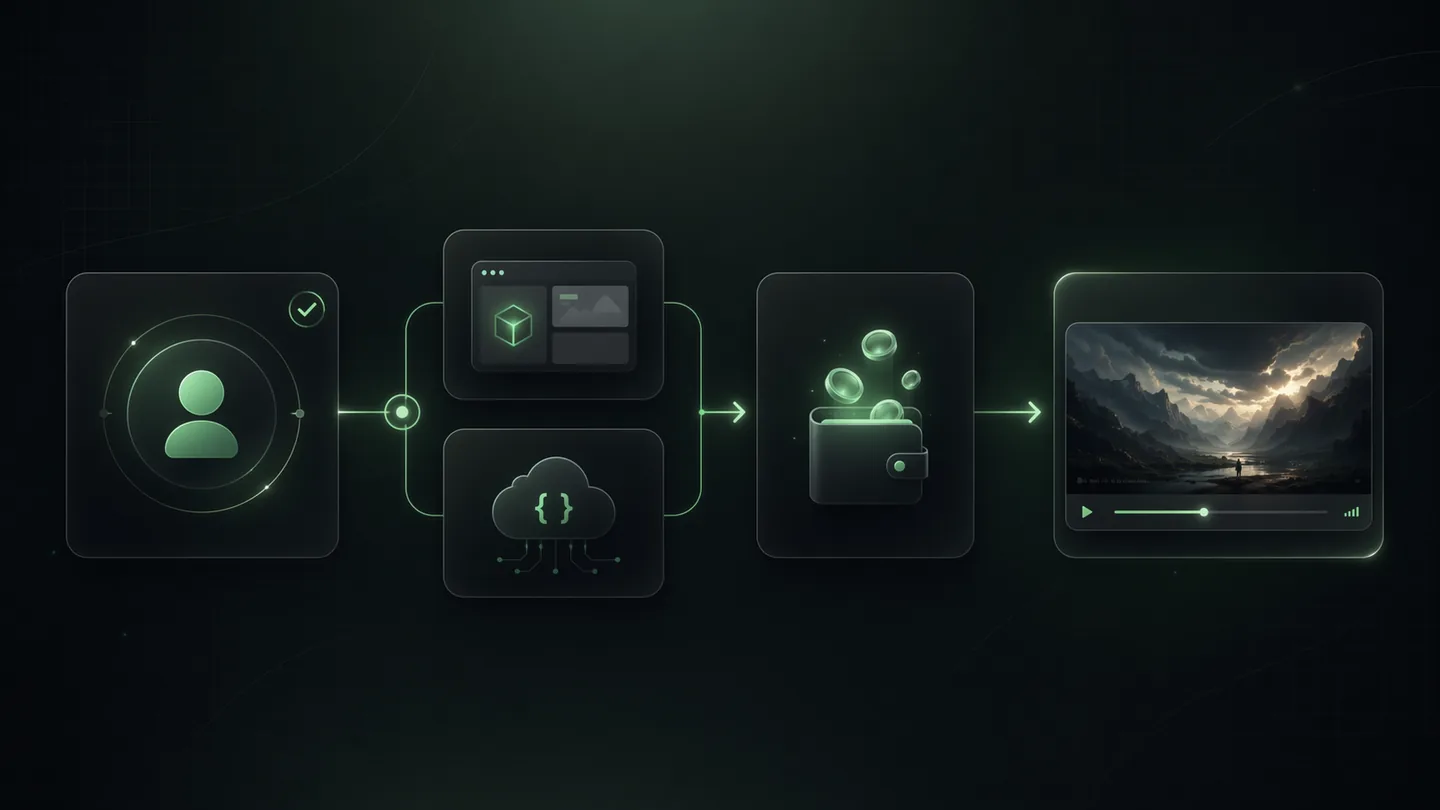
Pasul 1
Creați contul gratuit
Utilizați contul pentru a deschide tabloul de bord, inspectați instrumentele și alegeți dacă doriți să utilizați Studio sau API.
Pasul 2
Alegeți Lite, Rapid sau Calitate
Rutele actuale UlazAI încep la 40 credite pentru Lite, 100 pentru Fast și 220 pentru Calitate.
Pasul 3
Redați când economia se potrivește
Verificați creditele și EUR estimat înainte de alergare. 1080p se adaugă în prezent 20 credite (~€0.18 est.) în configurația UlazAI.
Detaliile curente Veo 3.1 utilizate pe UlazAI
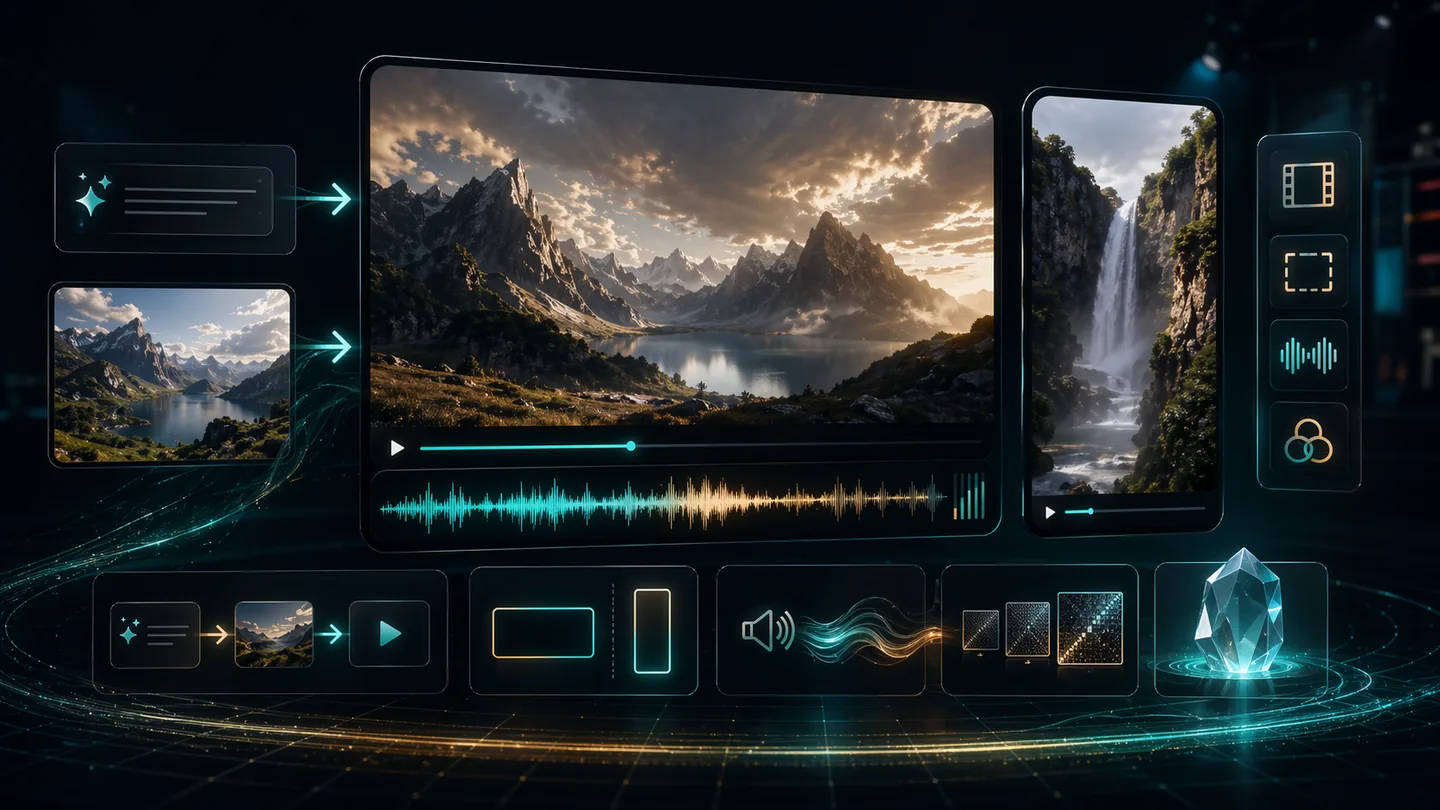
Durată
8 secunde
Rutele actuale Veo 3.1 Lite, Fast și Quality ale lui UlazAI utilizează o presetare de 8 secunde în registrul modelului.
Raport de aspect
16:9, 9:16, Auto
Utilizați selecția formatului peisaj, vertical sau automat, în funcție de lucrarea video.
Intrări
Text + imagine
Rutele Studio actuale acceptă fluxuri de lucru prompte și imagine-video cu până la 2 active de referință.
Suplimente de calitate
1080p / 4k
1080p costă +20 credite și costuri rapide 4K +100 credite.
📱 Pas cu pas: prima ta alergare Veo 3.1
Pasul 1: Înregistrare
Du-te la ulazai.com/register și creează-ți contul:
- Introdu adresa ta de e-mail
- Creați o parolă sigură
- Verificați-vă adresa de e-mail (opțional, dar recomandat)
- Verificați suma actuală a creditului de bun venit din contul dvs
Pasul 2: deschideți Video Studio sau documentele API
După conectare, accesați interfața de creare video:
- Deschide Studio video Veo 3.1 pentru fluxurile de lucru UI
- Deschide Veo 3.1 API documente pentru accesul dezvoltatorului
- Alegeți formatul video (16:9, 9:16, Auto)
- Utilizați ruta actuală de 8 secunde UlazAI pentru Lite, Fast sau Quality
Pasul 3: scrieți Prompt
Descrieți videoclipul pe care doriți să îl creați:
Exemplu: „Un golden retriever alergând printr-un câmp de floarea-soarelui la apus, filmare cinematografică, încetinire”
- Fii specific cu privire la acțiuni și mișcări
- Includeți unghiurile și stilurile camerei
- Menționați iluminarea și atmosfera
- Adăugați stiluri artistice dacă doriți
Pasul 4: Generați și descărcați
Adăugați credite dacă este necesar, apoi faceți clic pe generare și așteptați videoclipul:
- Timpul de generare variază în funcție de coadă, traseul modelului și setările de calitate
- Previzualizează videoclipul în browser
- Descărcați videoclipul finalizat de pe ecranul de rezultate
- Distribuiți direct pe rețelele sociale
💡 Înainte de a cumpăra credite
🎯 Alegeți acces gratuit, abonament sau API
Alegeți modul de acces care se potrivește cu jobul dvs.:
- • Studio: Cel mai bine dacă doriți să prompt și să randați manual
- • API: Cel mai bine dacă conectați Veo 3.1 la un produs
⚡ Utilizați corect accesul gratuit
Tratați stratul gratuit ca integrare, nu ca buget de producție:
- • Începeți cu crearea contului și familiarizarea cu instrumentele
- • Utilizați paginile de prețuri înainte de planuri de randare mari
- • Salvați credite plătite pentru rulări reale Veo 3.1
🔄 Treceți de la acces la ieșire
Odată ce accesul este rezolvat, următorul blocaj este calitatea ieșirii:
- • Folosiți exemple prompte înainte de prima rundă plătită
- • Verificați mai întâi economia per-video
- • Alegeți rapid versus premium în funcție de cazul de utilizare
🌐 Acces regional
Dacă accesul direct Google diferă în regiunea dvs.:
- • Utilizați mai întâi ruta de înscriere UlazAI
- • Verificați notele de țară pe această pagină
- • Folosiți prețurile și documentele înainte de a vă angaja credite
Sunteți gata să începeți cu Veo 3?
Utilizați calea de acces care se potrivește stadiului dvs.: cont gratuit, verificare a prețurilor, studio sau documente API.
2 min
Ora de configurare
40 cr
Rută simplă
100 cr
Traseu rapid
❓ Întrebări frecvente: Cum să obțineți accesul Veo 3
Este Google Veo 3 gratuit în 2026?
Da, dar numai pe o rută oficială limitată: Google Vids oferă acum conturi personale Google 10 generații Veo 3.1 pe lună fără costuri. Abonamentul, API și rutele de producție pot necesita în continuare facturare, credite sau un plan plătit.
Cum accesez gratuit Google Veo 3?
Utilizați Google Vids pentru alocația lunară oficială gratuită. Utilizați UlazAI pentru testarea producției, generarea Studio, integrarea API sau randările bazate pe credit.
Este Google Vids ruta oficială gratuită Veo 3.1?
Da. Actualizarea Vids din aprilie 2026 a Google spune că oricine are un cont Google poate genera clipuri Veo 3.1, cu 10 generații gratuite lunar pentru conturile personale.
AI Studio sau Gemini API oferă acces gratuit la Veo 3.1?
Tratați AI Studio, Gemini API și Vertex AI ca rute de facturare sau dependente de plan, cu excepția cazului în care pagina actuală de prețuri a Google spune altfel pentru contul dvs. Sunt mai potrivite pentru fluxurile de lucru ale dezvoltatorilor decât căutările „gratuite Veo”.
Care este cea mai ieftină rută Veo 3.1 plătită pe UlazAI?
Ruta actuală UlazAI Lite începe la 40 credite înaintea suplimentelor opționale de calitate. Utilizați pagina de prețuri înainte de planuri de randare mai mari, astfel încât să separați accesul, alegerea modelului și calitatea ieșirii.
Resurse de acces conexe
Referințe externe: Google Vids Veo 3.1 actualizare gratuită, Vertex ai Veo 3.1 docs, Google prețuri AI generative.