Step 1
Define the app category
Start with category, audience, required text, platform constraints and the emotional signal the icon should send.
UlazAI - AI Image & Video Tools
Usage-led UlazAI workflow
Create batches of app icon directions, screenshot backgrounds and store listing visual concepts before refining the final assets in your design workflow.
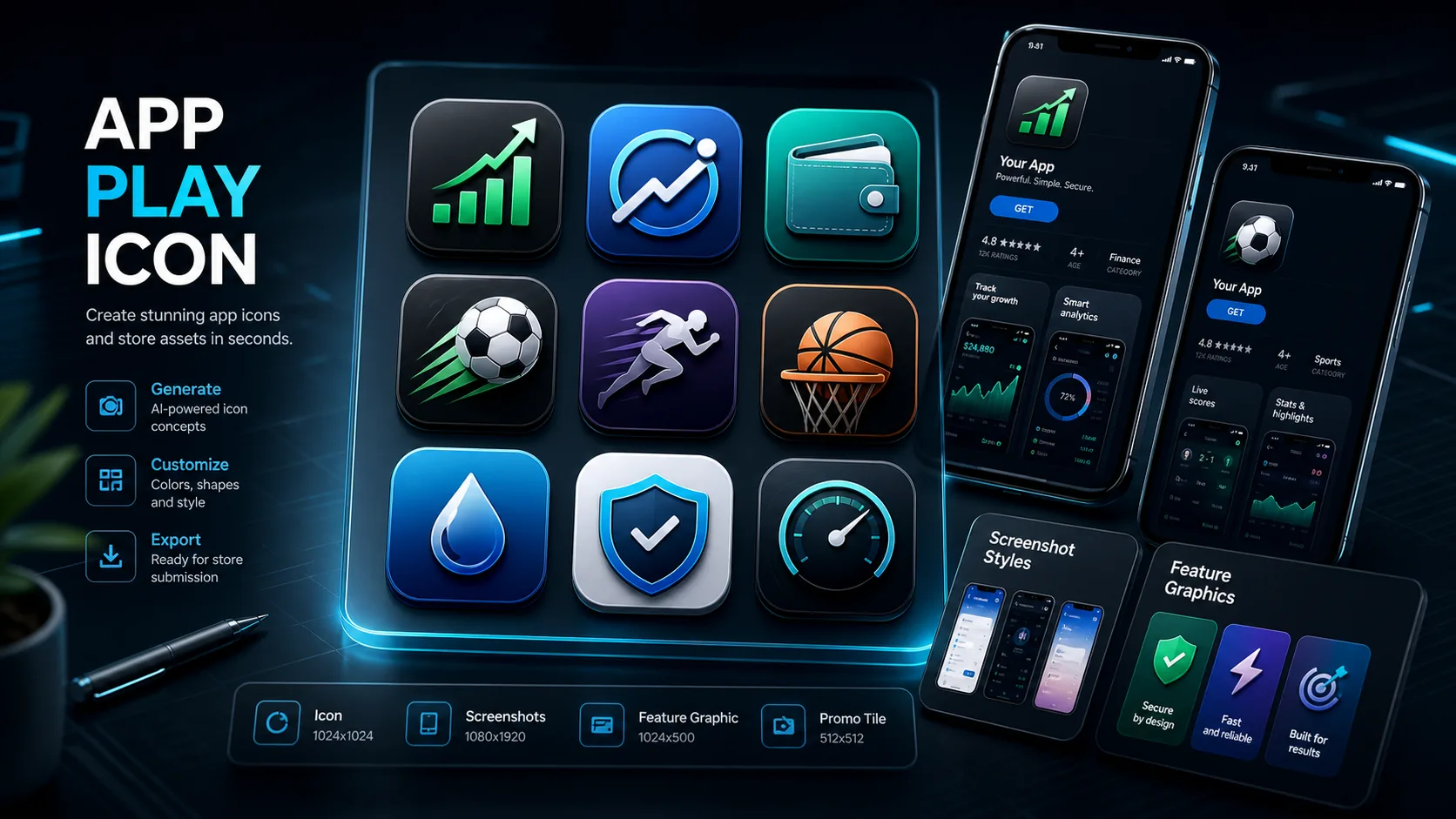
Generated example
AI-generated app store creative directions
ASO asset workflow
Start with category, audience, required text, platform constraints and the emotional signal the icon should send.
Create multiple icon and screenshot directions quickly, then pick the strongest visual language.
Export the strongest idea into your design tool for exact Google Play dimensions, padding and final compliance checks.
These are not generic content guesses. They map to real user workflows that already showed up in UlazAI production usage.
Example outputs
Each example pairs the visible outcome with a prompt users can copy, adapt and run inside UlazAI.
Real generated raster asset
This is the kind of finished visual a visitor should expect to create, then animate, remix or use as a production reference.
Open Image Studio3x3 icon directions
Nine distinct icon directions for fast ASO testing before polishing the best one in a design tool.
Generate a 3x3 grid of Google Play app icon concepts for a finance utility app, high contrast, simple central symbol, short readable wordmark area, modern trustworthy fintech style.
Icon + screenshot mood
A stronger visual direction for sports/betting category creatives without starting from a blank design canvas.
Create Google Play app icon and screenshot background concepts for a sports odds app, energetic stadium color, bold central symbol, readable title space, modern ASO creative style.
Feature graphic concepts
Clean, trustworthy store listing assets with enough variation for marketer review and compliance refinement.
Create Google Play feature graphic concepts for a loan comparison app, clean fintech interface mood, trustworthy blue and green palette, abstract cards, no misleading claims, no fake rates.
Prompt library
Use these as fast starting points, then replace subject, style, camera language and output constraints for your own project.
Create a Google Play app icon concept for a finance utility app, bold readable central wordmark, high contrast, no rounded corners, modern mobile ASO style.
Generate a 3x3 grid of app icon concepts for a sports odds app, each concept different, strong contrast, simple symbol, large readable title area.
Create Google Play screenshot background concepts for a loan comparison app, clean fintech palette, trustworthy interface mood, no misleading claims.
Use the model that matches the input type and cost profile. Test cheaply first, then spend on the strongest direction.
Best for prompt-following, text-heavy concepts and iterating on icon grids.
Useful for higher-resolution product and store listing visuals.
Good for fast alternative visual directions and concept exploration.
Compare another tool, open a model guide, or continue with a related workflow.
Use UlazAI for fast creative concepts, then finalize exact dimensions, padding and compliance in your design workflow.
Yes for concepting. Keep text short and large, then verify readability at small sizes before publishing.
Yes. Use separate prompts for icon concepts, screenshot backgrounds and feature graphic directions.
Open the relevant UlazAI tool, create a first version, then turn the winning prompts into reusable assets.
Open Image Studio