Product-style visuals
Create quick hero concepts, realistic product environments, and simple campaign backgrounds before moving into higher-control editing.
UlazAI - AI Image & Video Tools
Use Z-Image when you need realistic text-to-image output at a low credit starting point. It is strongest as a quick production route for product-style visuals, portraits, campaign mockups, and realistic scene exploration.
Where it fits
Z-Image is not the most controllable edit model in the stack. Its job is simpler: move from a prompt to realistic output quickly and cheaply, then switch to a more advanced edit model if the creative needs deeper control.
Use cases
Create quick hero concepts, realistic product environments, and simple campaign backgrounds before moving into higher-control editing.
Use it for early photo-real direction checks where speed and price matter more than advanced multi-image control.
At 2 credits, Z-Image is useful for exploring more prompt directions before selecting a final model route.
Z-Image starts from 2 credits per image, currently estimated at ~€0.02 using the best active package rate.
The current Z-Image Studio route is positioned as text-to-image. Use Qwen Image, GPT Image 2, Seedream, or Nano Banana routes for edit-first workflows.
Use GPT Image 2 or Qwen Image 2 when text fidelity, edit control, or premium commercial polish matters more than the lowest starting credit cost.
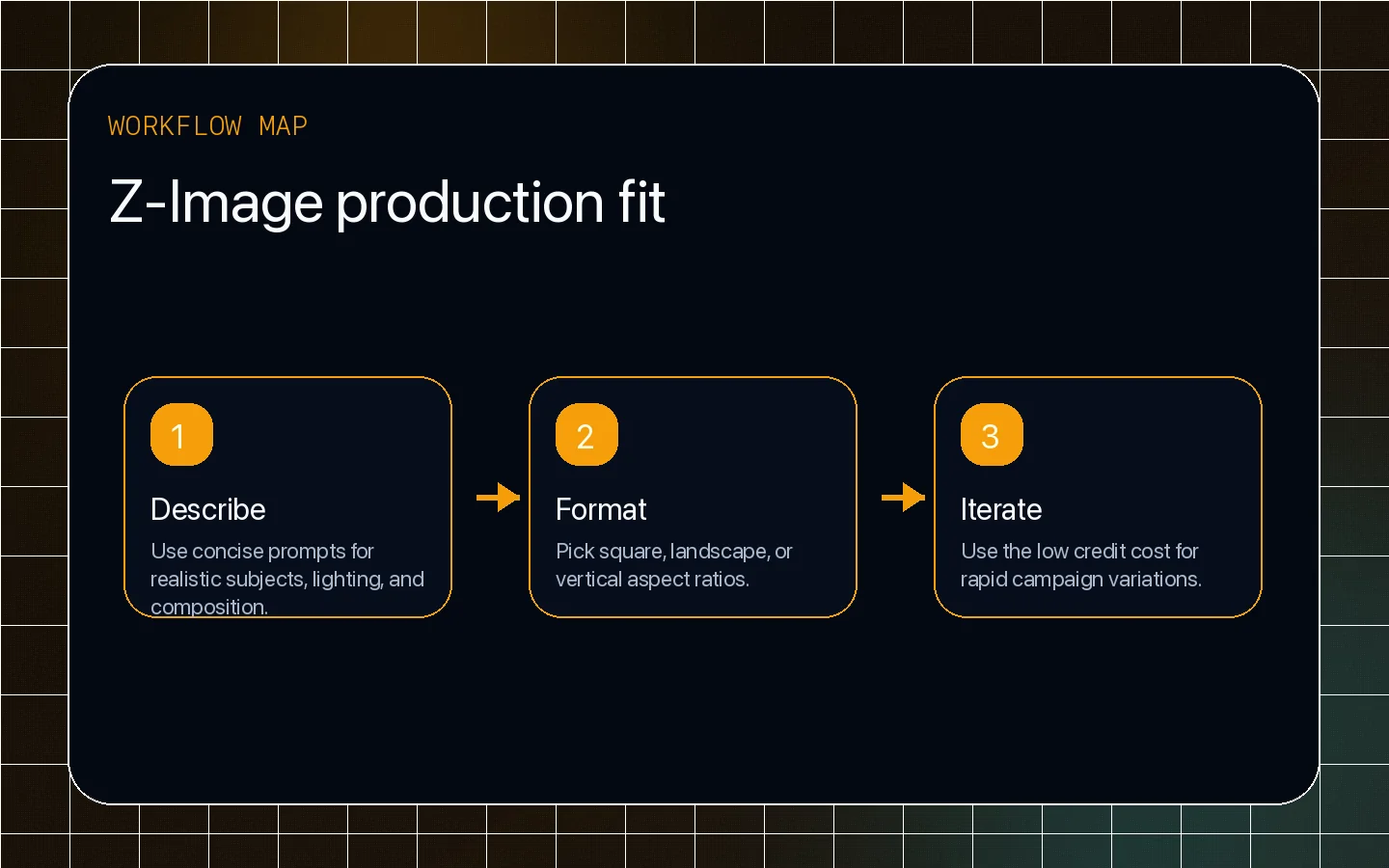
Start with a direct prompt, choose the ratio, and compare output against Qwen Image or Nano Banana from the homepage model explorer.
UlazAI offers Z-Image as a low-cost portrait-oriented generator with common aspect ratios and no edit mode in this studio. Compose the subject, light, camera distance and background correctly in the initial prompt.
Inspect skin, hair, hands and repeated details at full size. To preserve an existing image while changing one area, choose a model that supports editing.