Provider models
qwen/text-to-image
qwen/image-to-image
UlazAI - AI Image & Video Tools
Use Qwen Image when you want a lower starting credit point than premium image models while keeping both prompt-only generation and reference-based edits available in Image Studio or API.
How it fits
The model supports text-to-image with size presets and image-to-image edits from a reference URL. In UlazAI, the same route is exposed through the Studio and unified image API so you can test visually first and automate later.
qwen/text-to-image
qwen/image-to-image
square, square_hd, portrait_4_3, portrait_16_9, landscape_4_3, landscape_16_9
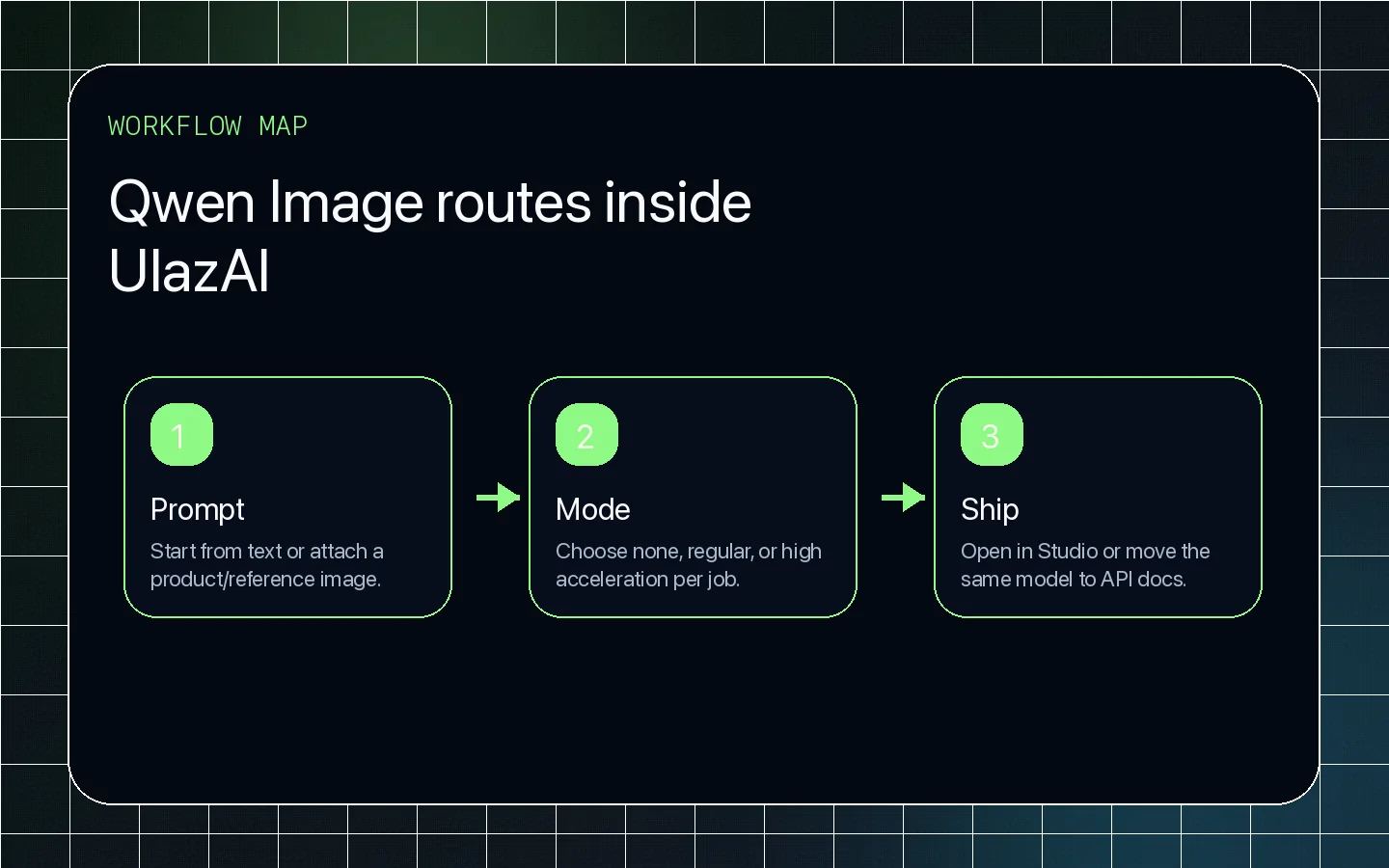
none, regular, high. Start with none for predictable cost, then test regular or high when turnaround matters.
Start with a prompt, add a reference image when needed, and compare the output against Qwen Image 2, GPT Image 2, and Nano Banana directly from the homepage explorer.
Set the aspect ratio, subject and lighting before adding style. UlazAI supports both generation and editing with Qwen Image, so identify what must stay unchanged when you upload a source image.
Compare acceleration or quality modes using the same prompt and take current credit data from the studio.