Seedance 2.0
Text, first/last-frame, and multimodal reference video
- Von
- 76 Credits
- ~EUR 0.69
- Länge
- 4-15s
Aktualisierte Modellabdeckung
Durchsuchen 1945+ Community prompts für Seedance 2, Veo 3.1, Sora 2, Kling 3.0, Grok, Wan und Hailuo. Kopieren Sie ein prompt, öffnen Sie das passende UlazAI-Modell und überprüfen Sie vor der Generierung dessen aktuelle Kreditschätzung. Durchsuchen Sie für einen gezielten Ausgangspunkt die Veo 3 prompt Beispiele.
Modellrouten
4-15s · Audio · Bildeingabe
3-15s · Audio · Bildeingabe
8s · Bildeingabe
8s · Bildeingabe
10/15s · Bildeingabe
Aktuelle Modellabdeckung
Text, first/last-frame, and multimodal reference video
Faster Seedance 2 workflow with the same multimodal options
3-15s video, audio and multi-shot
Newest Veo 3.1 low-cost mode for text/image-to-video
Google Veo 3.1 fast model
Sora 2 (10s/15s)
xAI Grok text/image to video
Text-to-video generation (2-15s, 720p/1080p)
Image-to-video with first/last frame control (2-15s, 720p/1080p)
Reference-to-video with character/voice consistency (2-10s, 720p/1080p)
Image-to-video (6s/10s, 768P/1080P)
Image/text to video with optional audio
Dieses Verzeichnis ist eine durchsuchbare Bibliothek von Community-getesteten KI-Video-Prompts für die derzeit in UlazAI erhältlichen Modelle. Es spiegelt jetzt neuere Routen wie wider Seedance 2, Kling 3.0, Wan 2.7, Hailuo 2.3, plus etablierte Workflows für Veo 3.1, Sora 2, und Grok Imagine.
Die Wahl des Modells ist wichtig. Verwenden Sie Seedance 2 für multimodale Referenzen, Kling 3.0 für bewegungsintensive Clips, Veo 3.1 für ausgefeilte prompt-Wiedergabetreue und Wan/Hailuo-Routen, wenn Ihr Eingabetyp oder Ihr Budget besser passt.
Generieren Sie diese prompts mit der richtigen Modellroute
Seedance 2, Veo 3.1, Sora 2, Kling 3.0, Grok, Wan und Hailuo sind auf dieser Seite verlinkt.
von Amira Zairi
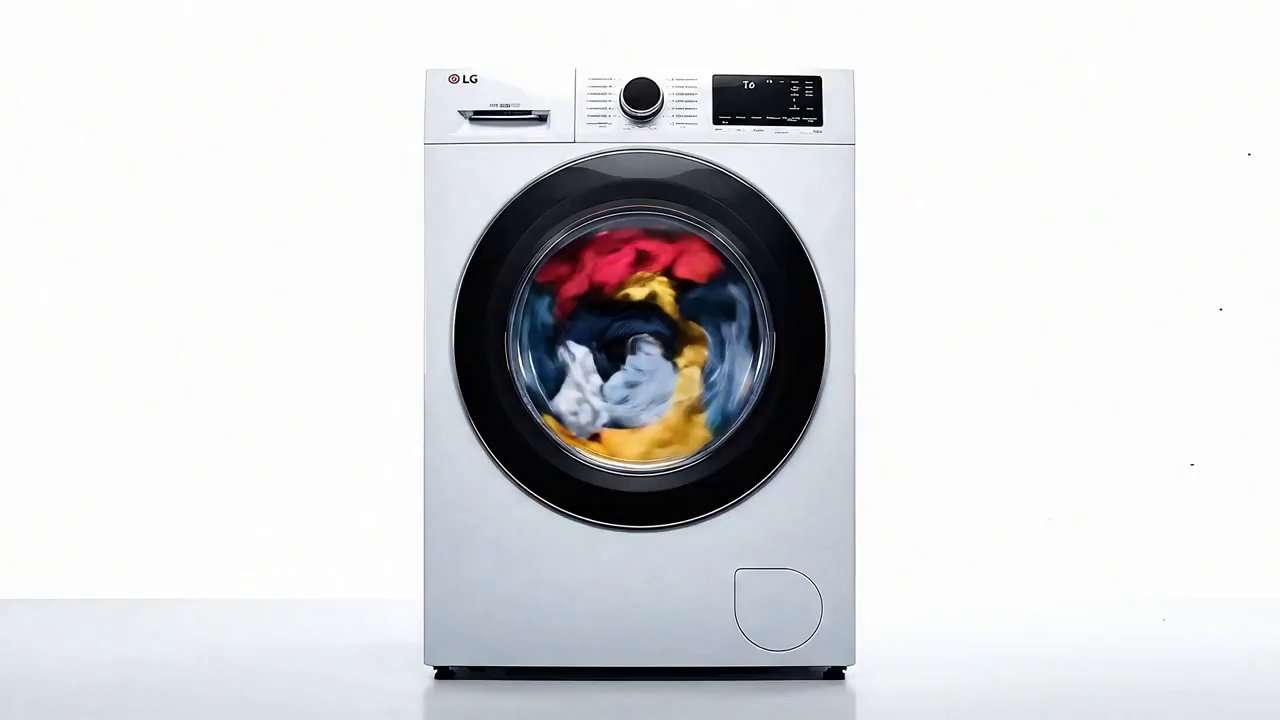
A high-energy, fast-paced cinematic advertisement. The scene opens with a wide, static shot of a …
von Amira Zairi
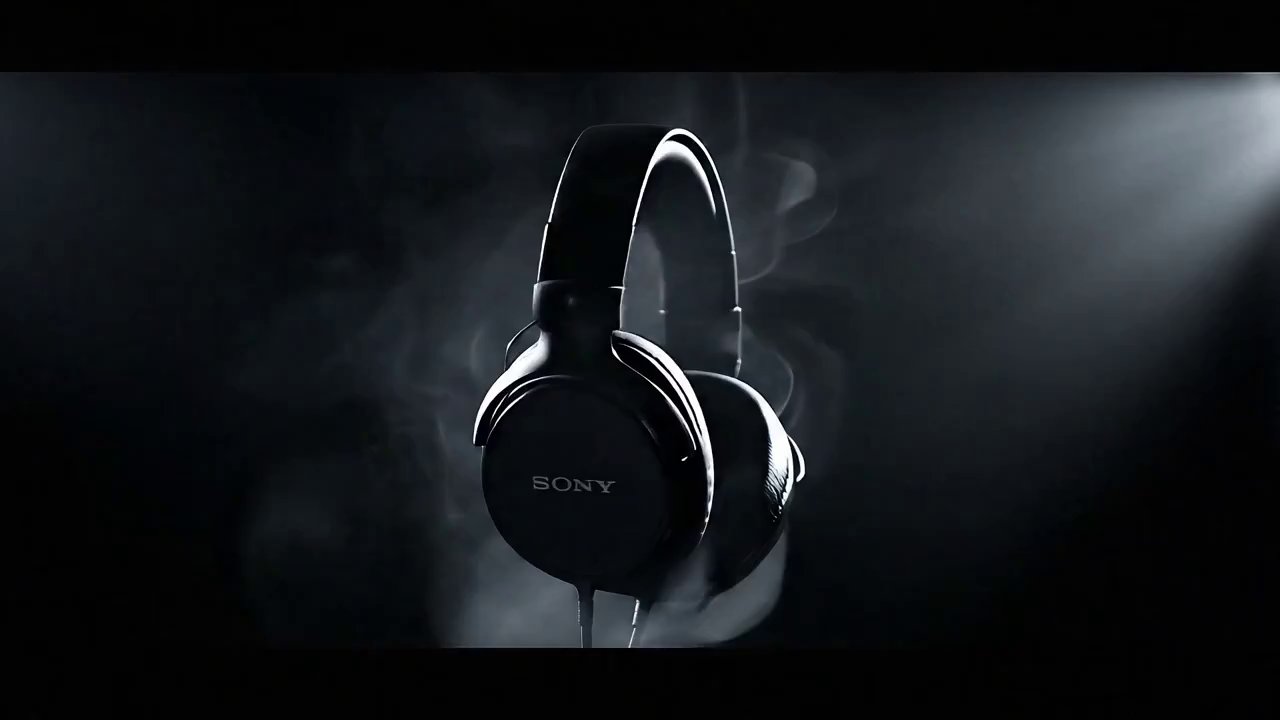
A cinematic, high-definition render of sleek, black Sony over-ear headphones. The headphones are suspended perfectly …
von Amira Zairi
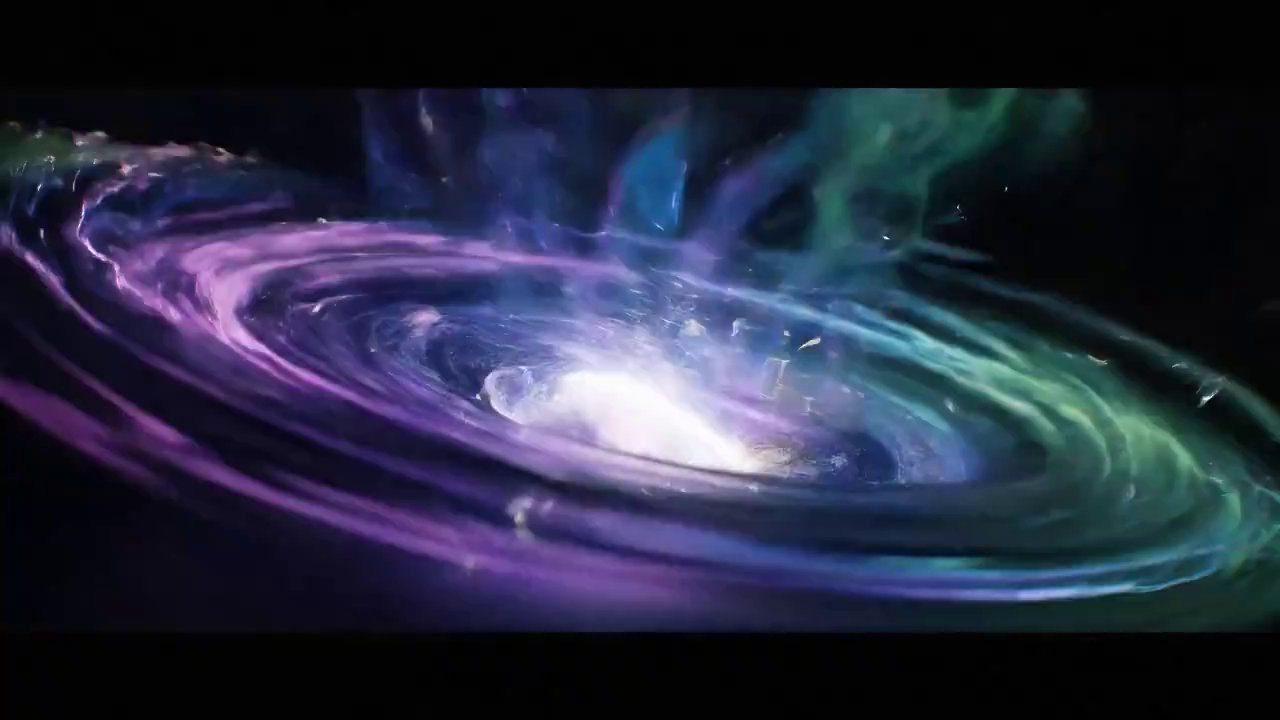
A sleek, futuristic sneaker forms from a shimmering vortex of light and iridescent smoke. Electric …
von Ahmed Charkaoui
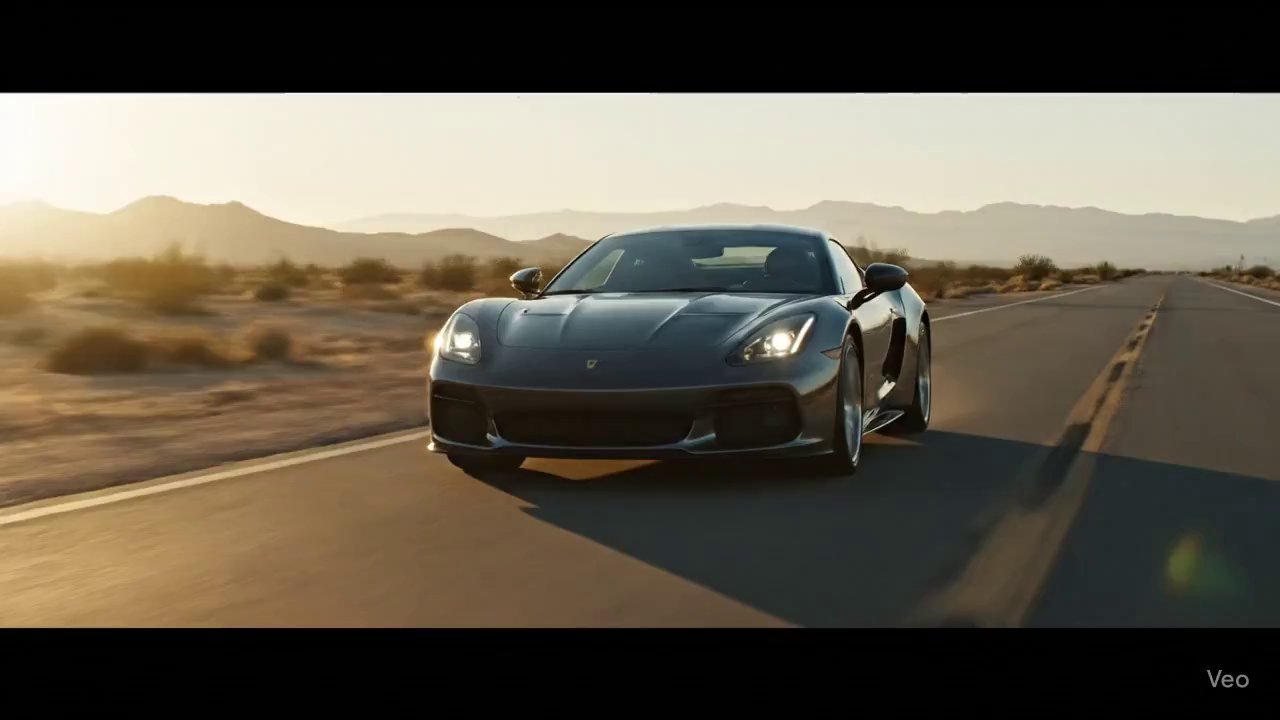
Desert Horizon Rush" — A golden-hour drive through stillness and heat. Created with Veo 3 …
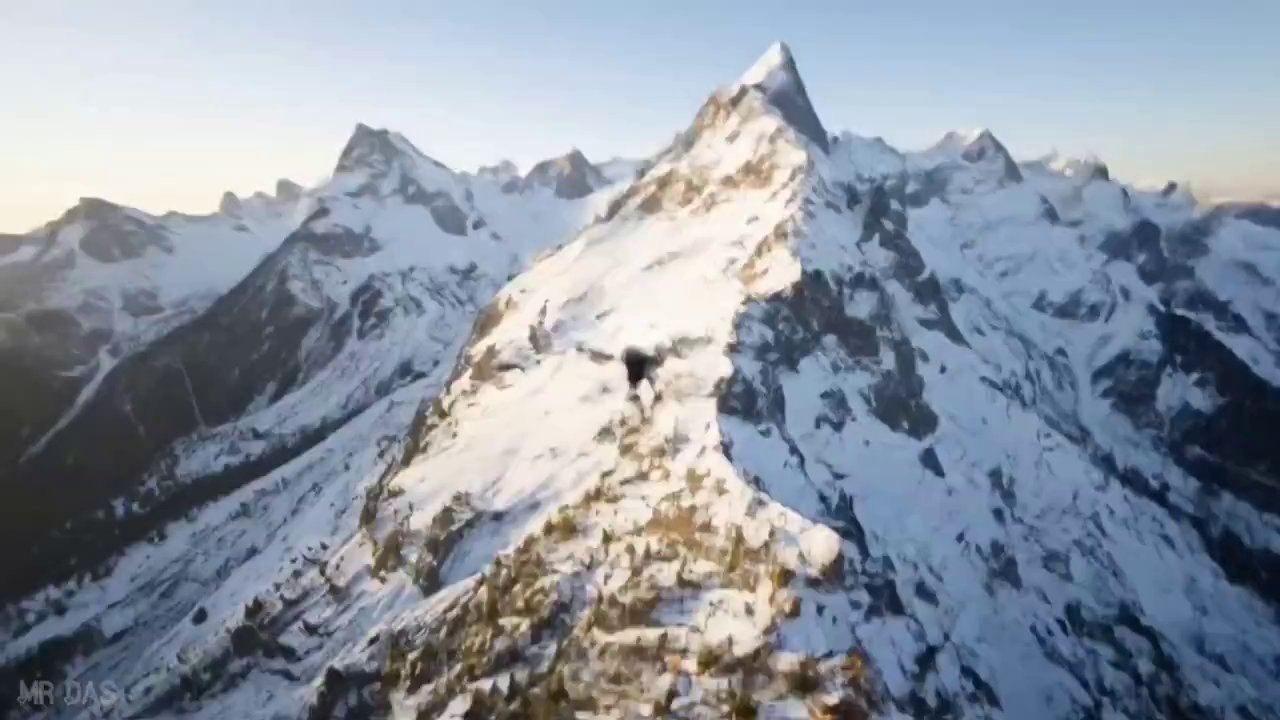
von Mr Das
{ "description": "Ultra-fast cinematic drone shot begins above towering snow-capped mountains at sunrise. The camera …
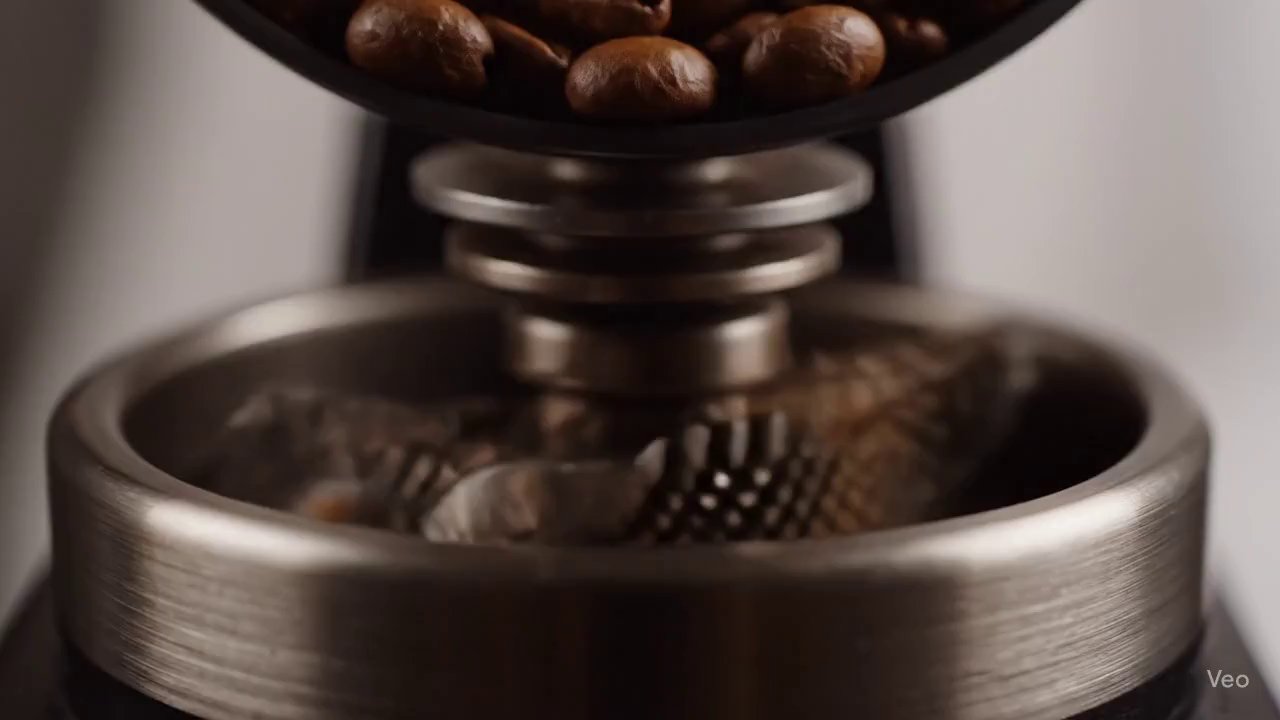
von Iqra Saifi
An 8-second, hyper-realistic, extreme macro video of multiple arabica coffee beans falling in dramatic slow-motion. …
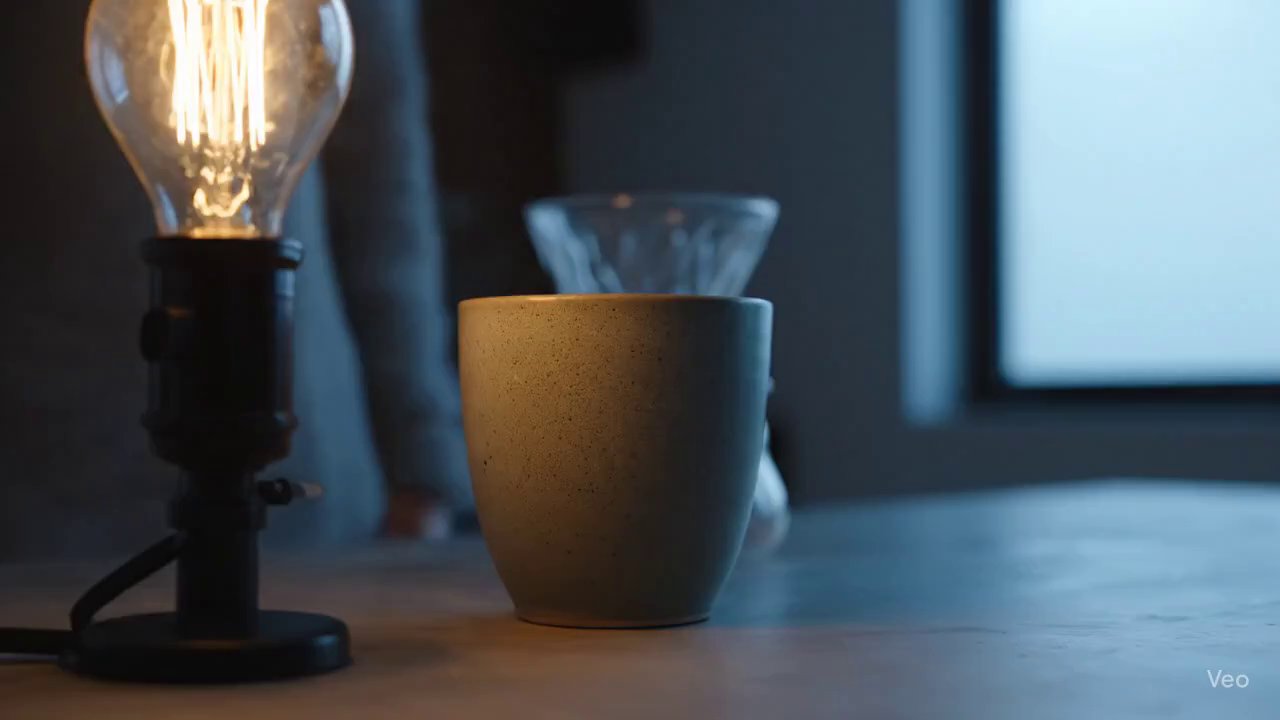
von Iqra Saifi
"Hands gently place a textured ceramic mug under a glass pour-over device. The camera follows …
von ulazai.com • Erstellt mit UlazAI
{ "timeline": [ { "seconds": "0-1", "description": "Extreme close-up of a Rolex watch crown winding, …
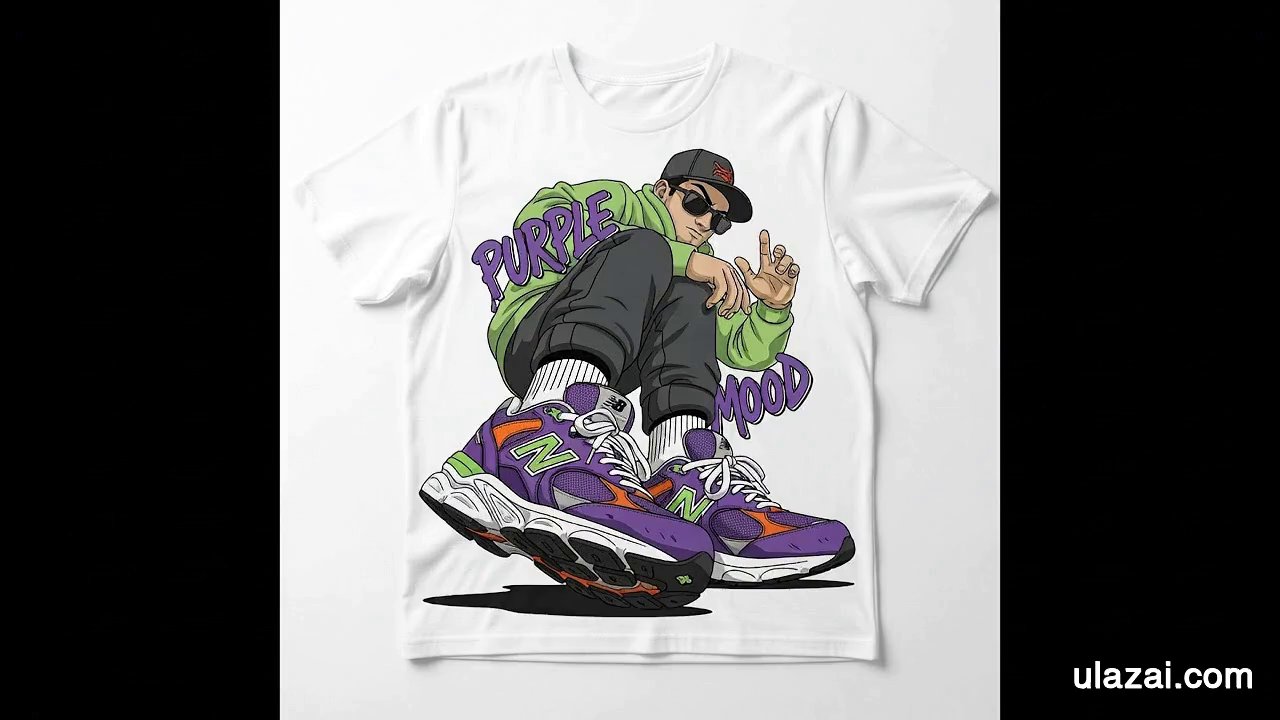
von ulazai.com • Erstellt mit UlazAI
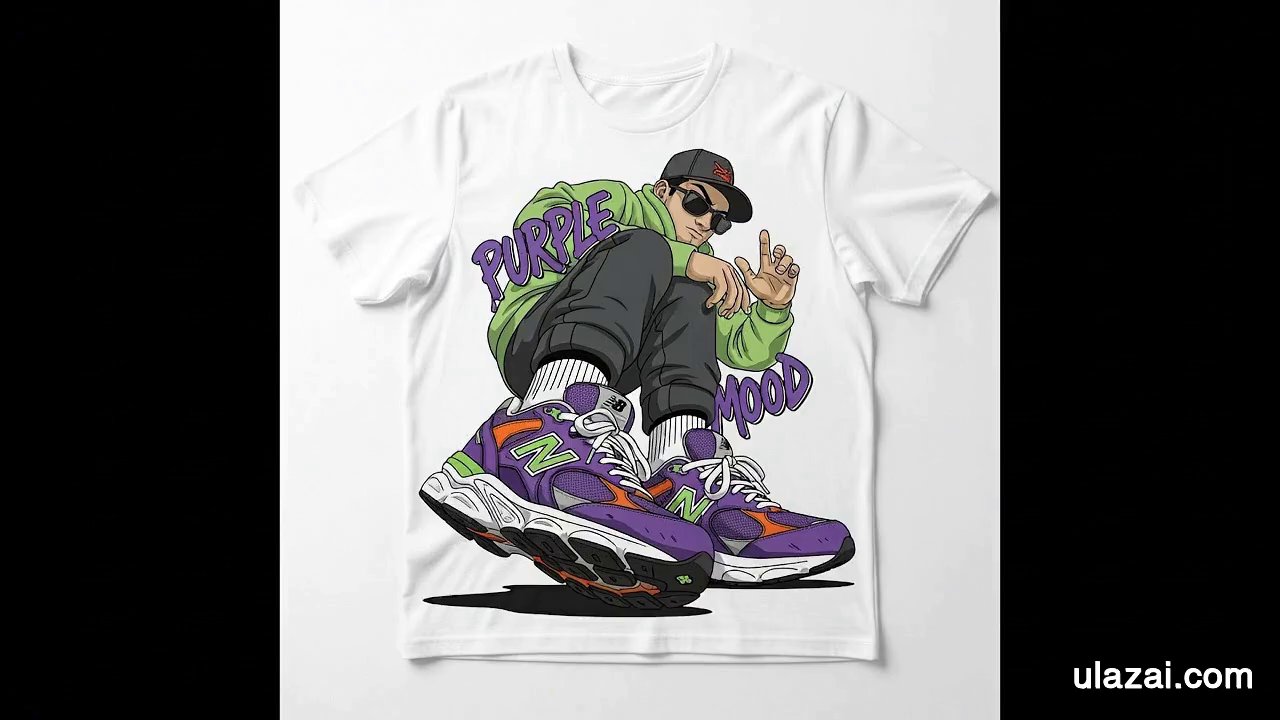
{ "shot": { "composition": "Medium shot of a white t-shirt lying flat, showing the cartoon …
von ulazai.com • Erstellt mit UlazAI
{ "shot": { "composition": "Medium shot starting focused on the graphic printed on a white …
von Salma • Erstellt mit UlazAI
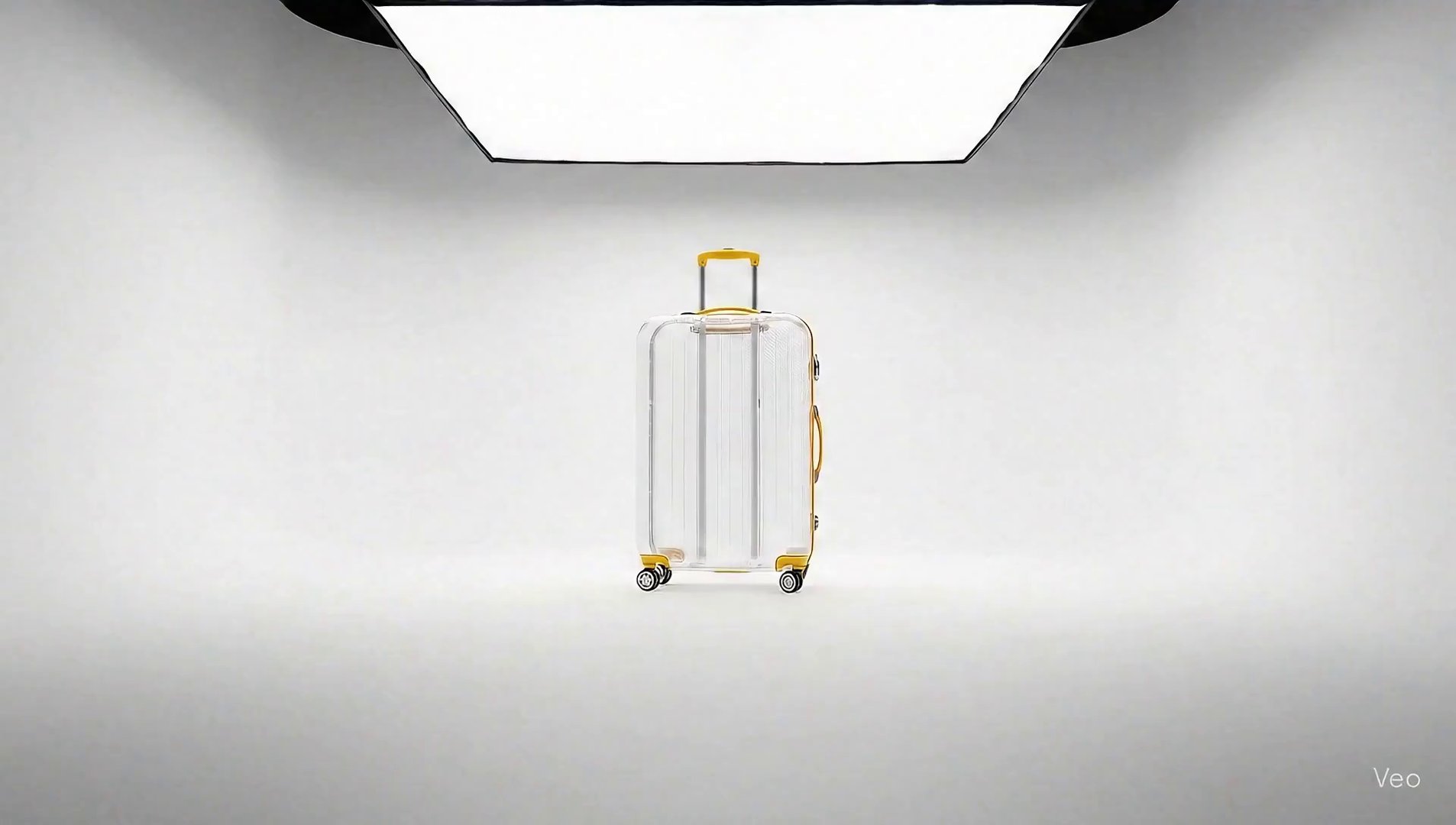
{ "description": "Cinematic editorial shot of an upright transparent suitcase in a plain white cyclorama …
von Salma • Erstellt mit UlazAI
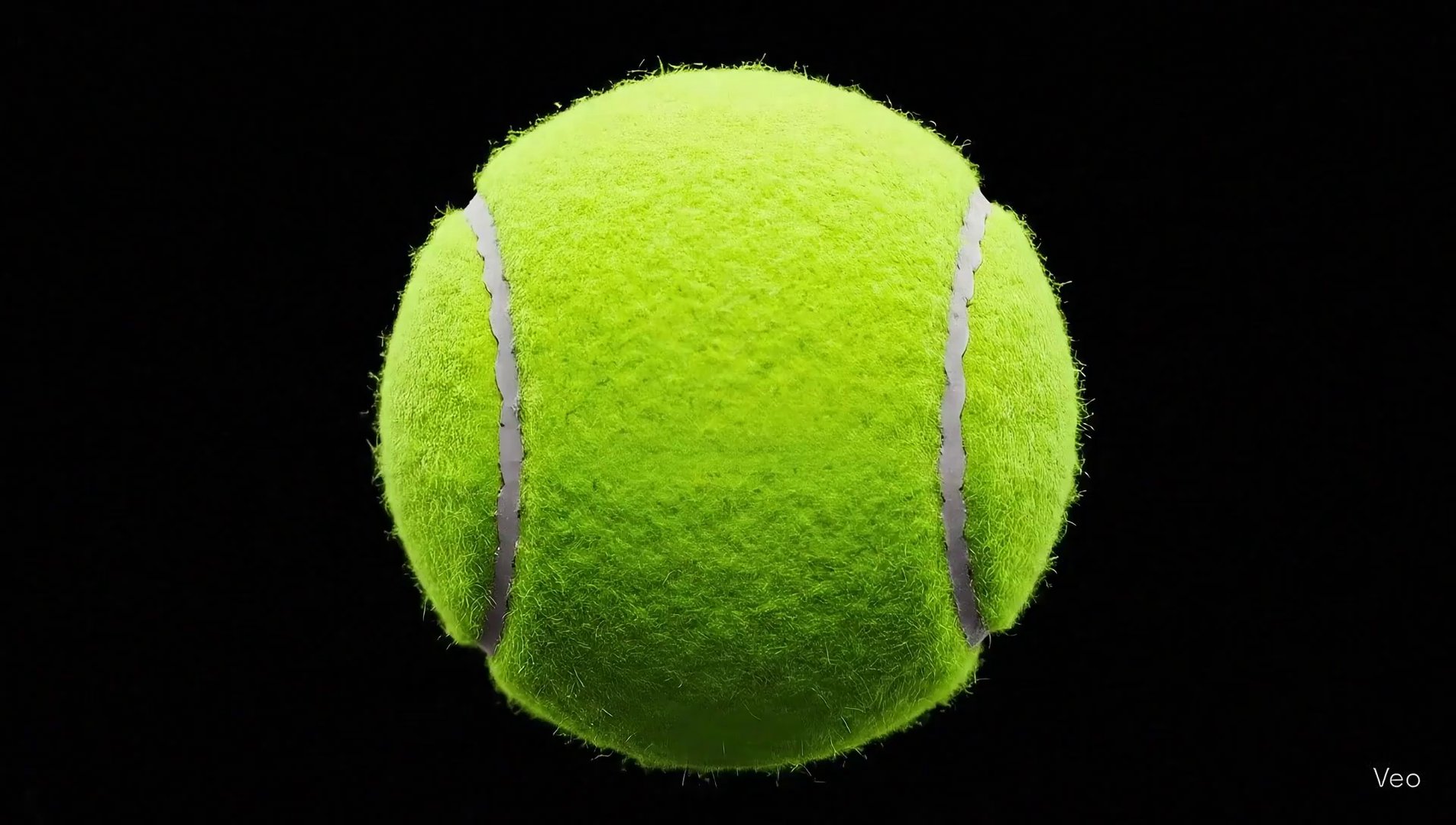
{ "description": "A hyper-real macro tennis ball sits against a black background. It slowly cracks …
von Salma
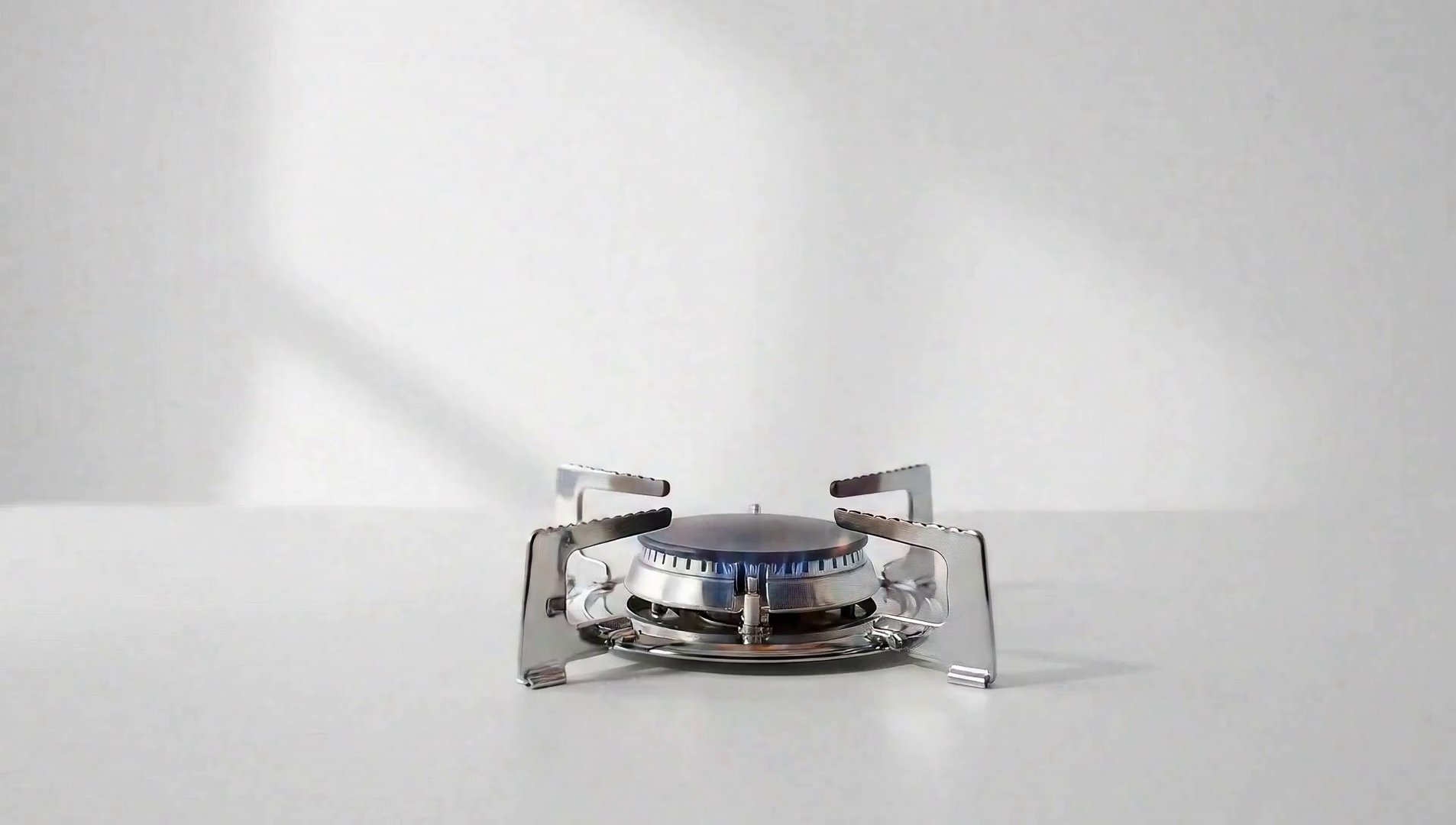
"description": "A transparent SMEG kettle is placed onto a chrome gas stove set against a …
von Anonymous
{ "title": "Rolex Logo to Watch: Precision in Motion", "style": "luxury, mechanical precision, cinematic, black …
von 波叔Meta💬
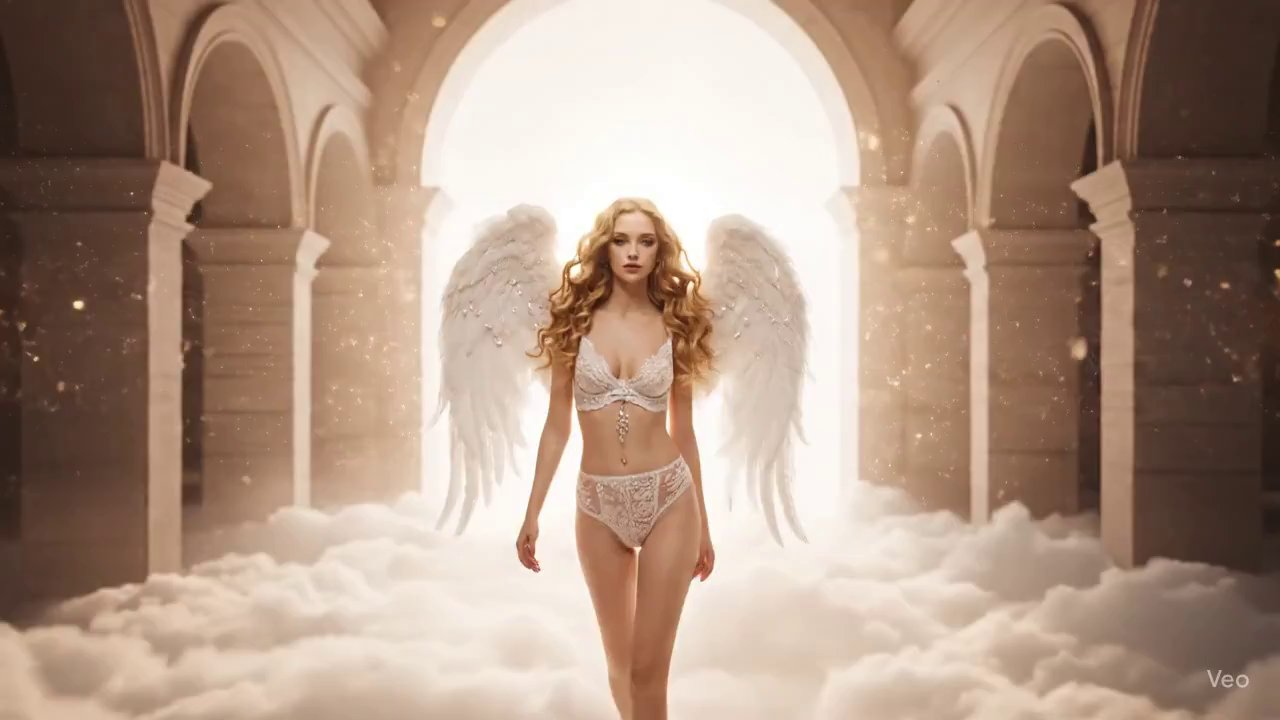
{ "version": "Version 1: Angelic Dream", "prompt": { "video_attributes": { "total_duration": "8s", "frame_rate": "60fps", "film_grain": …
von Amira Zairi
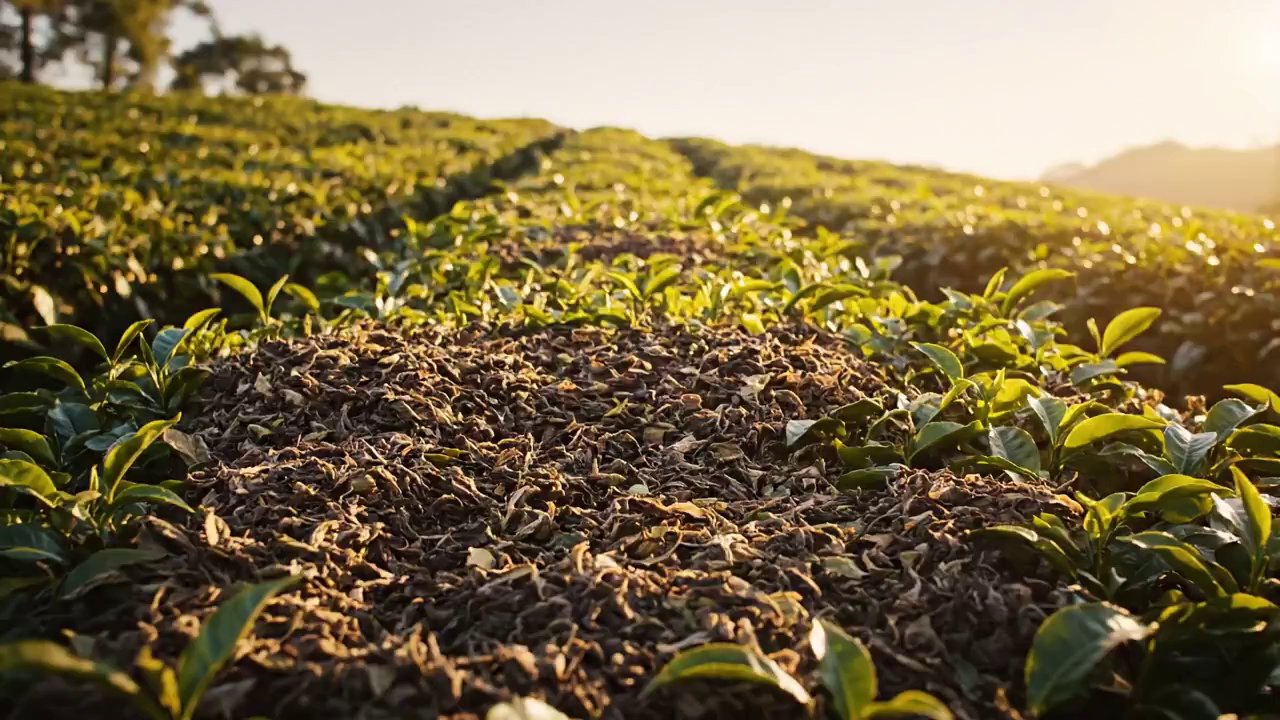
Tea ad concept using Veo3JSON prompt:{ "shot": { "composition": "starts in ultra-wide shot of scattered …
von Joss López
{ "description": "Wide view of a dim living room. Multiple matte-black Sonos speaker boxes slide …
von Joss López
{ "description": "Low-angle cinematic shot on graphite floor. The BMW roundel logo hovers, chrome edges …
von Joss López
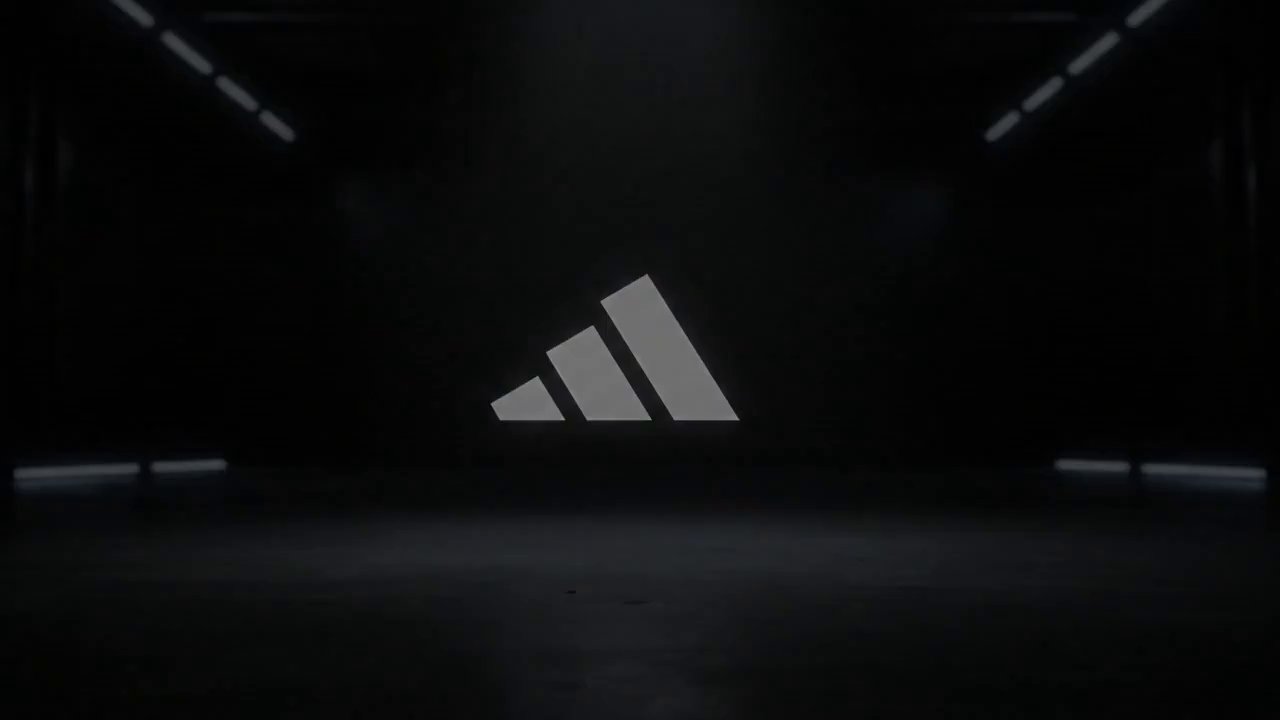
{ "description": "Static shot of a concrete floor. The Adidas three-stripe logo floats horizontally, bright …
von ulazai.com • Erstellt mit UlazAI
{ "description": "Beneath a pristine blue sky, a flawlessly synchronised flock of apples first orbits …
von Anonymous • Erstellt mit UlazAI
{ "description": "Beneath a pristine blue sky, a flawlessly synchronised swarm of bees first weaves …
von ulazai.com • Erstellt mit UlazAI
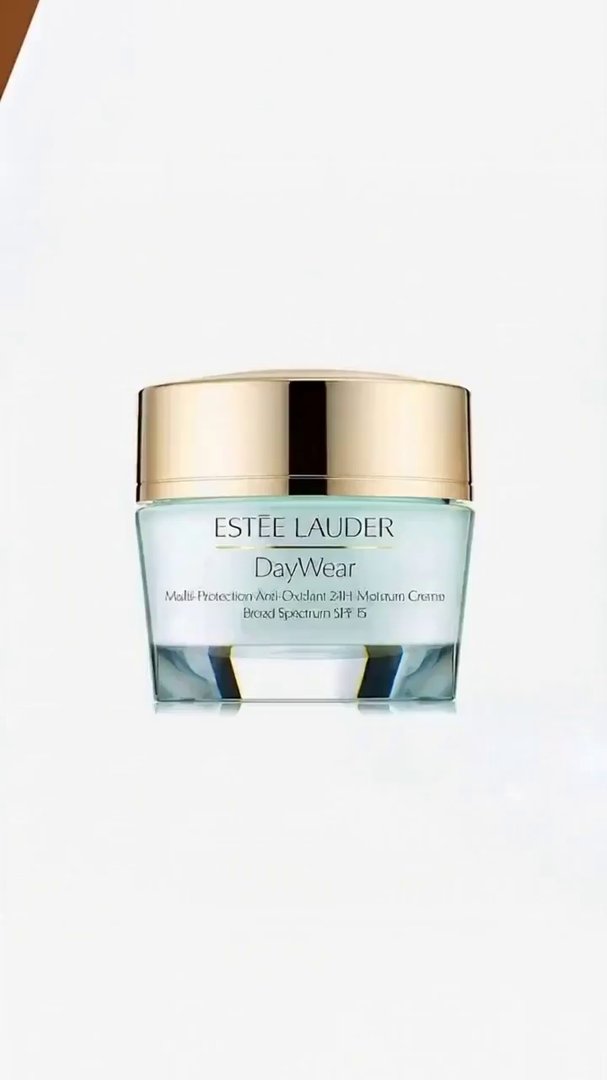
A photorealistic, professional skincare commercial in 4K. A woman’s hand with manicured nails gently holds …
von Anonymous
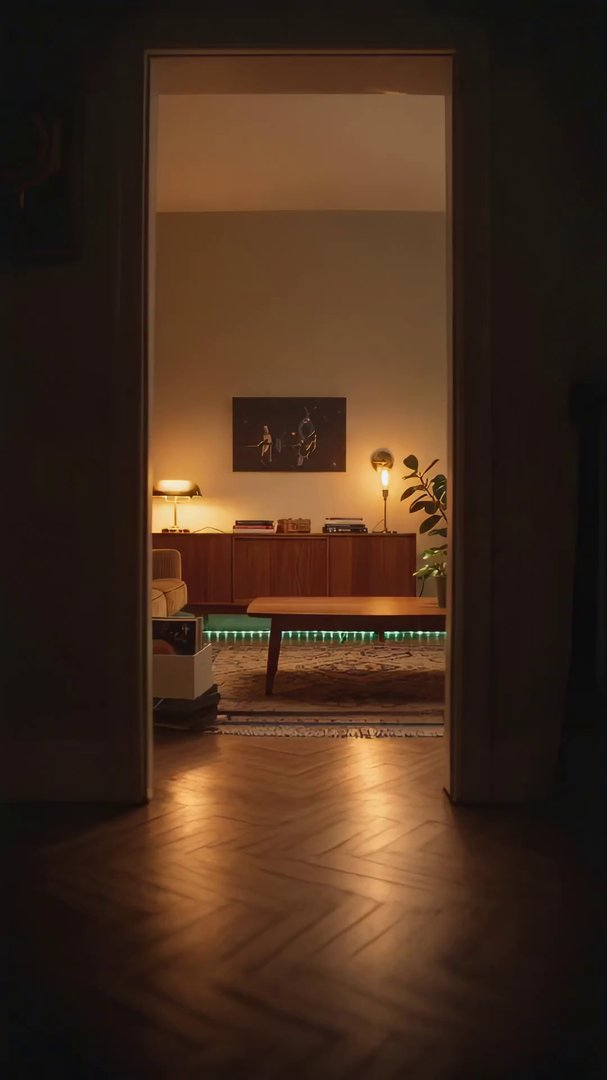
{ "description": "Establishing: a snug 1970s-inspired living room. Warm tungsten bulbs in brass sconces cast …
von ulazai.com • Erstellt mit UlazAI
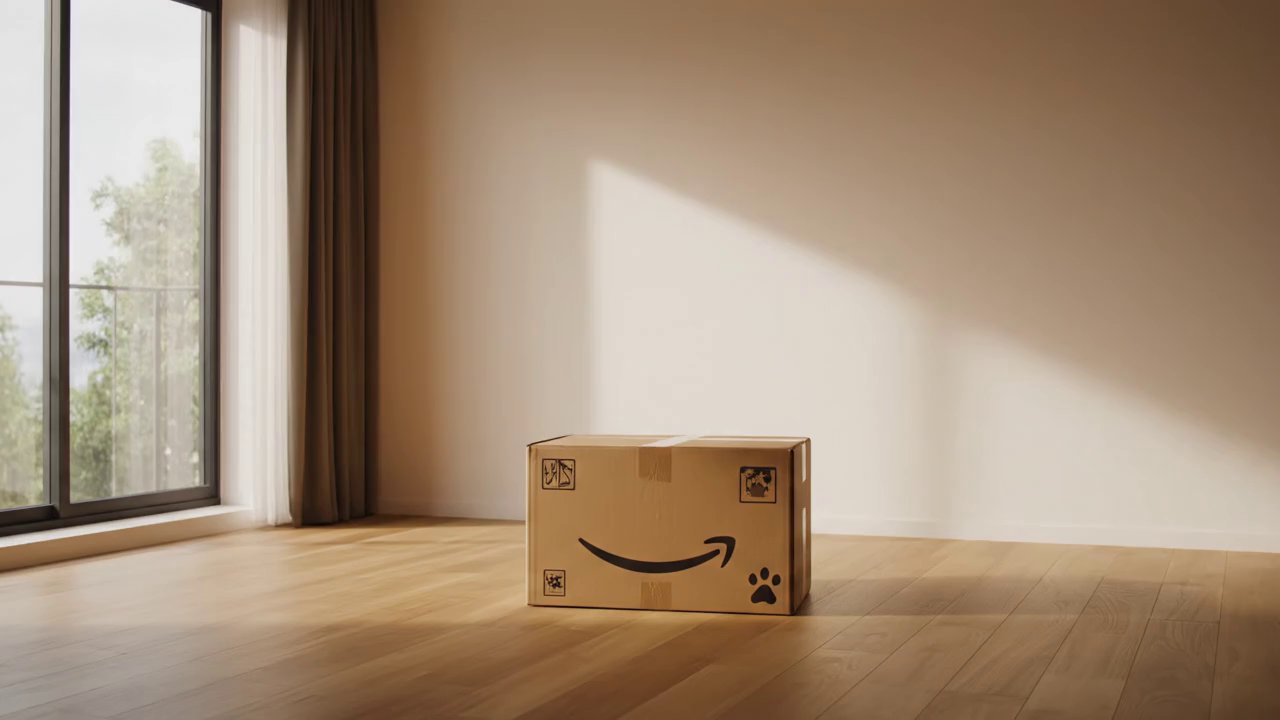
{ "description": "A cinematic transformation sequence in a quiet, empty room. At first, only a …
Starten Sie das aktuelle Videostudio UlazAI und wählen Sie Seedance 2, Veo 3.1, Sora 2, Kling, Grok, Wan oder Hailuo.
Credits vor dem Rendern
Das Verzeichnis zeigt nun Musterrouten und ungefähre EUR-Kosten aus den aktiven Kreditpaketen an. Die genauen Preise können je nach Dauer, Qualität, Audio und Eingabemodus variieren.
Text, first/last-frame, and multimodal reference video
Beginnt um
76 cr
~EUR 0.69
Faster Seedance 2 workflow with the same multimodal options
Beginnt um
62 cr
~EUR 0.56
3-15s video, audio and multi-shot
Beginnt um
60 cr
~EUR 0.55
Newest Veo 3.1 low-cost mode for text/image-to-video
Beginnt um
40 cr
~EUR 0.36
Google Veo 3.1 fast model
Beginnt um
100 cr
~EUR 0.91
Sora 2 (10s/15s)
Beginnt um
80 cr
~EUR 0.73
Nutzen Sie das kostenlose Verzeichnis, um einen bewährten prompt zu finden, und wählen Sie dann die aktuelle UlazAI-Route aus, die Ihren Eingaben, Dauer, Budget und Qualitätsziel entspricht.
Externe Referenzen: Google deepmind Veo, OpenAI Sora-Übersicht, OpenAI API Dokumente.
Wie das Verzeichnis, der prompt-Assistent, Musterrouten und Kreditschätzungen zusammenarbeiten.
Es handelt sich um eine durchsuchbare Sammlung von 1945+ kostenloses KI-Video-Prompts für Seedance 2, Veo 3.1, Sora 2, Kling 3.0, Grok, Wan und Hailuo. Kopieren Sie ein prompt, passen Sie es an und öffnen Sie das passende Modell in Video Studio.
Benutzen Sie die AI Prompt-Assistent grobe Ideen in strukturierte prompt-Entwürfe umzuwandeln. Passen Sie dann den prompt für das ausgewählte Modell an: Referenzlastige prompts passen auf Seedance 2 oder Wan R2V, bewegungslastige prompts passen auf Kling 3.0 und polierte filmische prompts passen oft auf Veo 3.1.
Beginnen Sie mit Ihrem Eingabetyp. Nur-Text-Ideen können an Veo 3.1, Sora 2, Kling 3.0, Seedance 2 oder Wan 2.7 T2V gehen. Bild-zu-Video-Prompts passen zu Seedance 2, Veo 3.1, Wan 2.7 I2V, Hailuo, Grok und Kling. Audio- oder multimodale Referenzworkflows sind die stärksten Kandidaten für Seedance 2- oder Kling-Routen.
Ja. Die Verzeichnisse prompts können kostenlos durchsucht, kopiert und angepasst werden. Für das Rendern von Videos werden UlazAI-Credits benötigt. Jedes Modell listet eine anfängliche Kreditschätzung auf, bevor Sie ein Studio eröffnen.
Ja. Reichen Sie hochwertige prompts mit klarer Ausgabeabsicht und, wenn möglich, einem Beispielvideo ein. Gute Einsendungen verbessern das Verzeichnis und erleichtern anderen Erstellern das Verständnis, welche prompt-Muster bei aktuellen Modellen funktionieren.
Beginnen Sie mit dem Verzeichnis, verbessern Sie die Formulierung im Assistenten und öffnen Sie dann die passende Videostudio-Route für das von Ihnen benötigte Modell.
Überprüfen Sie Ihre aktuelle Willkommensguthaben vor der Generierung
Modellpreise und Anmeldevoraussetzungen werden in Ihrem Konto angezeigt
Wählen Sie ein Modell
Überprüfen Sie die aktuellen Einstellungen
Live-Jobstatus
Die Bearbeitungszeit variiert
Modellverfügbarkeit
Überprüfen Sie dies an Ihrem Standort
1509 Besucher haben das Verzeichnis heute genutzt