Aktualisierte Modellabdeckung

Suchen Sie nach prompts und öffnen Sie dann das richtige KI-Videomodell.

Durchsuchen 1945+ Community prompts für Seedance 2, Veo 3.1, Sora 2, Kling 3.0, Grok, Wan und Hailuo. Kopieren Sie ein prompt, öffnen Sie das passende UlazAI-Modell und überprüfen Sie vor der Generierung dessen aktuelle Kreditschätzung. Durchsuchen Sie für einen gezielten Ausgangspunkt die Veo 3 prompt Beispiele.

1945+
Prompts
12+
Verfügbare Modelle
46+
Kategorien

Aktuelle Modellabdeckung

Verzeichnis prompts werden jetzt den neuesten UlazAI-Videorouten zugeordnet.

Vergleichen Sie die Kreditpreise
Neueste multimodale

Seedance 2.0

Hervorgehoben

Text, first/last-frame, and multimodal reference video

Von
76 Credits
~EUR 0.69
Länge
4-15s
Text-Prompt Bildeingabe Audio 1:1/4:3/3:4/16:9
Offenes Modell
Schnelle Route

Seedance 2.0 Fast

Hervorgehoben

Faster Seedance 2 workflow with the same multimodal options

Von
62 Credits
~EUR 0.56
Länge
4-15s
Text-Prompt Bildeingabe Audio 1:1/4:3/3:4/16:9
Offenes Modell
Neues Video

Kling 3.0

Hervorgehoben

3-15s video, audio and multi-shot

Von
60 Credits
~EUR 0.55
Länge
3-15s
Text-Prompt Bildeingabe Audio 16:9/9:16/1:1
Offenes Modell
Veo mit dem besten Preis-Leistungs-Verhältnis

Veo 3.1 Lite

Hervorgehoben

Newest Veo 3.1 low-cost mode for text/image-to-video

Von
40 Credits
~EUR 0.36
Länge
8s
Text-Prompt Bildeingabe 16:9/9:16/Auto
Offenes Modell
Beliebt

Veo 3.1 Fast

Hervorgehoben

Google Veo 3.1 fast model

Von
100 Credits
~EUR 0.91
Länge
8s
Text-Prompt Bildeingabe 16:9/9:16/Auto
Offenes Modell
Geschichtenerzählen

Sora 2

Sora 2 (10s/15s)

Von
80 Credits
~EUR 0.73
Länge
10/15s
Text-Prompt Bildeingabe landscape/portrait
Offenes Modell
Kreativ

Grok Imagine Video

Hervorgehoben

xAI Grok text/image to video

Von
10 Credits
~EUR 0.09
Länge
6-30s
Text-Prompt Bildeingabe 1:1/2:3/3:2/9:16
Offenes Modell
Text zu Video

Wan 2.7 Video

Hervorgehoben

Text-to-video generation (2-15s, 720p/1080p)

Von
32 Credits
~EUR 0.29
Länge
2-15s
Text-Prompt 16:9/9:16/1:1/4:3
Offenes Modell
Bild zu Video

Wan 2.7 Image to Video

Hervorgehoben

Image-to-video with first/last frame control (2-15s, 720p/1080p)

Von
32 Credits
~EUR 0.29
Länge
2-15s
Text-Prompt Bildeingabe 16:9/9:16/1:1/4:3
Offenes Modell
Referenzvideo

Wan 2.7 R2V

Reference-to-video with character/voice consistency (2-10s, 720p/1080p)

Von
32 Credits
~EUR 0.29
Länge
2-10s
Text-Prompt Bildeingabe 16:9/9:16/1:1/4:3
Offenes Modell
Bildroute

Hailuo 2.3 Standard

Image-to-video (6s/10s, 768P/1080P)

Von
30 Credits
~EUR 0.27
Länge
6/10s
Text-Prompt Bildeingabe 16:9
Offenes Modell
Audio optional

Kling 2.6

Image/text to video with optional audio

Von
55 Credits
~EUR 0.50
Länge
5/10s
Text-Prompt Bildeingabe Audio 16:9/9:16/1:1
Offenes Modell

Was ist das UlazAI AI Video Prompt-Verzeichnis?

Dieses Verzeichnis ist eine durchsuchbare Bibliothek von Community-getesteten KI-Video-Prompts für die derzeit in UlazAI erhältlichen Modelle. Es spiegelt jetzt neuere Routen wie wider Seedance 2, Kling 3.0, Wan 2.7, Hailuo 2.3, plus etablierte Workflows für Veo 3.1, Sora 2, und Grok Imagine.

So verwenden Sie diese KI-Video-Prompts

  • Suchen Sie nach Betreff, Stil, Modellname oder prompt-Tag
  • Öffnen Sie die Detailseite prompt und kopieren Sie den Text-Prompt
  • Wählen Sie zwischen Text-zu-Video, Bild-zu-Video, Referenzvideo oder audiofähiger Generierung
  • Überprüfen Sie die Bonitätsschätzungen vor dem Rendern und iterieren Sie im entsprechenden Studio

Beliebte Kategorien

Profi-Tipp

Die Wahl des Modells ist wichtig. Verwenden Sie Seedance 2 für multimodale Referenzen, Kling 3.0 für bewegungsintensive Clips, Veo 3.1 für ausgefeilte prompt-Wiedergabetreue und Wan/Hailuo-Routen, wenn Ihr Eingabetyp oder Ihr Budget besser passt.

Generieren Sie diese prompts mit der richtigen Modellroute

Seedance 2, Veo 3.1, Sora 2, Kling 3.0, Grok, Wan und Hailuo sind auf dieser Seite verlinkt.

Zeigt 1-24 von 53 prompts
Rasteransicht Seite 1 von 3
API smoke test kling - AI video prompt thumbnail
KLING 3.0 🤖 Technology

API smoke test kling

von ulazai.com • Erstellt mit UlazAI

API smoke test kling

kling_3_0 16:9 auto-generated
2090 2
Ansicht
tiny smoke test for endpoint introspection - AI video prompt thumbnail
KLING 3.0 🤖 Technology

tiny smoke test for endpoint introspection

von ulazai.com • Erstellt mit UlazAI

tiny smoke test for endpoint introspection

kling_3_0 16:9 auto-generated
2145 1
Ansicht
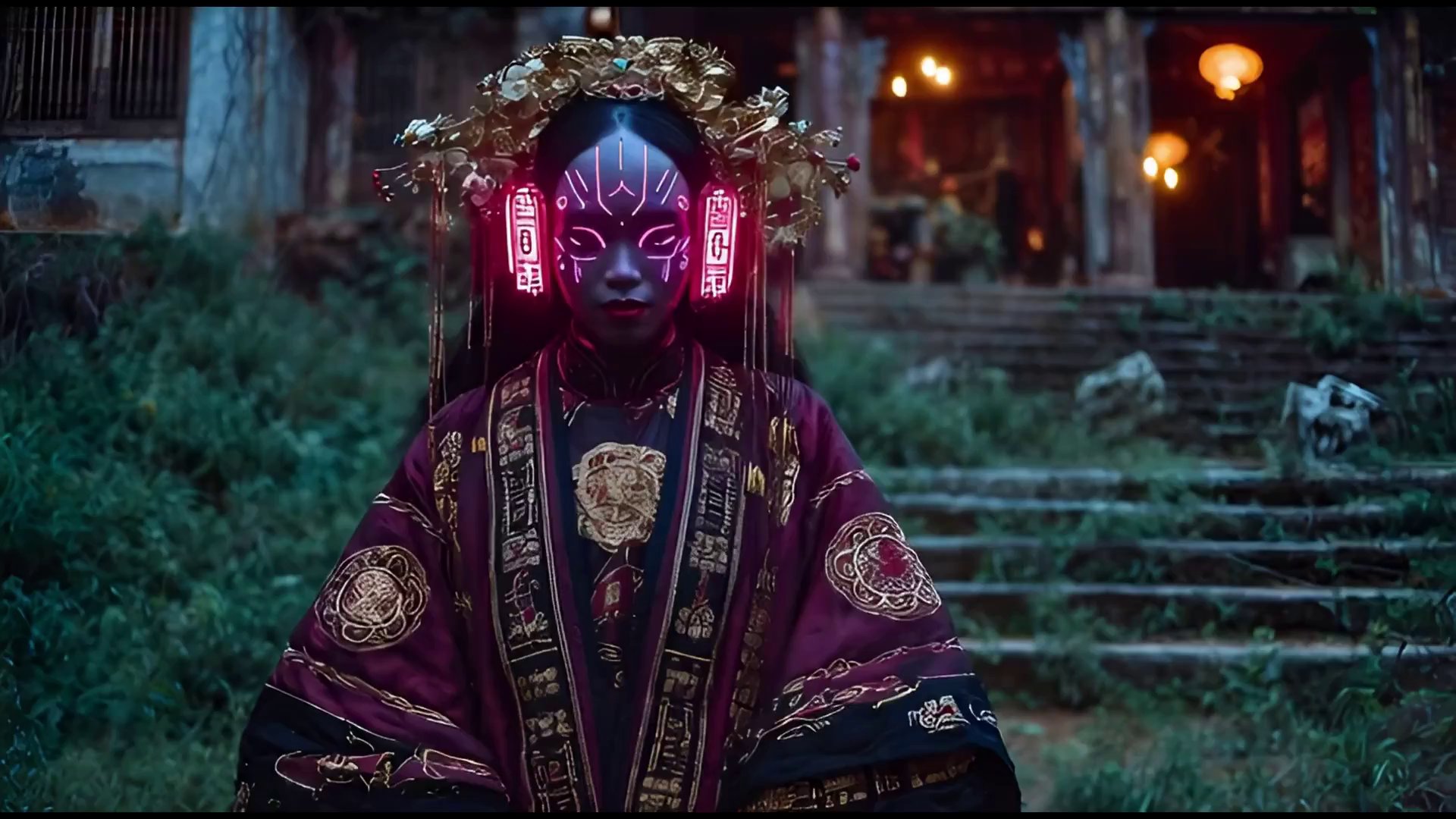
Cyberwitch Ascendant: Holographic Future Vision - AI video prompt thumbnail
VEO 3 🤖 Technology

Cyberwitch Ascendant: Holographic Future Vision

von LudovicCreator • Erstellt mit UlazAI

A close-up shot of a powerful cyberwitch, her face illuminated by the subtle glow of …

cyberwitch cyberpunk sci-fi +16
2311 1
Ansicht
Krea AI: Text-to-Workflow Magic in Krea Nodes - AI video prompt thumbnail
🤖 Technology

Krea AI: Text-to-Workflow Magic in Krea Nodes

von KREA AI

introducing prompt-to-workflow. now you can create entire node workflows from text instructions. try it now …

Krea AI Krea Nodes prompt-to-workflow +11
2676 1
Ansicht
Pulsating Ethereal Sphere: Futuristic Lab Discovery - AI video prompt thumbnail
SEEDANCE 🤖 Technology

Pulsating Ethereal Sphere: Futuristic Lab Discovery

von Emily • Erstellt mit UlazAI

A close-up, cinematic shot of a glowing, ethereal blue sphere pulsating softly in the center …

futuristic glowing sphere sci-fi +15
2431 1
Ansicht
Seedance V2: Bioluminescent Particles & Dynamic Geometry - AI video prompt thumbnail
SEEDANCE 🤖 Technology

Seedance V2: Bioluminescent Particles & Dynamic Geometry

von Emily • Erstellt mit UlazAI

A mesmerizing, high-definition cinematic shot showcasing two distinct, visually captivating examples of 'Seedance V2' in …

SeedanceV2 VEO3 AIvideo +16
2350 2
Ansicht
Neuralink Cat: Mittens Takes Over Smart Home - AI video prompt thumbnail
🤖 Technology

Neuralink Cat: Mittens Takes Over Smart Home

von Emily

A humorous, slightly unsettling, yet visually stunning 4K cinematic video. The scene opens with a …

neuralink cat sci-fi +14
2461 3
Ansicht
Future Tech: WAN 2.5 on Floyo Tablet Demo - AI video prompt thumbnail
WAN 🤖 Technology

Future Tech: WAN 2.5 on Floyo Tablet Demo

von Iqra Saifi • Erstellt mit UlazAI

A close-up shot of a user's hand interacting with a sleek, futuristic tablet displaying the …

AI video WAN 2.5 Floyo +16
2307 6
Ansicht
Future of AI Video: Hyper-Realistic Generation - AI video prompt thumbnail
KLING 3.0 🤖 Technology

Future of AI Video: Hyper-Realistic Generation

von Iqra Saifi • Erstellt mit UlazAI

A hyper-realistic, cinematic shot showcasing the future of AI video generation. The scene opens with …

AI video hyper-realistic cinematic +12
2305 3
Ansicht
Next-Gen AI Cinema: Higgsfield + Kling 3.0 Realism - AI video prompt thumbnail
KLING 3.0 🤖 Technology

Next-Gen AI Cinema: Higgsfield + Kling 3.0 Realism

von Iqra Saifi • Erstellt mit UlazAI

Higgsfield + Kling 3.0 feels like real cinema logic inside AI multi-shot scenes, native audio, …

AI video Higgsfield Kling 3.0 +10
2347 1
Ansicht
AI Evolution: From Glitch Art to Hyper-realistic Peaks - AI video prompt thumbnail
VEO 3 🤖 Technology

AI Evolution: From Glitch Art to Hyper-realistic Peaks

von Iqra Saifi • Erstellt mit UlazAI

A hyper-realistic, cinematic shot showcasing the evolution of AI-generated imagery. The scene opens with a …

AI evolution hyper-realistic cinematic +19
2408 1
Ansicht
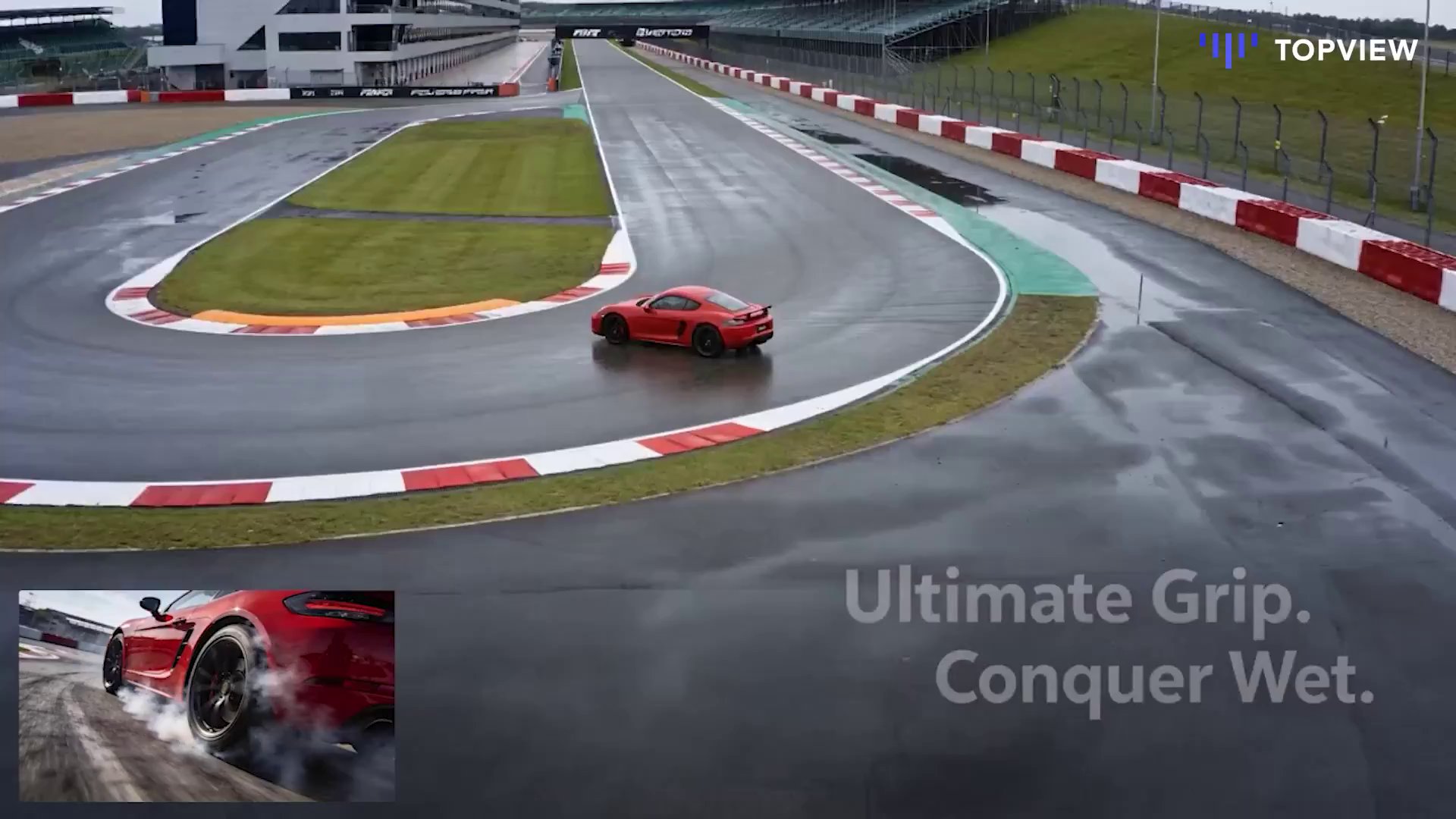
Topview AI: Motion Graphics Made Easy with VEO 3 - AI video prompt thumbnail
VEO 3 🤖 Technology

Topview AI: Motion Graphics Made Easy with VEO 3

von TopviewAI • Erstellt mit UlazAI

Type a prompt. Get a motion masterpiece. 🪄✨ Topview Vibe Editing is here to democratize …

AI video motion graphics programmatic video +7
2256 1
Ansicht
Futuristic AI Cityscape: Blurring Reality in VEO 3 - AI video prompt thumbnail
SEEDANCE 🤖 Technology

Futuristic AI Cityscape: Blurring Reality in VEO 3

von Iqra Saifi • Erstellt mit UlazAI

A breathtaking, hyperrealistic cinematic sequence showcasing the seamless integration of AI-generated visuals into a live-action …

AI video cinematic hyperrealistic +17
2296 1
Ansicht
Grok Imagine's Neural Interface: Future Tech Unveiled - AI video prompt thumbnail
VEO 3 🤖 Technology

Grok Imagine's Neural Interface: Future Tech Unveiled

von Emily • Erstellt mit UlazAI

A sleek, futuristic digital interface displaying a dynamic, evolving waveform. The camera slowly pushes in …

futuristic digital interface AI +13
2339 1
Ansicht
Veo 3 Video by @IqraSaifiii - AI video prompt thumbnail
VEO 3 🤖 Technology

Veo 3 Video by @IqraSaifiii

von Iqra Saifi • Erstellt mit UlazAI

This is the Figma moment for AI video. @TopviewAIhq is the world’s first collaborative AI …

veo3 ai video twitter import
2295 3
Ansicht
Two guys discussing about an AI Trading Bot which ... - AI video prompt thumbnail
VEO 3 🤖 Technology

Two guys discussing about an AI Trading Bot which ...

von duralex.creative • Erstellt mit UlazAI

Two guys discussing about an AI Trading Bot which made them a fortune

veo3_fast 9:16 auto-generated
2210 1
Ansicht
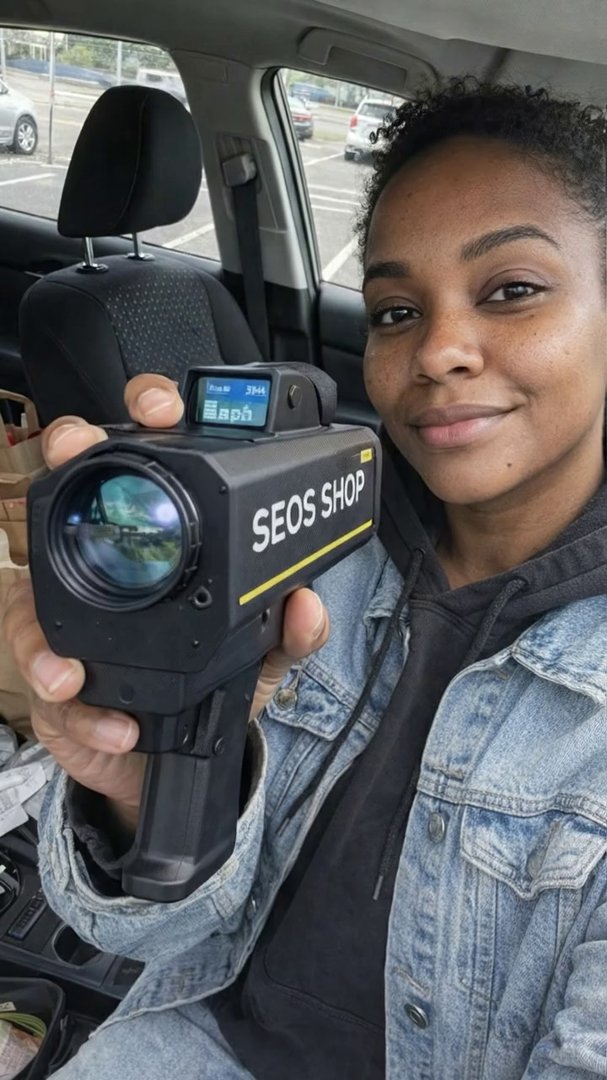
SEOS SHOP - Scene 1 - AI video prompt thumbnail
VEO 3 🤖 Technology

SEOS SHOP - Scene 1

von ulazai.com • Erstellt mit UlazAI

ugc marketing speed detection device +2
2268 3
Ansicht
Create a breathtaking photorealistic, cinematic sc... - AI video prompt thumbnail
VEO 3 🤖 Technology

Create a breathtaking photorealistic, cinematic sc...

von chrismcy • Erstellt mit UlazAI

Create a breathtaking photorealistic, cinematic scene from a first-person perspective, featuring a striking Taygetan crew …

veo3_fast 16:9 auto-generated
2527 4
Ansicht
UlazAI Sora 2: Cinematic AI Video Creation Showcase - AI video prompt thumbnail
SORA 2 🤖 Technology

UlazAI Sora 2: Cinematic AI Video Creation Showcase

von ulazai.com • Erstellt mit UlazAI

Cinematic 16:9 format, 10-second premium promo video: SECONDS 0-3 (HOOK): Slow-motion aerial drone shot rising …

AI video Sora 2 tech promo +5
2222 1
Ansicht
AI Video Creation: Simplicity vs. Traditional Complexity - AI video prompt thumbnail
🤖 Technology

AI Video Creation: Simplicity vs. Traditional Complexity

von ulazai.com

Split screen composition showing left side: traditional video production with cameras, lights, crew, chaos, right …

AI video split screen cinematic +5
2224 1
Ansicht
Veo 3: The Future of AI Video Generation - AI video prompt thumbnail
VEO 3 🤖 Technology

Veo 3: The Future of AI Video Generation

von Amira Zairi • Erstellt mit UlazAI

A handheld vlog-style tracking shot captures a cheerful man in his 30s walking through the …

AI video Veo 3 Leonardo AI +5
1826 9
Ansicht
Vintage Steam Locomotive: Blueprint to Reality - AI video prompt thumbnail
🤖 Technology

Vintage Steam Locomotive: Blueprint to Reality

von Iqra Saifi

"An 8-second, hyper-realistic sequence illustrating a vintage steam locomotive transitioning from a 2D technical blueprint …

steam locomotive vintage 3D rendering +5
1918 8
Ansicht
backlinkswinkel.nl - Scene 1 - AI video prompt thumbnail
VEO 3 🤖 Technology

backlinkswinkel.nl - Scene 1

von ulazai.com • Erstellt mit UlazAI

ugc marketing laptop +2
2075 6
Ansicht
backlinkswinkel.nl - Scene 1 - AI video prompt thumbnail
VEO 3 🤖 Technology

backlinkswinkel.nl - Scene 1

von ulazai.com • Erstellt mit UlazAI

ugc marketing laptop +2
1975 3
Ansicht
Beginnen Sie mit der Generierung von Videos →

Starten Sie das aktuelle Videostudio UlazAI und wählen Sie Seedance 2, Veo 3.1, Sora 2, Kling, Grok, Wan oder Hailuo.

Seite 1 von 3 (53 insgesamt prompts)

Verwandeln Sie das Durchsuchen von prompt in fertige KI-Videos

Nutzen Sie das kostenlose Verzeichnis, um einen bewährten prompt zu finden, und wählen Sie dann die aktuelle UlazAI-Route aus, die Ihren Eingaben, Dauer, Budget und Qualitätsziel entspricht.

Häufig gestellte Fragen zum Verzeichnis UlazAI Prompt

Wie das Verzeichnis, der prompt-Assistent, Musterrouten und Kreditschätzungen zusammenarbeiten.

Was ist das Verzeichnis UlazAI Prompt?

Es handelt sich um eine durchsuchbare Sammlung von 1945+ kostenloses KI-Video-Prompts für Seedance 2, Veo 3.1, Sora 2, Kling 3.0, Grok, Wan und Hailuo. Kopieren Sie ein prompt, passen Sie es an und öffnen Sie das passende Modell in Video Studio.

Wie kann ich bessere prompts erstellen?

Benutzen Sie die AI Prompt-Assistent grobe Ideen in strukturierte prompt-Entwürfe umzuwandeln. Passen Sie dann den prompt für das ausgewählte Modell an: Referenzlastige prompts passen auf Seedance 2 oder Wan R2V, bewegungslastige prompts passen auf Kling 3.0 und polierte filmische prompts passen oft auf Veo 3.1.

Welches Modell soll ich wählen?

Beginnen Sie mit Ihrem Eingabetyp. Nur-Text-Ideen können an Veo 3.1, Sora 2, Kling 3.0, Seedance 2 oder Wan 2.7 T2V gehen. Bild-zu-Video-Prompts passen zu Seedance 2, Veo 3.1, Wan 2.7 I2V, Hailuo, Grok und Kling. Audio- oder multimodale Referenzworkflows sind die stärksten Kandidaten für Seedance 2- oder Kling-Routen.

Wie verwende ich einen prompt aus dem Verzeichnis?

  1. 1. Suchen Sie nach Modell, Thema oder Kategorie.
  2. 2. Öffnen Sie eine prompt-Detailseite und kopieren Sie prompt.
  3. 3. Wählen Sie die richtige UlazAI-Modellroute für den Eingabetyp aus.
  4. 4. Überprüfen Sie Credits, Dauer, Seitenverhältnis und Qualitätseinstellungen.
  5. 5. Rendern Sie, vergleichen Sie die Ausgabe und speichern Sie die beste Version.

Sind die prompts kostenlos?

Ja. Die Verzeichnisse prompts können kostenlos durchsucht, kopiert und angepasst werden. Für das Rendern von Videos werden UlazAI-Credits benötigt. Jedes Modell listet eine anfängliche Kreditschätzung auf, bevor Sie ein Studio eröffnen.

Kann ich meine eigenen prompts einreichen?

Ja. Reichen Sie hochwertige prompts mit klarer Ausgabeabsicht und, wenn möglich, einem Beispielvideo ein. Gute Einsendungen verbessern das Verzeichnis und erleichtern anderen Erstellern das Verständnis, welche prompt-Muster bei aktuellen Modellen funktionieren.

Bereit, aus einem prompt zu bauen?

Beginnen Sie mit dem Verzeichnis, verbessern Sie die Formulierung im Assistenten und öffnen Sie dann die passende Videostudio-Route für das von Ihnen benötigte Modell.