Updated model coverage

Search prompts, then open the right AI video model.

Browse 1945+ community prompts for Seedance 2, Veo 3.1, Sora 2, Kling 3.0, Grok, Wan, and Hailuo. Copy a prompt, open the matching UlazAI model, and check its current credit estimate before generating. For a focused starting point, browse the Veo 3 prompt examples.

1945+
Prompts
12+
Available models
46+
Categories

Current model coverage

Directory prompts now map to the latest UlazAI video routes.

Compare credit pricing
Newest multimodal

Seedance 2.0

Featured

Text, first/last-frame, and multimodal reference video

From
76 credits
~EUR 0.69
Length
4-15s
Text prompt Image input Audio 1:1/4:3/3:4/16:9
Open model
Fast route

Seedance 2.0 Fast

Featured

Faster Seedance 2 workflow with the same multimodal options

From
62 credits
~EUR 0.56
Length
4-15s
Text prompt Image input Audio 1:1/4:3/3:4/16:9
Open model
New video

Kling 3.0

Featured

3-15s video, audio and multi-shot

From
60 credits
~EUR 0.55
Length
3-15s
Text prompt Image input Audio 16:9/9:16/1:1
Open model
Best value Veo

Veo 3.1 Lite

Featured

Newest Veo 3.1 low-cost mode for text/image-to-video

From
40 credits
~EUR 0.36
Length
8s
Text prompt Image input 16:9/9:16/Auto
Open model
Popular

Veo 3.1 Fast

Featured

Google Veo 3.1 fast model

From
100 credits
~EUR 0.91
Length
8s
Text prompt Image input 16:9/9:16/Auto
Open model
Storytelling

Sora 2

Sora 2 (10s/15s)

From
80 credits
~EUR 0.73
Length
10/15s
Text prompt Image input landscape/portrait
Open model
Creative

Grok Imagine Video

Featured

xAI Grok text/image to video

From
10 credits
~EUR 0.09
Length
6-30s
Text prompt Image input 1:1/2:3/3:2/9:16
Open model
Text to video

Wan 2.7 Video

Featured

Text-to-video generation (2-15s, 720p/1080p)

From
32 credits
~EUR 0.29
Length
2-15s
Text prompt 16:9/9:16/1:1/4:3
Open model
Image to video

Wan 2.7 Image to Video

Featured

Image-to-video with first/last frame control (2-15s, 720p/1080p)

From
32 credits
~EUR 0.29
Length
2-15s
Text prompt Image input 16:9/9:16/1:1/4:3
Open model
Reference video

Wan 2.7 R2V

Reference-to-video with character/voice consistency (2-10s, 720p/1080p)

From
32 credits
~EUR 0.29
Length
2-10s
Text prompt Image input 16:9/9:16/1:1/4:3
Open model
Image route

Hailuo 2.3 Standard

Image-to-video (6s/10s, 768P/1080P)

From
30 credits
~EUR 0.27
Length
6/10s
Text prompt Image input 16:9
Open model
Audio optional

Kling 2.6

Image/text to video with optional audio

From
55 credits
~EUR 0.50
Length
5/10s
Text prompt Image input Audio 16:9/9:16/1:1
Open model

What is the UlazAI AI Video Prompt Directory?

This directory is a searchable library of community-tested AI video prompts for the models currently available in UlazAI. It now reflects newer routes like Seedance 2, Kling 3.0, Wan 2.7, Hailuo 2.3, plus established workflows for Veo 3.1, Sora 2, and Grok Imagine.

How to Use These AI Video Prompts

  • Search by subject, style, model name, or prompt tag
  • Open the prompt detail page and copy the prompt text
  • Choose text-to-video, image-to-video, reference-video, or audio-capable generation
  • Check credit estimates before rendering and iterate inside the matching studio

Popular Categories

Pro Tip

Model choice matters. Use Seedance 2 for multimodal references, Kling 3.0 for motion-heavy clips, Veo 3.1 for polished prompt fidelity, and Wan/Hailuo routes when your input type or budget fits better.

Generate these prompts with the right model route

Seedance 2, Veo 3.1, Sora 2, Kling 3.0, Grok, Wan, and Hailuo are linked from this page.

Showing 22 of 1945 prompts
Grid View
[Veo 3.1 Fast] Use the uploaded team photo as the exact visual reference and first frame. Create an 8-second premium B2B LinkedIn video about innovation in protective workwear - AI video prompt thumbnail
VEO 3.1 🎬 Veo 3.1

[Veo 3.1 Fast] Use the uploaded team photo as the exact visual reference and first frame. Create an 8-second premium B2B LinkedIn video about innovation in protective workwear

by fabian.leweke • Created with UlazAI

Use the uploaded team photo as the exact visual reference and first frame. Create an …

video-studio veo31 veo31_fast +1
717 1
View
[Veo 3.1 Fast] Use the uploaded image as the exact first frame and primary visual reference. Create an 8-second premium LinkedIn video about intelligent protective clothing an - AI video prompt thumbnail
VEO 3.1 🎬 Veo 3.1

[Veo 3.1 Fast] Use the uploaded image as the exact first frame and primary visual reference. Create an 8-second premium LinkedIn video about intelligent protective clothing an

by fabian.leweke • Created with UlazAI

Use the uploaded image as the exact first frame and primary visual reference. Create an …

video-studio veo31 veo31_fast +1
635 0
View
[Veo 3.1 Fast] Create a premium product-focused video using the provided glove image as the main visual reference. Keep the glove design exactly consistent: red fine-knit cut- - AI video prompt thumbnail
VEO 3.1 🎬 Veo 3.1

[Veo 3.1 Fast] Create a premium product-focused video using the provided glove image as the main visual reference. Keep the glove design exactly consistent: red fine-knit cut-

by fabian.leweke • Created with UlazAI

Create a premium product-focused video using the provided glove image as the main visual reference. …

video-studio veo31 veo31_fast +1
655 1
View
[Veo 3.1 Fast] Create a photorealistic 16:9 industrial work video using the uploaded SUPER WORKER® REDCUT F glove image as the exact visual reference. Show a worker wearing bo - AI video prompt thumbnail
VEO 3.1 🎬 Veo 3.1

[Veo 3.1 Fast] Create a photorealistic 16:9 industrial work video using the uploaded SUPER WORKER® REDCUT F glove image as the exact visual reference. Show a worker wearing bo

by fabian.leweke • Created with UlazAI

Create a photorealistic 16:9 industrial work video using the uploaded SUPER WORKER® REDCUT F glove …

video-studio veo31 veo31_fast +1
709 0
View
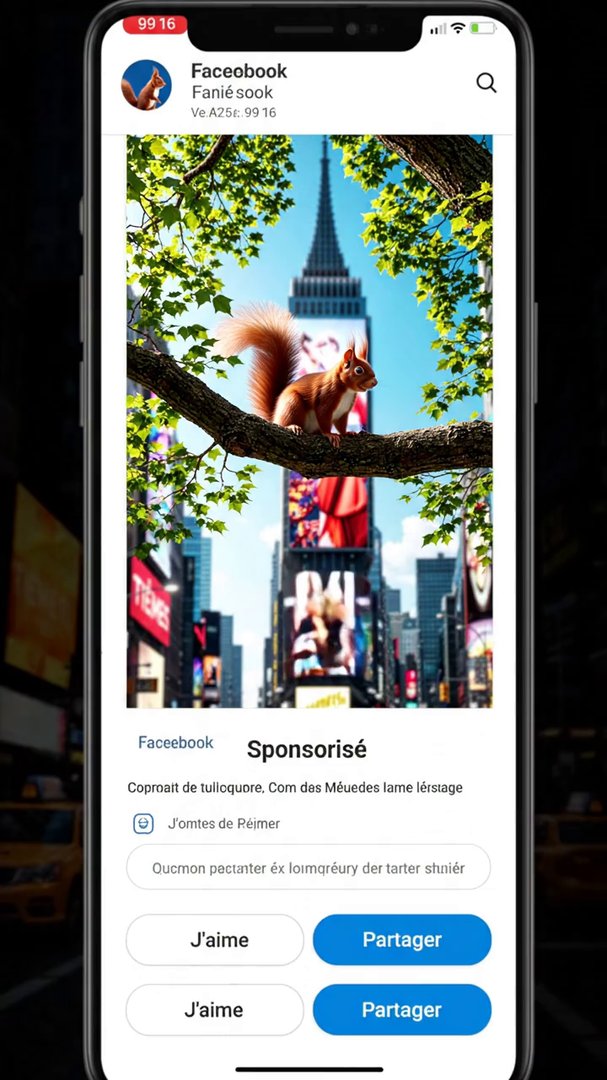
Veo 3.1 Lite: A vertical 9:16 smartphone screen recording of a Facebook feed in French, static camera, no scrolling. The top sponsored post shows a huge photorealistic 3D ana - AI video prompt thumbnail
VEO 3.1 🎬 Veo 3.1

Veo 3.1 Lite: A vertical 9:16 smartphone screen recording of a Facebook feed in French, static camera, no scrolling. The top sponsored post shows a huge photorealistic 3D ana

by ulazai.com • Created with UlazAI

A vertical 9:16 smartphone screen recording of a Facebook feed in French, static camera, no …

veo-3-1 video-studio ulazai
1734 2
View
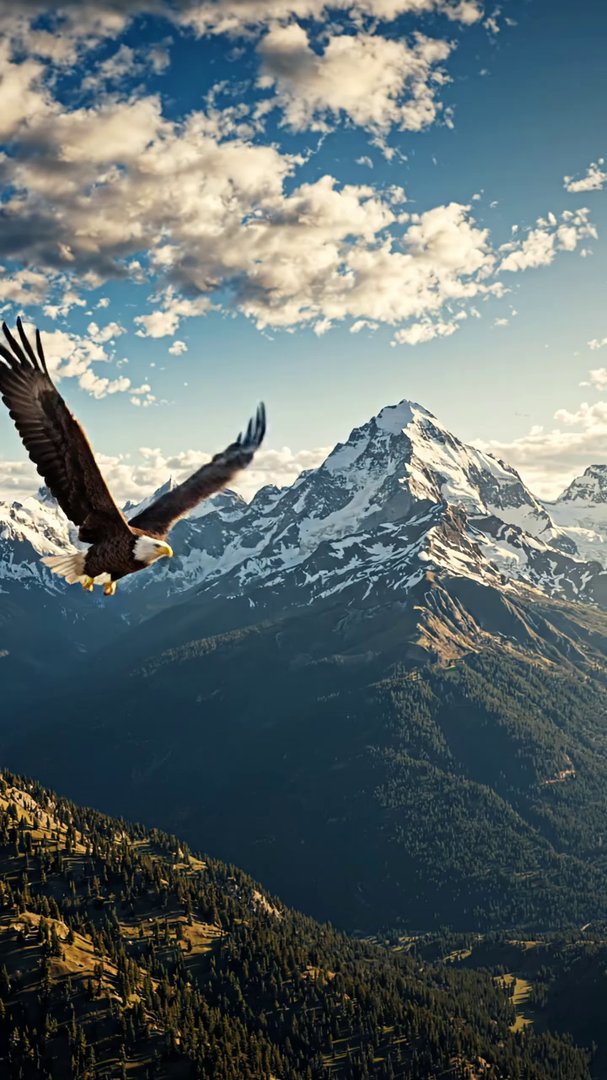
Veo 3.1 Lite: bird flying - AI video prompt thumbnail
VEO 3.1 🎬 Veo 3.1

Veo 3.1 Lite: bird flying

by ulazai.com • Created with UlazAI

bird flying

veo-3-1 video-studio ulazai
1536 3
View
[Veo 3.1 Fast] Story Title: “चिंटू रोबोट और जादुई जंगल” Story Script : एक छोटे से शहर में चिंटू नाम का प्यारा रोबोट रहता था। 🤖 चिंटू बहुत जिज्ञासु था और उसे नई चीजें सीखना बहु - AI video prompt thumbnail
VEO 3.1 🎬 Veo 3.1

[Veo 3.1 Fast] Story Title: “चिंटू रोबोट और जादुई जंगल” Story Script : एक छोटे से शहर में चिंटू नाम का प्यारा रोबोट रहता था। 🤖 चिंटू बहुत जिज्ञासु था और उसे नई चीजें सीखना बहु

by balaramkisan067 • Created with UlazAI

Story Title: “चिंटू रोबोट और जादुई जंगल” Story Script : एक छोटे से शहर में …

video-studio veo31 veo31_fast +1
1642 5
View
Veo 3.1 Fast: Cinematic POV handheld camera shot of Bella sitting in a fishing chair by a serene, misty lake at dawn. She is wearing camouflage fishing gear. Her hands are vi - AI video prompt thumbnail
VEO 3.1 🎬 Veo 3.1

Veo 3.1 Fast: Cinematic POV handheld camera shot of Bella sitting in a fishing chair by a serene, misty lake at dawn. She is wearing camouflage fishing gear. Her hands are vi

by jonasbucinskas • Created with UlazAI

Cinematic POV handheld camera shot of Bella sitting in a fishing chair by a serene, …

veo-3-1 video-studio ulazai
1852 1
View
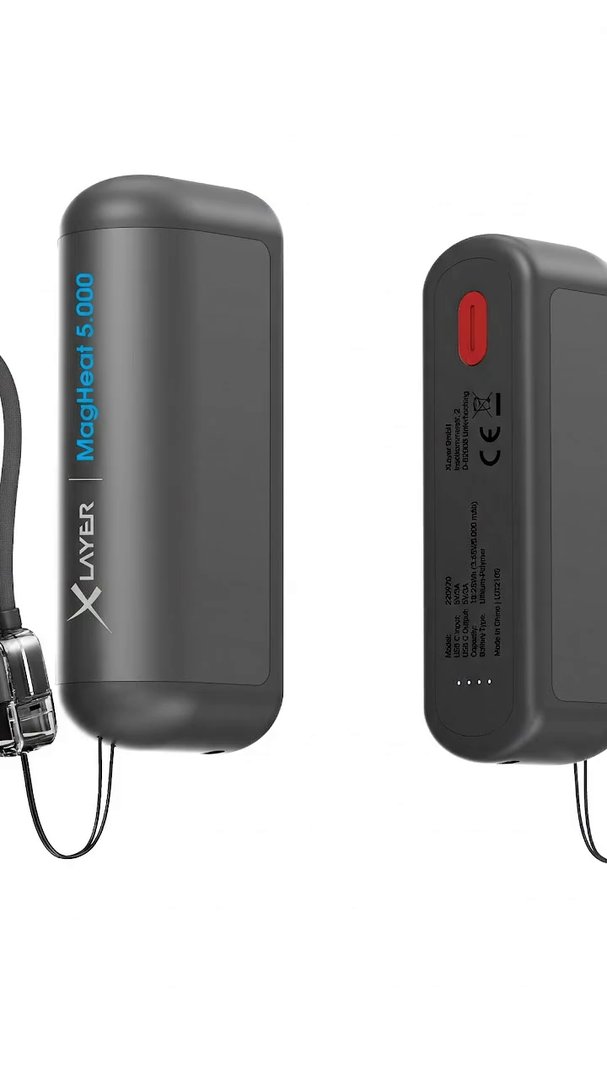
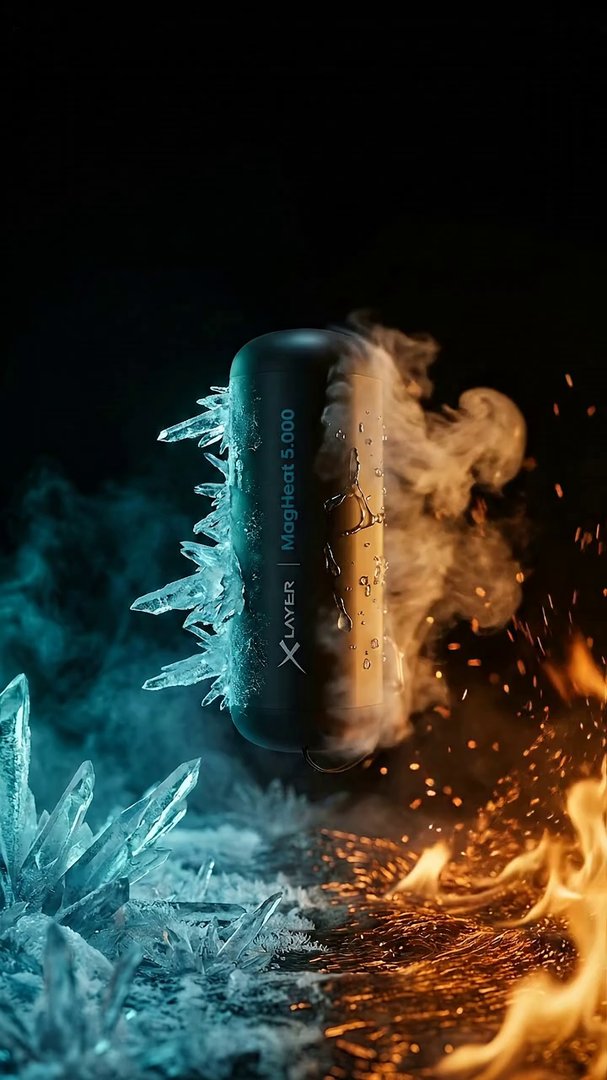
Veo 3.1 Fast: An explosive, rapid-fire 4K CGI commercial opening. The camera performs extreme, ultra-fast orbital sweeps and whip-pans around a floating MagHeat 5.000 device, - AI video prompt thumbnail
VEO 3.1 🎬 Veo 3.1

Veo 3.1 Fast: An explosive, rapid-fire 4K CGI commercial opening. The camera performs extreme, ultra-fast orbital sweeps and whip-pans around a floating MagHeat 5.000 device,

by jonasbucinskas • Created with UlazAI

An explosive, rapid-fire 4K CGI commercial opening. The camera performs extreme, ultra-fast orbital sweeps and …

veo-3-1 video-studio ulazai
1858 1
View
Veo 3.1 Fast: A minimalist, elegant 4K CGI product shot against a pitch-black background. The MagHeat 5.000 and a sleek smartphone are suspended in zero-gravity. The camera p - AI video prompt thumbnail
VEO 3.1 🎬 Veo 3.1

Veo 3.1 Fast: A minimalist, elegant 4K CGI product shot against a pitch-black background. The MagHeat 5.000 and a sleek smartphone are suspended in zero-gravity. The camera p

by jonasbucinskas • Created with UlazAI

A minimalist, elegant 4K CGI product shot against a pitch-black background. The MagHeat 5.000 and …

veo-3-1 video-studio ulazai
1743 3
View
Veo 3.1 Fast: A high-end 4K CGI cinematic animation based on the reference image, starting with the MagHeat 5.000 suspended in the center. The camera performs a slow, majesti - AI video prompt thumbnail
VEO 3.1 🎬 Veo 3.1

Veo 3.1 Fast: A high-end 4K CGI cinematic animation based on the reference image, starting with the MagHeat 5.000 suspended in the center. The camera performs a slow, majesti

by jonasbucinskas • Created with UlazAI

A high-end 4K CGI cinematic animation based on the reference image, starting with the MagHeat …

veo-3-1 video-studio ulazai
1890 2
View
[Veo 3.1 Fast] A high-end cinematic 4K CGI scene starting with a close-up of the woman from the reference image. She holds the MagHeat 5.000 device between her hands. As she p - AI video prompt thumbnail
VEO 3.1 🎬 Veo 3.1

[Veo 3.1 Fast] A high-end cinematic 4K CGI scene starting with a close-up of the woman from the reference image. She holds the MagHeat 5.000 device between her hands. As she p

by jonasbucinskas • Created with UlazAI

A high-end cinematic 4K CGI scene starting with a close-up of the woman from the …

video-studio veo31 veo31_fast +1
1850 1
View
[Veo 3.1 Fast] A high-end cinematic 4K CGI technical animation starting from the provided thermal-vision image. The camera performs a slow, clinical zoom-in on the MagHeat 5.0 - AI video prompt thumbnail
VEO 3.1 🎬 Veo 3.1

[Veo 3.1 Fast] A high-end cinematic 4K CGI technical animation starting from the provided thermal-vision image. The camera performs a slow, clinical zoom-in on the MagHeat 5.0

by jonasbucinskas • Created with UlazAI

A high-end cinematic 4K CGI technical animation starting from the provided thermal-vision image. The camera …

video-studio veo31 veo31_fast +1
1745 1
View
[Veo 3.1 Fast] A cinematic high-end 4K CGI animation starting with the composition from the provided image. The camera performs a slow, majestic pull-back and a slight orbital - AI video prompt thumbnail
VEO 3.1 🎬 Veo 3.1

[Veo 3.1 Fast] A cinematic high-end 4K CGI animation starting with the composition from the provided image. The camera performs a slow, majestic pull-back and a slight orbital

by jonasbucinskas • Created with UlazAI

A cinematic high-end 4K CGI animation starting with the composition from the provided image. The …

video-studio veo31 veo31_fast +1
1832 1
View
[Veo 3.1 Fast] Epic cinematic wide shot. A beautiful woman with long, raven-dark hair stands centrally on a windswept, snow-covered mountain peak at golden hour. She wears a t - AI video prompt thumbnail
VEO 3.1 🎬 Veo 3.1

[Veo 3.1 Fast] Epic cinematic wide shot. A beautiful woman with long, raven-dark hair stands centrally on a windswept, snow-covered mountain peak at golden hour. She wears a t

by jonasbucinskas • Created with UlazAI

Epic cinematic wide shot. A beautiful woman with long, raven-dark hair stands centrally on a …

video-studio veo31 veo31_fast +1
1742 2
View
[Veo 3.1 Fast] Studio commercial shot. The woman stands confidently against a black background. She holds the MagHeat 5.000 toward the camera, the sleek black lanyard draped e - AI video prompt thumbnail
VEO 3.1 🎬 Veo 3.1

[Veo 3.1 Fast] Studio commercial shot. The woman stands confidently against a black background. She holds the MagHeat 5.000 toward the camera, the sleek black lanyard draped e

by jonasbucinskas • Created with UlazAI

Studio commercial shot. The woman stands confidently against a black background. She holds the MagHeat …

video-studio veo31 veo31_fast +1
1819 2
View
[Veo 3.1 Fast] Create an 8-second cinematic vertical product commercial in 4K, aspect ratio 9:16. Dark premium studio environment. Matte black cylindrical power bank with roun - AI video prompt thumbnail
VEO 3.1 🎬 Veo 3.1

[Veo 3.1 Fast] Create an 8-second cinematic vertical product commercial in 4K, aspect ratio 9:16. Dark premium studio environment. Matte black cylindrical power bank with roun

by jonasbucinskas • Created with UlazAI

Create an 8-second cinematic vertical product commercial in 4K, aspect ratio 9:16. Dark premium studio …

video-studio veo31 veo31_fast +1
1936 5
View
[Veo 3.1 Fast] Create an 8-second cinematic vertical 9:16 CGI video in 4K with integrated audio effects. Scene: Bella, a young woman with long dark blue-black hair, stands con - AI video prompt thumbnail
VEO 3.1 🎬 Veo 3.1

[Veo 3.1 Fast] Create an 8-second cinematic vertical 9:16 CGI video in 4K with integrated audio effects. Scene: Bella, a young woman with long dark blue-black hair, stands con

by jonasbucinskas • Created with UlazAI

Create an 8-second cinematic vertical 9:16 CGI video in 4K with integrated audio effects. Scene: …

video-studio veo31 veo31_fast +1
1762 1
View
Veo 3.1 Fast: make the bird fly away in the sunset - AI video prompt thumbnail
VEO 3.1 🎬 Veo 3.1

Veo 3.1 Fast: make the bird fly away in the sunset

by ulazai.com • Created with UlazAI

make the bird fly away in the sunset

veo-3-1 video-studio ulazai
2334 2
View
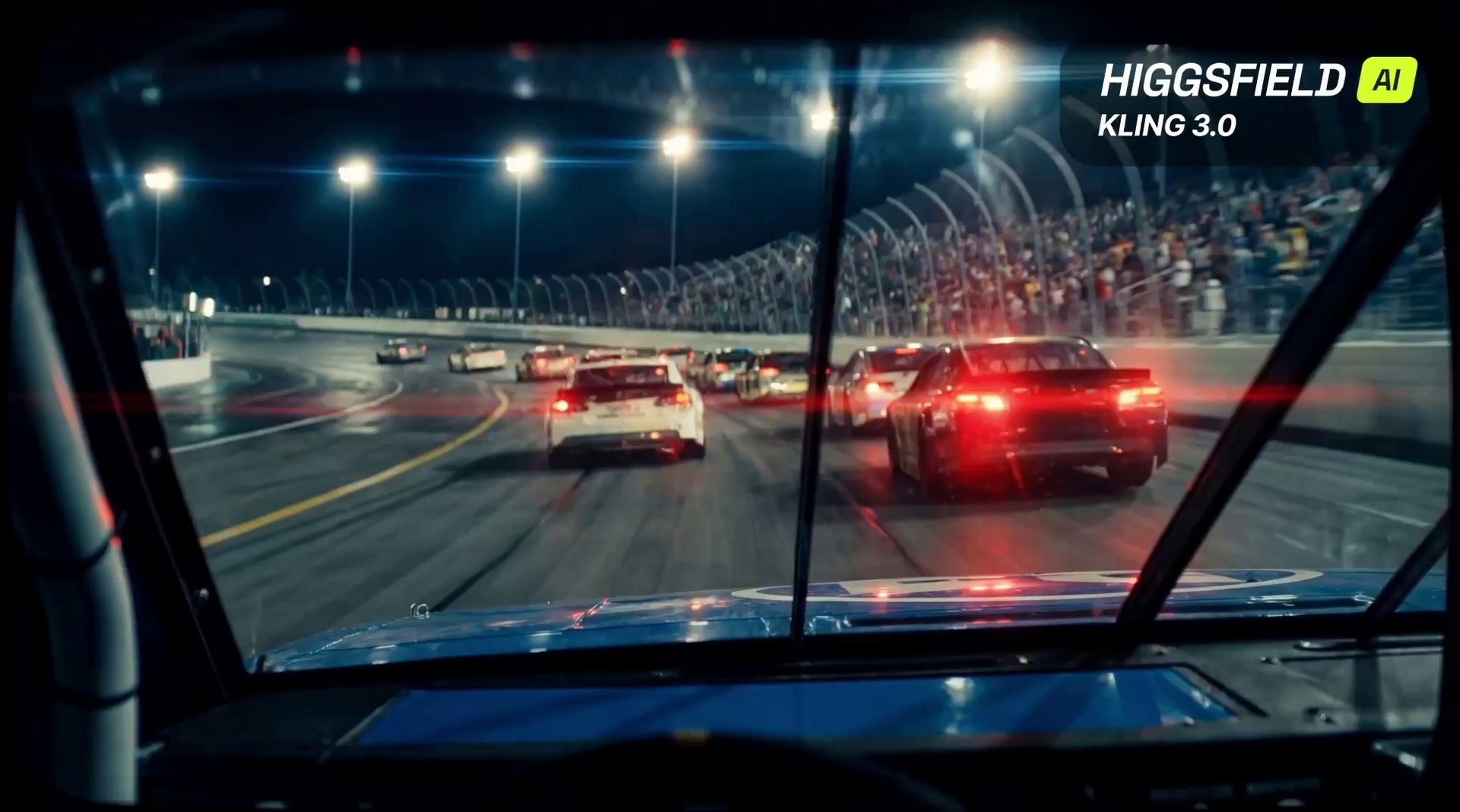
Kling 3.0: Cinematic Motion & Depth by Higgsfield AI - AI video prompt thumbnail
KLING 3.0 🎬 Veo 3.1

Kling 3.0: Cinematic Motion & Depth by Higgsfield AI

by Iqra Saifi • Created with UlazAI

Kling 3.0 on Higgsfield delivers true cinematic motion with natural camera movement, realistic depth, and …

Kling 3.0 Higgsfield AI cinematic +10
2418 1
View
Veo 3 Video by @IamEmily2050 - AI video prompt thumbnail
SEEDANCE 🎬 Veo 3.1

Veo 3 Video by @IamEmily2050

by Emily • Created with UlazAI

Seedance V2 will open the door for fans worldwide to remake unfinished or poorly executed …

veo3 ai video twitter import
2397 1
View
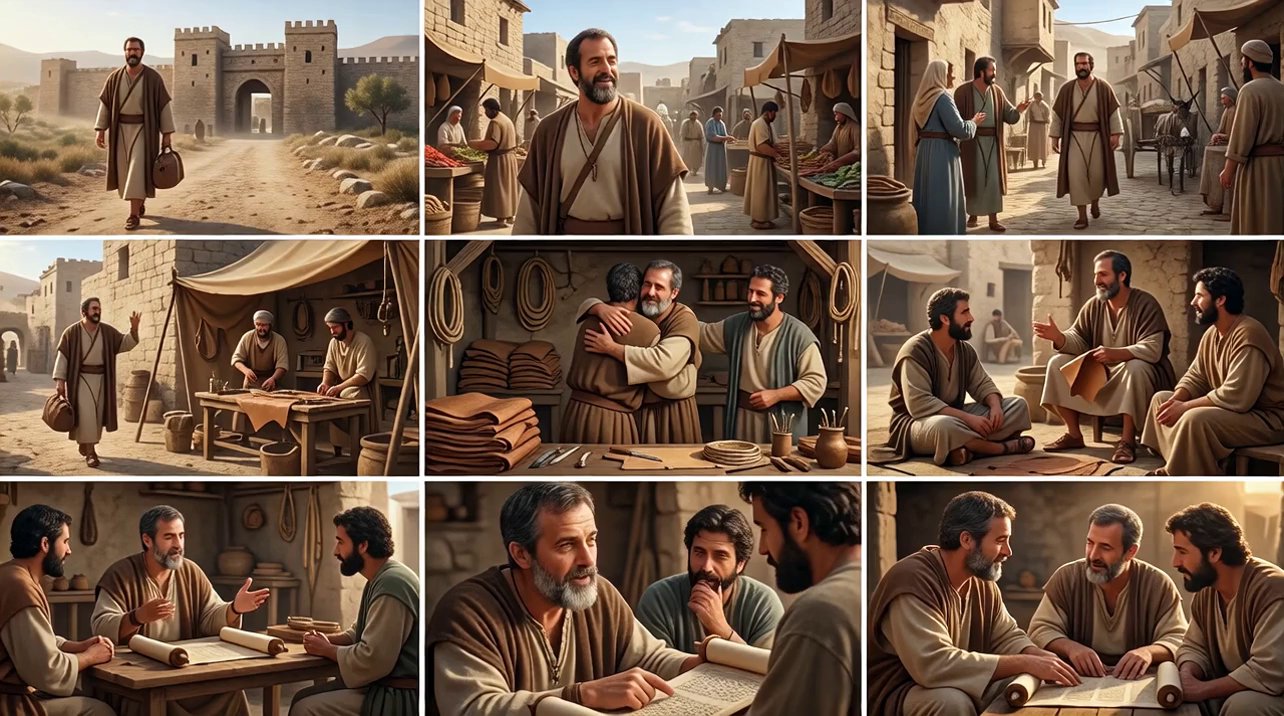
Make a cinematic sequence based on the attached im... - AI video prompt thumbnail
VEO 3.1 🎬 Veo 3.1

Make a cinematic sequence based on the attached im...

by 4hishope • Created with UlazAI

Make a cinematic sequence based on the attached image scenes, photorealistic and cinematic.

veo3_fast 16:9 auto-generated +1
2225 1
View
Start Generating Videos →

Launch the current UlazAI video studio and choose Seedance 2, Veo 3.1, Sora 2, Kling, Grok, Wan, or Hailuo.

Turn prompt browsing into finished AI videos

Use the free directory to find a proven prompt, then choose the current UlazAI route that matches your input, duration, budget, and quality target.

Frequently Asked Questions About the UlazAI Prompt Directory

How the directory, prompt assistant, model routes, and credit estimates work together.

What is the UlazAI Prompt Directory?

It is a searchable collection of 1945+ free AI video prompts for Seedance 2, Veo 3.1, Sora 2, Kling 3.0, Grok, Wan, and Hailuo. Copy a prompt, adapt it, and open the matching model in Video Studio.

How can I create better prompts?

Use the AI Prompt Assistant to expand rough ideas into structured prompt drafts. Then adapt the prompt for the selected model: reference-heavy prompts fit Seedance 2 or Wan R2V, motion-heavy prompts can fit Kling 3.0, and polished cinematic prompts often fit Veo 3.1.

Which model should I choose?

Start with your input type. Text-only ideas can go to Veo 3.1, Sora 2, Kling 3.0, Seedance 2, or Wan 2.7 T2V. Image-to-video prompts fit Seedance 2, Veo 3.1, Wan 2.7 I2V, Hailuo, Grok, and Kling. Audio or multimodal reference workflows are strongest candidates for Seedance 2 or Kling routes.

How do I use a prompt from the directory?

  1. 1. Search by model, theme, or category.
  2. 2. Open a prompt detail page and copy the prompt.
  3. 3. Pick the right UlazAI model route for the input type.
  4. 4. Review credits, duration, aspect ratio, and quality settings.
  5. 5. Render, compare output, and save the best version.

Are the prompts free?

Yes. The directory prompts are free to browse, copy, and adapt. Rendering videos uses UlazAI credits; each model lists a starting credit estimate before you open a studio.

Can I submit my own prompts?

Yes. Submit high-quality prompts with clear output intent and, where possible, an example video. Good submissions improve the directory and make it easier for other creators to understand which prompt patterns work across current models.

Ready to build from a prompt?

Start with the directory, improve the wording in the assistant, then open the matching video studio route for the model you need.

Find a prompt by model, scene and camera move

Search the directory for the result you want, then open a prompt that matches the available model and input type. Copying a cinematic line into the wrong studio can fail even when the wording looks strong.

Read the full prompt before using it. Replace subject and brand details, but keep the shot structure, timing and camera instructions together.