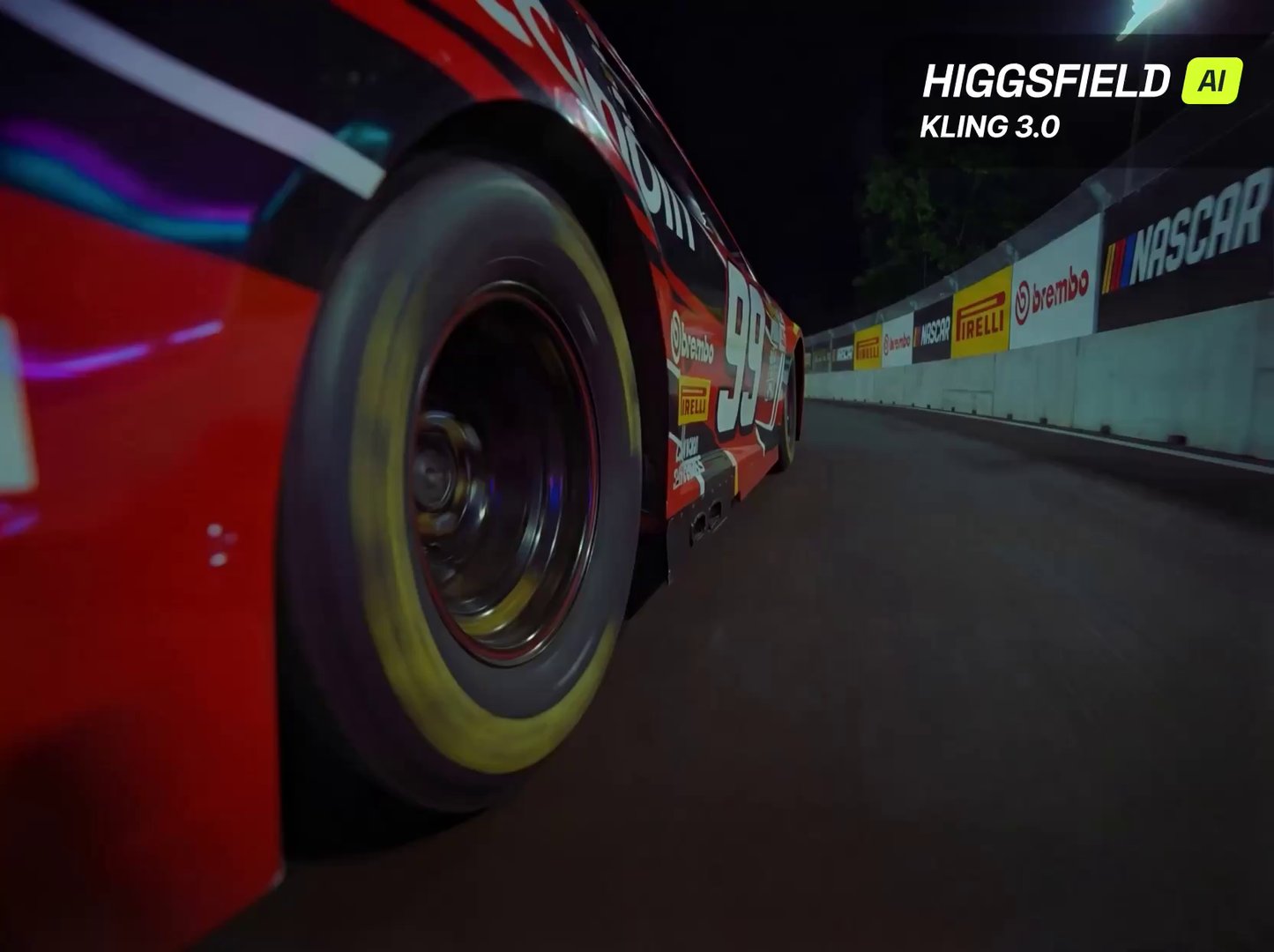
 Next-Gen AI Cinema: Higgsfield + Kling 3.0 Realism
Higgsfield + Kling 3.0 feels like real cinema logic inside AI multi-shot scenes, native audio, character consistency, and actual camera language. No …
Next-Gen AI Cinema: Higgsfield + Kling 3.0 Realism
Higgsfield + Kling 3.0 feels like real cinema logic inside AI multi-shot scenes, native audio, character consistency, and actual camera language. No …
AI video prompts, with the videos they made
Browse 1945+ community prompts for Seedance 2, Veo 3.1, Sora 2, Kling 3.0, Grok, Wan, and Hailuo. Open one to see the model and settings behind the video, then recreate it in Video Studio. For a focused starting point, browse the Veo 3 prompt examples.
Next-Gen AI Cinema: Higgsfield + Kling 3.0 Realism
Higgsfield + Kling 3.0 feels like real cinema logic inside AI multi-shot scenes, native audio, character consistency, and actual camera language. No …
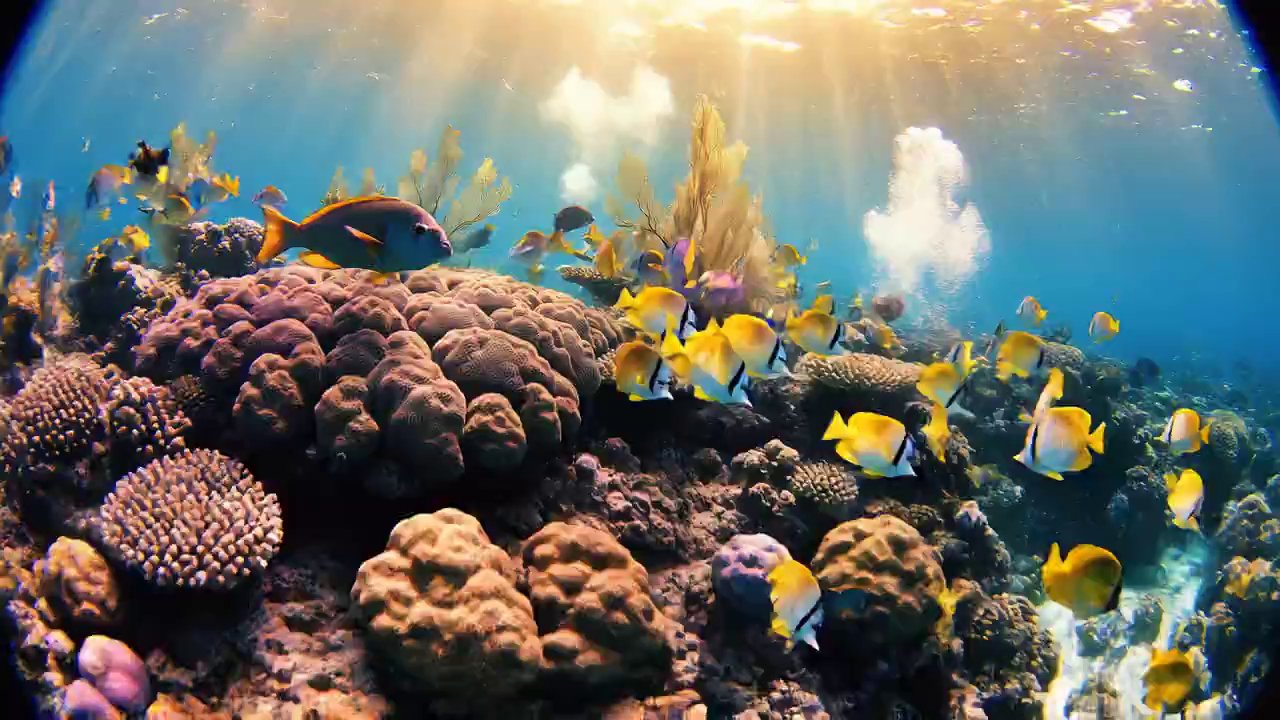 Dive into a Coral Reef: First-Person Underwater Exploration
🎨 VEO 3.1 🎨 Prompt : First-person POV underwater, wide-angle smooth gliding shot with a subtle fisheye lens, the viewer moving like …
Dive into a Coral Reef: First-Person Underwater Exploration
🎨 VEO 3.1 🎨 Prompt : First-person POV underwater, wide-angle smooth gliding shot with a subtle fisheye lens, the viewer moving like …
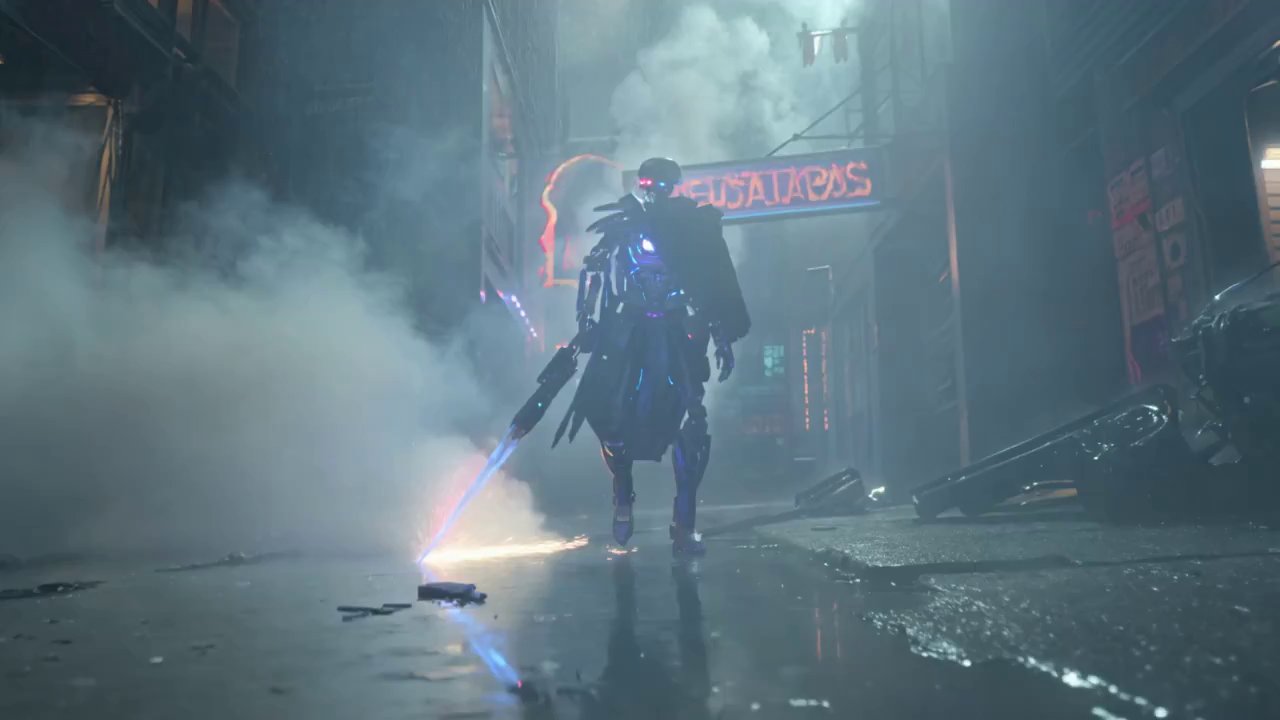 Neon Cybernetic Warrior: VEO 3.1 Sci-Fi Action
🎨 KLING 3.0🎨 Prompt : A futuristic cybernetic warrior with glowing biomechanical armor and a partially exposed synthetic skull, eyes emitting pulsating …
Neon Cybernetic Warrior: VEO 3.1 Sci-Fi Action
🎨 KLING 3.0🎨 Prompt : A futuristic cybernetic warrior with glowing biomechanical armor and a partially exposed synthetic skull, eyes emitting pulsating …
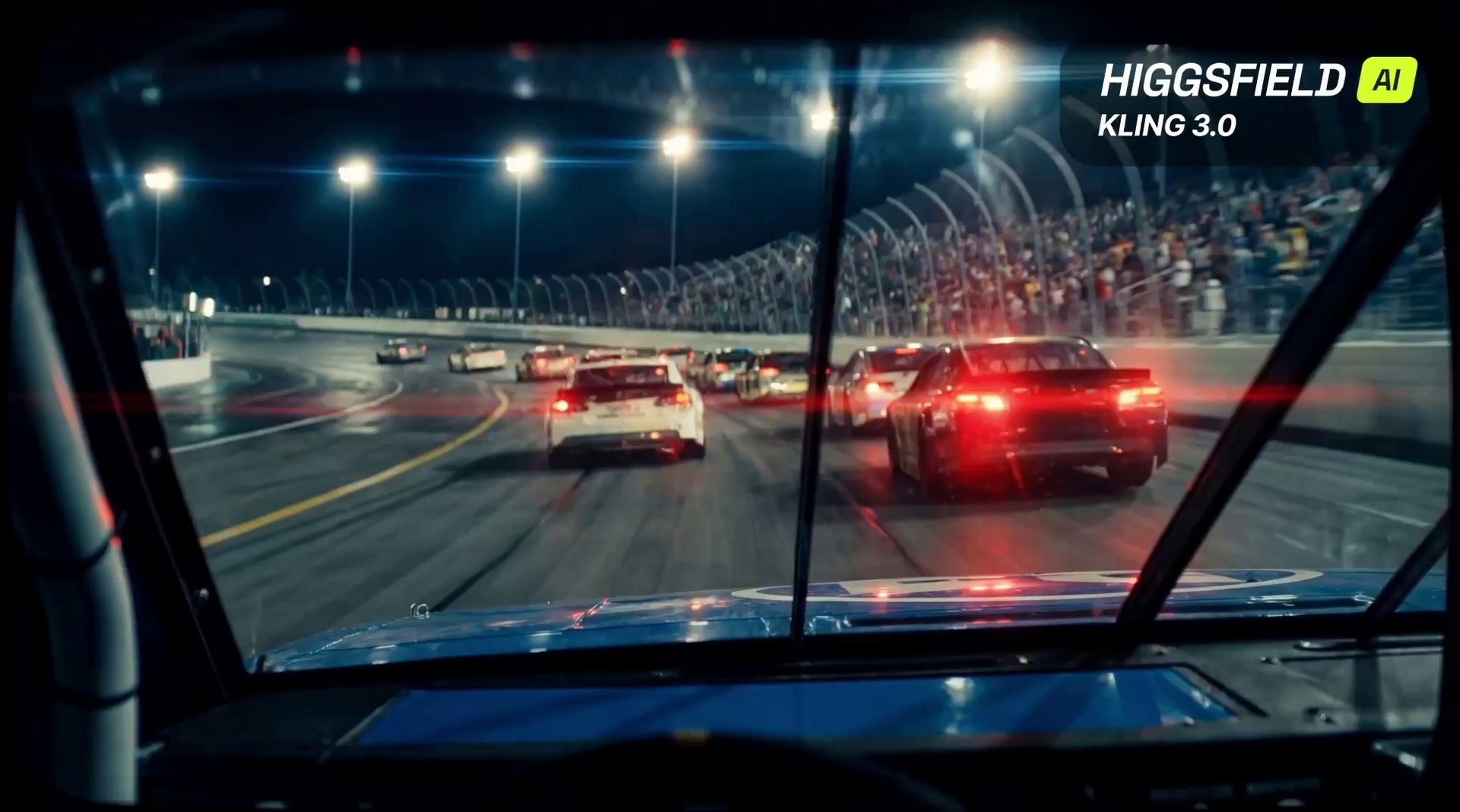 Kling 3.0: Cinematic Motion & Depth by Higgsfield AI
Kling 3.0 on Higgsfield delivers true cinematic motion with natural camera movement, realistic depth, and consistent visuals in a single take. This …
Kling 3.0: Cinematic Motion & Depth by Higgsfield AI
Kling 3.0 on Higgsfield delivers true cinematic motion with natural camera movement, realistic depth, and consistent visuals in a single take. This …
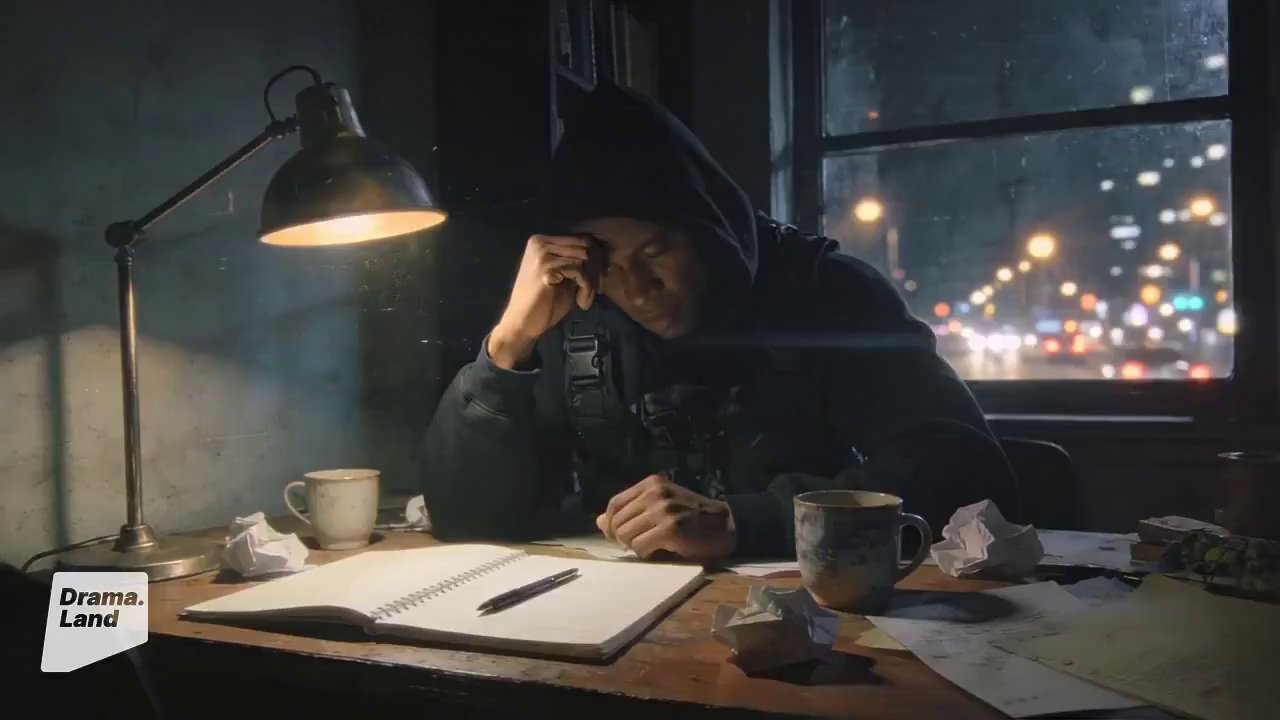 AI Music's Future: Live Concert Evolution
A dynamic montage, opening with a close-up of a sophisticated AI music interface displaying complex waveforms and algorithms, then transitioning to a …
AI Music's Future: Live Concert Evolution
A dynamic montage, opening with a close-up of a sophisticated AI music interface displaying complex waveforms and algorithms, then transitioning to a …
 Tiny Monkey's Teacup Float: Adorable Pool Relaxation
Cute monkey relaxing in pool😁 Seedance 1.5 Pro on @ImagineArt_X prompt: "A small, fluffy brown monkey with wide, curious, dark eyes, delicately …
Tiny Monkey's Teacup Float: Adorable Pool Relaxation
Cute monkey relaxing in pool😁 Seedance 1.5 Pro on @ImagineArt_X prompt: "A small, fluffy brown monkey with wide, curious, dark eyes, delicately …
 AI Evolution: From Glitch Art to Hyper-realistic Peaks
A hyper-realistic, cinematic shot showcasing the evolution of AI-generated imagery. The scene opens with a dynamic, sweeping camera movement that begins on …
AI Evolution: From Glitch Art to Hyper-realistic Peaks
A hyper-realistic, cinematic shot showcasing the evolution of AI-generated imagery. The scene opens with a dynamic, sweeping camera movement that begins on …
 Topview AI: Motion Graphics Made Easy with VEO 3
Type a prompt. Get a motion masterpiece. 🪄✨ Topview Vibe Editing is here to democratize motion graphics. We’ve taken the power of …
Topview AI: Motion Graphics Made Easy with VEO 3
Type a prompt. Get a motion masterpiece. 🪄✨ Topview Vibe Editing is here to democratize motion graphics. We’ve taken the power of …
 Muscle Car vs. Dragon: Canyon Firefight
A 10-second chaotic, high-octane scene depicting a dramatic confrontation between raw horsepower and mystical dragonfire. In a desolate, rocky canyon at dusk, …
Muscle Car vs. Dragon: Canyon Firefight
A 10-second chaotic, high-octane scene depicting a dramatic confrontation between raw horsepower and mystical dragonfire. In a desolate, rocky canyon at dusk, …
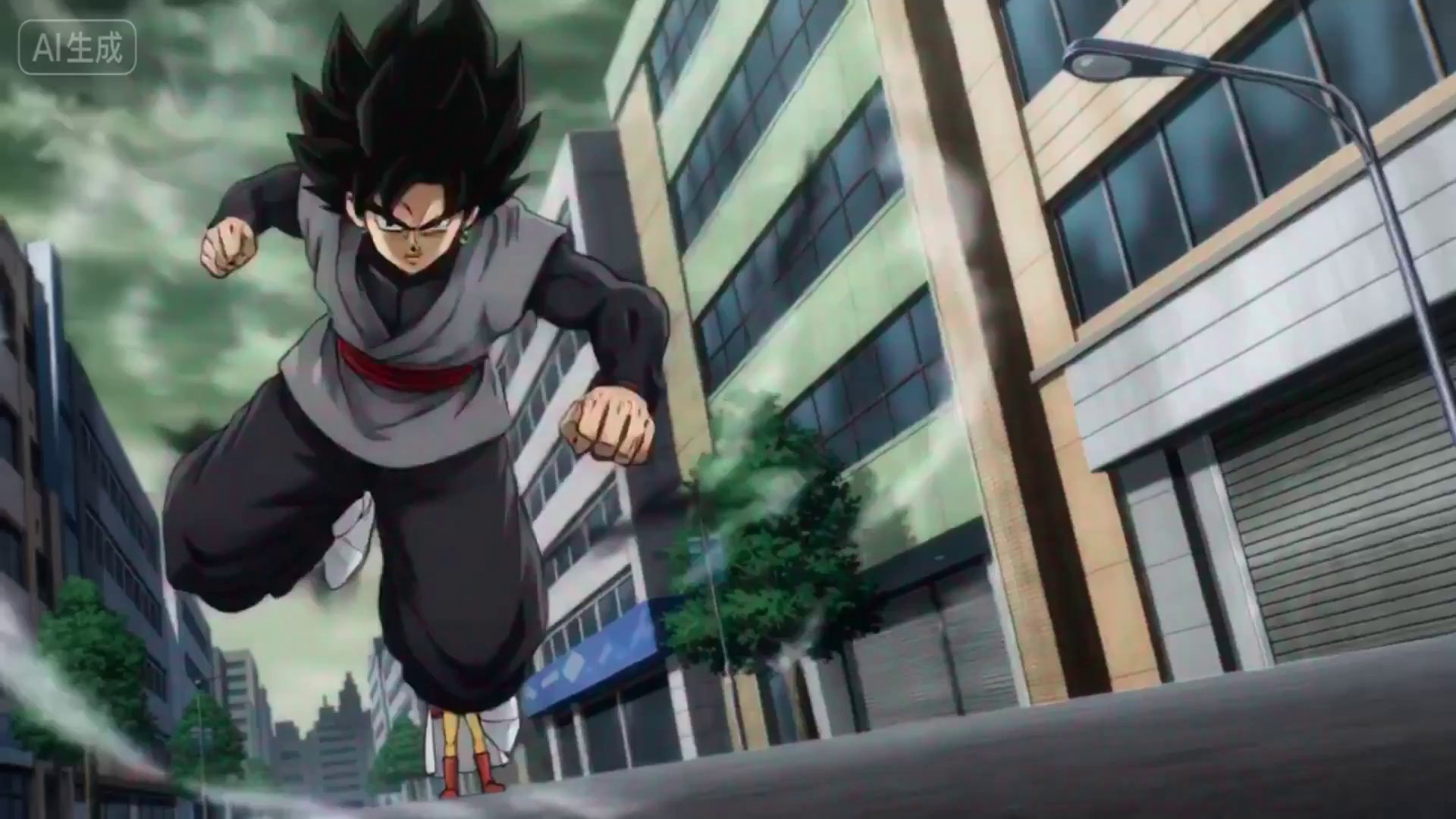 One-Punch Anime: Hyper-Realistic Shockwave Fight
A dynamic, high-octane anime fight scene, reminiscent of classic One-Punch Man, but with a distinct, fluid, and hyper-realistic animation style. A lone, …
One-Punch Anime: Hyper-Realistic Shockwave Fight
A dynamic, high-octane anime fight scene, reminiscent of classic One-Punch Man, but with a distinct, fluid, and hyper-realistic animation style. A lone, …
 Epic Charizard vs. Blastoise: Anime Battle Royale
A hyper-realistic, dynamic anime-style battle sequence featuring two iconic Pokémon, Charizard and Blastoise, engaged in an intense aerial and aquatic combat. Charizard, …
Epic Charizard vs. Blastoise: Anime Battle Royale
A hyper-realistic, dynamic anime-style battle sequence featuring two iconic Pokémon, Charizard and Blastoise, engaged in an intense aerial and aquatic combat. Charizard, …
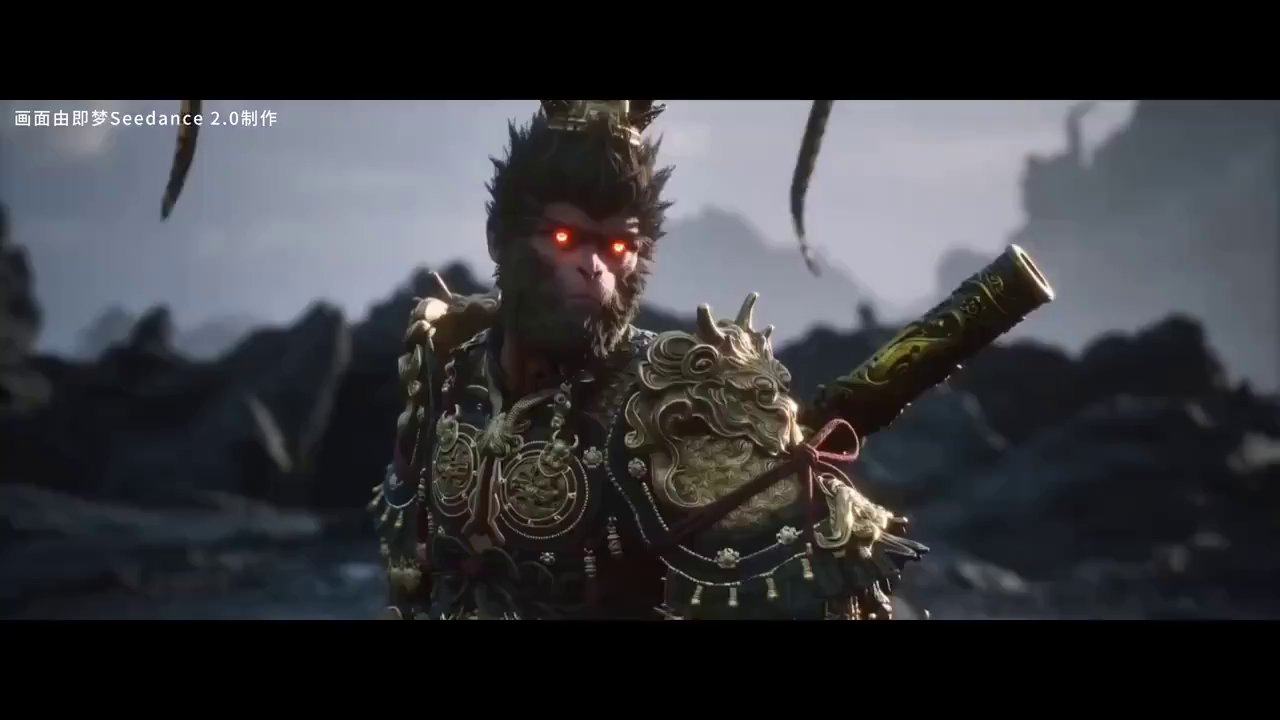 Futuristic AI Cityscape: Blurring Reality in VEO 3
A breathtaking, hyperrealistic cinematic sequence showcasing the seamless integration of AI-generated visuals into a live-action film. The scene opens with a wide …
Futuristic AI Cityscape: Blurring Reality in VEO 3
A breathtaking, hyperrealistic cinematic sequence showcasing the seamless integration of AI-generated visuals into a live-action film. The scene opens with a wide …
 Kling 3.0 Dragon Chase: Dynamic POV Fantasy Action
Kling 3.0 on @Kling_ai is here and it’s seriously impressive. First test, first generation, no cherry-picking. Prompt: { "duration": "10 seconds", "motion_intensity": …
Kling 3.0 Dragon Chase: Dynamic POV Fantasy Action
Kling 3.0 on @Kling_ai is here and it’s seriously impressive. First test, first generation, no cherry-picking. Prompt: { "duration": "10 seconds", "motion_intensity": …
 Grok Imagine's Neural Interface: Future Tech Unveiled
A sleek, futuristic digital interface displaying a dynamic, evolving waveform. The camera slowly pushes in on the screen, revealing intricate data visualizations …
Grok Imagine's Neural Interface: Future Tech Unveiled
A sleek, futuristic digital interface displaying a dynamic, evolving waveform. The camera slowly pushes in on the screen, revealing intricate data visualizations …
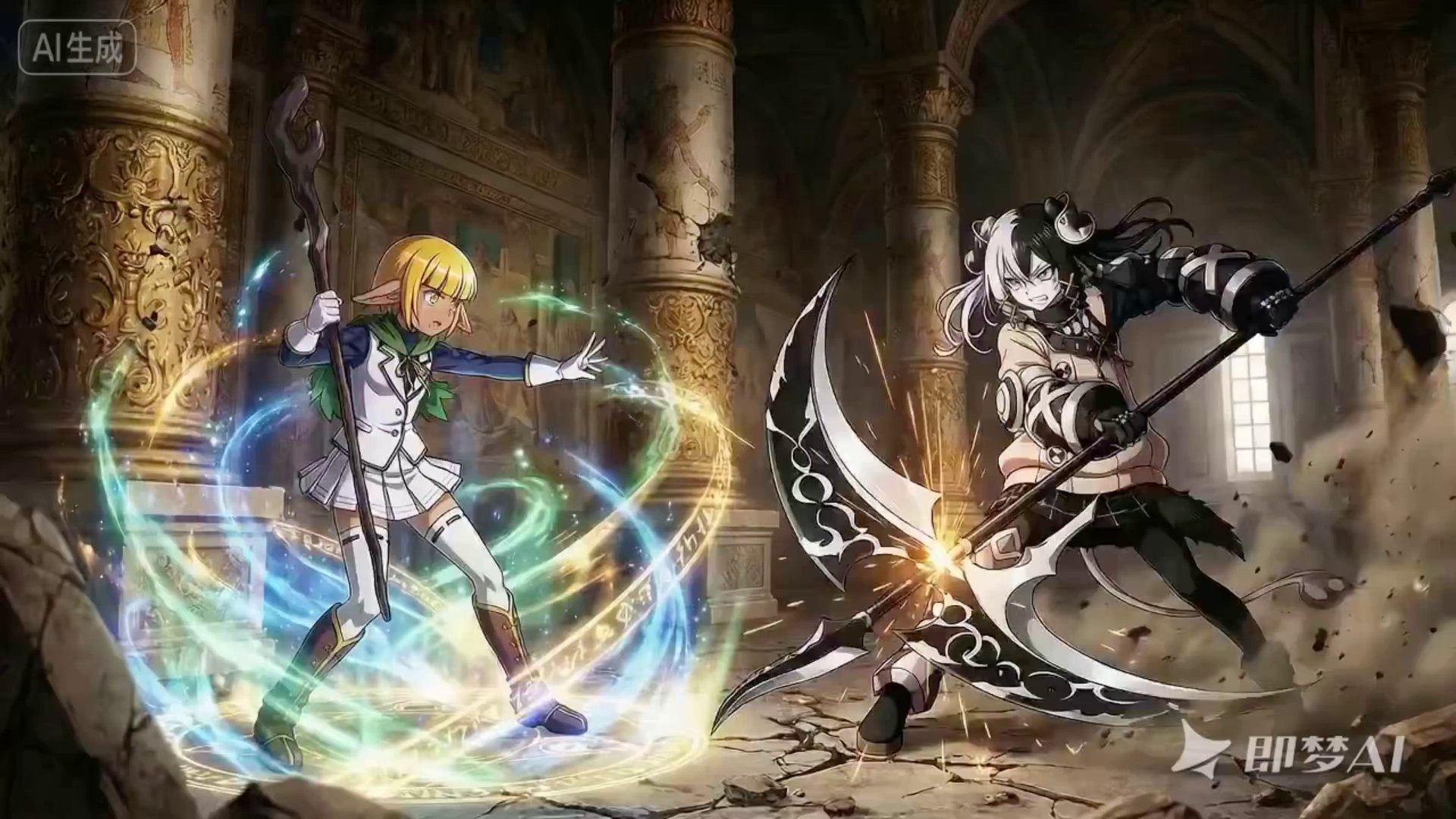 Veo 3 Video by @IamEmily2050
Seedance V2 will open the door for fans worldwide to remake unfinished or poorly executed projects with bad CGI, unlocking huge potential …
Veo 3 Video by @IamEmily2050
Seedance V2 will open the door for fans worldwide to remake unfinished or poorly executed projects with bad CGI, unlocking huge potential …
 Golden Hour Dream: Ethereal Woman in Yellow Dress
A mesmerizing, cinematic close-up shot of a woman, elegantly dressed in a flowing, vibrant yellow dress. Her face is softly illuminated by …
Golden Hour Dream: Ethereal Woman in Yellow Dress
A mesmerizing, cinematic close-up shot of a woman, elegantly dressed in a flowing, vibrant yellow dress. Her face is softly illuminated by …
 Veo 3 Video by @IqraSaifiii
SeeDance 2 is the best model for anime I have never seen this level of smoothness with one attempt This is so …
Veo 3 Video by @IqraSaifiii
SeeDance 2 is the best model for anime I have never seen this level of smoothness with one attempt This is so …
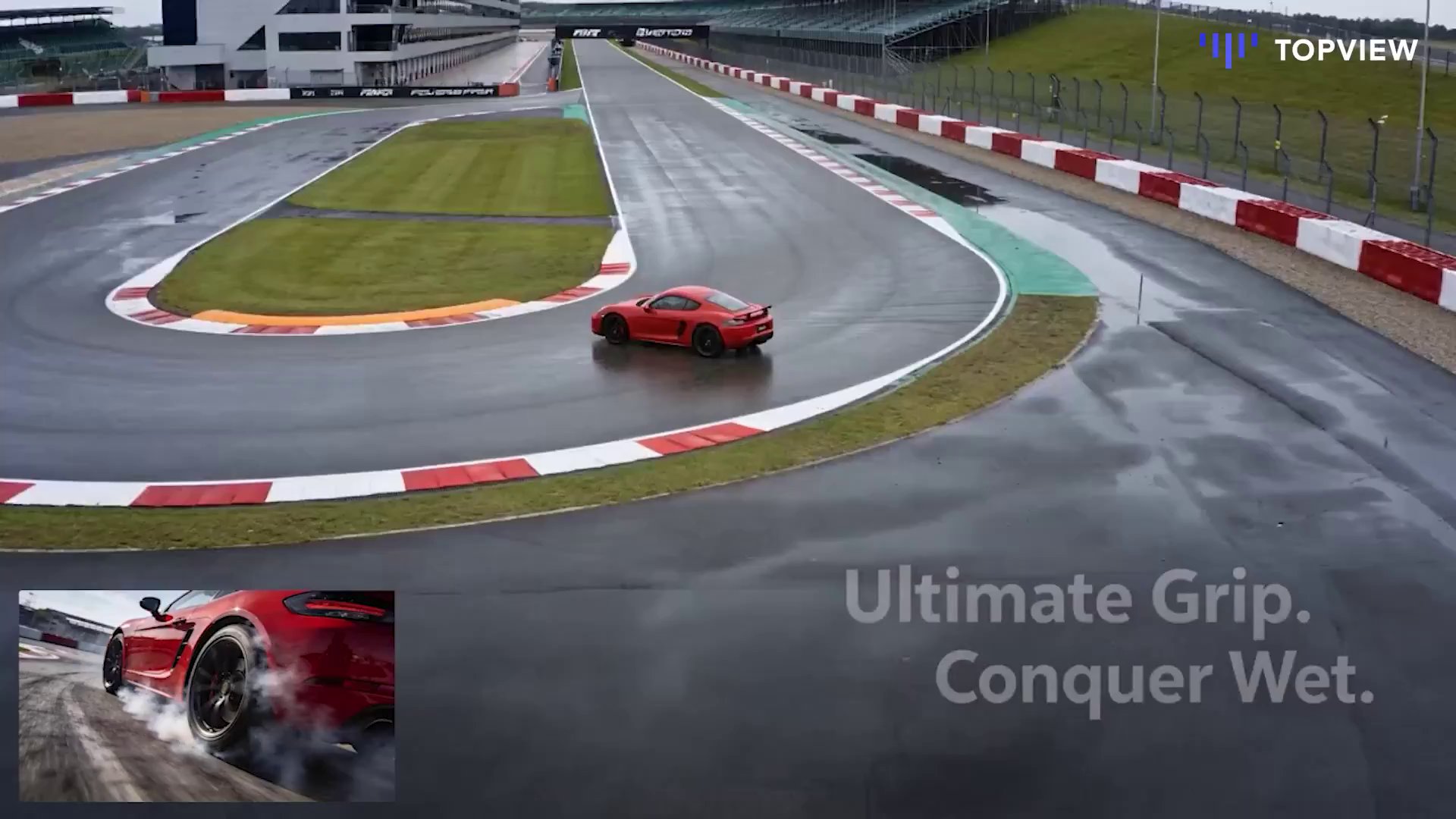 Veo 3 Video by @IqraSaifiii
This is the Figma moment for AI video. @TopviewAIhq is the world’s first collaborative AI video board bringing together top models, real-time …
Veo 3 Video by @IqraSaifiii
This is the Figma moment for AI video. @TopviewAIhq is the world’s first collaborative AI video board bringing together top models, real-time …
![[Seedance 1.5 Pro] Title: From Broke to Rich in 12 Seconds
Format: 9:16 vertical
Duration: 12 seconds
Style: cinematic, realistic, slightly comedic tone
Characters must](https://media.ulazai.com/prompt_thumbnails/2026/02/thumb_748df614-e0c4-468c-bac2-91e5d3d2be87.jpg) [Seedance 1.5 Pro] Title: From Broke to Rich in 12 Seconds
Format: 9:16 vertical
Duration: 12 seconds
Style: cinematic, realistic, slightly comedic tone
Characters must
Title: From Broke to Rich in 12 Seconds Format: 9:16 vertical Duration: 12 seconds Style: cinematic, realistic, slightly comedic tone Characters must …
[Seedance 1.5 Pro] Title: From Broke to Rich in 12 Seconds
Format: 9:16 vertical
Duration: 12 seconds
Style: cinematic, realistic, slightly comedic tone
Characters must
Title: From Broke to Rich in 12 Seconds Format: 9:16 vertical Duration: 12 seconds Style: cinematic, realistic, slightly comedic tone Characters must …
 Two guys discussing about an AI Trading Bot which ...
Two guys discussing about an AI Trading Bot which made them a fortune
Two guys discussing about an AI Trading Bot which ...
Two guys discussing about an AI Trading Bot which made them a fortune
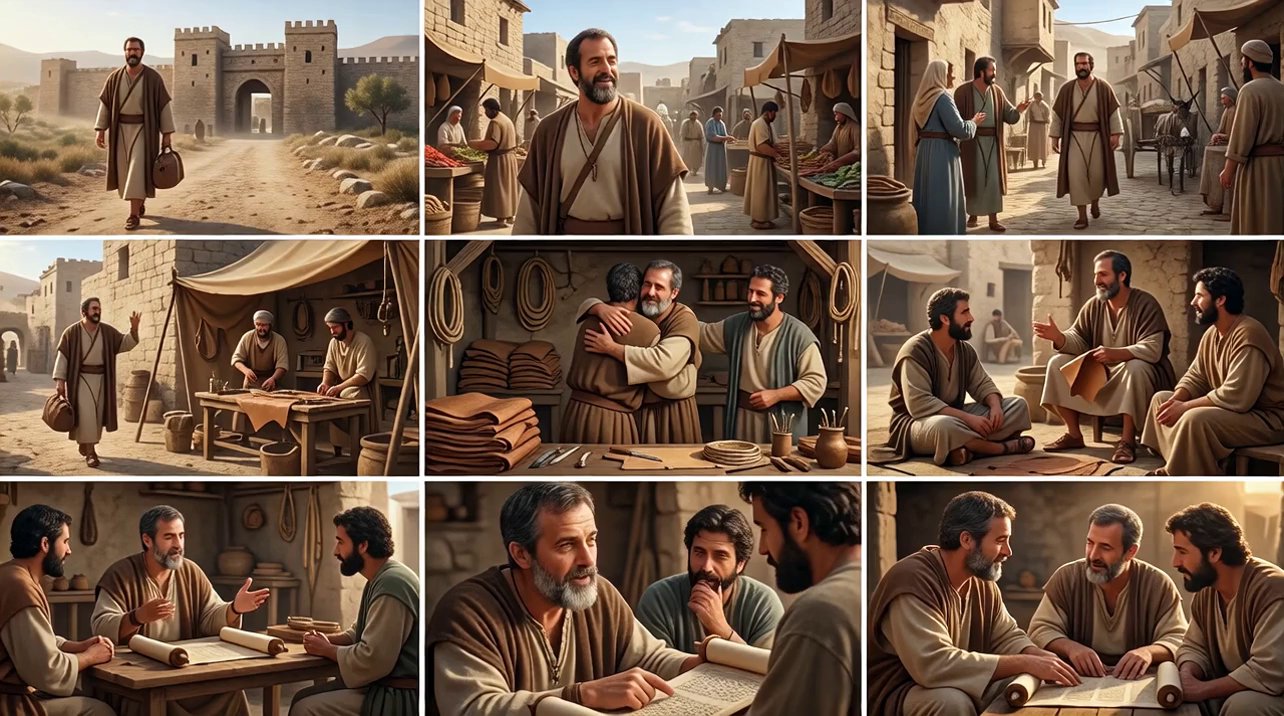 Make a cinematic sequence based on the attached im...
Make a cinematic sequence based on the attached image scenes, photorealistic and cinematic.
Make a cinematic sequence based on the attached im...
Make a cinematic sequence based on the attached image scenes, photorealistic and cinematic.
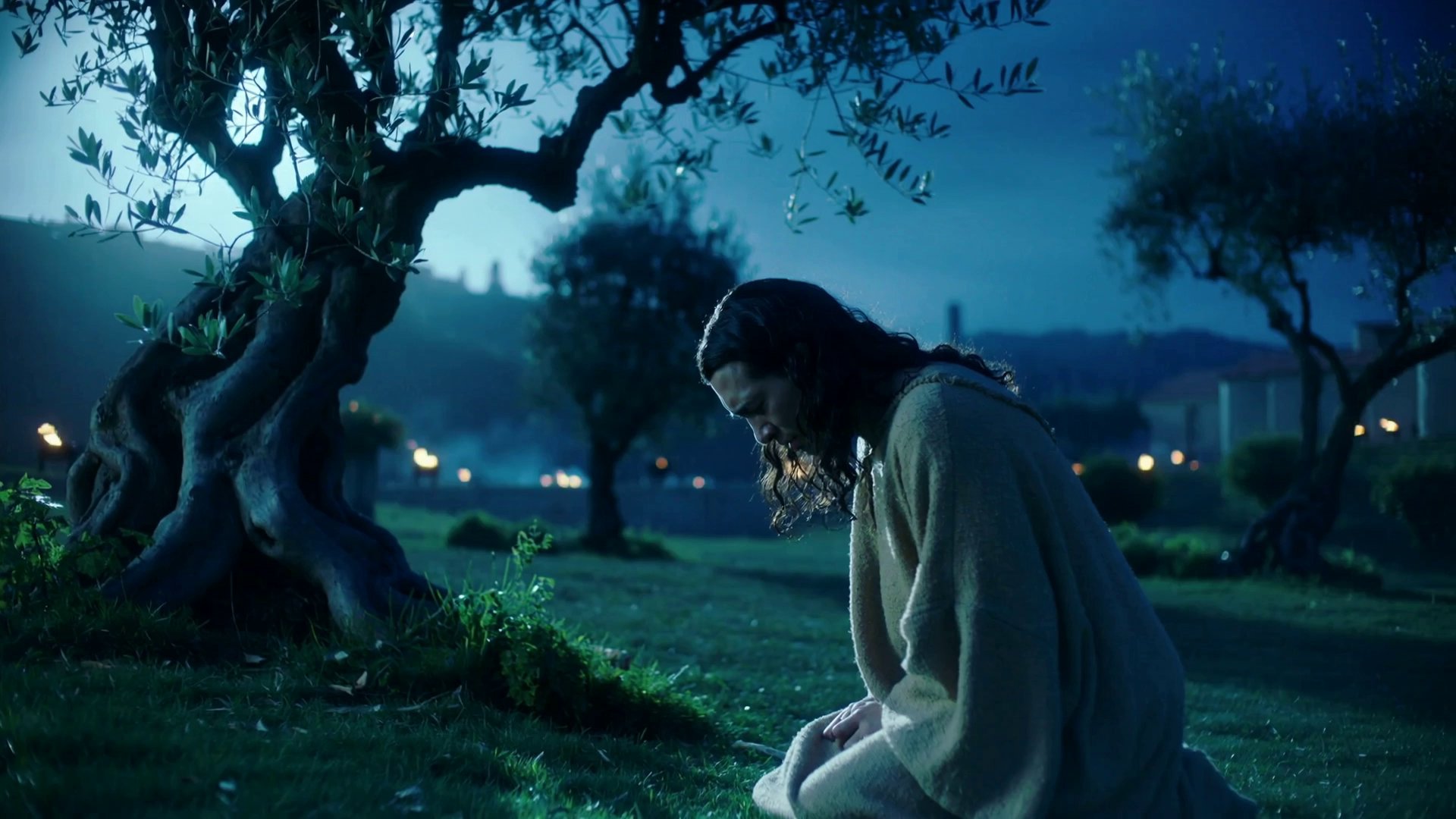 Gethsemane: Jesus's Night of Sorrow and Resolve
A cinematic, photorealistic night, oblique, medium shot of a scene in ancient Jerusalem. Jesus kneels alone in the Garden of Gethsemane, moonlight …
Gethsemane: Jesus's Night of Sorrow and Resolve
A cinematic, photorealistic night, oblique, medium shot of a scene in ancient Jerusalem. Jesus kneels alone in the Garden of Gethsemane, moonlight …
 vogel die vliegt in de bergen
vogel die vliegt in de bergen
vogel die vliegt in de bergen
![[Sora 2] C è un signore anziano che fa un annuncio in TV a C E POSTA PER TE e una famiglia lo sta seguendo , ...](https://media.ulazai.com/prompt_thumbnails/2026/02/thumb_43e2441f-5572-4919-8b2e-88ab48d66bf7.jpg) [Sora 2] C è un signore anziano che fa un annuncio in TV a C E POSTA PER TE e una famiglia lo sta seguendo , ...
C è un signore anziano che fa un annuncio in TV a C E POSTA PER TE e una famiglia lo sta …
[Sora 2] C è un signore anziano che fa un annuncio in TV a C E POSTA PER TE e una famiglia lo sta seguendo , ...
C è un signore anziano che fa un annuncio in TV a C E POSTA PER TE e una famiglia lo sta …
Pick a model
Lowest price per run. Length, quality and audio change the final cost. Credit packages
H3 Lite Text to Video
Lower-cost distilled H3 build (5-15s, native audio)
30 cr 5s · ~EUR 0.27
Gemini Omni Flash 1.1
Fast multimodal video from prompts, images, video, saved voices and character IDs
90 cr 4s · ~EUR 0.82
Wan 3.0 Video
Text, frames, image, video, audio, document and link references in one model (2-30s, 480p/720p/1080p)
20 cr 2s · ~EUR 0.18
Seedance 2.5
Up to 30 seconds with precise frame control and up to 50 multimodal references
112 cr 4s · ~EUR 1.02
MiniMax H3
2K text-to-video with native stereo audio (4-15s)
146 cr 4s · ~EUR 1.33
Kling V3 Turbo
Fast text-to-video generation (5s/10s, 720p/1080p)
90 cr 5s · ~EUR 0.82
Veo 3.1 Lite
Newest Veo 3.1 low-cost mode for text/image-to-video
40 cr 8s · ~EUR 0.36
Sora 2
Sora 2 (10s/15s)
80 cr 10s · ~EUR 0.73
Grok Imagine Video
xAI Grok text/image to video
10 cr 6s · ~EUR 0.09
HappyHorse 1.1 Video
Text-to-video generation (3-15s, 720p/1080p)
99 cr 3s · ~EUR 0.90
PixVerse V6
Text-to-video with native audio, multi-clip prompts and 1-15s output
4 cr 1s · ~EUR 0.04
Wan 3.0 Video Prime
Same references as Wan 3.0 Video, faster end to end (2-30s, 480p/720p/1080p)
30 cr 2s · ~EUR 0.27
Seedance 2.0
Text, first/last-frame, and multimodal reference video
76 cr 4s · ~EUR 0.69
Seedance 2.0 Fast
Faster Seedance 2 workflow with the same multimodal options
62 cr 4s · ~EUR 0.56
Gemini Omni Video
Golden premium multimodal video with images, video, voice and character IDs
90 cr 4s · ~EUR 0.82
Seedance 2.0 Mini
Lower-cost Seedance 2 workflow with text, frames, multimodal references and audio
24 cr 4s · ~EUR 0.22
What is the UlazAI AI Video Prompt Directory?
This directory is a searchable library of community-tested AI video prompts for the models currently available in UlazAI. It now reflects newer routes like Seedance 2, Kling 3.0, Wan 2.7, Hailuo 2.3, plus established workflows for Veo 3.1, Sora 2, and Grok Imagine.
How to Use These AI Video Prompts
- Search by subject, style, model name, or prompt tag
- Open the prompt detail page and copy the prompt text
- Choose text-to-video, image-to-video, reference-video, or audio-capable generation
- Check credit estimates before rendering and iterate inside the matching studio
Model choice matters. Use Seedance 2 for multimodal references, Kling 3.0 for motion-heavy clips, Veo 3.1 for polished prompt fidelity, and Wan/Hailuo routes when your input type or budget fits better.
Popular Categories
- Sora AI757
- Fantasy227
- Memes & Comedy191
- Action134
- Nature82
- Portrait74
- Brand Marketing73
- Product Showcase59
- Technology53
- Abstract47
- Music & Dance34
- Lifestyle Vlogs28
Related Prompt Resources
- Seedance 2 guide for multimodal image, video, and audio references
- Kling 3.0 guide for current cinematic video workflows
- How to access Veo 3.1 and choose the right Google video route
- Prompt assistant for generating and refining draft prompts
- Video API documentation for supported model routes
- AI prompt assistant for fast semantic prompt expansion
External references: Google DeepMind Veo, OpenAI Sora overview, OpenAI API docs.
Frequently Asked Questions About the UlazAI Prompt Directory
How the directory, prompt assistant, model routes, and credit estimates work together.
What is the UlazAI Prompt Directory?
It is a searchable collection of 1945+ free AI video prompts for Seedance 2, Veo 3.1, Sora 2, Kling 3.0, Grok, Wan, and Hailuo. Copy a prompt, adapt it, and open the matching model in Video Studio.
How can I create better prompts?
Use the AI Prompt Assistant to expand rough ideas into structured prompt drafts. Then adapt the prompt for the selected model: reference-heavy prompts fit Seedance 2 or Wan R2V, motion-heavy prompts can fit Kling 3.0, and polished cinematic prompts often fit Veo 3.1.
Which model should I choose?
Start with your input type. Text-only ideas can go to Veo 3.1, Sora 2, Kling 3.0, Seedance 2, or Wan 2.7 T2V. Image-to-video prompts fit Seedance 2, Veo 3.1, Wan 2.7 I2V, Hailuo, Grok, and Kling. Audio or multimodal reference workflows are strongest candidates for Seedance 2 or Kling routes.
How do I use a prompt from the directory?
- Search by model, theme, or category.
- Open a prompt detail page and copy the prompt.
- Pick the right UlazAI model route for the input type.
- Review credits, duration, aspect ratio, and quality settings.
- Render, compare output, and save the best version.
Are the prompts free?
Yes. The directory prompts are free to browse, copy, and adapt. Rendering videos uses UlazAI credits; each model lists a starting credit estimate before you open a studio.
Can I submit my own prompts?
Yes. Submit high-quality prompts with clear output intent and, where possible, an example video. Good submissions improve the directory and make it easier for other creators to understand which prompt patterns work across current models. Share a prompt.
🎁
Wait! Don't Leave Empty-Handed
Check your current welcome credits before generating
Model prices and signup requirements are shown in your account
🎬
Choose a model
Review its current settings
⚡
Live job status
Processing time varies
🌍
Model availability
Check from your location
1509 visitors used the directory today
No Credit Card
Current Availability
Cancel Anytime
Find a prompt by model, scene and camera move
Search the directory for the result you want, then open a prompt that matches the available model and input type. Copying a cinematic line into the wrong studio can fail even when the wording looks strong.
Read the full prompt before using it. Replace subject and brand details, but keep the shot structure, timing and camera instructions together.