Updated model coverage

Search prompts, then open the right AI video model.

Browse 2008+ community prompts for Seedance 2, Veo 3.1, Sora 2, Kling 3.0, Grok, Wan, and Hailuo. Use the directory for inspiration, then route the prompt into the matching UlazAI studio with live credit estimates.

2008+
Prompts
12+
Live routes
44+
Categories

Current model coverage

Directory prompts now map to the latest UlazAI video routes.

Compare credit pricing
Newest multimodal

Seedance 2.0

Featured

Text, first/last-frame, and multimodal reference video

From
76 credits
~EUR 0.69
Length
4-15s
Text prompt Image input Audio 1:1/4:3/3:4/16:9
Open model
Fast route

Seedance 2.0 Fast

Featured

Faster Seedance 2 workflow with the same multimodal options

From
62 credits
~EUR 0.56
Length
4-15s
Text prompt Image input Audio 1:1/4:3/3:4/16:9
Open model
New video

Kling 3.0

Featured

3-15s video, audio and multi-shot

From
60 credits
~EUR 0.55
Length
3-15s
Text prompt Image input Audio 16:9/9:16/1:1
Open model
Best value Veo

Veo 3.1 Lite

Featured

Newest Veo 3.1 low-cost mode for text/image-to-video

From
40 credits
~EUR 0.36
Length
8s
Text prompt Image input 16:9/9:16/Auto
Open model
Popular

Veo 3.1 Fast

Featured

Google Veo 3.1 fast model

From
100 credits
~EUR 0.91
Length
8s
Text prompt Image input 16:9/9:16/Auto
Open model
Storytelling

Sora 2

Sora 2 (10s/15s)

From
80 credits
~EUR 0.73
Length
10/15s
Text prompt Image input landscape/portrait
Open model
Creative

Grok Imagine Video

Featured

xAI Grok text/image to video

From
10 credits
~EUR 0.09
Length
6-30s
Text prompt Image input 1:1/2:3/3:2/9:16
Open model
Text to video

Wan 2.7 Video

Featured

Text-to-video generation (2-15s, 720p/1080p)

From
32 credits
~EUR 0.29
Length
2-15s
Text prompt 16:9/9:16/1:1/4:3
Open model
Image to video

Wan 2.7 Image to Video

Featured

Image-to-video with first/last frame control (2-15s, 720p/1080p)

From
32 credits
~EUR 0.29
Length
2-15s
Text prompt Image input 16:9/9:16/1:1/4:3
Open model
Reference video

Wan 2.7 R2V

Reference-to-video with character/voice consistency (2-10s, 720p/1080p)

From
32 credits
~EUR 0.29
Length
2-10s
Text prompt Image input 16:9/9:16/1:1/4:3
Open model
Image route

Hailuo 2.3 Standard

Image-to-video (6s/10s, 768P/1080P)

From
30 credits
~EUR 0.27
Length
6/10s
Text prompt Image input 16:9
Open model
Audio optional

Kling 2.6

Image/text to video with optional audio

From
55 credits
~EUR 0.50
Length
5/10s
Text prompt Image input Audio 16:9/9:16/1:1
Open model

What is the UlazAI AI Video Prompt Directory?

This directory is a searchable library of community-tested AI video prompts for the models currently available in UlazAI. It now reflects newer routes like Seedance 2, Kling 3.0, Wan 2.7, Hailuo 2.3, plus established workflows for Veo 3.1, Sora 2, and Grok Imagine.

How to Use These AI Video Prompts

  • Search by subject, style, model name, or prompt tag
  • Open the prompt detail page and copy the prompt text
  • Choose the right route: text-to-video, image-to-video, reference-video, or audio-capable generation
  • Check credit estimates before rendering and iterate inside the matching studio

Popular Categories

Pro Tip

Model choice matters. Use Seedance 2 for multimodal references, Kling 3.0 for motion-heavy clips, Veo 3.1 for polished prompt fidelity, and Wan/Hailuo routes when your input type or budget fits better.

Generate these prompts with the right model route

Seedance 2, Veo 3.1, Sora 2, Kling 3.0, Grok, Wan, and Hailuo are linked from this page.

Showing 1 of 2008 prompts for "storyboard"
Grid View
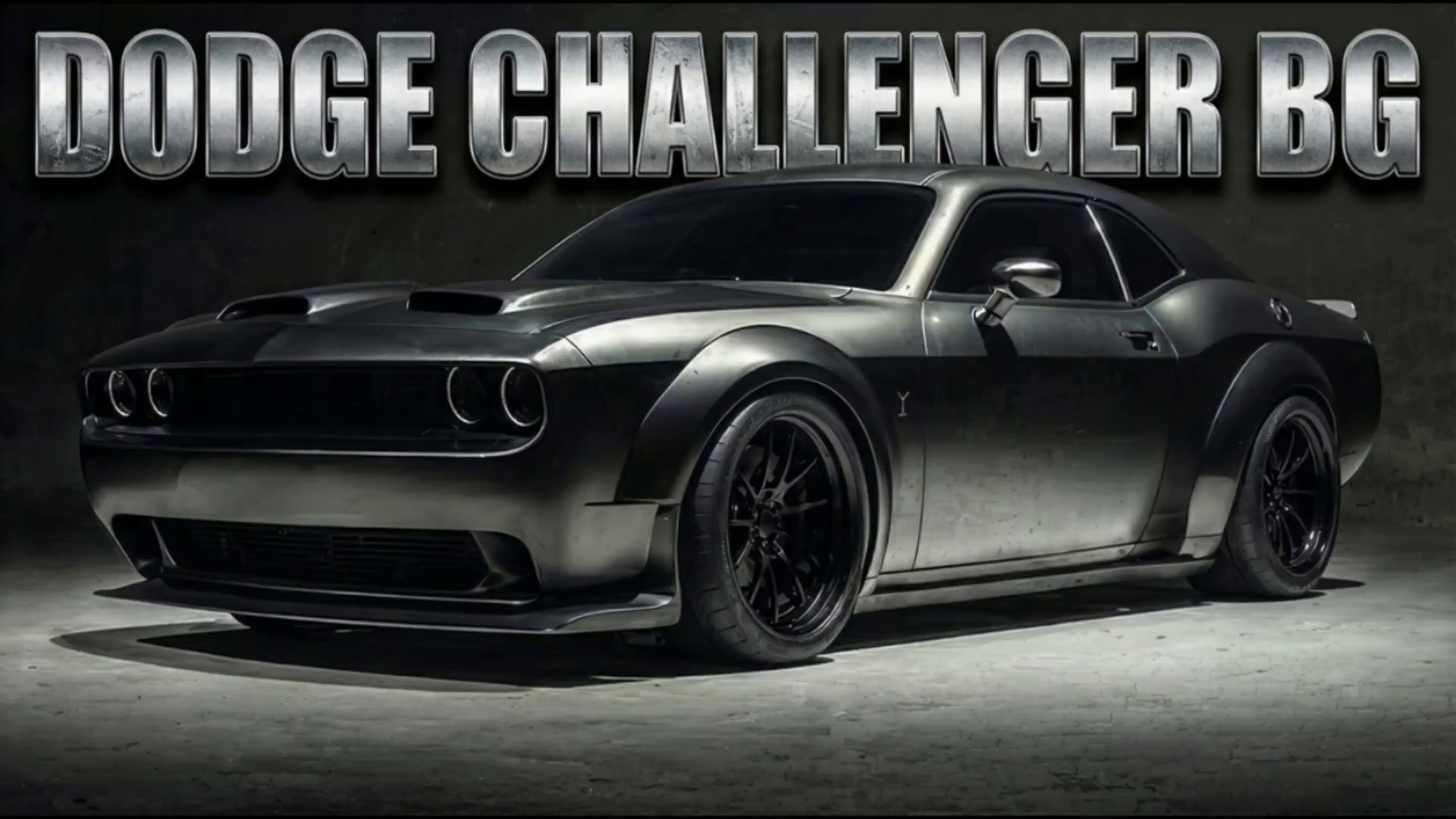
Dodge Challenger Teaser Ad with Veo 3.1 - AI video prompt thumbnail
VEO 3.1 🏢 Brand Marketing

Dodge Challenger Teaser Ad with Veo 3.1

by BriskBlackMamba • Created with UlazAI

The Dodge Challanger BG 🖤 From one image to a teaser car ad. I started …

Dodge Challenger car ad Veo 3.1 +10
983 2
View
Start Generating Videos →

Launch the current UlazAI video studio and choose Seedance 2, Veo 3.1, Sora 2, Kling, Grok, Wan, or Hailuo.

Turn prompt browsing into finished AI videos

Use the free directory to find a proven prompt, then choose the current UlazAI route that matches your input, duration, budget, and quality target.

Frequently Asked Questions About the UlazAI Prompt Directory

How the directory, prompt assistant, model routes, and credit estimates work together.

What is the UlazAI Prompt Directory?

It is a searchable collection of 2008+ free AI video prompts with model-aware entry points for Seedance 2, Veo 3.1, Sora 2, Kling 3.0, Grok, Wan, and Hailuo. The goal is not just prompt inspiration; it is faster routing from prompt idea to the correct studio workflow.

How can I create better prompts?

Use the AI Prompt Assistant to expand rough ideas into structured prompt drafts. Then adapt the prompt for the selected model: reference-heavy prompts fit Seedance 2 or Wan R2V, motion-heavy prompts can fit Kling 3.0, and polished cinematic prompts often fit Veo 3.1.

Which model should I choose?

Start with your input type. Text-only ideas can go to Veo 3.1, Sora 2, Kling 3.0, Seedance 2, or Wan 2.7 T2V. Image-to-video prompts fit Seedance 2, Veo 3.1, Wan 2.7 I2V, Hailuo, Grok, and Kling. Audio or multimodal reference workflows are strongest candidates for Seedance 2 or Kling routes.

How do I use a prompt from the directory?

  1. 1. Search by model, theme, or category.
  2. 2. Open a prompt detail page and copy the prompt.
  3. 3. Pick the right UlazAI model route for the input type.
  4. 4. Review credits, duration, aspect ratio, and quality settings.
  5. 5. Render, compare output, and save the best version.

Are the prompts free?

Yes. The directory prompts are free to browse, copy, and adapt. Rendering videos uses UlazAI credits, and the page now shows model-level starting credit estimates to reduce pricing guesswork before you open a studio.

Can I submit my own prompts?

Yes. Submit high-quality prompts with clear output intent and, where possible, an example video. Good submissions improve the directory and make it easier for other creators to understand which prompt patterns work across current models.

Ready to build from a prompt?

Start with the directory, improve the wording in the assistant, then open the matching video studio route for the model you need.