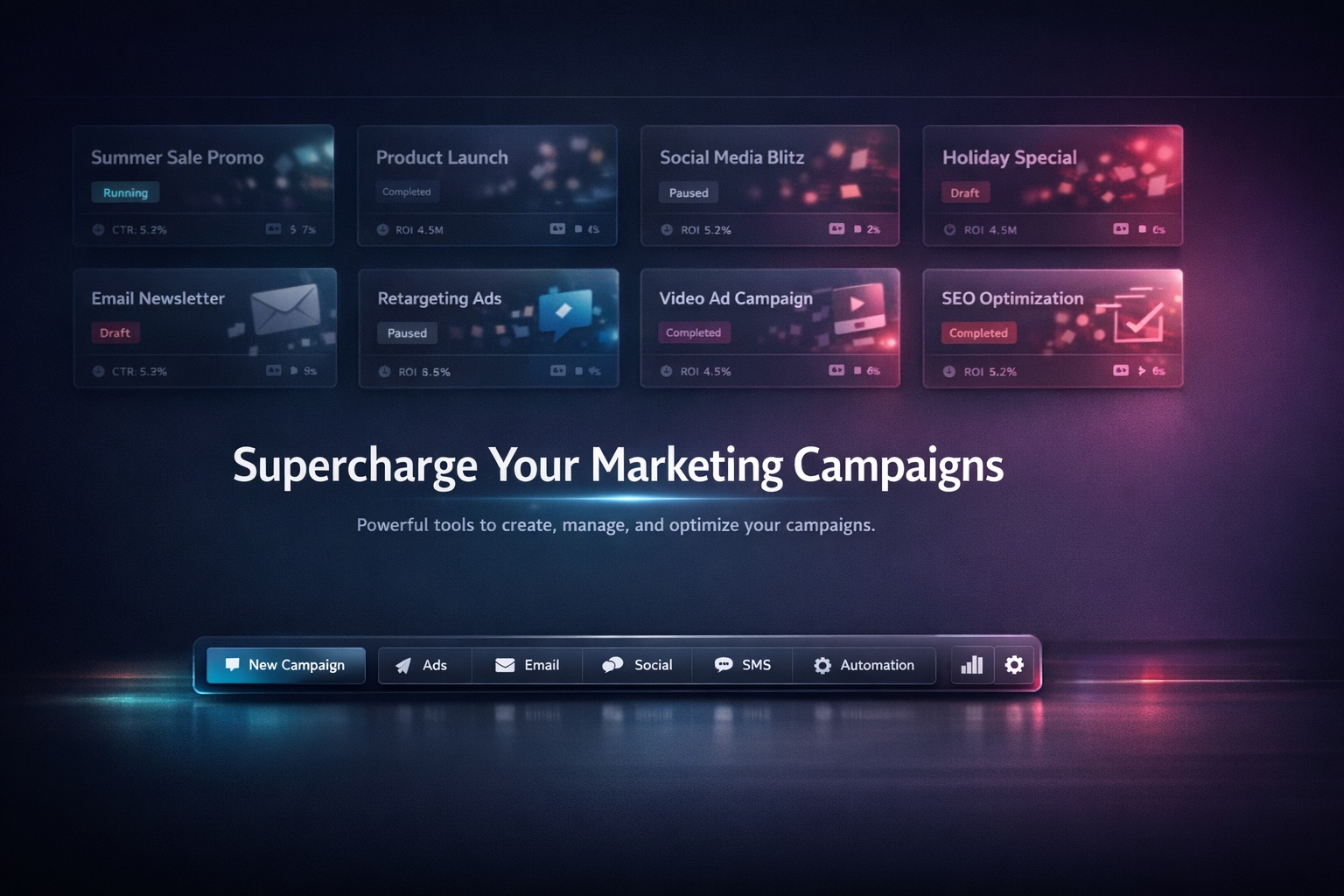
One Canvas, Full Launch Flow
Campaign Studio canvas with floating composer and campaign tiles
Campaign Studio
Plan strategy, generate image/video assets, track status, create variants, and export channel bundles without switching tools.
Demo clip: planning flow, tile execution, modal inspection, and delivery workflow.
Campaign Studio canvas with floating composer and campaign tiles
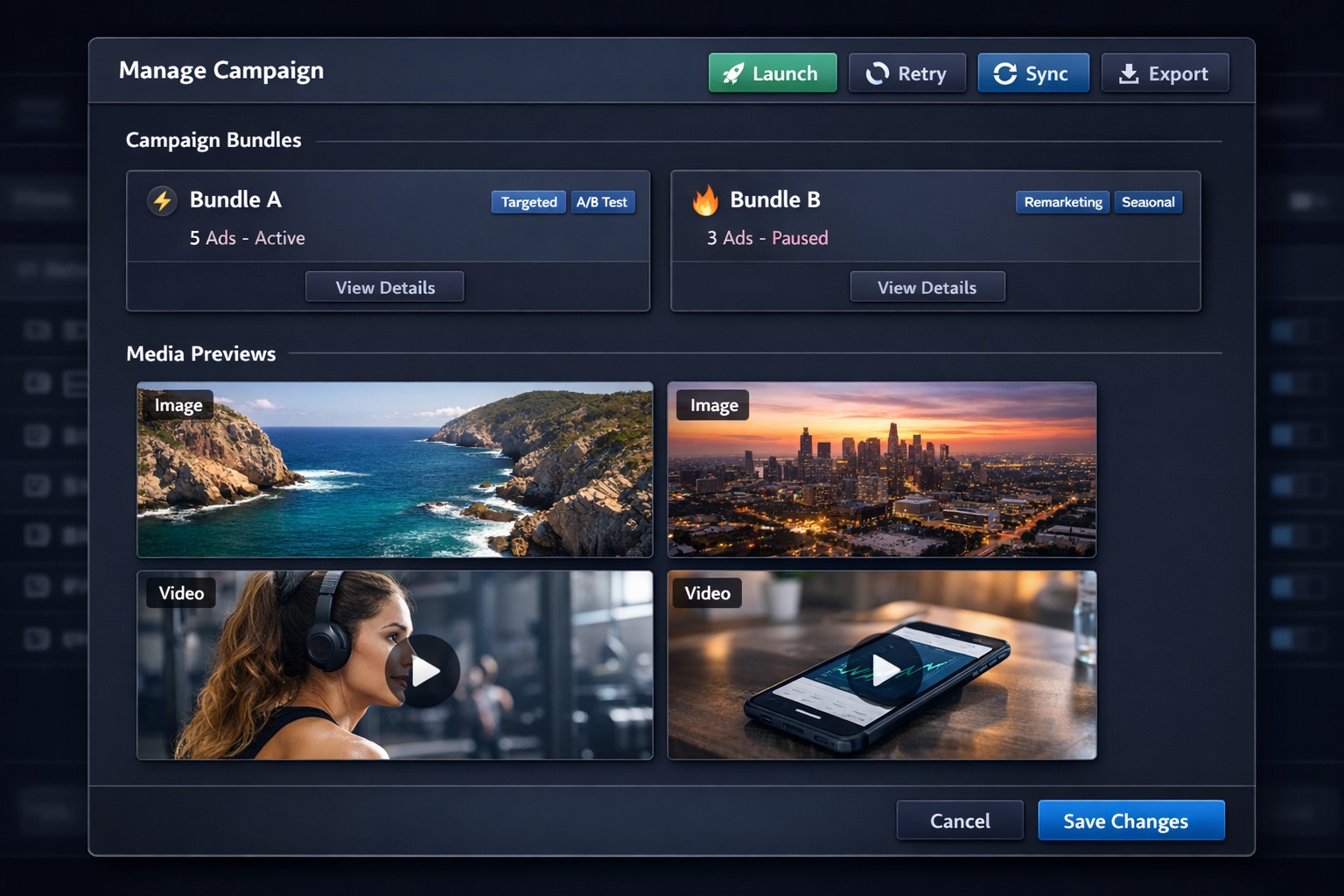
Campaign details modal with previews and execution controls
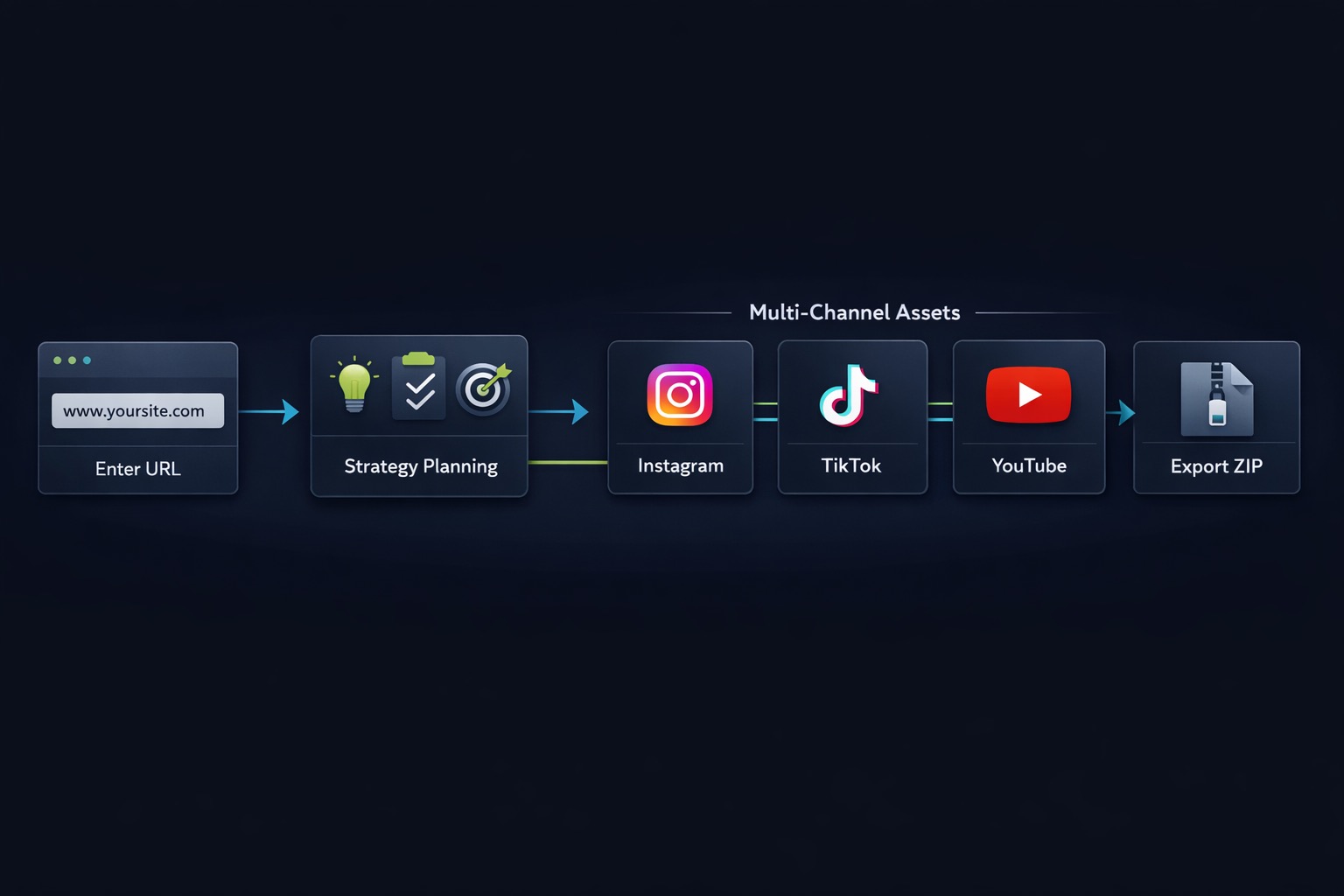
Campaign workflow from website input to export bundles
Input website, audience, objective, and channels. Generate a structured campaign plan with model defaults and quality settings.
Launch, retry, sync, and export from campaign tiles and modal actions with clear status feedback for every action.
Track rollup, bundle status, per-asset state, cost estimates, and open/download outputs without leaving the canvas.
Create targeted variants per asset and audience using inherited context from the source item.