UlazAI - AI Beeld & Video Tools
Beeld-naar-video-vergelijking
Beste AI-beeld-naar-videotools in 2026: Runway versus Kling versus Luma versus Pika
Als uw shortlist Runway ML versus Kling AI versus Luma Dream Machine versus Pika Labs is en de bron een stilstaand beeld is, begin dan hier. Runway is het sterkst als u gerichte camerabewegingen en strakke productiebedieningen nodig heeft. Kling is een sterke realisme- en waardetest. Luma is handig voor filmische verkenning. Pika is het beste voor snelle, eenvoudige creatieve experimenten. Benchmark ze met hetzelfde stilstaande beeld, dezelfde beeldverhouding, bewegingsopdracht en hetzelfde budget voor opnieuw proberen voordat u een workflow kiest. Prijzen, modelversies en free-tier-limieten op deze pagina zijn voor het laatst gecontroleerd op 2 augustus 2026.
Beeld-naar-video-modellen
Gebruik deze pagina voor Runway ML, Kling AI, Luma Dream Machine en Pika Labs wanneer het uitgangspunt een stilstaand beeld is dat beweging nodig heeft. Hoe breder Gids voor AI-videomodellen blijft de pagina voor volledige modelselectie, tekst-naar-video, audio en API-planning.
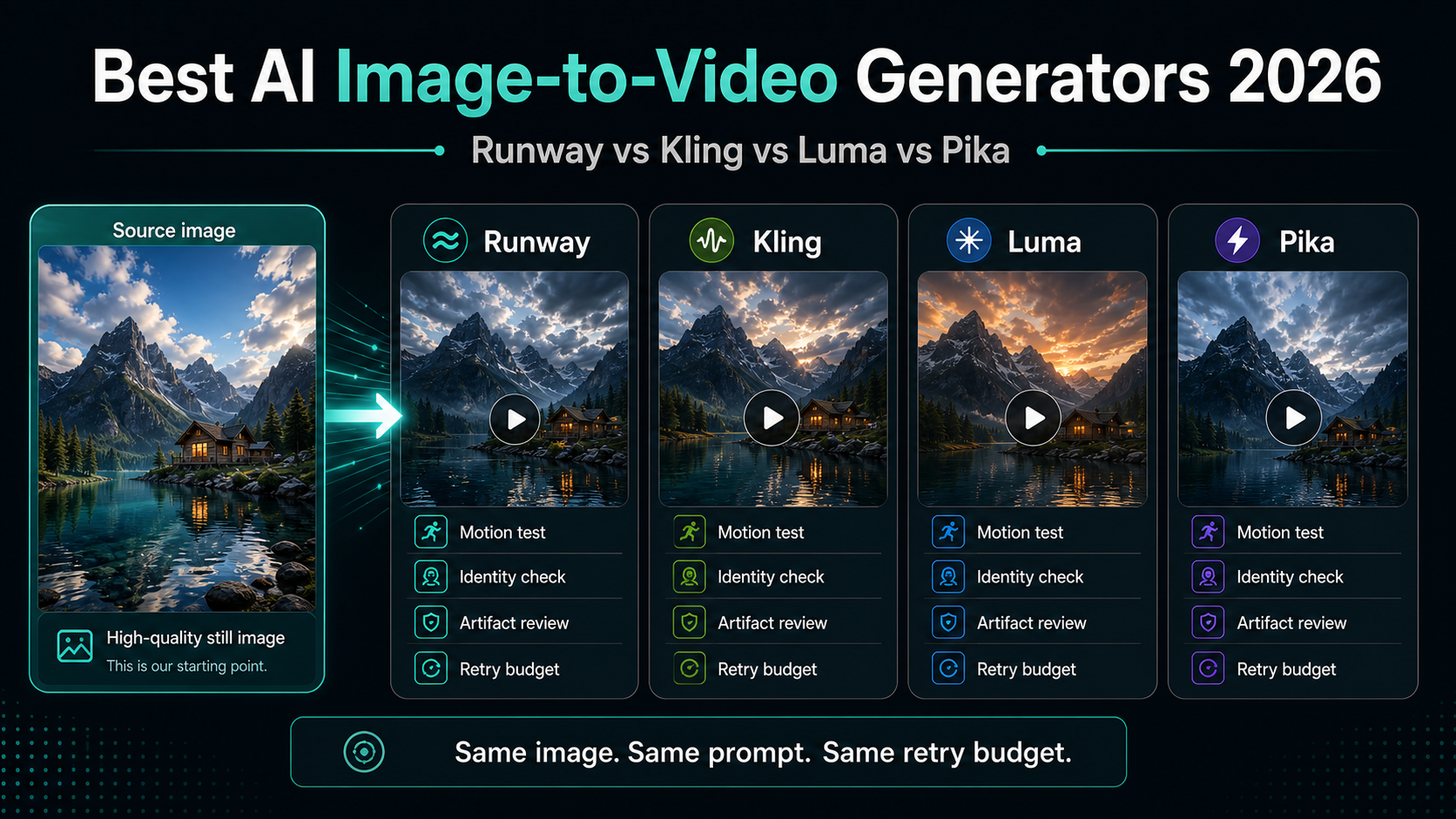
Vergelijkingsbereik
Kies een beeld-naar-video-tool op basis van bewegingsbediening, nieuwe pogingen en kosten per bruikbare clip.
Gebruik de Gids voor AI-videomodellen voor brede tekst-naar-video, audio, API en modelvergelijkingen. Voor animatie met stilstaande beelden test u één bronafbeelding voor Runway, Kling, Luma en Pika en vergelijkt u de bruikbare uitvoer na nieuwe pogingen.
| Gereedschap | Beste pasvorm | Pas op voor | Eerlijke proef |
|---|---|---|---|
| Runway | Geregisseerde camerabewegingen, schonere productiecontroles en teams die een volwassen creatieve workflow willen. | Credits kunnen snel worden verplaatst als je meerdere nieuwe pogingen of langere clips nodig hebt. | Gebruik één afbeelding en één camerabeweging; Volgens de Gen-4-documentatie van Runway fungeert de invoerafbeelding als het eerste frame. |
| Kling | Mensen, realismetests, multi-shot verkenning en op waarde gerichte iteratie. | Gratis en betaalde limieten kunnen variëren per model, regio, account en officiële app-oppervlakte. | Houd identiteitsbehoud, gezichtsstabiliteit, bewegingsrealisme en uitgegeven credits per bruikbaar resultaat bij. |
| Luma | Filmische verkenning, productscènes, opnamen met veel natuurkunde en snelle visuele ontwikkeling. | Plannamen, kredietmodi en oudere Dream Machine-documenten kunnen verwarrend zijn. | Controleer de huidige prijspagina en live gebruikersinterface voordat u de exacte duur of kosten belooft. |
| Pika | Snelle sociale iteraties, eenvoudige beeld-naar-video-tests en creatieve verkenning met weinig wrijving. | Resolutie, modeltoegang en kredietkosten verschillen per abonnement; gebruik de Limieten voor het gratis Pika-abonnement voor actuele prijsinformatie. | Voer drie pogingen uit vanaf dezelfde still en controleer vervolgens Maximale lengte van Pika vóór het schalen. |
Benchmark-workflow
Gebruik dezelfde test voordat u een winnaar kiest.
De meeste ranglijsten zijn te los omdat ze verschillende prompts, afbeeldingen en uitvoer vergelijken. Gebruik één schone afbeelding, schrijf één bewegingsoverzicht en beperk elk hulpmiddel tot hetzelfde budget voor nieuwe pogingen.
Beeldkwaliteit invoeren
Zwakke bronafbeeldingen zorgen ervoor dat elk videomodel er slechter uitziet en verbergen het echte verschil tussen de tools.
Gebruik een scherp beeld met een duidelijk onderwerp, strakke randen en voldoende achtergrondruimte voor camerabewegingen.
Bewegingsrealisme
Beeld-naar-video mislukt meestal wanneer het onderwerp vervormt, handen breken, logo's afwijken of camerabewegingen de prompt negeren.
Vraag om één beweging tegelijk en scoor vervolgens de identiteit van het onderwerp, camerabeweging, objectconsistentie en artefacten.
Duur en beeldverhouding
De meeste tools zien er goed uit in korte voorbeelden, maar de praktische cap, beeldverhouding en exportformaat bepalen of de clip bruikbaar is.
Controleer de huidige productdocumentatie of live gebruikersinterface voordat u duur, resolutie of platformspecifieke resultaten belooft.
Kosten per bruikbare clip
De goedkoopste tool is niet goedkoper als je veel nieuwe pogingen nodig hebt voordat één clip bruikbaar is.
Houd bij hoeveel credits u heeft uitgegeven, mislukte pogingen, wachtrijtijd en hoeveel laatste clips uw kwaliteitsbalk passeren.
Praktische aanbeveling
Begin met de beeld-naar-video-tool die bij de opname past. Kies de Runway als de gecontroleerde camerarichting belangrijk is, Kling als realistische mensen of bewegingsconsistentie belangrijk zijn, Luma als je film- of productscènes verkent, en Pika als je snelle creatieve ontwerpen nodig hebt. Voor tekst-naar-video-, audio- en API-vergelijkingen gebruikt u de bredere Gids voor AI-videomodellen.
Kies niet op basis van één democlip. Kies op basis van de kosten per bruikbare clip na nieuwe pogingen. Dat is de maatstaf die bepaalt of de tool wekelijkse advertenties, sociale posts, productdemo's of API-gestuurde productie kan ondersteunen.
Officiële referenties gecontroleerd
Veelgestelde vragen
Wat is de beste AI-beeld-naar-videogenerator in 2026?
Er is niet één winnaar voor elke taak. Runway is een goede keuze voor gerichte productiecontrole, Kling is een sterke maatstaf voor realisme en waarde, Luma is handig voor filmische verkenningen en Pika is handig voor snelle creatieve tests.
Hoe moet ik beeld-naar-video-tools eerlijk vergelijken?
Gebruik hetzelfde stilstaande beeld, dezelfde beeldverhouding, prompt, doelduur en budget voor nieuwe pogingen. Scoor vervolgens identiteitsbehoud, bewegingskwaliteit, artefacten, wachtrijtijd en kosten per bruikbare clip.
Is dit hetzelfde als een algemene vergelijking van AI-videomodellen?
Nee. Deze pagina is alleen bedoeld voor workflows van stilstaand beeld naar video. Gebruik de AI-videomodellengids als u een bredere tekst-naar-video-, audio-, API- of productievergelijking nodig hebt.
Moet ik beginnen met een gratis abonnement of betaalde credits?
Gebruik gratis abonnementen om de interface te leren kennen en de ruwe pasvorm te testen. Ga naar betaalde credits als u watermerkvrije export, commercieel gebruik, voorspelbare wachtrijen of voldoende nieuwe pogingen voor productie nodig heeft.