UlazAI - AI Image & Video Tools
New in the ChatGPT plugin directory
Make AI images inside ChatGPTUlazAI Media plugin, up to 2 free images a month
UlazAI Media is now a ChatGPT plugin. You describe the picture in your chat. ChatGPT checks your free images, prepares the request, and UlazAI makes it with GPT Image 2. You get a private download link back in the same chat.
Every UlazAI account can make up to 2 free images a month this way, while the shared pool lasts: 20 a month for all plugin users together. Right now 18 of 20 are left for this month.
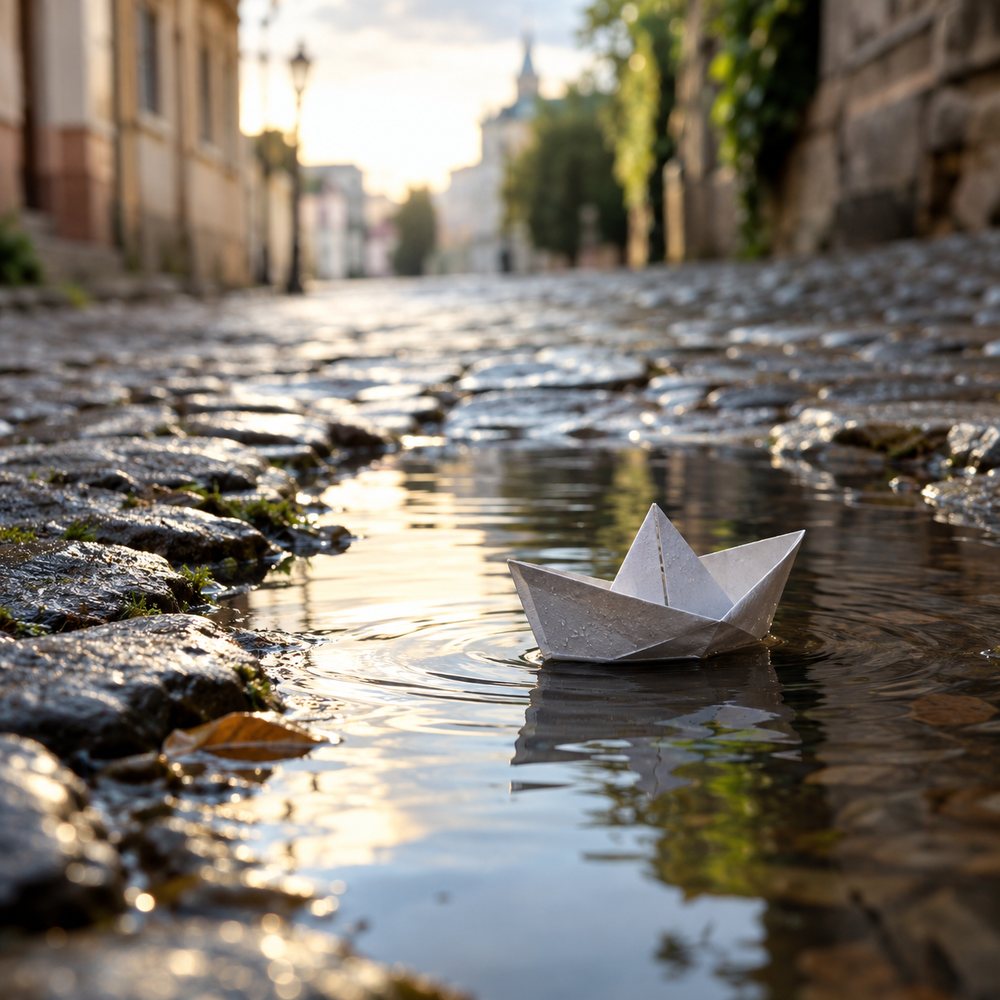
- Model
- GPT Image 2
- Size
- Square 1K, 1254 × 1254 px
- Free
- Up to 2 a month per account, while the pool of 20 lasts
- Download
- Link works for 5 minutes
What ChatGPT does with your request
- Checks how many free images you have left this month.
- Picks the model. For now there is one: GPT Image 2.
- Saves your prompt and settings as a private request. That request expires after five minutes.
- Makes the image once. Sending the same request again does not make, or count, a second image.
- Sends back a private download link.
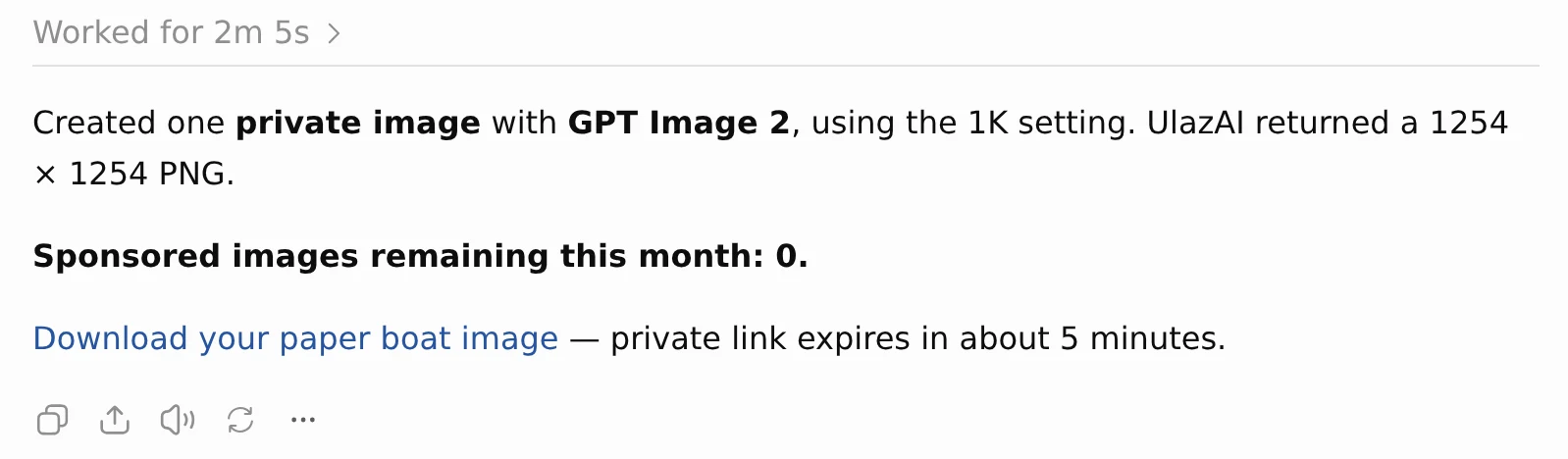
Connect it in three steps
You need a ChatGPT account and a UlazAI login. The UlazAI login is free, and you can make it during step 2.
- Open UlazAI Media in ChatGPT and click Install plugin.
- Click Connect UlazAI Media and log in with email and password, or with Google. No UlazAI account yet? Sign up on that same screen and we create one for that email address. Already use UlazAI with the same verified email? Then the plugin connects to that account.
- Ask for an image in your chat, for example: make a private image of a paper boat in a rain puddle, soft morning light.
Square GPT Image 2 only, for now
The plugin does one job. For other models, sizes or video, use the studios on UlazAI itself.
| In ChatGPT | Can it? |
|---|---|
| Make a square 1K image with GPT Image 2 | Yes |
| Other models, video or music | No, those are in the UlazAI studios |
| Portrait or landscape sizes | No, every image is square |
| Edit a photo you upload | No |
| Show the image inside the chat | No, you get a download link |
| Use your paid UlazAI credits | No, only the free monthly images |
| More than 2 images a month | No. When yours are used, or the shared pool is empty, the plugin says so and stops until the 1st of next month |
The download link only works for five minutes
Save the file as soon as ChatGPT sends the link. Missed it? Ask in the same chat for the status of your image. ChatGPT then gets a fresh five-minute link. UlazAI keeps plugin images for 30 days and then deletes them. Who sees your prompt and image is on the UlazAI Media privacy page.
The pool of 20 free images a month is small on purpose: we pay for every one. If the plugin gets busy, the pool can run out before the end of the month. You still have your own 2 on paper then, but the plugin will tell you the pool is empty.
Want more than two images?
Use GPT Image 2 on UlazAI itself. There you pick the size, use your credits and keep everything in your gallery. The UlazAI homepage shows all image and video models with their prices.