Krok 1
Vyberte pasáž nebo scénu
Start with one focused moment: Elijah under the juniper tree, Israelites in the wilderness, a parable, or a teaching scene.
UlazAI - AI Image & Video Tools
Pracovní postup UlazAI řízený používáním
Plánujte scény z písem, vytvářejte konzistentní vizuální rámce a poté je animujte do krátkých klipů biblických příběhů pro kázání, lekce, krátké filmy, kotouče a vzdělávací kanály.
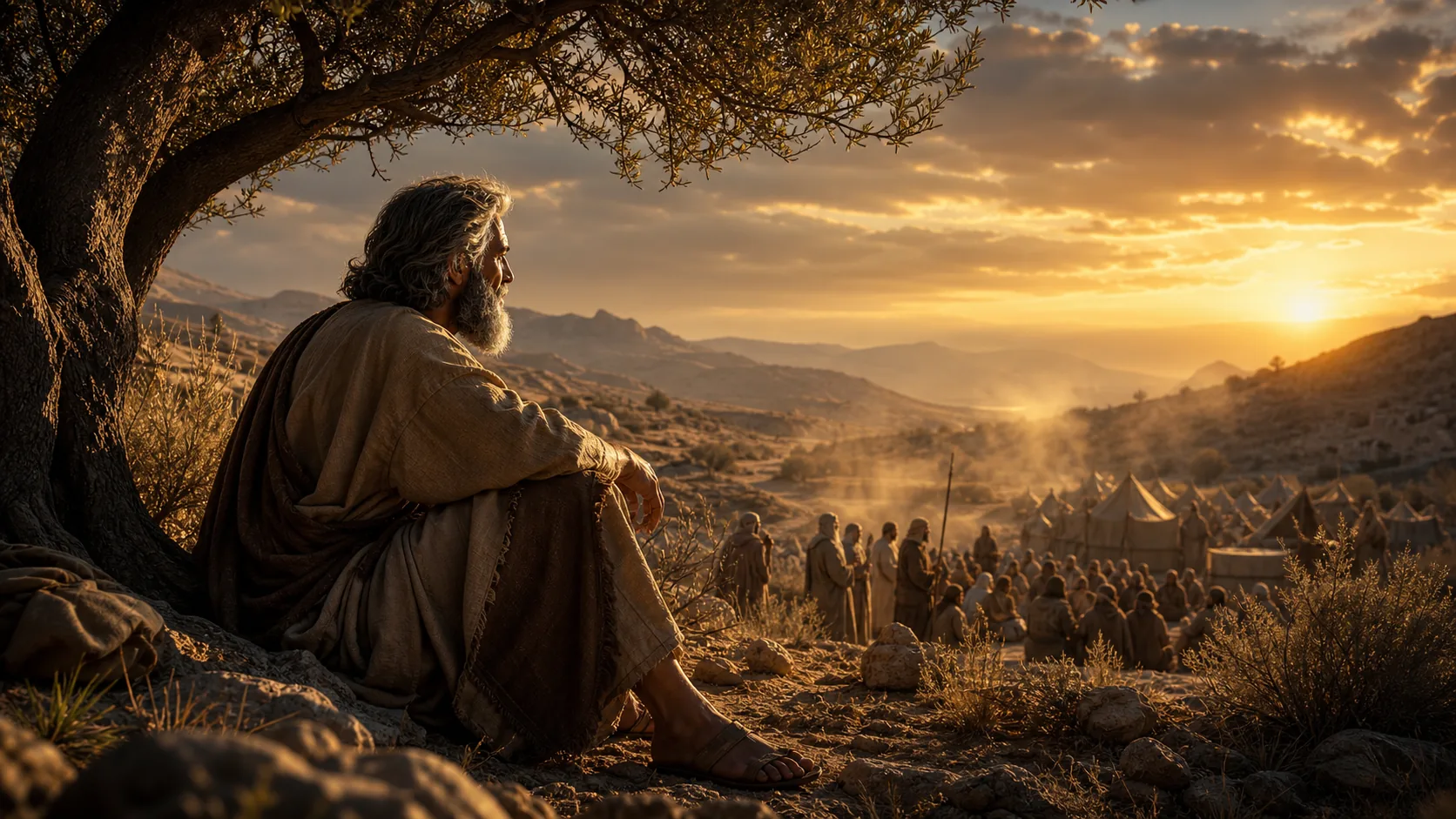
Generovaný příklad
Reference-led Bible story production flow
Pracovní postup biblického příběhu
Start with one focused moment: Elijah under the juniper tree, Israelites in the wilderness, a parable, or a teaching scene.
Use Image Studio for consistent characters, clothing, environment and lighting before sending the scene into video.
Use Seedance, HappyHorse or Veo 3.1 for short cinematic clips with stable motion and story-first pacing.
Toto nejsou obecné odhady obsahu. Mapují skutečné uživatelské pracovní postupy, které se již objevily při produkčním použití UlazAI.
Příklad výstupů
Každý příklad spáruje viditelný výsledek se prompt, který uživatelé mohou kopírovat, přizpůsobovat a spouštět uvnitř UlazAI.
Skutečně generované rastrové aktivum
Toto je druh hotového vizuálu, který by měl návštěvník očekávat, že jej vytvoří, poté animuje, remixuje nebo použije jako produkční referenci.
Otevřete Video Studio9:16 Shorts scene
Tichý, emocionálně založený vizuál biblické lekce s konzistentním hábitem, pouštní paletou a jemným pohybem kamery.
Reference image of Elijah under a juniper tree, then animate a slow 9:16 push-in, warm dawn light, respectful biblical tone, wind moving dust and robe fabric, no modern objects.
16:9 explainer cutaway
Filmový širokoúhlý záběr pro kázání nebo kontext ve třídě s rozsahem davu, pohybem a jasným historickým stylem.
Wide biblical wilderness scene, Israelites gathering quail at sunset, historically inspired robes, dust in the air, cinematic educational realism, camera glides left to reveal the camp.
3-scene mini story
Znovu použitelné vesnické prostředí pro vysvětlovače podobenství se shodnými postavami a hřejivým osvětlením nádvoří z prvního století.
First-century village courtyard, teacher speaking gently to a small group, warm natural light, expressive faces, painterly realism, continue the same characters across three short clips.
Prompt knihovna
Použijte je jako rychlé výchozí body a poté nahraďte předmět, styl, jazyk fotoaparátu a výstupní omezení pro svůj vlastní projekt.
Filmově jemný fotorealismus, prorok Eliáš odpočívající pod osamělým jalovcem v divočině, teplé ranní světlo, tiché emoční vyčerpání, uctivé biblické vyprávění.
Široká pouštní scéna Izraelitů sbírajících křepelky v divočině, historicky inspirované róby, prach, napětí, filmový vzdělávací styl, žádné moderní předměty.
Jemné podobenství na vesnickém dvoře z prvního století, teplé přirozené světlo, výrazné tváře, jasný vyučovací moment, malířský realismus.
Použijte model, který odpovídá typu vstupu a nákladovému profilu. Nejprve levně otestujte a poté utrácejte za nejsilnější směr.
Best when you want reference images, consistent characters and longer scene control.
Good for animating a strong first frame with expressive motion.
Low-cost tests for short biblical scenes before spending on higher-quality renders.
Porovnejte jiný nástroj, otevřete průvodce modelem nebo pokračujte v souvisejícím pracovním postupu.
Yes. Generate image references for the scene and animate them with a compatible Video Studio model.
Use Seedance 2.0 for reference-driven scenes, HappyHorse for first-frame animation, and Veo 3.1 Lite for low-cost tests.
Yes. Build a character sheet and reuse the same visual reference style across multiple short clips.
Otevřete příslušný nástroj UlazAI, vytvořte první verzi a poté přeměňte vítězné prompt na znovu použitelná aktiva.
Otevřete Video Studio