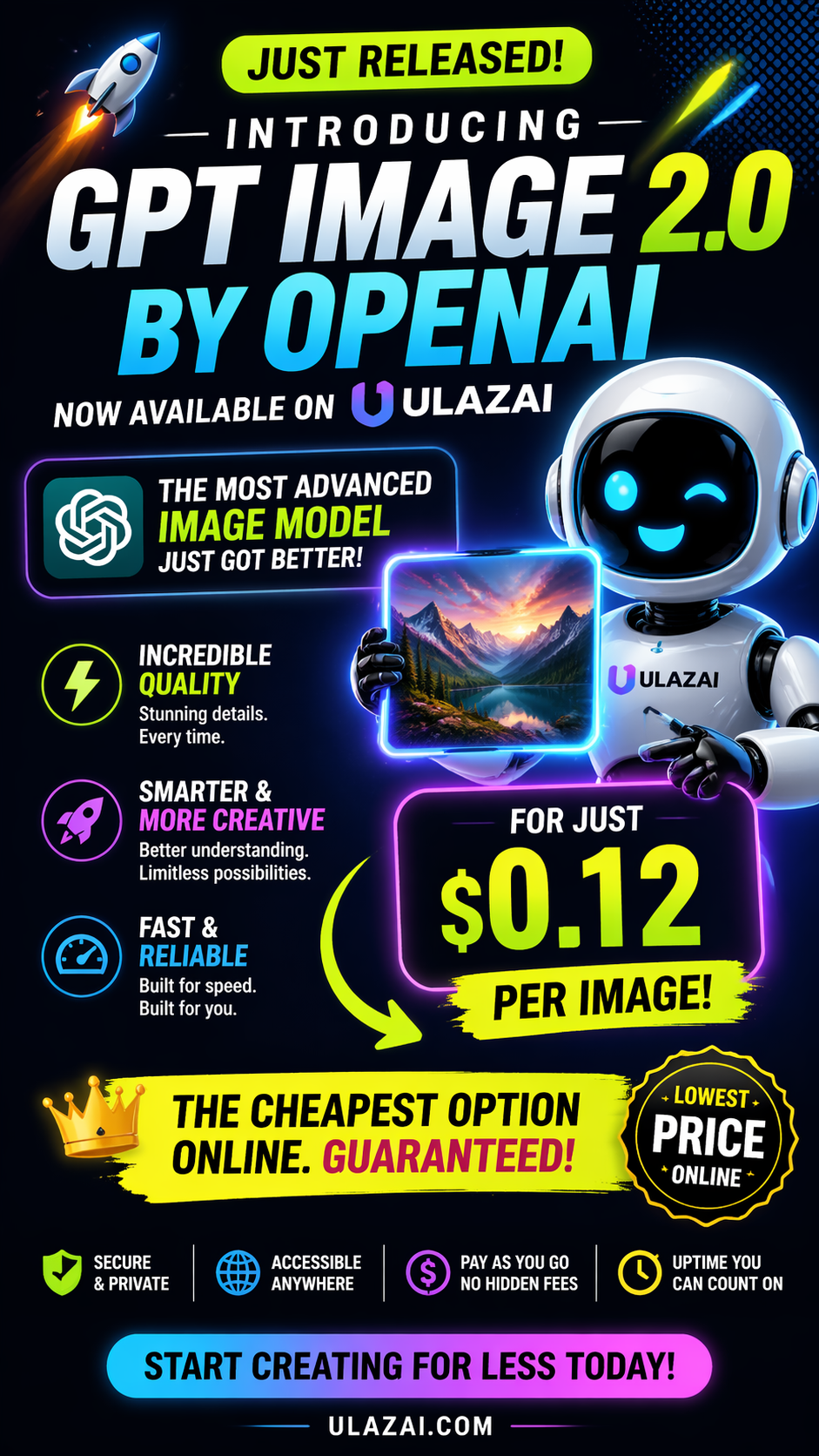
Launch poster with strong text rendering
This example shows the commercial side of GPT Image 2: big headline treatment, price framing, strong hierarchy, and image-plus-text composition that still reads cleanly.
UlazAI makes GPT Image 2 easier to use for text-to-image, image editing, text-rich visuals, and higher-quality commercial image workflows, billed at 12 credits per image.
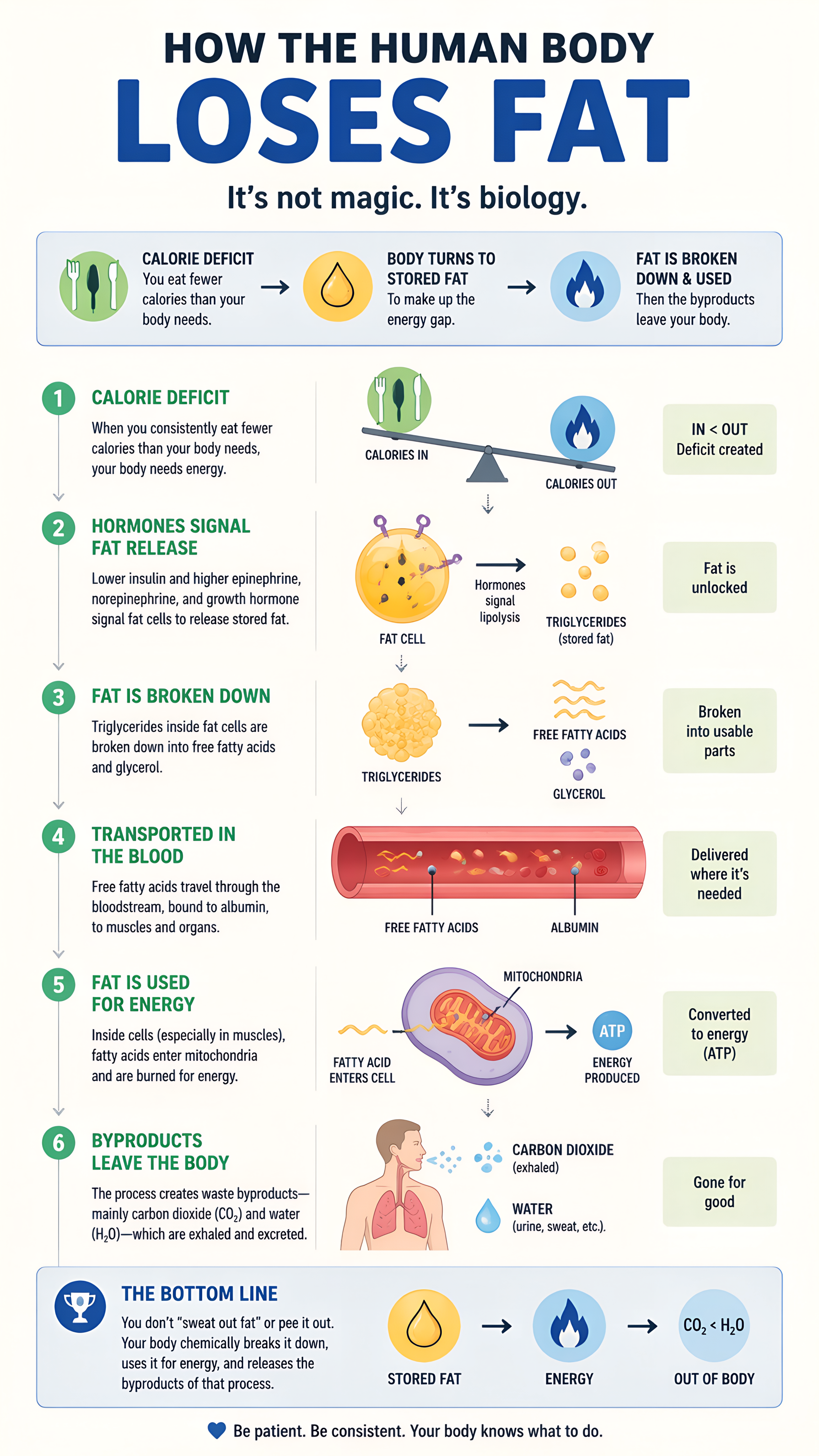
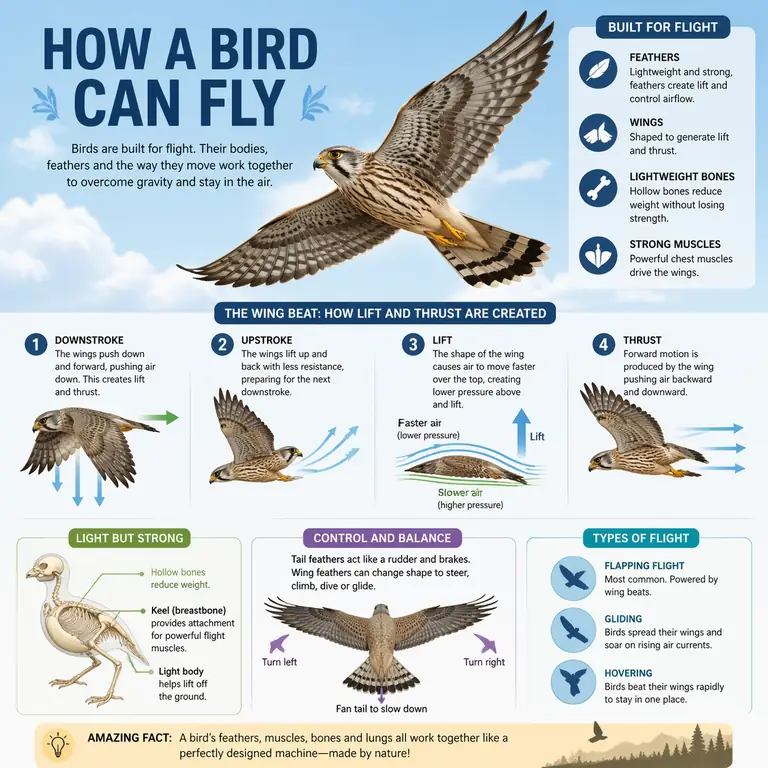
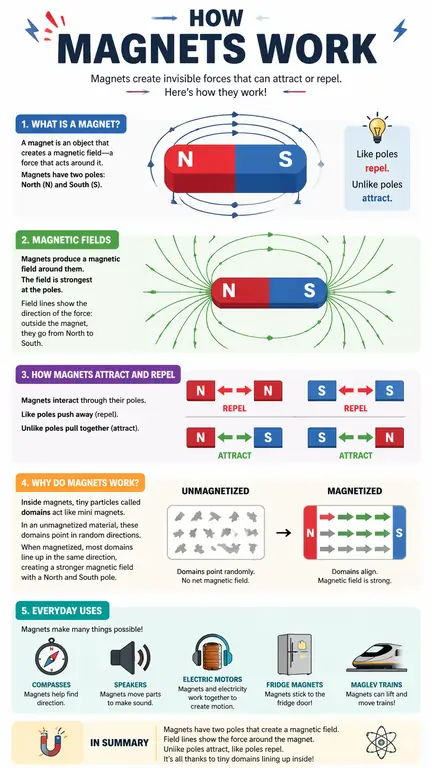
These examples show the range clearly: promotional poster work, text-heavy infographic layouts, and structured educational visuals that still stay readable.
This example shows the commercial side of GPT Image 2: big headline treatment, price framing, strong hierarchy, and image-plus-text composition that still reads cleanly.
Good example of structured explainer layout, icon usage, and readable labels across multiple sections.
Shows step-based educational storytelling with labels, arrows, and simple explanatory structure.
Shows more complex diagram framing with multiple panels, anatomy callouts, and visual consistency.
GPT Image 2 matters when you need stronger prompt fidelity, better text inside images, and cleaner edits without adding workflow complexity.
Turn written prompts into marketing creatives, product concepts, poster directions, ad images, illustrations, and branded visual assets.
Start from an existing image when you need style shifts, product recoloring, background replacement, subject cleanup, or controlled merchandising edits.
Use the same async job flow for generate and edit, then poll by task ID or connect a callback when you want completion pushed into your backend.
The value is not just prettier images. It is better control where text rendering, edit precision, structure, and commercial output quality all matter at the same time.
GPT Image 2 is better suited for posters, storefront mockups, packaging, ads, UI concepts, and infographics where the text inside the image needs to stay readable.
Editing workflows stay more coherent when you need to change one object, update a background, or refine a product scene without rebuilding everything around it.
It is a stronger fit for diagrams, maps, architecture, educational graphics, and other outputs where structure and world knowledge matter as much as style.
That matters when your team is testing many campaign directions, comparing visual variants, or building interactive generation experiences with tight response loops.
Localized ads, packaging, UI mockups, and educational visuals become more practical when text generation inside the image is not limited to one market or language.
12 credits per image keeps forecasting straightforward when you want to move from testing to repeatable production usage.
Test prompt behavior, compare text-to-image versus image-to-image, and review output quality before you wire the model into production paths.
Use the correct GPT Image 2 model ID, pass your prompt, and add callBackUrl when you want completion notifications instead of polling.
Store the generated assets, track task IDs, and wire retries, timeouts, moderation, and cost controls before you send GPT Image 2 traffic into full production.
It is a strong fit for text-rich creative, higher-quality marketing visuals, product editing, merchandising updates, and commercial image workflows that need tighter control.
Yes. UlazAI exposes both GPT Image 2 text-to-image and GPT Image 2 image-to-image in the same model family.
12 credits per image in Image Studio.
Yes. UlazAI supports the default presets and also lets GPT Image 2 jobs pass a custom aspect ratio when you need a specific format.
Yes. UlazAI exposes nsfw_checker as a simple safety-filter toggle for this model.
Open GPT Image 2 in Image Studio, run prompt-only or reference-based jobs, choose a preset or custom ratio, and keep costs predictable at 12 credits per image.