Borrowed Light
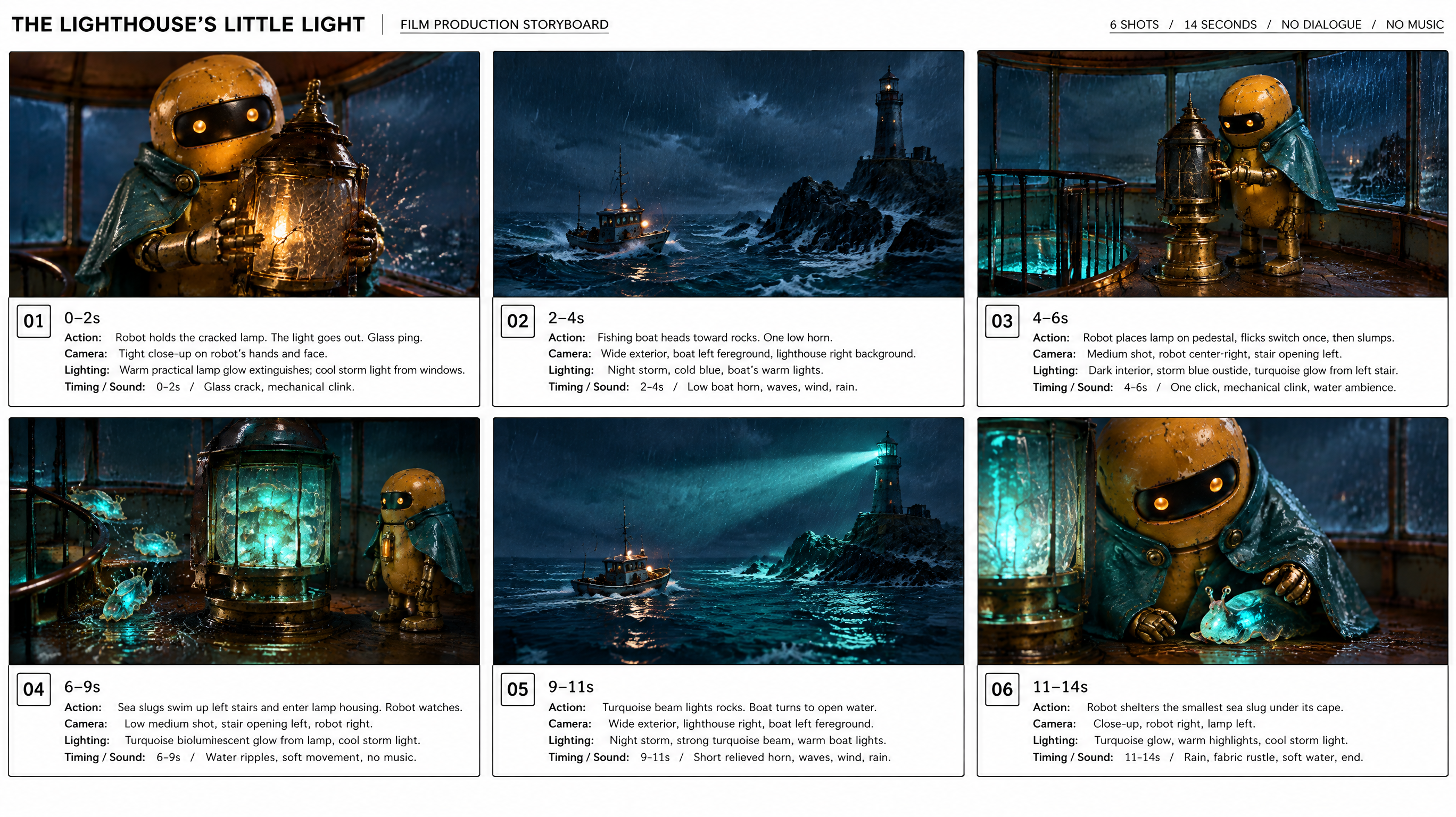
Ein kleiner Leuchtturmroboter bekommt Hilfe von leuchtenden Meerestieren.
Diese Geschichte verwenden : Borrowed LightUlazAI - KI-Bild- & Video-Tools
Beschreibe eine Idee, gestalte Figuren und Einstellungen und erstelle einen kurzen Film mit Ton.
Neuer FilmEin kleiner Leuchtturmroboter bekommt Hilfe von leuchtenden Meerestieren.
Diese Geschichte verwenden : Borrowed LightEin Gartenroboter trifft eine Pflanze, die nicht klein bleiben will.
Diese Geschichte verwenden : One Last LeafDiese Filme wurden mit Grok Imagine in 720p erstellt. Beim Öffnen eines Beispiels werden Plan und Bilder übernommen; neue Generierungen kosten Credits.
Beschreibe Geschichte und Bildstil. Lass die KI einen Plan entwerfen und bearbeite Regie und einzelne Einstellungen.
Erstelle Figuren, Requisiten und Schauplätze oder lade eigene Bilder hoch.
Erstelle ein Storyboard aus deinen Einstellungen und wähle die Fassung für den Film.
Wähle Modell, Dauer und Auflösung. Erstelle den Film, vergleiche Takes und lade deinen Favoriten herunter.
Das Storyboard gibt dem Modell eine Richtung, garantiert aber keine exakten Einstellungen oder Handlungen. Vergleiche Takes und passe den Plan an.
Beginne mit 480p oder 720p und kurzer Dauer, um Testkosten zu begrenzen. Grok Imagine und Seedance 2.5 stehen bereit. Vor jeder Generierung siehst du die Kosten in Credits.