Borrowed Light
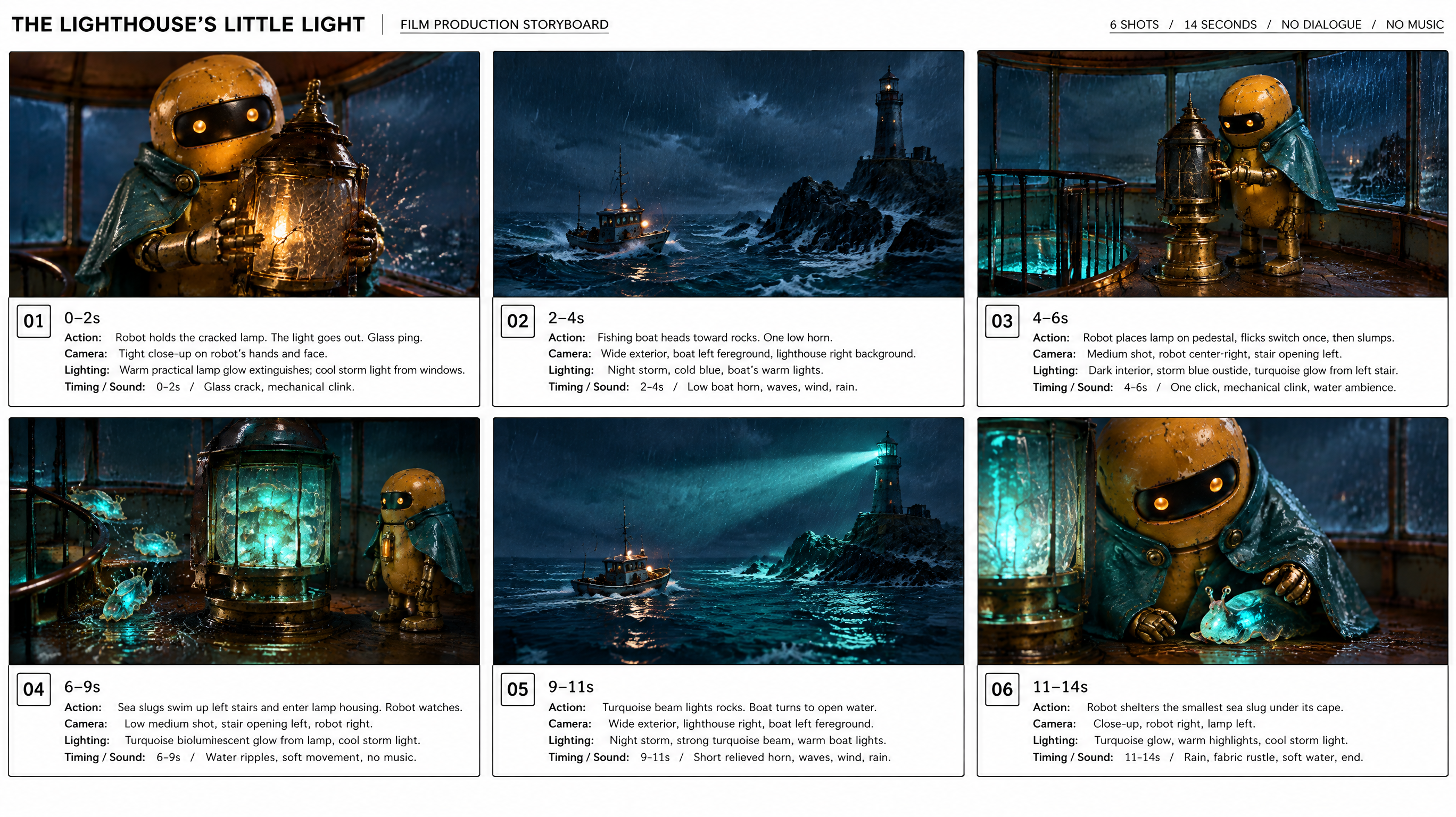
En liten fyrrobot får hjälp av lysande havsdjur.
Använd berättelsen : Borrowed LightUlazAI - AI bild- och videoverktyg
Skriv en idé, forma karaktärer och scener och skapa sedan en kort film med ljud.
Ny filmEn liten fyrrobot får hjälp av lysande havsdjur.
Använd berättelsen : Borrowed LightEn trädgårdsrobot möter en växt som vägrar förbli liten.
Använd berättelsen : One Last LeafFilmerna skapades med Grok Imagine i 720p. När du öppnar ett exempel återanvänds planen och bilderna; nya genereringar kostar krediter.
Beskriv berättelsen och bildstilen. Låt AI föreslå en plan och redigera regi och enskilda bilder.
Skapa karaktärer, rekvisita och miljöer eller ladda upp egna bilder.
Bygg ett storyboard från dina scener och välj versionen du vill animera.
Välj modell, längd och upplösning. Skapa filmen, jämför tagningar och ladda ner din favorit.
Storyboarden vägleder modellen men garanterar inte varje bild eller handling. Jämför tagningar och justera planen vid behov.
Börja med 480p eller 720p och kort längd för att hålla testkostnaden nere. Grok Imagine och Seedance 2.5 finns tillgängliga. Kostnaden i krediter visas före varje generering.