UlazAI - AI Image & Video Tools
New in Image Studio · Seedream 5.5 by ByteDance
Seedream 5.5product shots without a background
Seedream 5.5 is ByteDance's newest Seedream. On UlazAI it costs 5 credits at 1K and 8 at 2K. The new part is a transparent background: ask for it and you get a PNG cut-out, no remove-background step after. We ran four prompts through it on 23 November and put every result on this page.
Measured on 23 November
- 8 credits
- for a 2K image
- 20-42 s
- per image in our test
- 2048 px
- transparent PNG, square
- 10 photos
- as references in one edit
A sneaker with nothing behind it
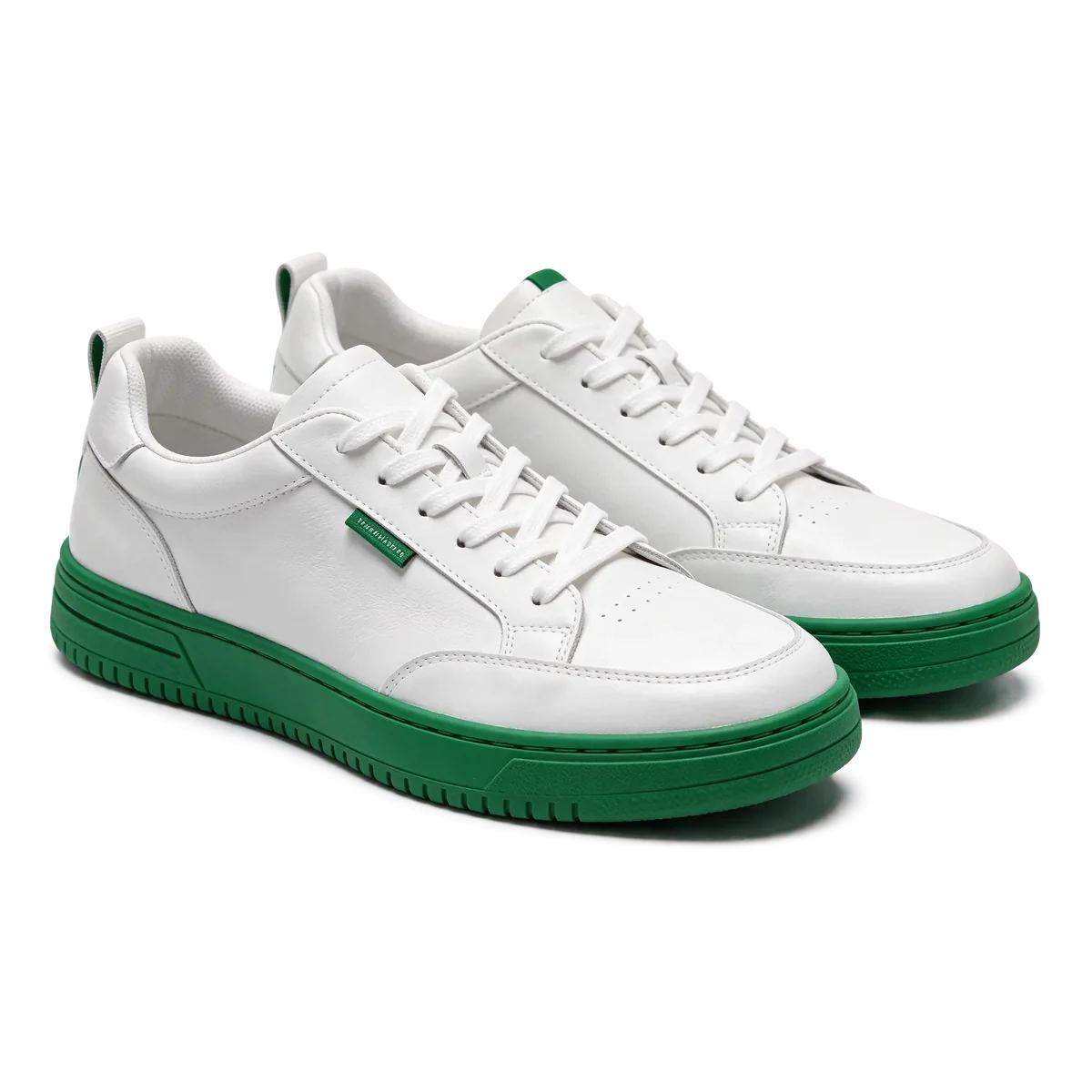
We asked for white sneakers with a green sole and switched Transparent on. The file came back as a 2048 x 2048 PNG with a real alpha channel. The soft shadow under the sole stayed in the alpha, so the shoes don't float when you drop them on a coloured banner. We put the same file on red and blue to check the edges.
A pair of white leather sneakers with a green sole, three-quarter view, studio product shot, isolated object
Three prompts, one run each
No retries, no cherry picking. Use this prompt opens the same settings in the Studio. Scroll sideways for more


TEXEL was right. The small print was made up
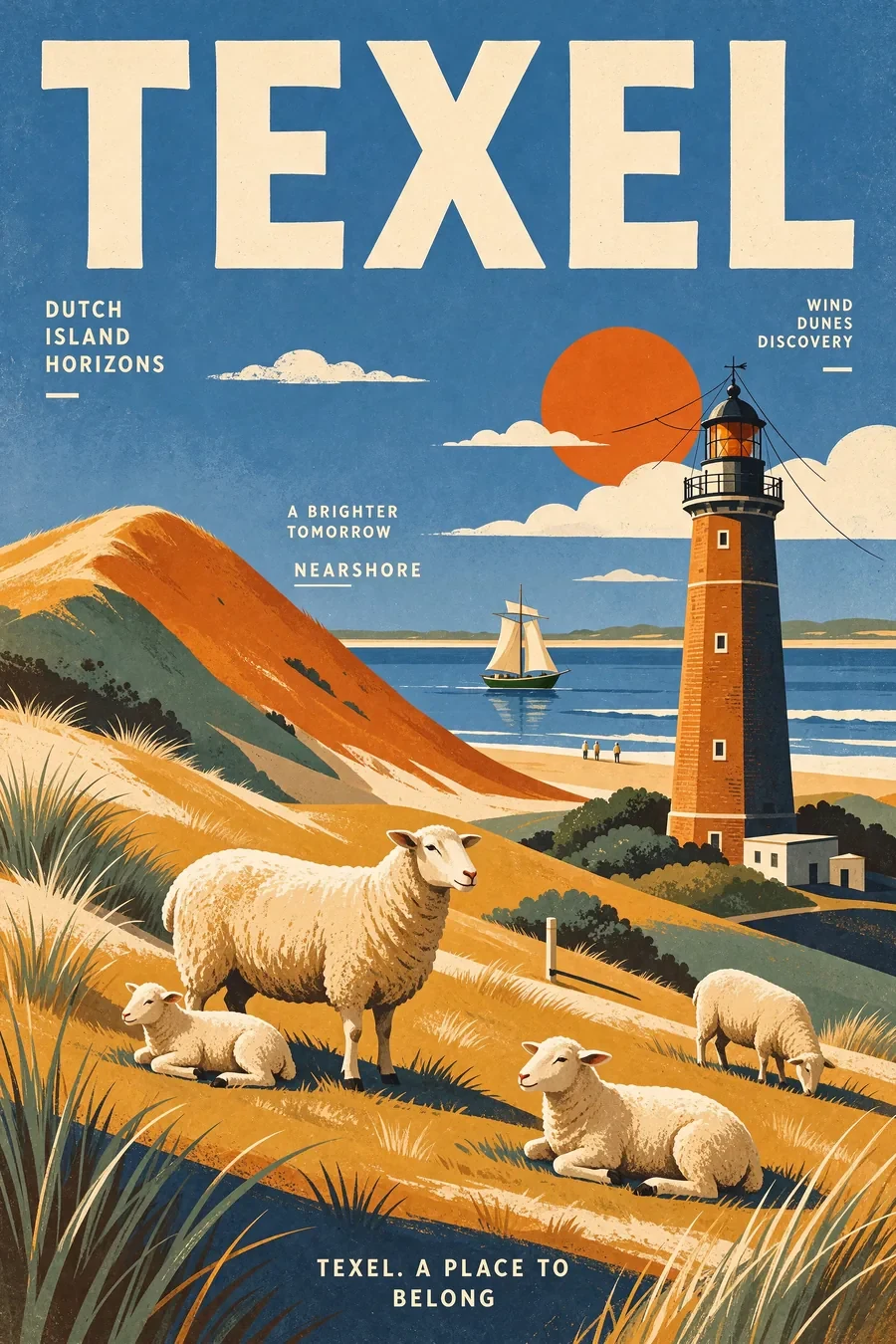
The poster prompt asked for one word. Seedream 5.5 spelled TEXEL right, then added lines we never asked for, like NEARSHORE and A BRIGHTER TOMORROW. Real words, but invented. If small text matters, write every line into your prompt or remove it after.
Black mug to cobalt blue, same morning
Edit mode takes up to 10 photos. We took the black mug Seedream 5.5 made at 1K and asked: make the mug glossy cobalt blue, keep everything else identical. The table, the light and the shape of the mug stayed the same. An edit with one photo at 1K costs 7 credits.
Make the mug glossy cobalt blue, keep everything else identical

 Before
After
When Seedream 5.0 Flash is the better buy
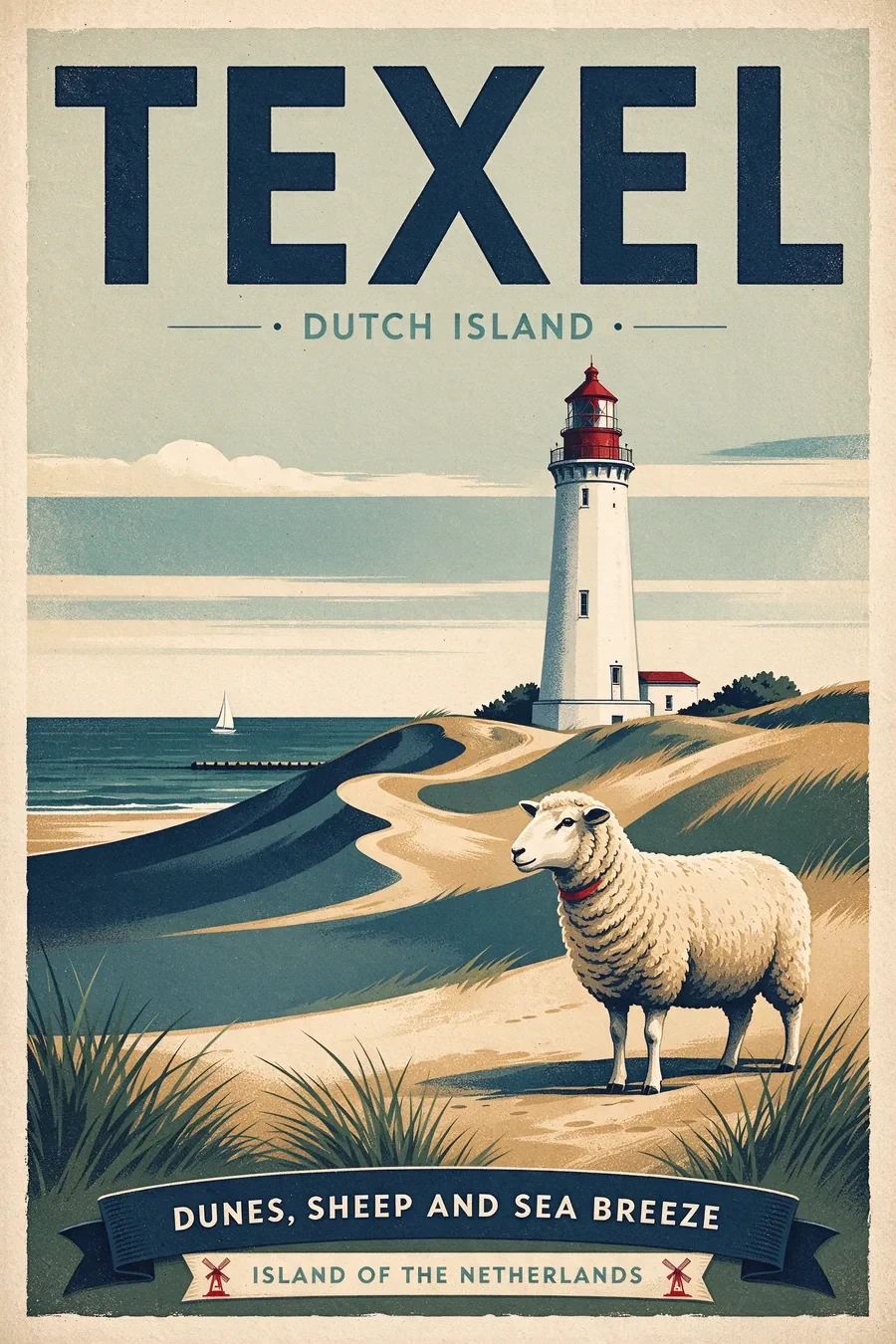
We ran the same three prompts through Seedream 5.0 Flash. It spelled TEXEL right too, added its own banner line, took 26-29 seconds and costs 4 credits at 2K. For drafts and social posts Flash is enough. Pay for 5.5 when you need the transparent background.
How many credits does Seedream 5.5 cost?
You pay per image. Every reference photo in an edit adds a small amount on top, because the model bills it too.
Generate with Seedream 5.5| Model | 1K | 2K |
|---|---|---|
| Seedream 5.5 | 5 | 8 |
| Seedream 5.0 Flash | 4 | 4 |
| MiniMax H3 Image | 3 | 3 |
Open, prompt, switch Transparent on
- Open the Image Studio and pick Seedream 5.5.
- Type a prompt, or add up to 10 photos and describe what has to change.
- Pick a ratio and 1K, 1.5K or 2K. Switch Transparent on for a cut-out PNG. The same credits also run AI videos.
Every prompt on this page
Copy them, change the subject, keep what works.
Product shot, 4:3 4:3 · 2K
A matte black ceramic coffee mug on a pale oak table, morning window light from the left, soft shadow, a thin wisp of steam, product photo, shallow depth of fieldTravel poster, 2:3 2:3 · 2K
Retro travel poster for the Dutch island Texel: lighthouse, dunes and sheep, flat screen-print style, the word TEXEL in bold sans-serif at the topInterior, 16:9 16:9 · 2K
Scandinavian living room with a green velvet sofa, terracotta wall, large monstera plant, late afternoon sun, architectural interior photoTransparent product, 1:1 1:1 · 2K · PNG
A pair of white leather sneakers with a green sole, three-quarter view, studio product shot, isolated objectEdit, black mug to cobalt auto · 1K · with reference image
Make the mug glossy cobalt blue, keep everything else identicalQuestions about Seedream 5.5 on UlazAI
How much does Seedream 5.5 cost on UlazAI?
5 credits for a 1K or 1.5K image and 8 for 2K. An edit with one photo at 1K costs 7.
Can Seedream 5.5 make a transparent background?
Yes. Switch Transparent on in the Studio, or send background: transparent through the API. You get a PNG with an alpha channel. JPEG can't hold transparency, so the Studio keeps PNG on.
Is Seedream 5.5 better than Seedream 5.0 Flash?
In our test both spelled the poster headline right. 5.5 added more detail and invented small extra text. Flash was about as fast and costs less. Choose 5.5 for cut-outs and final images, Flash for drafts.
Can I use Seedream 5.5 through the API?
Yes, with model seedream_v5_5 on the same endpoint as the other image models. The API docs list every field.