UlazAI - AI Image & Video Tools
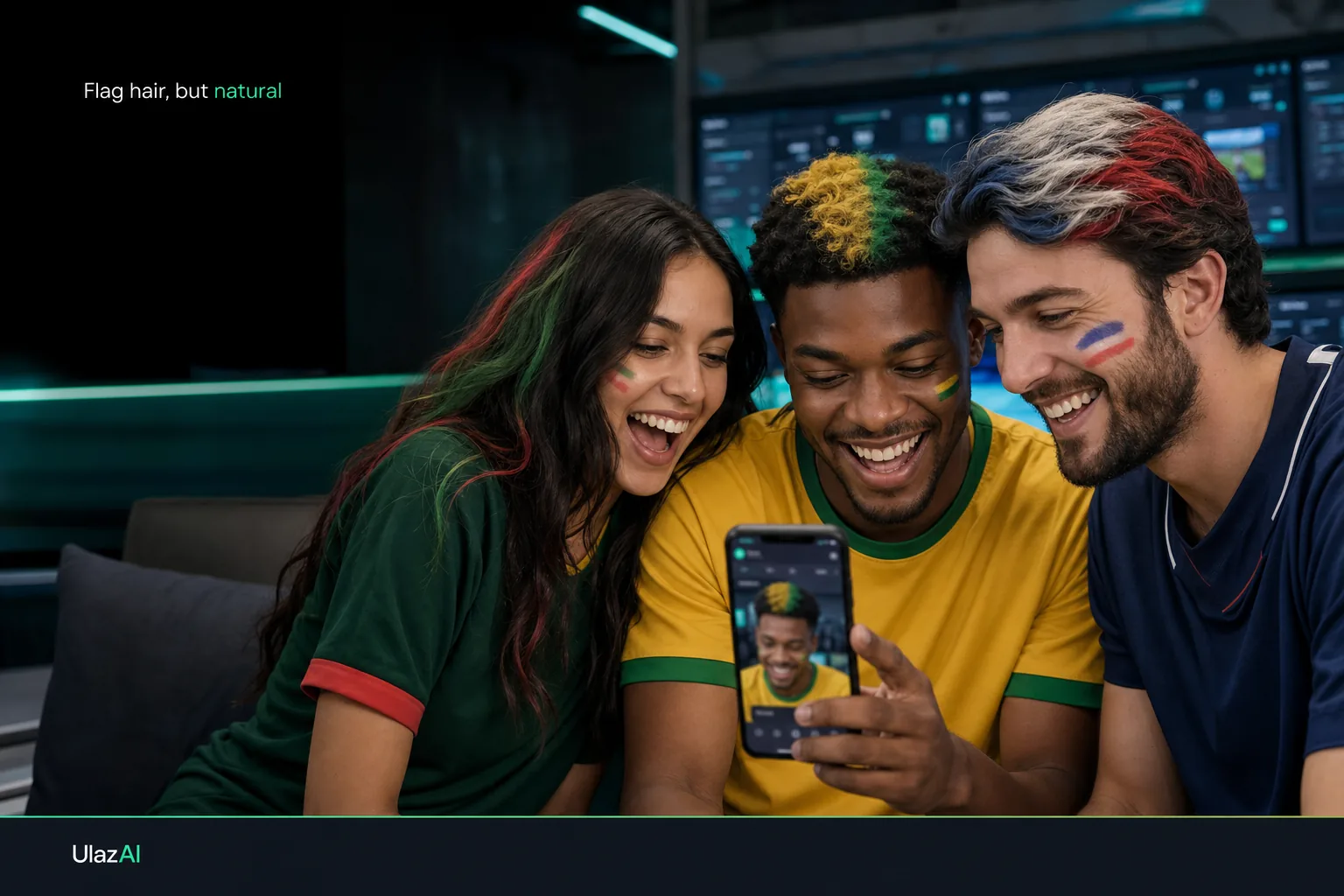
Create your World Cup flag hair edit
Upload a selfie, choose your country, and generate a fan edit with flag colours in your hair. Keep it for your profile photo, group chat or matchday post.
Upload a selfie and choose your country
Pick a photo where your hair is visible. UlazAI turns your country choice into a ready-to-use image prompt and can generate the edit when you are logged in.
- Use a sharp selfie without a hat, heavy filter or dark shadow over your hair.
- Choose one country or type your own colours.
- Copy the prompt if you want to use it somewhere else.
- Only upload your own photo or a photo you have permission to edit.
Why it is called #MessiMode
#MessiMode points to Messi's World Cup story: Argentina, the No. 10 shirt, the 2014 final loss, and the 2022 title. On this page you do not try to look like Messi. You use the prompt to edit your own selfie with your country's colours.
- 2006: Messi made his World Cup debut for Argentina.
- 2014: Argentina reached the final and Messi won the Golden Ball.
- 2022: Argentina won the World Cup; Messi made his 26th World Cup appearance and won the Golden Ball again.
This tool does not create a Messi lookalike. It keeps your selfie as the base and adds your country colours to the hair.
Prompt variants
| Variant | When to use it | Risk to avoid |
|---|---|---|
| Natural fan selfie | Profile photo, WhatsApp group, matchday post | Over-saturated hair that looks like a wig |
| Stadium-light version | Evening match, watch-party creative, story post | Changing the face shape or skin texture |
| RonaldoMode | Portugal/rivalry jokes without using a celebrity likeness | Impersonation or fake player-style identity edits |
Privacy and consent
Upload your own photo or a photo where you have clear permission. Do not use this for children, strangers, public figures, or edits that could mislead people about who made or endorsed the image.
UlazAI only asks for the selfie because image editing needs a visual reference. Logged-in generation uses the existing upload and image job flow. Avoid unnecessary storage: delete local files you do not need and do not reuse someone else's face as a prompt asset.
Generated images may carry AI provenance signals such as C2PA-style metadata or watermarks depending on the model and export path. Screenshots and social platforms can strip metadata, so label AI fan edits when context matters.
FAQ
What is #MessiMode?
#MessiMode is the ChatGPT fan prompt that asks AI to colour your hair with your country flag while keeping the photo believable. UlazAI turns that idea into a guided selfie tool.
How do I make a World Cup flag hair filter?
Upload a selfie, choose your country, check the prompt, and generate the edit. Use a photo with visible hair and normal light for the cleanest result.
Can I choose Argentina, the Netherlands or another country?
Yes. Pick a country from the list or choose Other and type the colours yourself. Use one flag palette per edit.
How do I avoid a fake-looking AI hair filter?
Most bad edits push the colours too hard. Keep the hair texture, haircut shape, skin tone and lighting intact. The prompt on this page tells the model to blend colours as highlights and lowlights.
What is the difference between MessiMode and RonaldoMode?
The mode changes the wording and football tone of the prompt. It does not make you look like Messi, Ronaldo or any real player.
Can I copy the prompt without generating?
Yes. The prompt updates when you choose a country or mode. Copy it if you want to use it in Image Studio or another editor.
Do I need an account to generate the edit?
You can build and copy the prompt without logging in. Generation needs an account because UlazAI has to upload the selfie and save the job result.
Can I use someone else's photo?
Only with permission. Do not upload children, strangers, public figures or photos that suggest a player, club or brand approved the edit.
Sources
Sources for the original ChatGPT prompt, World Cup context and image-editing safety notes.