UlazAI - AI Image & Video Tools
Turn one image into layers you can move
Upload a photo, poster or render. You get the empty background and every object on its own transparent layer. Drag things around, switch the background, then download a PSD.
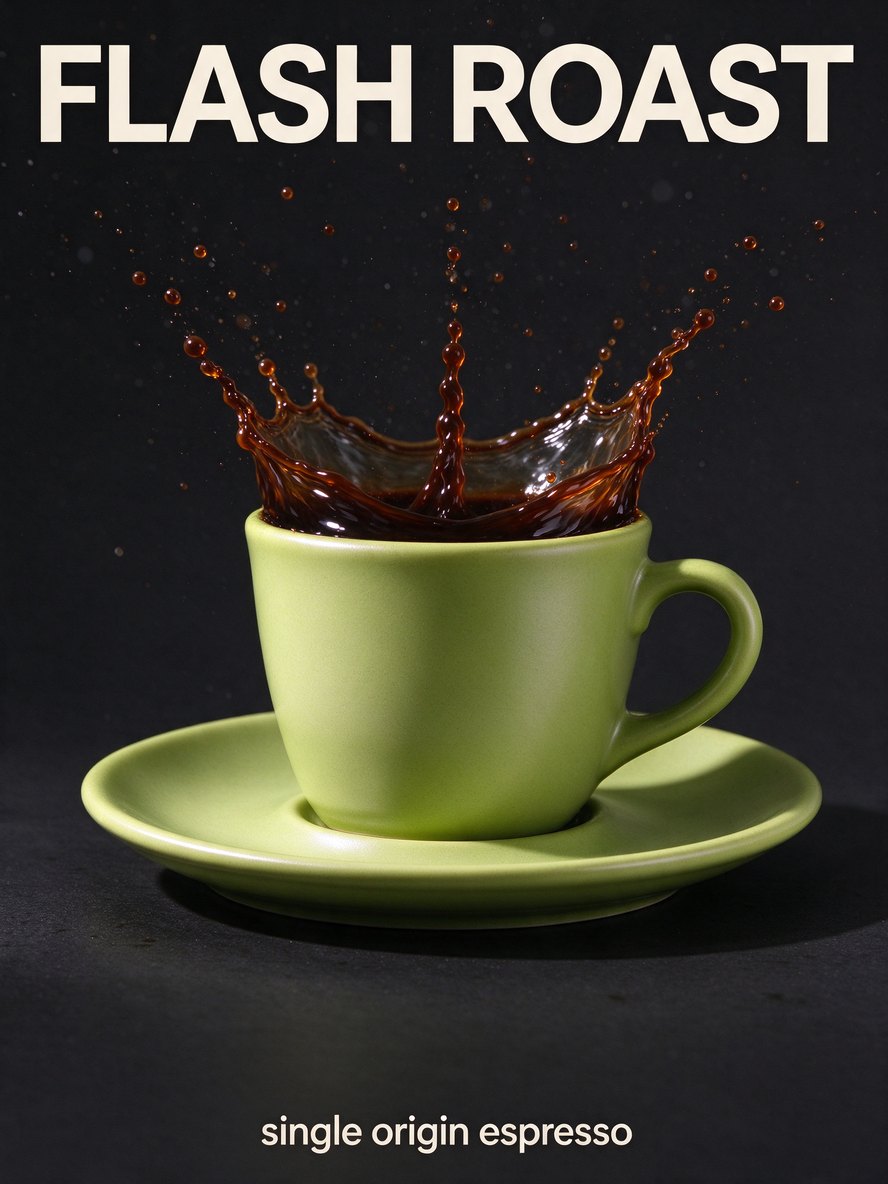
Try it on this poster. No account needed.
Three steps, and the first one is just a drag and drop
Drop in an image
JPG, PNG or WebP up to 10 MB. Photos, product shots, posters and AI images all work.
Draw a box around what you want loose
Or let the model find everything on its own. Boxes give you fewer, cleaner layers, and fewer layers cost less.
Move it, swap it, export it
Every layer is a real transparent PNG on its original spot. Export a flat PNG, a ZIP with all layers, or a PSD for Photoshop, Photopea or Affinity.
What the model does well, and where you still need your hands
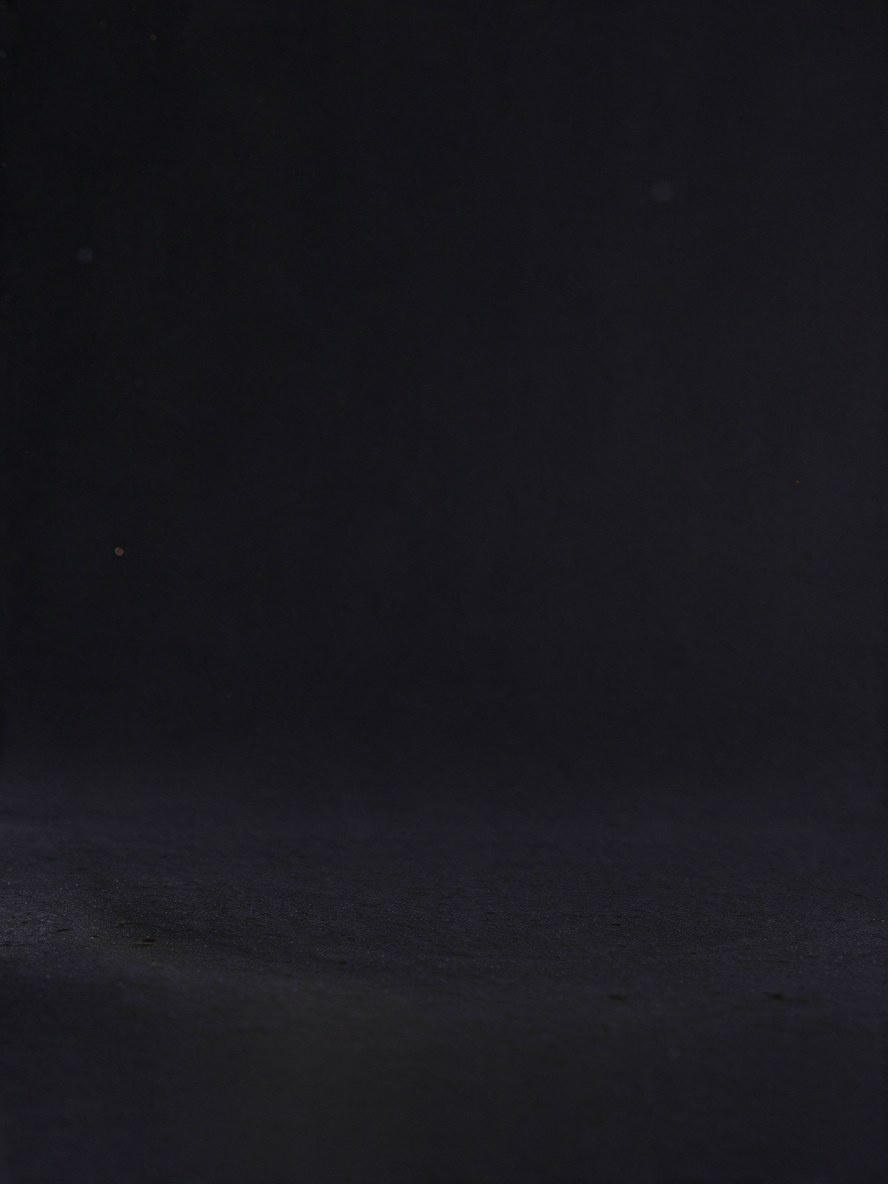
Hidden parts get filled in. The saucer under the cup in our poster comes back as a whole saucer, and the background behind every object is painted clean.
It is not perfect. Small objects come back bigger, so we measure where each layer belongs and put it back. In our tests that worked for most layers, but now and then one lands in the wrong spot. Then you drag it, or press reset.
You pay per layer the model finds
The background counts as a layer too. Most images give 5 to 7 layers. We hold 68 credits while it runs (the maximum for 17 layers) and give back everything you did not use.
| Mode | Credits per layer | Good for |
|---|---|---|
| Fast | 4 | Quick edits, posters, product shots |
| Pro | 10 | Busy scenes and fine edges like hair and plants |
Swapping the background costs 4 credits and leaves your layers untouched.
Questions people ask before they upload
Does the PSD open in Photoshop?
Yes. Every layer is a separate, named pixel layer with transparency. Photopea and Affinity Photo open it too.
Can I upload an iPhone photo?
HEIC does not work yet. Export it as JPG first (on iPhone: share, then save as JPG), or take a screenshot.
What happens if it fails?
Then you get all reserved credits back automatically. You only pay for layers you actually received.