UlazAI - AI Image & Video Tools
New in Image Studio · Google Nano Banana 2.1
Nano Banana 2.1Make it here. 4 credits an image.
Google's newest image model came out on 6 October. It runs in the UlazAI Image Studio now, at 4 credits for a 1K image. That's half of what Nano Banana 2 costs here. Every image on this page came straight out of 2.1. Tap one and its prompt opens in the Studio.
Pick a prompt, make it yours
Eleven real outputs here, one run each, and a panorama further down. Open any of them in the Studio, swap the subject, keep the style. Scroll sideways for more
Text that says what you typed
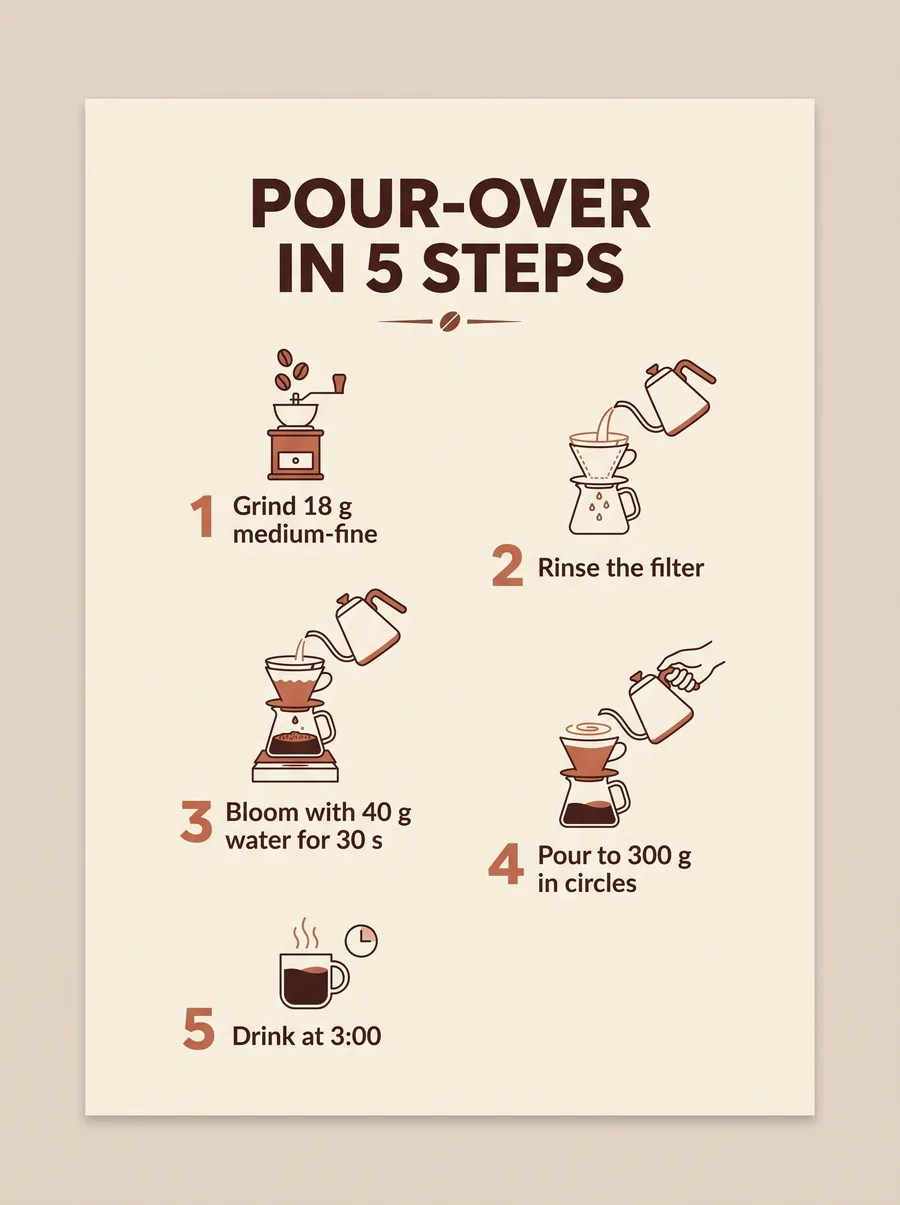
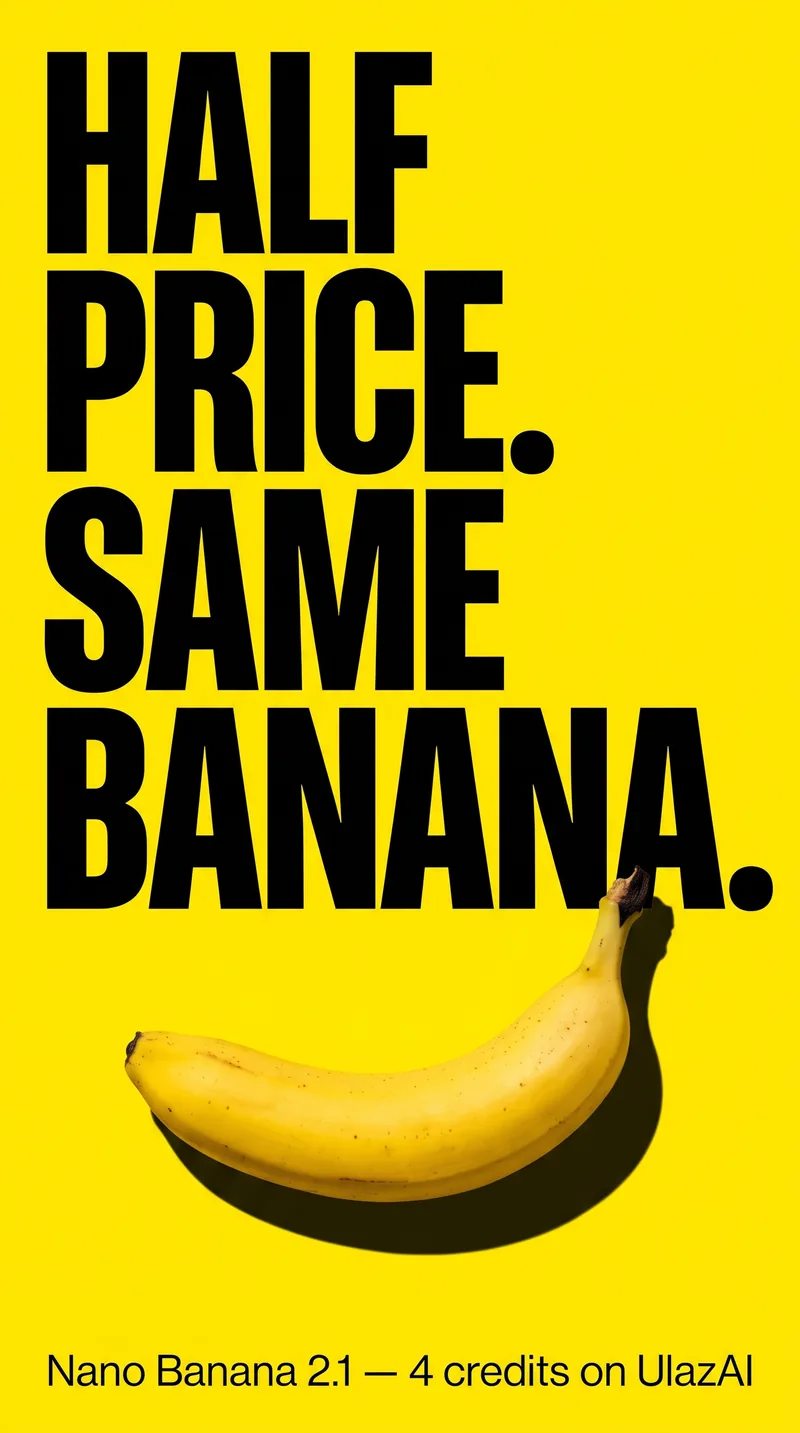
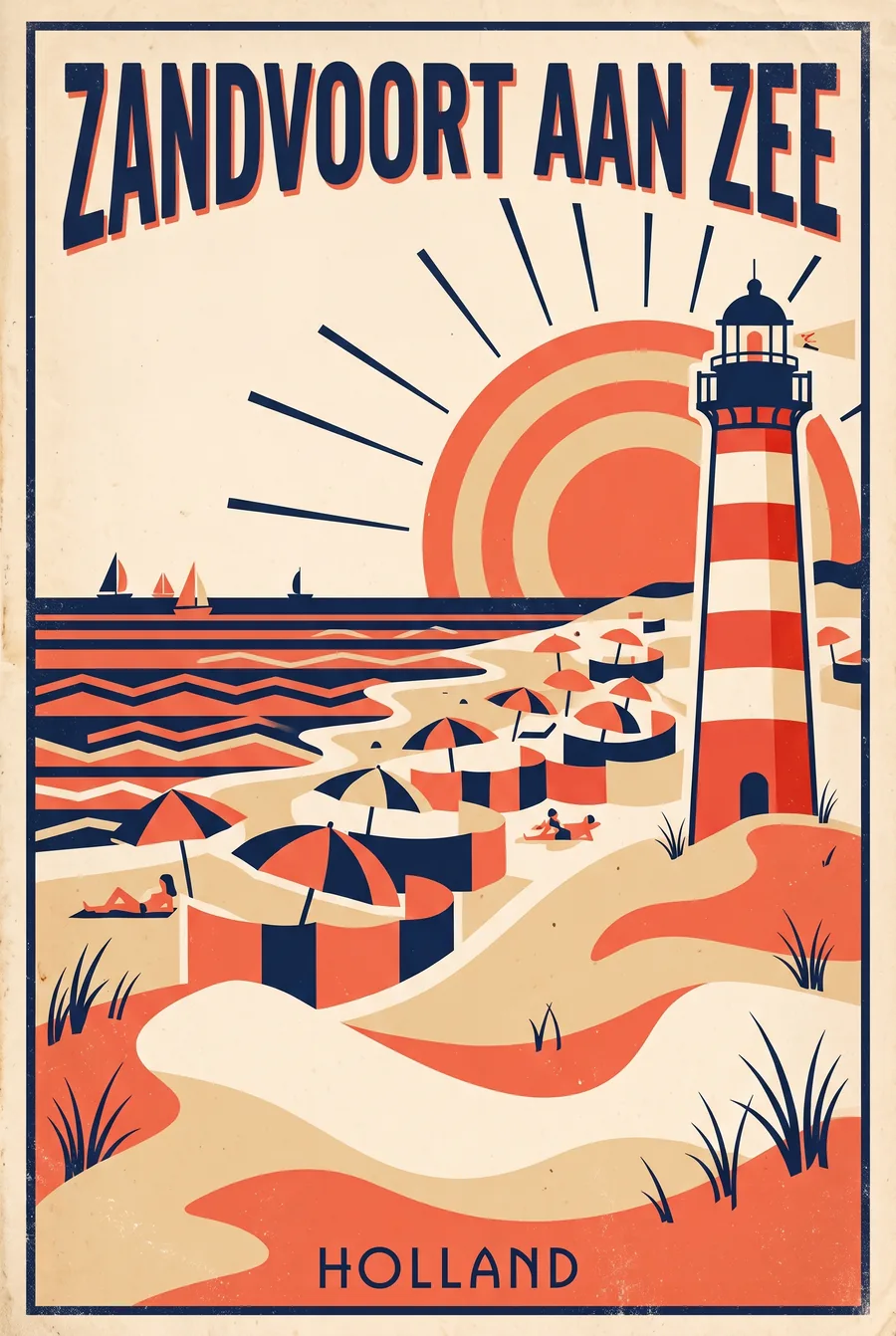
Headlines, numbered steps, a price line in the corner. On our posters 2.1 got the words right and stopped adding logos nobody asked for. Still zoom in before you print: Google's own model card says small text at 1K can blur.
Change one thing. Keep the rest.
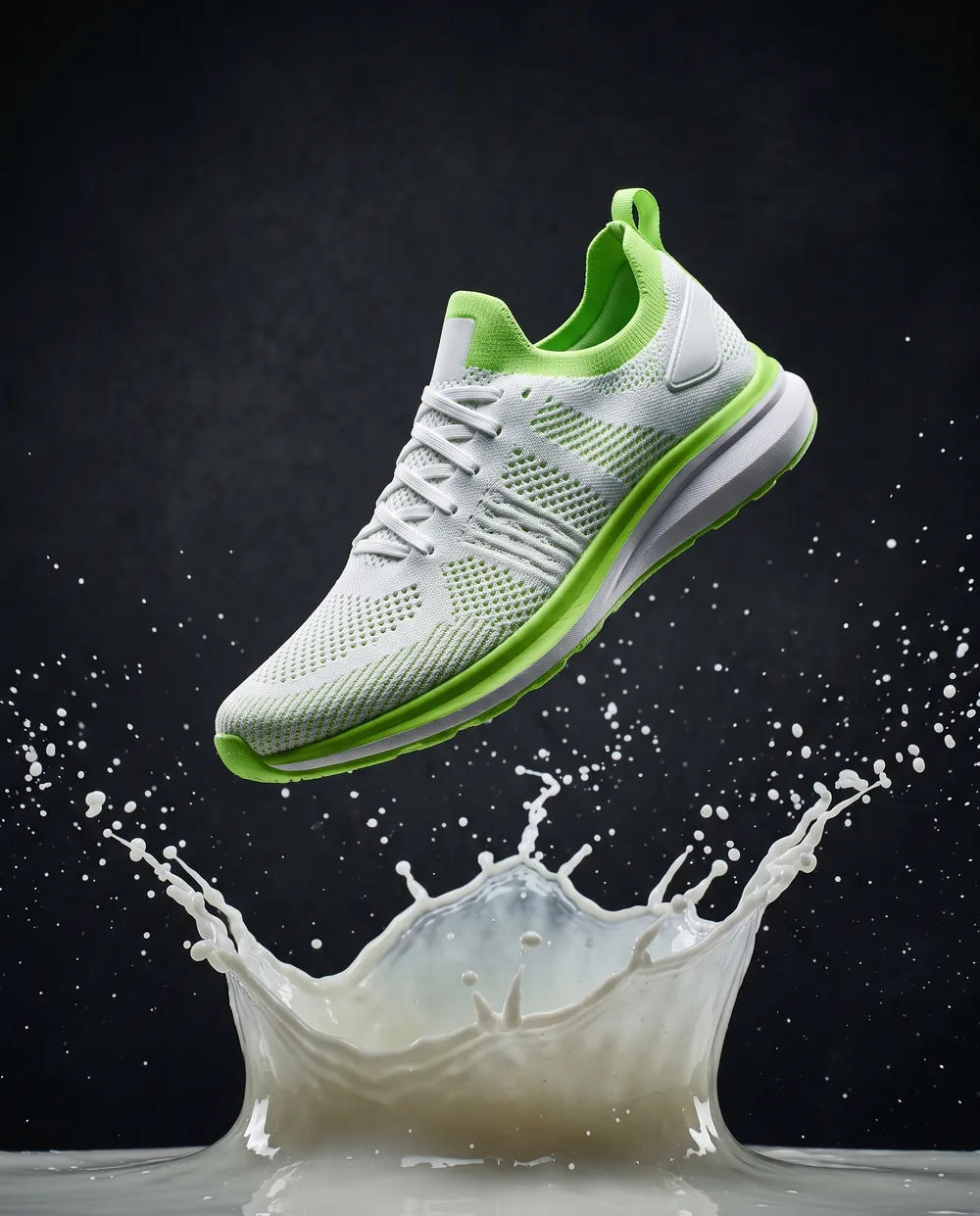
We gave 2.1 its own sneaker shot and asked for one change: lime parts to coral. The splash, the droplets and the light stayed put. Drag the line to compare.
Change only the lime green parts of the sneaker to coral orange. Keep everything else in the image exactly the same: the splash, the droplets, the lighting and the framing.
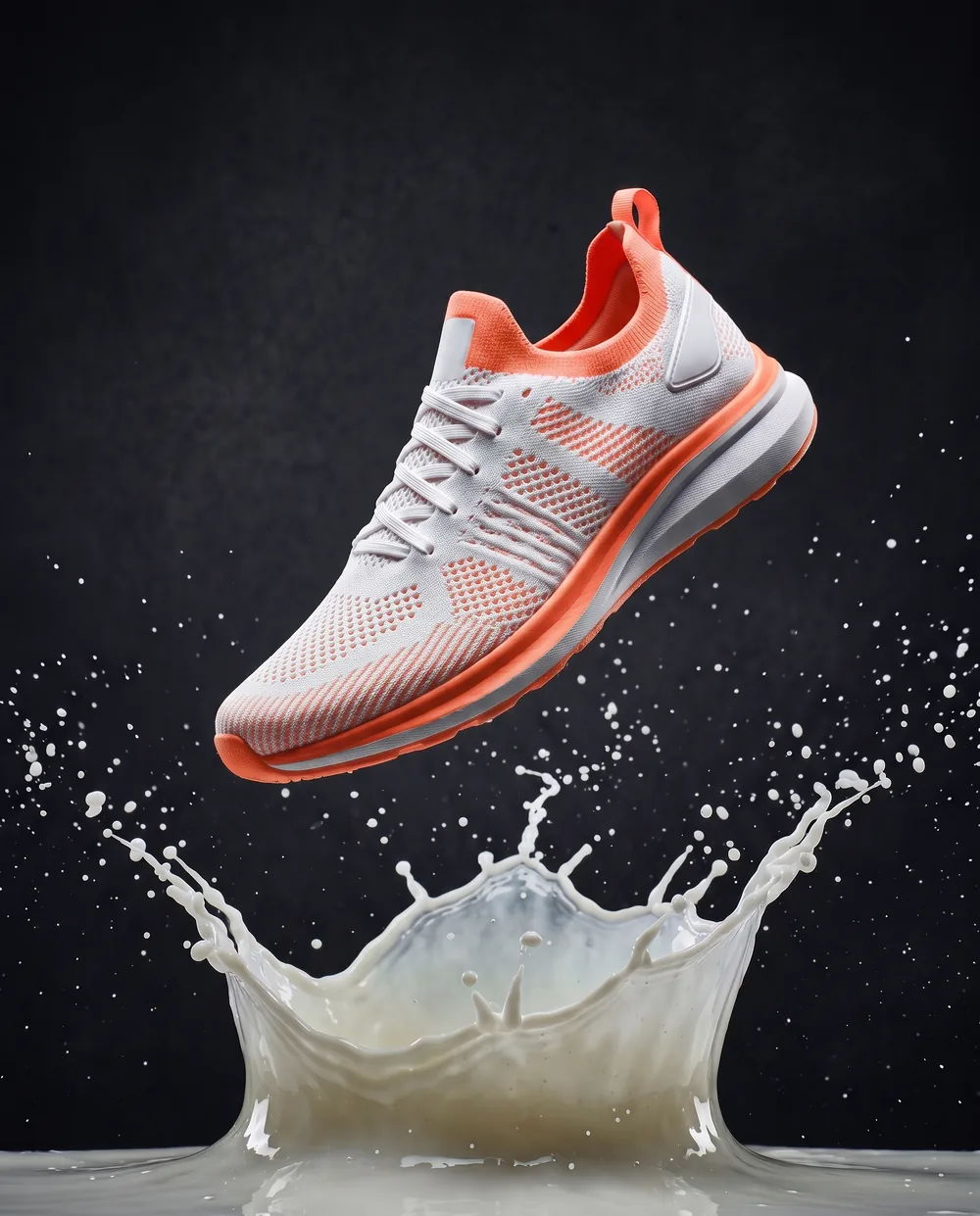
 Before
After
Before
After
One character, every scene
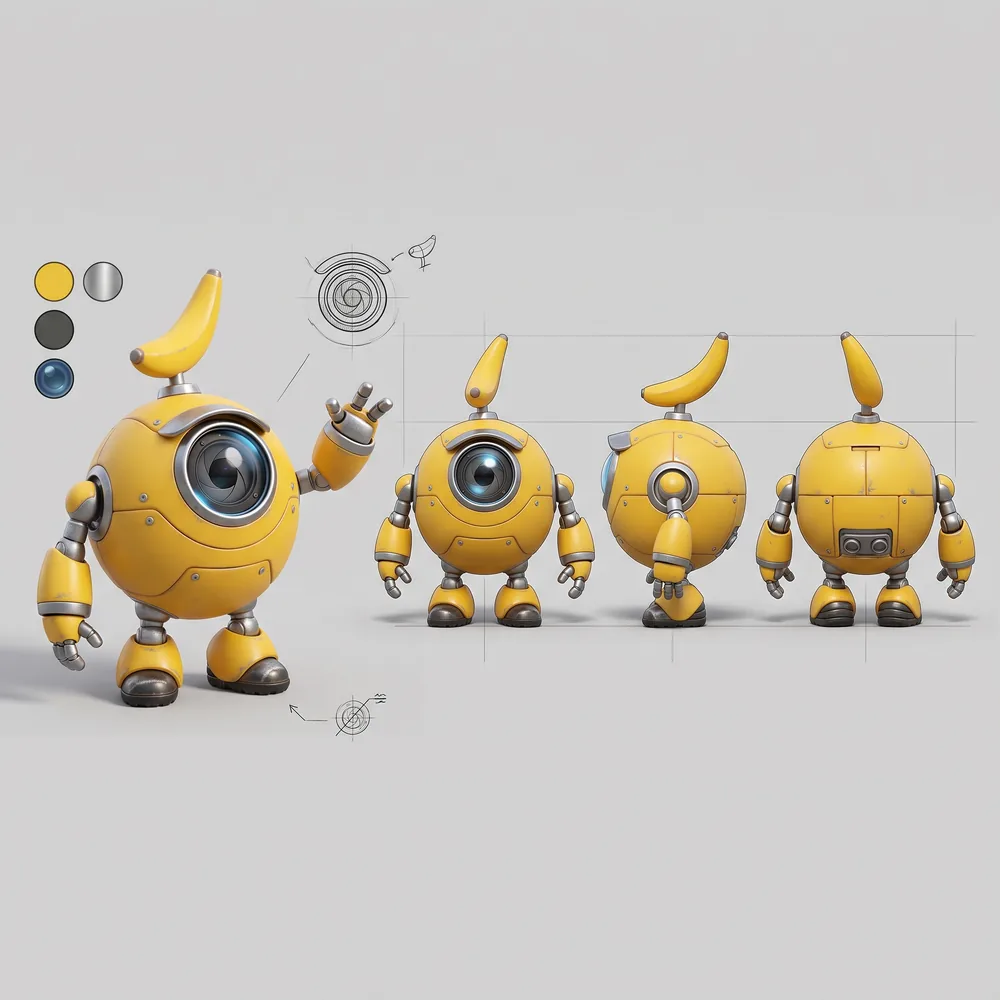
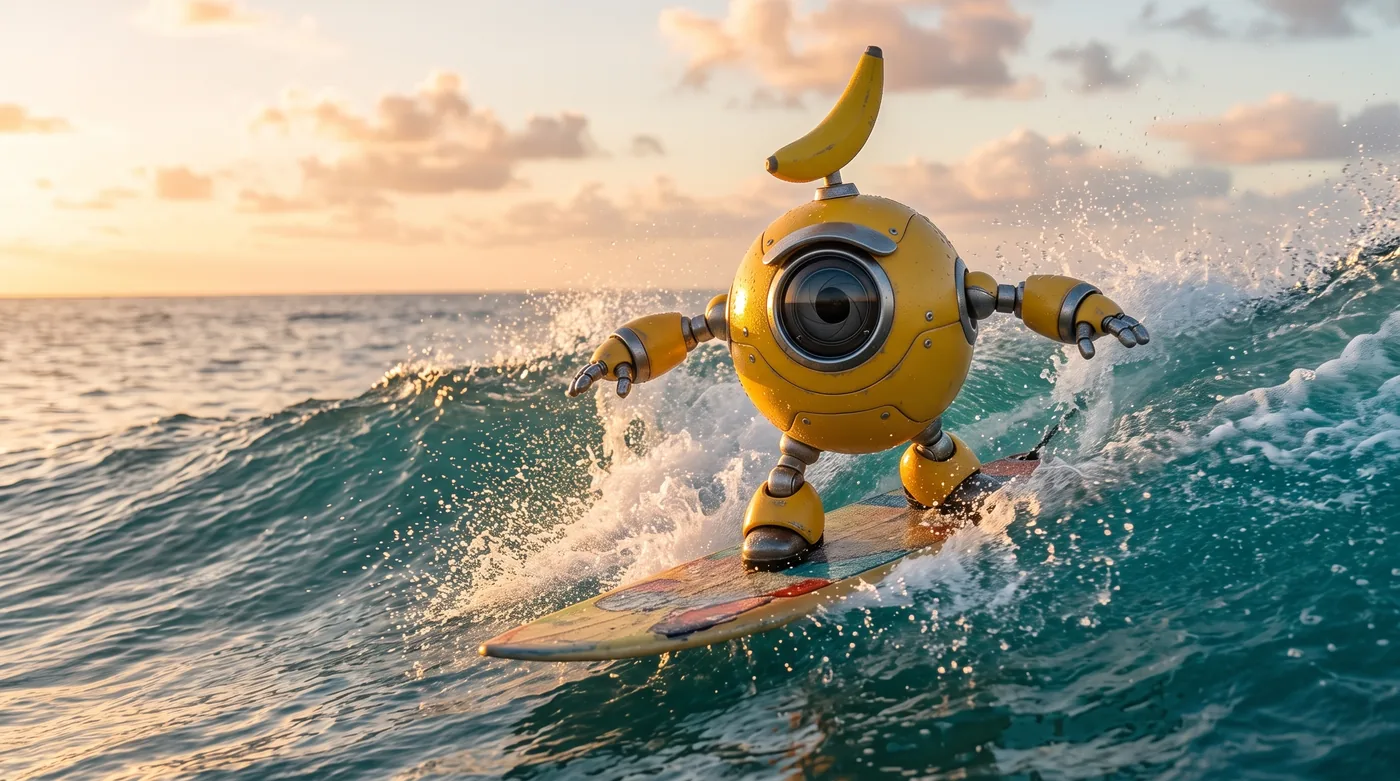
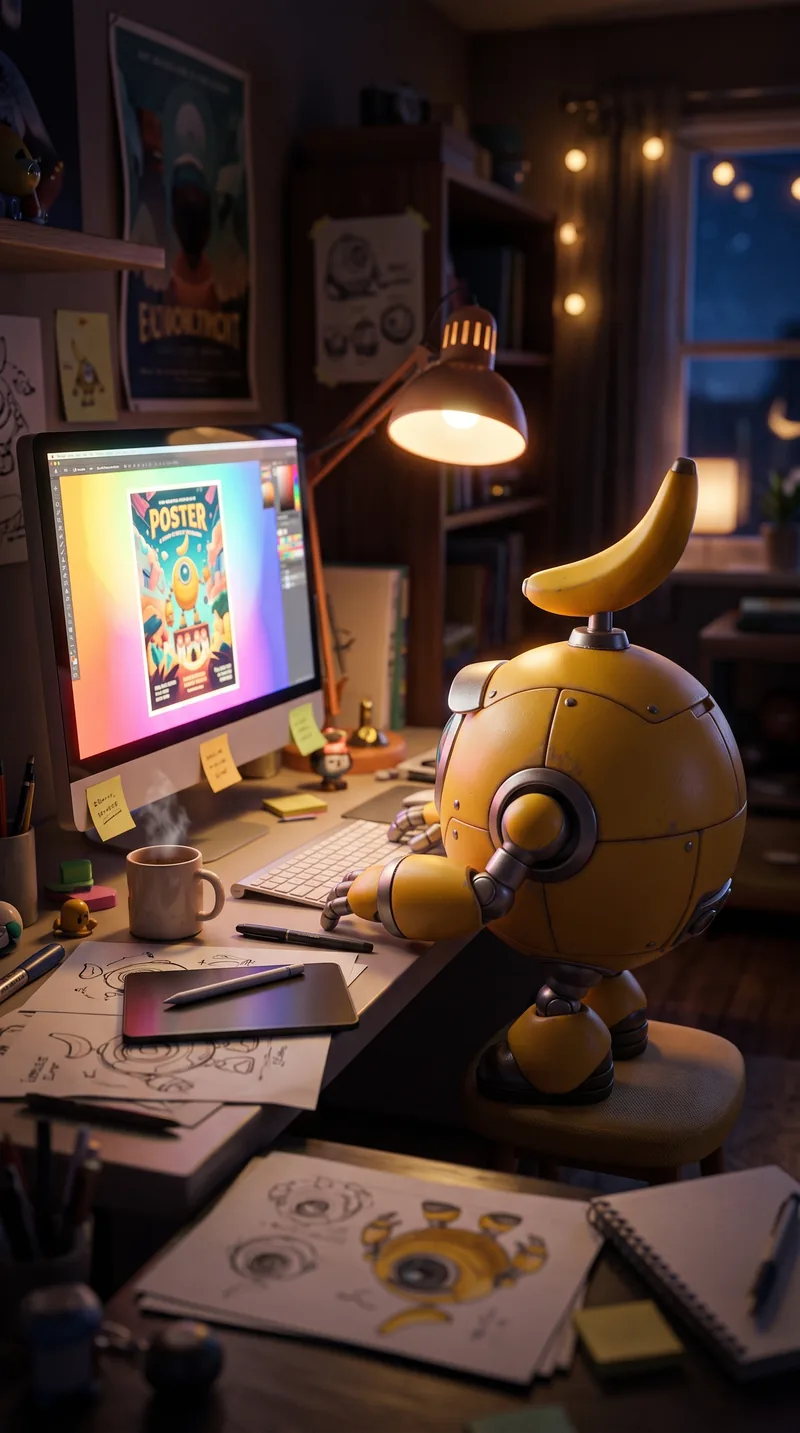
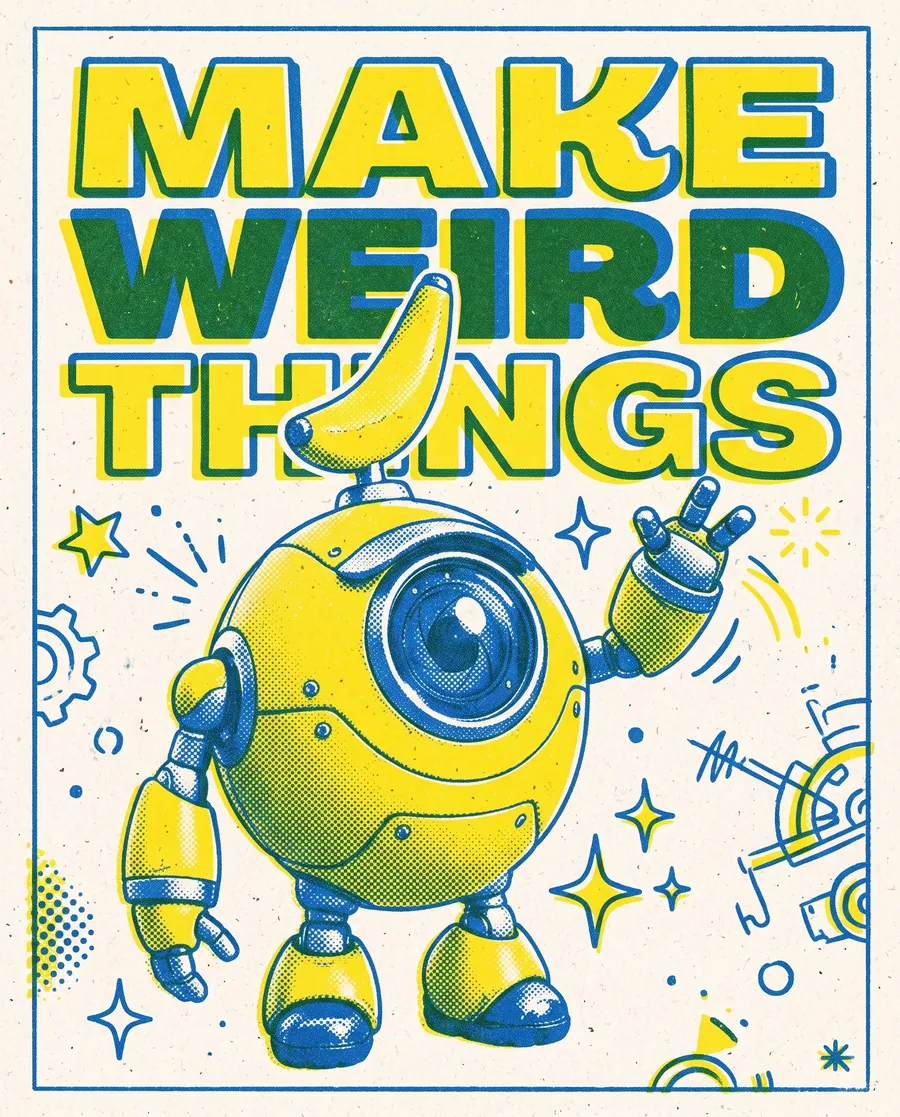
Make a character once, then send it anywhere. Our robot kept its lens eye, banana antenna and colours from a plain design sheet to a surf wave, a late-night desk and a risograph poster. In the Studio you can add up to 10 reference images per prompt.
Wide formats without the seams
2.1 can make 8:1 and 1:8 images, next to the usual sizes. Google says this release fixes the tiling artefacts on those ultra-wide formats at 2K and 4K. Think website banners, X headers and long panoramic prints. Use this prompt →

How many credits does a 2.1 image cost?
You pay per image. 2.1 costs half of Nano Banana 2 at every size. Lite costs the same at 1K but stops there; 2.1 goes up to 4K.
Generate with 2.1| Model | 1K | 2K | 4K |
|---|---|---|---|
| Nano Banana 2.1 | 4 | 6 | 9 |
| Nano Banana 2 | 8 | 12 | 18 |
| Nano Banana 2 Lite | 4 | n/a | n/a |
| Nano Banana Pro | 20 | 20 | 20 |
When Pro is still the better pick
In our launch-day test, five edits in a row on one photo, Pro kept the untouched part of the image steadiest. For a hero image that goes through round after round of client feedback, Pro is worth its 20 credits. For drafts, posters, packshots and series, start with 2.1. All numbers are in our launch-day test.
Open, prompt, pick a size
- Open the Image Studio and choose Nano Banana 2.1.
- Type a prompt or tap one on this page. For edits, add your own photo, up to 10 reference images.
- Pick 1K, 2K or 4K and an aspect ratio, then generate. The same credits also run AI videos, so a still can become the first frame of a clip.
Every prompt on this page
Copy them, change the subject, keep what works.
Magazine cover 4:5 · 2K
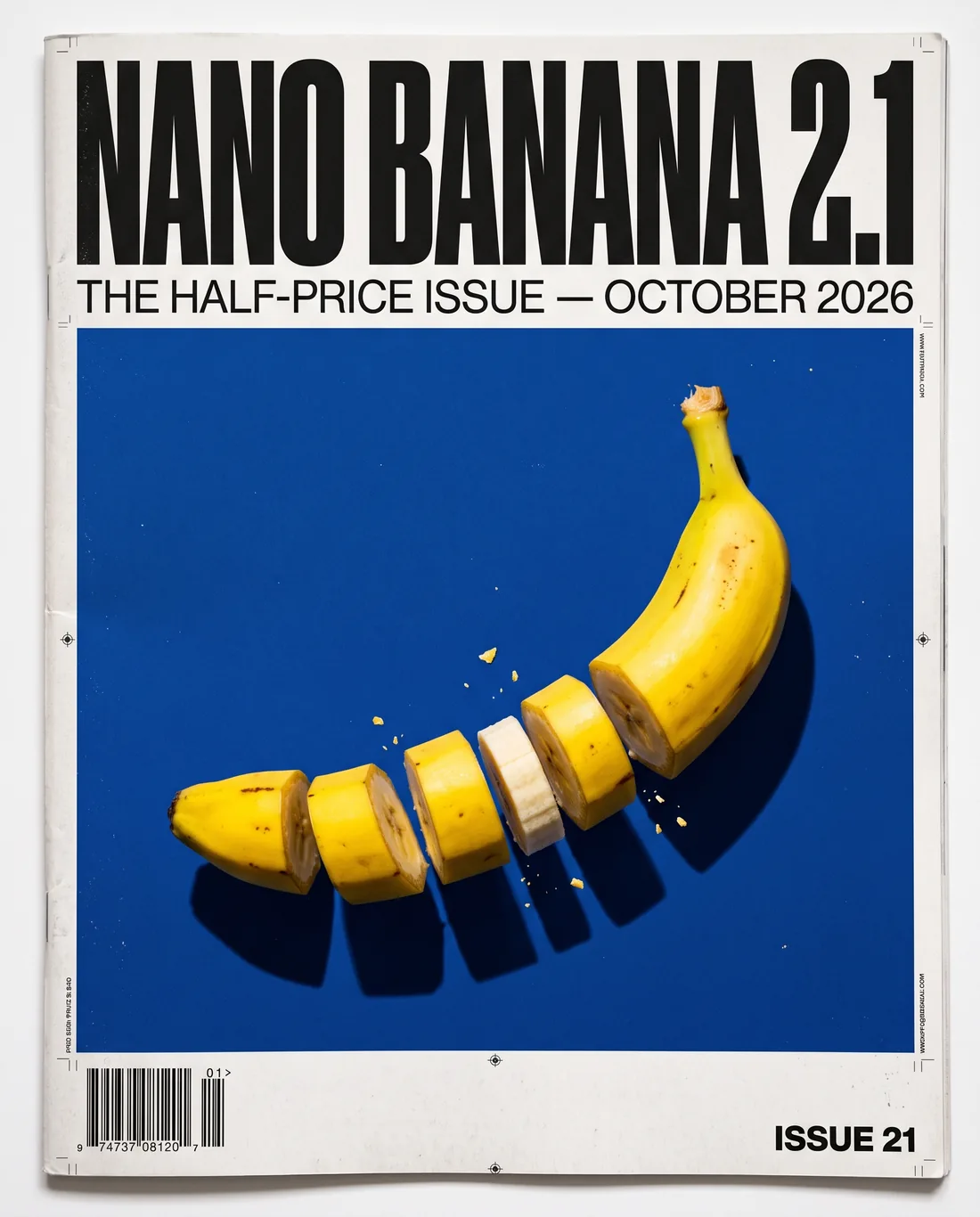
Bold Swiss-brutalist magazine cover. Huge black condensed headline 'NANO BANANA 2.1' across the top, small subline 'THE HALF-PRICE ISSUE — OCTOBER 2026'. Cover photo: a single glossy yellow banana sliced into perfect cross-sections floating in mid-air against a deep cobalt blue backdrop, hard studio flash, crisp shadows. Barcode bottom left, issue number 21 bottom right. Print texture, magazine realism.Social poster 9:16 9:16 · 2K
Vertical social media poster: giant bold text 'HALF PRICE. SAME BANANA.' stacked over a photo of a single banana on a bright yellow seamless background with a hard shadow, small text at the bottom 'Nano Banana 2.1 — 4 credits on UlazAI'. Clean, punchy, high contrast.Product packshot 4:5 · 2K
Premium commercial packshot of a white and lime green running sneaker frozen mid-air above a splash of milky water, droplets suspended, matte charcoal background, rim light, ultra sharp detail on the knit texture, no logos, no text.Infographic 3:4 · 2K
Clean editorial infographic poster titled 'POUR-OVER IN 5 STEPS'. Five numbered steps with small precise illustrations: 1 Grind 18 g medium-fine, 2 Rinse the filter, 3 Bloom with 40 g water for 30 s, 4 Pour to 300 g in circles, 5 Drink at 3:00. Warm cream background, terracotta and espresso brown palette, perfect readable sans-serif typography, generous whitespace.Travel poster 2:3 · 2K
Vintage 1960s travel poster for 'ZANDVOORT AAN ZEE'. Flat screen-print style, beach umbrellas, a red and white striped lighthouse, bold geometric sun, limited palette of navy, coral and sand, the title in large retro lettering at the top, small text 'Holland' at the bottom.Album cover 1:1 · 2K
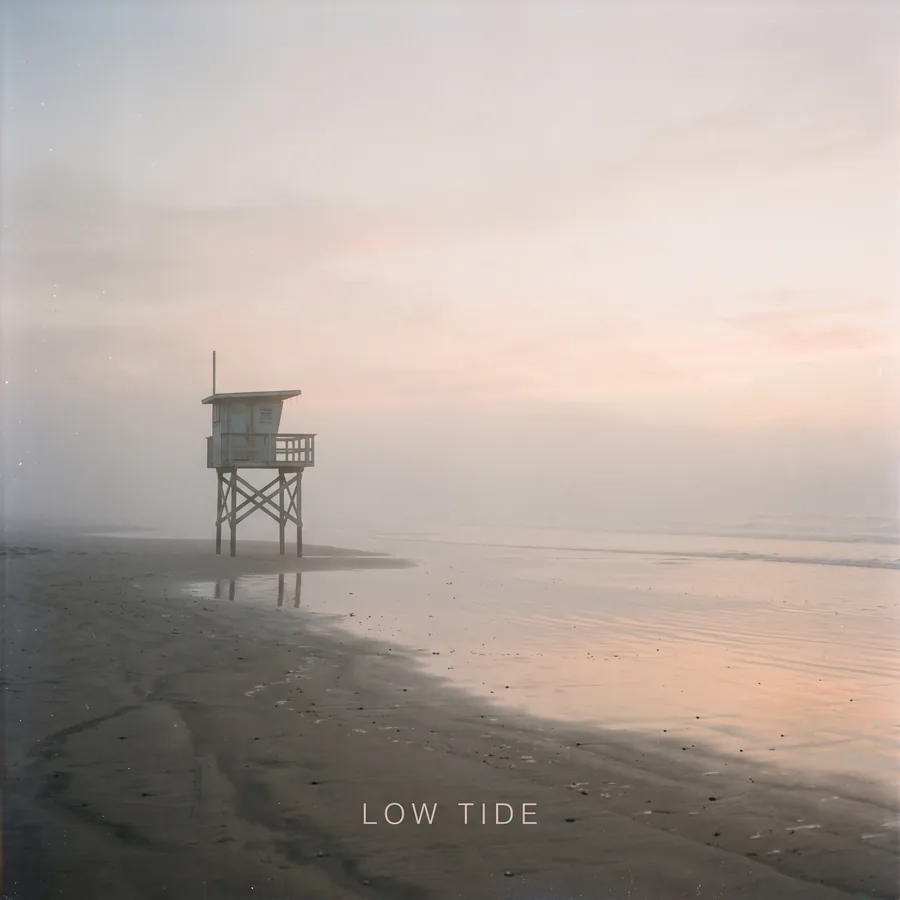
Album cover for an electronic artist called 'LOW TIDE'. A lone lifeguard tower on an empty beach at dawn, fog, pastel peach and grey palette, minimal composition, the title LOW TIDE set small in a clean sans-serif at the bottom center, analog photo feel.Street portrait 9:16 9:16 · 2K
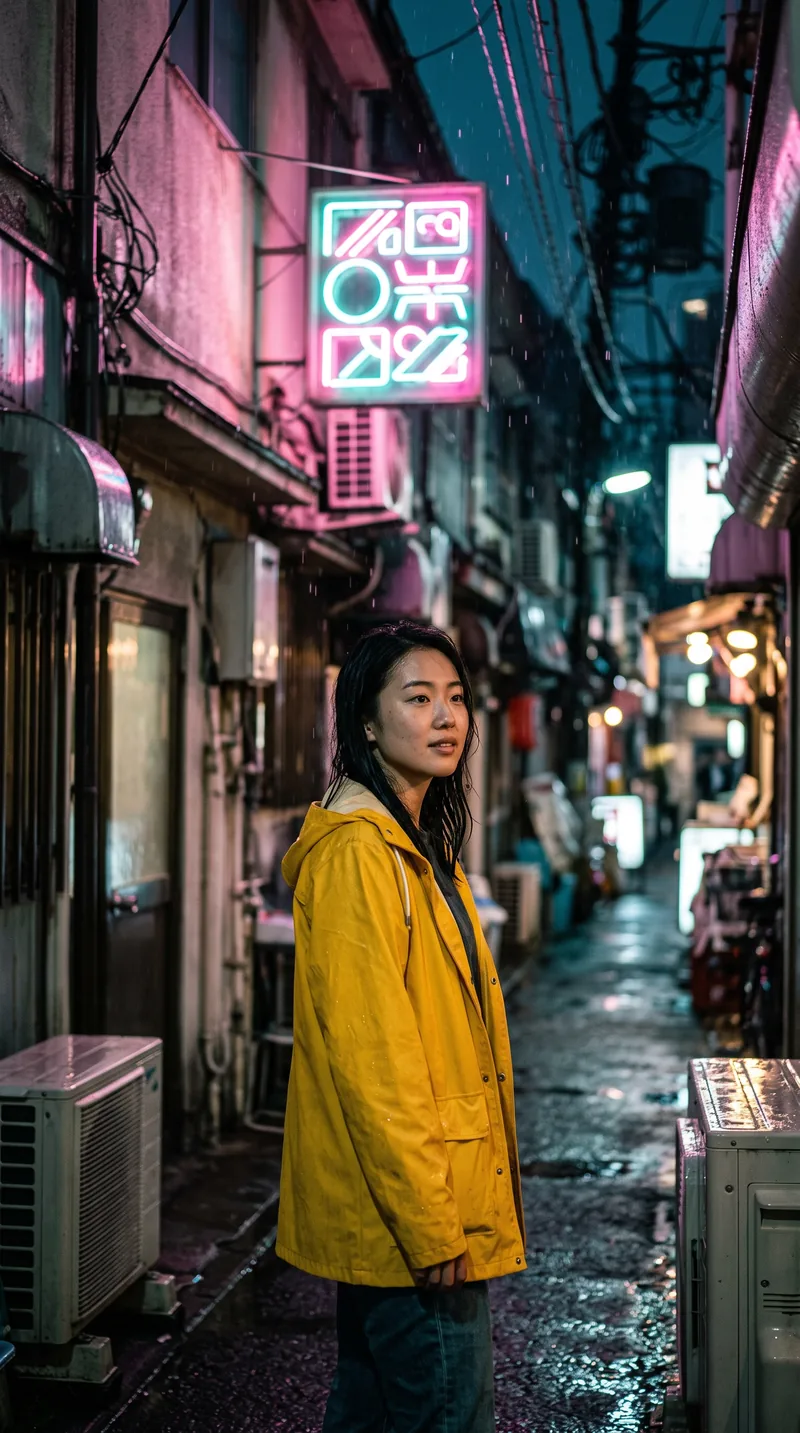
Cinematic street portrait of a young woman in a yellow raincoat under a flickering pink and teal neon sign in a narrow Tokyo alley at night, rain drops caught in light, shallow depth of field, 35mm film grain, natural skin texture, no text on the sign.Food flat lay 4:5 · 2K
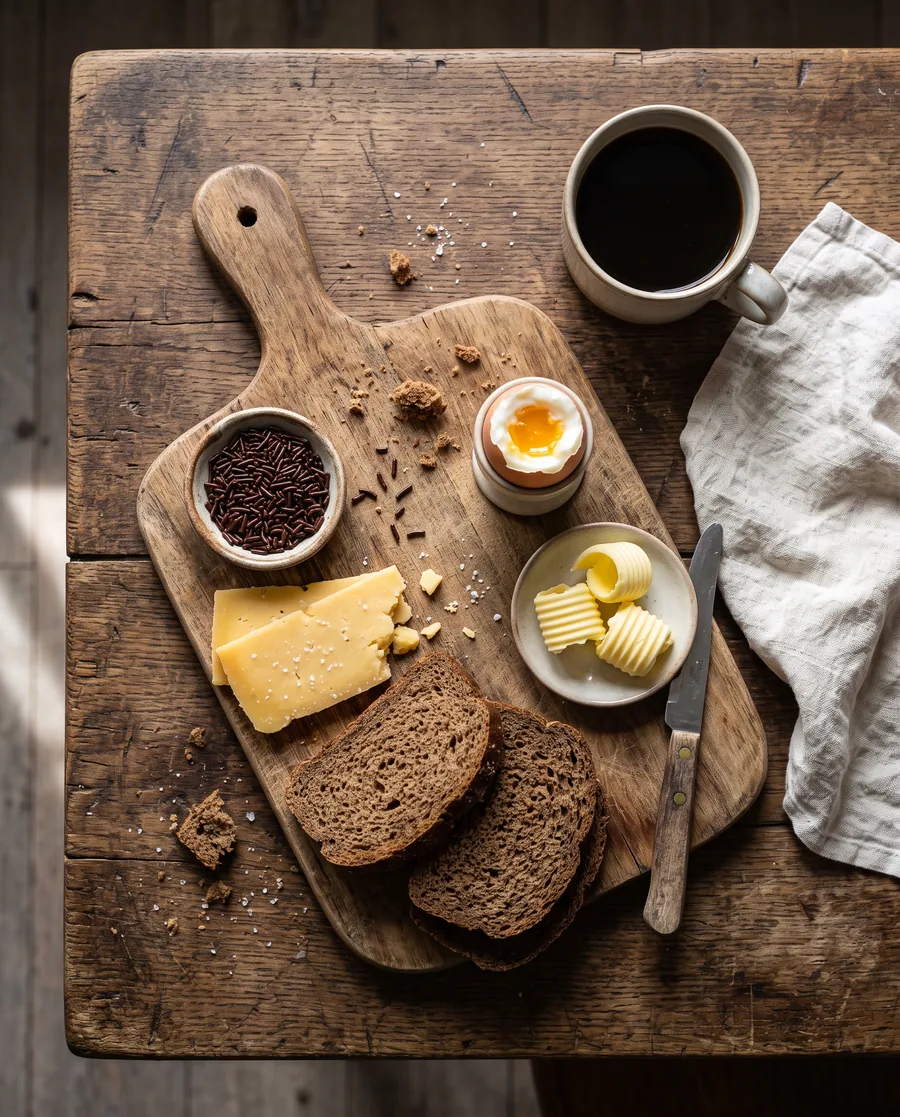
Overhead food photograph of a Dutch breakfast board: rye bread with aged Gouda, hagelslag, a soft boiled egg, butter curls, strong coffee, on a worn oak table with linen napkin, soft window light from the left, crumbs, natural imperfections.Interior 16:9 · 2K
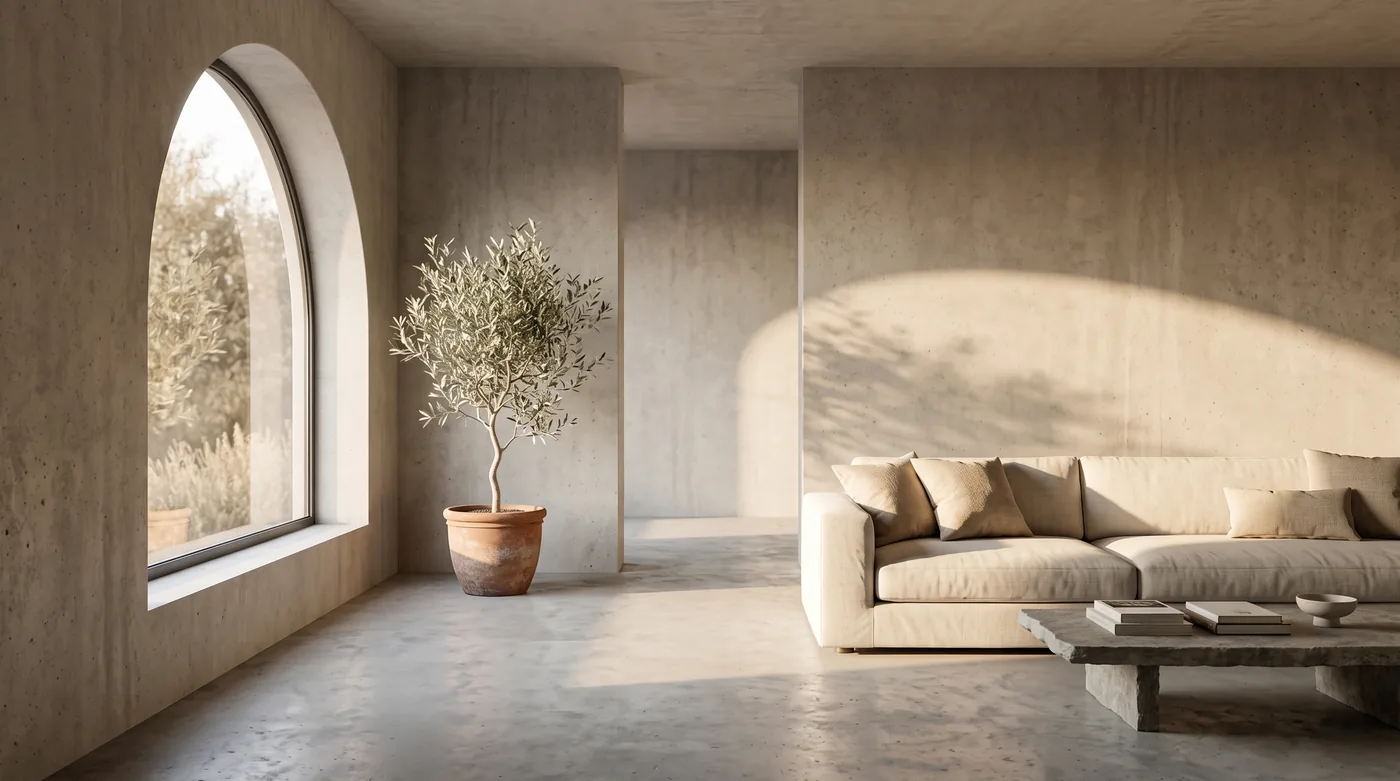
Architectural interior photograph of a minimalist concrete living room with a curved arched window, warm afternoon sun casting long shadows, a single olive tree in a terracotta pot, linen sofa, wide angle, calm and premium real estate look.Anime background 16:9 · 2K
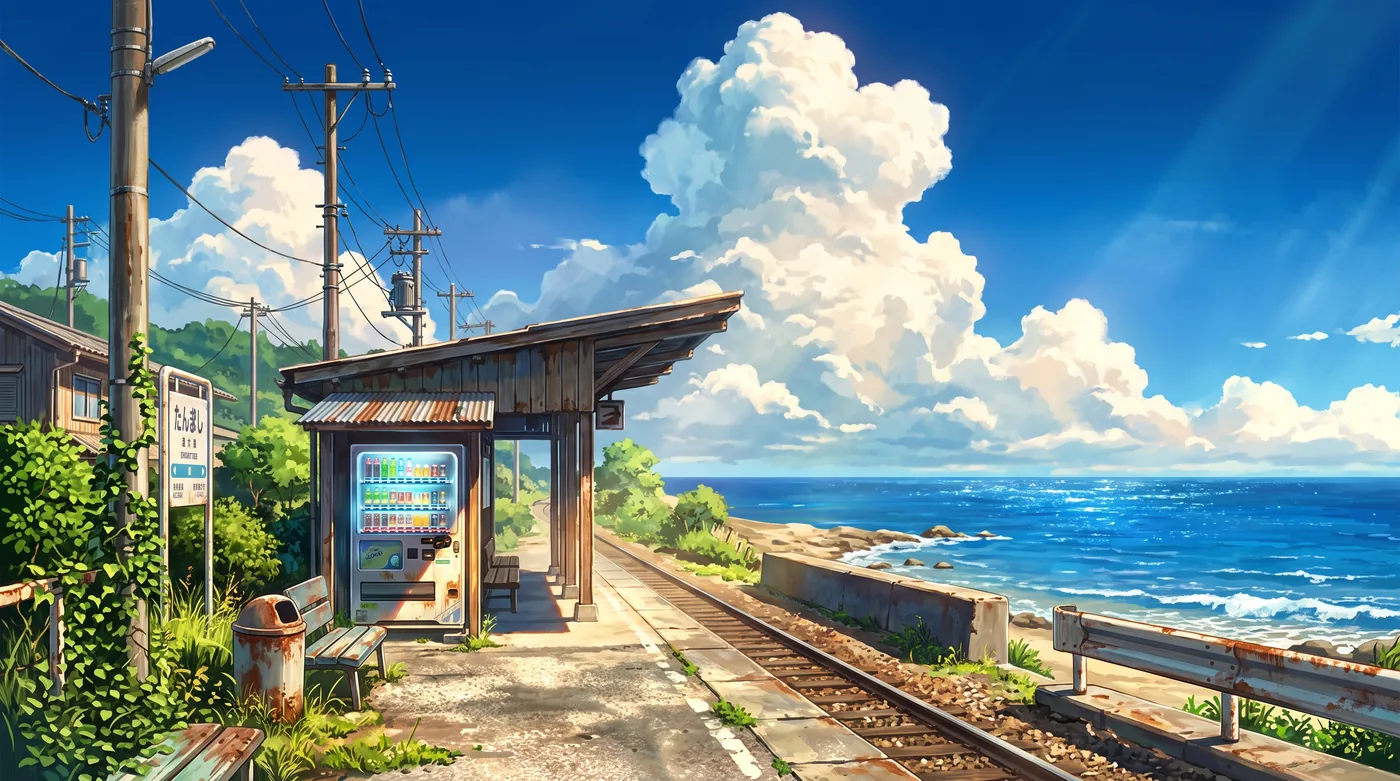
Hand-painted anime background art of a small seaside train station in summer, cumulus clouds, a vending machine glowing, cicada-season atmosphere, rich saturated colours, Studio-style background painting, no characters.Character sheet 1:1 · 2K
Character design sheet reference portrait of a friendly 3D mascot: a small round yellow robot with a single big lens eye, banana-shaped antenna, matte plastic and brushed metal, standing pose, neutral light grey backdrop, soft studio light.Edit: lime to coral 4:5 · 2K · with reference image
Change only the lime green parts of the sneaker to coral orange. Keep everything else in the image exactly the same: the splash, the droplets, the lighting and the framing.Same character: surf 16:9 · 2K · with reference image
The exact same yellow robot mascot from the reference image (single big lens eye, banana-shaped antenna, matte plastic and brushed metal) riding a surfboard on a turquoise wave at golden hour, spray, dynamic action shot. Keep the character design identical.Same character: desk 9:16 · 2K · with reference image
The exact same yellow robot mascot from the reference image sitting at a cluttered creative desk at night, lit by a monitor showing a colourful poster design, a mug and sketches around it, cozy cinematic light. Keep the character design identical.Same character: poster 4:5 · 2K · with reference image
The exact same yellow robot mascot from the reference image on a bold risograph-style event poster titled 'MAKE WEIRD THINGS', two-colour print in yellow and blue, halftone texture. Keep the character recognisable.Panorama 8:1 · 2K
Ultra-wide panoramic photograph of Amsterdam canal houses at blue hour, warm lit windows reflecting in the still canal, bicycles on the bridge, a tour boat gliding, continuous seamless scene from left to right, natural film look.Questions about Nano Banana 2.1 on UlazAI
How much does Nano Banana 2.1 cost on UlazAI?
4 credits for a 1K image, 6 for 2K and 9 for 4K. Nano Banana 2 costs 8, 12 and 18.
Is Nano Banana 2 going away?
Google marked gemini-3.1-flash-image as deprecated on 6 October and names 2.1 as its replacement. No shutdown date is announced yet. On UlazAI you can move to 2.1 today.
Can I edit my own photos with 2.1?
Yes. Add up to 10 reference images in the Studio and describe what to change. Name the exact part you want changed; in our tests the edge of an edit could still drift a little.
Is Nano Banana 2.1 better than Nano Banana Pro?
Arena voters rated 2.1 higher than Pro for new images and single edits on 6 October. In our five-edit test Pro kept the rest of the image steadier. Use 2.1 for most work and Pro for long edit chains.