GPT Image 2.5: choose an editing model, then check the details
Your product photo is ready, except for the background. You ask AI to replace it and the scene looks better. Then you notice a different letter on the label. For commercial images, keeping the product intact matters more than a striking first impression.
GPT Image 2.5 is now available on UlazAI: Flare generates and edits images; Sunburst generates images. Both cost 8 credits per image, including 4K. Sunburst editing is temporarily unavailable through our provider. Our model page shows real outputs; we have not run a comparative quality benchmark.
From caterpillar to butterfly
Charlie Guo writes that GPT Image 2.5 is now good enough for stop-motion animation. In his example, a caterpillar becomes a butterfly. This is his demonstration, not a test conducted by UlazAI.
Watch Charlie Guo’s video on X
Sunburst for precise edits, Flare for everyday generation
OpenAI describes Sunburst as its most capable image model and recommends it for editing precision. It positions Flare as its fastest high-quality image model for everyday generation. Both accept text and image inputs.
That suggests a sensible starting point: try Sunburst when a small product detail must survive an edit; consider Flare when generating many initial concepts. These are choices based on OpenAI's positioning, not a measured speed or quality ranking from UlazAI. Neither description guarantees that your logo stays unchanged.
A prettier bottle can still be the wrong product
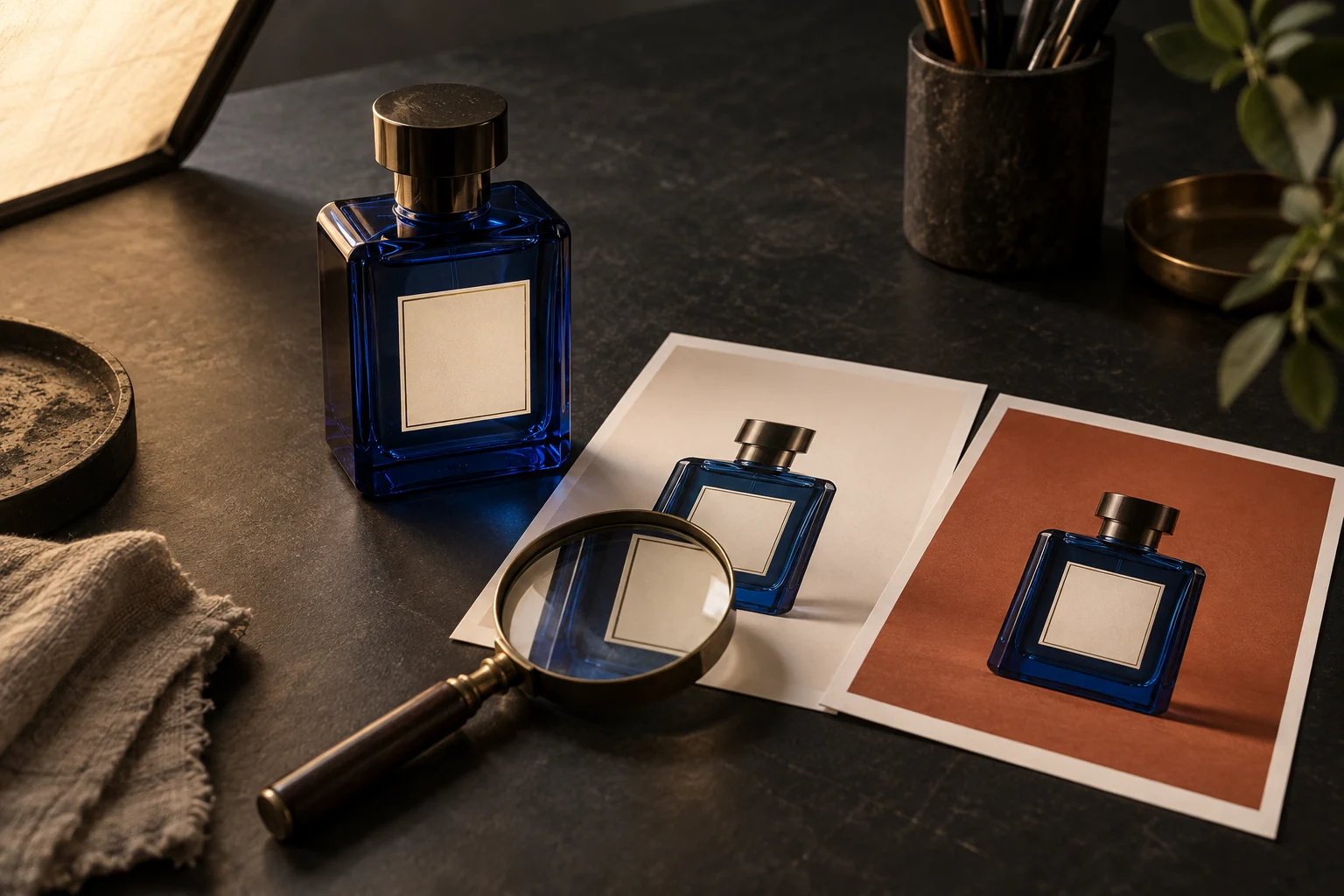
For a product listing, our rule is strict: reject an attractive image if it changes what the buyer receives. An altered closure, a missing seam or invented packaging text can misrepresent the item. Save the original file and judge each result against it.
- Identity: read the label, logo, model name and any small print character by character.
- Shape: compare the cap, handle, corners, proportions and visible accessories.
- Material: check that glass has not become plastic and that the product colour still matches.
- Scene: inspect edges, contact shadows and reflections after the background changes.
There is a limit to this rule: visual inspection is subjective and takes time. A fictional mood-board object does not need the same scrutiny as a real SKU. Decide whether you are making a concept or a sales image before spending on generations.
Give one edit a narrow brief
Start with a reference image you are allowed to use. Ask for one change and state which features must stay fixed. For example:
“Replace only the background with a matte terracotta studio backdrop. Keep the bottle shape, cap, label text, logo, colour, camera angle and crop unchanged. Preserve a natural contact shadow. Do not add props.”
This is a suggested prompt, not a tested guarantee. Open the output beside the original at full size and apply the four checks above. If the label changes, reject that result instead of treating the prompt as proof that the product was preserved.
Equal token prices do not mean equal image costs
The two OpenAI model pages currently list the same rates: $5 per million input text tokens, $8 per million input image tokens and $30 per million output image tokens. Those are OpenAI API token rates, not UlazAI credit prices or a fixed price per picture. The pages also warn that the GPT Image 2 calculator does not estimate Image 2.5 token usage.
Measure total generation spend divided by accepted images. In a hypothetical batch, $4 for ten outputs with eight accepted is $0.50 per usable image. Another $4 batch with only two accepted costs $2 per usable image. Count retries; record review time separately. No accepted images means the batch produced no usable result.
Test one real product before changing your workflow
Choose one product photo with legible packaging. Save a copy, write your acceptance checks and request one background change. Record the model, settings, cost and reason for accepting or rejecting the output. Repeat with the other model only where you actually have access.
The links below lead to GPT Image 2.5 on UlazAI and the image API documentation.